7 Knowledge Management Platforms Ranked for 2026
Best knowledge management platform in 2026: 7 tools with starting prices, free plans and limits. Every pick gets a straight assessment. Decide faster.
- Editor's choice
 Bloomfire
Enterprises with deep video and document libraries
Starts atSee websiteVisit bloomfire.comFull review - Great alternative
 Tettra
Expanding teams that live in Slack
Starts at$4 per user/month (Basic)Visit tettra.comFull review - Also consider
 Notion
Teams that want docs, wiki and projects in one workspace
Starts at$12 per user/month (Plus, billed per month; $10 annual)Visit notion.soFull review
TL;DR:
- Number one here is Bloomfire, a fit for enterprises with deep video and document libraries.
- Slab suits teams wanting a clean, dedicated wiki.
- Tettra is the lowest-priced starter here at $4 per user/month.
- Only 3 of the 7 tools have a free plan (Notion, Confluence, Slab), so check the caps.
Direct answer
Start with Bloomfire if you need enterprises with deep video and document libraries. Look at Tettra for expanding teams that live in Slack, and at Notion for teams that want docs, wiki and projects in one workspace. The remaining 4 options are covered below with prices and limits.
Quick comparison
| Tool | Best for | Starts at | Free plan? | |
|---|---|---|---|---|
| Bloomfire | Enterprises with deep video and document libraries | See website | No | Visit |
| Tettra | Expanding teams that live in Slack | $4 per user/month (Basic) | Free trial (30 days) | Visit |
| Notion | Teams that want docs, wiki and projects in one workspace | $12 per user/month (Plus, billed per month; $10 annual) | Yes | Visit |
 Confluence | Teams already using Jira and the Atlassian suite | See website | Yes | Visit |
 Helpjuice | Support teams needing a refined, branded help center | See website | Free trial (14 days) | Visit |
 Guru | Support and sales teams needing verified answers in Slack | See website | Free trial (30 days) | Visit |
 Slab | Teams wanting a clean, dedicated wiki | $6.67 per user/month (Startup, billed yearly) | Yes | Visit |
The 7 tools in detail
LinkVetted put together this guide to knowledge management platform for readers who want a clear shortlist without reading every vendor page. It compares 7 tools on starting price, free plans, who each one suits and where each one falls short.

Bloomfire works best for enterprises with deep video and document libraries. The differentiator is depth of content handling: it indexes inside uploaded video and audio, auto-tags topics, and transcribes calls. So a training recording becomes searchable knowledge rather than a file nobody reopens.
Highlights: Self-healing features flag stale or duplicate content automatically.
In practice, the Q&An engine lets employees ask questions in plain language, routes unanswered ones to subject-matter experts, and feeds the answers back into the base. From a buyer's view, Moderation, analytics and role-based permissions cover the governance side that large firms need. This comparison lists no price for Bloomfire; ask the vendor. There is no free plan with Bloomfire.
What to check first: More system than most SMBs need.
- Not just text
- Indexes content inside video and audio
- Enterprise sales process with no public pricing
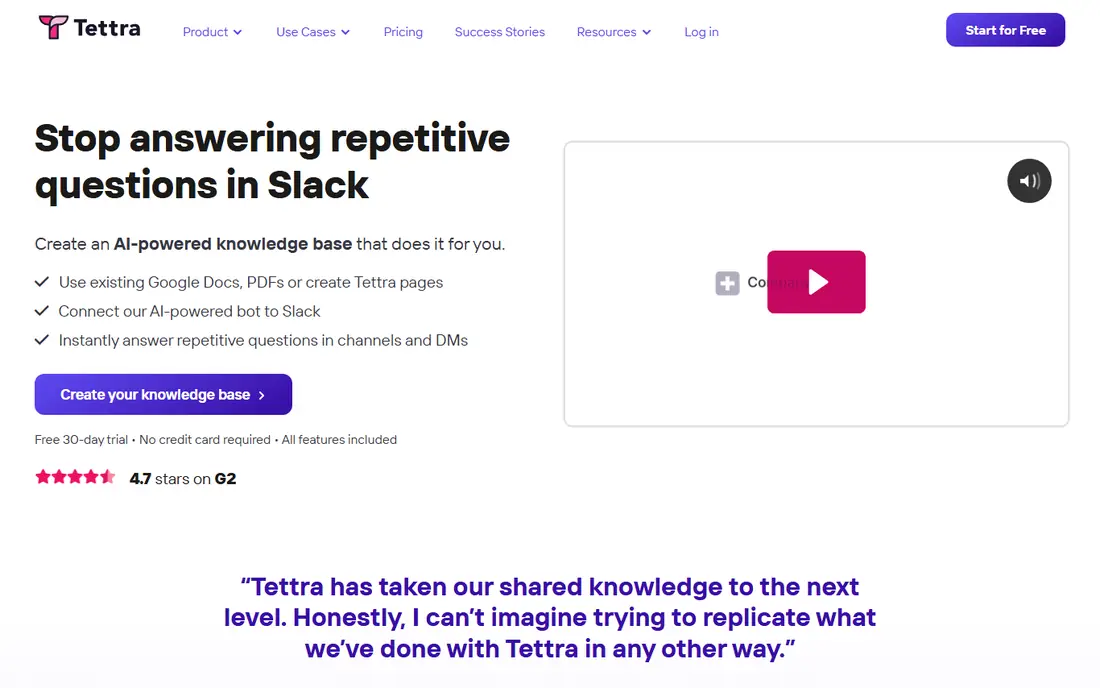
For expanding teams that live in Slack, Tettra is a natural candidate. Tettra is the lightest-weight knowledge product here, and that is the point. Beyond that, a team that communicates by email will get half the value.
The simplicity has edges. Formatting choices are thin, there is no database or project layer, and the entire proposition leans on Slack or Teams adoption. Tettra pricing: $4 per user/month. On free options: Free trial (30 days).
Limits to weigh: Value drops if your team does not use Slack or Teams heavily.
- Answers questions from your docs without leaving chat
- Kai
- Editor and formatting are entry-level next to Notion or Confluence
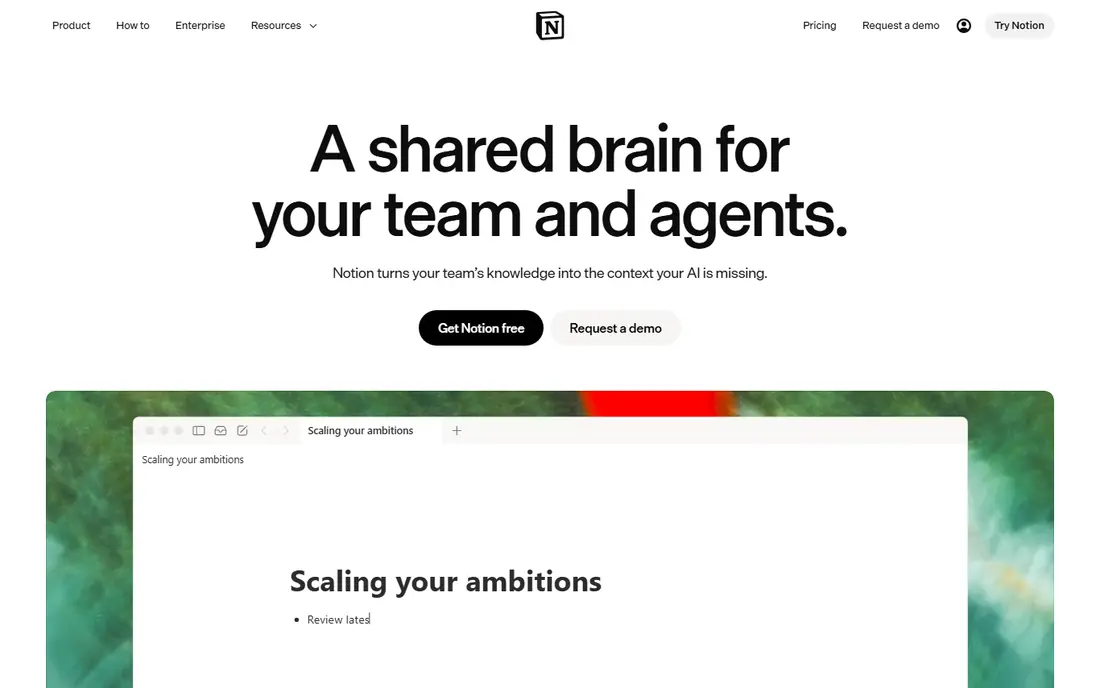
Notion targets teams that want docs, wiki and projects in one workspace. The free plan includes individuals well, and Plus at $12 per user per month layers on unlimited blocks for teams, 30-day page history and unlimited file uploads. Search is decent but not magic, and the AI features that answer questions from your docs are gated behind Business at $20 per user a month.
Where it falls short: Offline access is restricted.
For everyday use, the honest catch is sprawl. If they do not, weigh whether you want a wiki or a second operating system. Since anyone can build anything, a Notion workspace without owners and naming conventions turns into a junk drawer within per year. What you pay to start with Notion: $12 per user/month. Notion includes a free tier.
What Notion does well: Adaptable blocks and databases deal with wikis.
- Free plan is genuinely usable for individuals
- Huge template library and community
- Workspaces get messy without naming and structure rules
Think of Confluence for teams already using Jira and the Atlassian suite. Confluence is the wiki of record for product and engineering teams that already live in Jira. In practice, pick something lighter when it is not.
Atlassian has been selling this product for two decades, and it displays in the permissioning, audit trails and admin controls. On top of that, the trade-off is weight. Atlassian now folds AI features into the higher levels. The Standard compared with Premium decision largely comes down to how much admin control and automation you need. No starting price is listed for Confluence here; confirm pricing on the vendor site. You can start on Confluence without paying.
Where it falls short: Data Center choice brings admin overhead.
- Deep two-way integration with Jira and the rest of Atlassian
- Page trees and spaces fit formal documentation
- Pricing pages are hard to compare without a quote
Helpjuice is designed for support teams needing a refined, branded help center. External trackers disagree on the current levels, ranging from around $120 a month for small teams to higher flat rates. The vendor site is the only dependable source.
That flat structure cuts both ways: unlimited readers and authors within your level, but a real bill from month one. Helpjuice has been selling knowledge base software since 2011. The product reflects that focus: everything serves the goal of a help center customers can search and a team can maintain. Analytics go beyond page views into search terms, failed searches and article effectiveness, which is exactly what a support lead needs to prioritize rewrites. More specifically, a 14-day trial lets you test with real content. No starting price is listed for Helpjuice here; confirm pricing on the vendor site. As for free access: Free trial (14 days).
Points against: Flat per-account pricing can be steep for very small teams.
- Capable analytics display what readers search and find
- Deep customization with themes and CSS access for on-brand help centers
- No permanent free plan
Guru works best for support and sales teams needing verified answers in Slack. Knowledge lives in "cards" with assigned experts who re-verify them on a schedule. So a support agent gets the current refund policy instead of the one from 2023.
What to check first: No permanent free level.
As for the details, the browser extension recommends cards based on the page you are viewing, which sales teams use for battle cards and talk tracks. That sales-led motion is the central friction. If it is answers people need in the moment, Guru is purpose-built. Guru shows no starting price here, so confirm the cost on the vendor site. Free access: Free trial (30 days).
- Verification workflows keep content fresh with named owners
- AI answers contain citations to source cards
- Pricing is quote-led on the public site, so budget planning needs a sales call
Think of Slab for teams wanting a clean, dedicated wiki. The pricing cliff is real but predictable: the day you hire person eleven, the entire workspace moves to Startup.
Where it falls short: SAML SSO and SCIM need the Business plan.
On top of that, the free plan is the most ample here: up to 10 users, unlimited posts, live collaboration and 90 days of version history. Entry price for Slab: $6.67 per user/month. Slab has a free plan.
- Unified search pulls from Slab plus connected tools
- Free plan spans up to 10 users with unlimited posts and unified search
- No self-hosted option
How these tools were picked
We compared the tools on published pricing, free plan or trial availability, feature coverage for knowledge management platform, and the limits each vendor documents. Figures are shown as the vendors publish them. Billing terms, seat minimums and add-ons can change the real cost. The ranking is editorial: typical fit first, then clear pricing, then free access. If your needs are unusual, read the profiles rather than relying on position.
Pre-purchase checklist
- Get a written quote from Bloomfire, Confluence, Helpjuice and Guru; the list shows no starting price for them.
- Look at free plan limits closely: Notion, Confluence and Slab have one, and the caps decide whether it is usable for real work.
- Use real work to test the free trial from Tettra, Helpjuice and Guru, rather than a demo project.
- Before choosing Bloomfire, weigh its main limit: enterprise sales process with no public pricing.
- Before you load data into Slab, check what an export looks like and who can run it.
- Confirm the exact Helpjuice plan that includes your must-have features.
FAQ
Can I try these tools before paying?
Often, yes. Notion, Confluence and Slab have a free plan and Tettra, Helpjuice and Guru offer a free trial. Use your own data and a real task during the test, and check what the free tier or trial limits before you rely on it.
How long does it take to set up a knowledge management product?
A focused team can launch a usable wiki in one to two weeks: import existing docs, write the top twenty FAQs, assign owners. Enterprise rollouts with permissions mapping and integrations run longer, frequently six to twelve weeks.
Is Bloomfire the right pick for everyone comparing knowledge management platform?
No single tool suits every team. Bloomfire comes first because it fits enterprises with deep video and document libraries, while Tettra suits growing teams that live in Slack and Notion suits teams that want docs, wiki and projects in one workspace. Match the tool to your own size, budget and workflow before deciding.
What is the cheapest option for knowledge management platform in this list?
On published monthly entry prices, Tettra is the lowest here at $4 per user/month. Entry price is only part of the cost, because seats, add-ons and billing terms can change the total.
Which options for knowledge management platform have a free plan?
Notion, Confluence and Slab offer a free plan in this list. Free plans usually cap users, projects or features, so check the limits on the vendor page. Several others offer a trial instead.