Knowledge Management Tool for Support Teams in 2026: The 6 Best Options Side by Side
Searching for the best knowledge management tool for support teams? Here are 6 options with prices and free plans. Each pick lists its main limit. Start here.
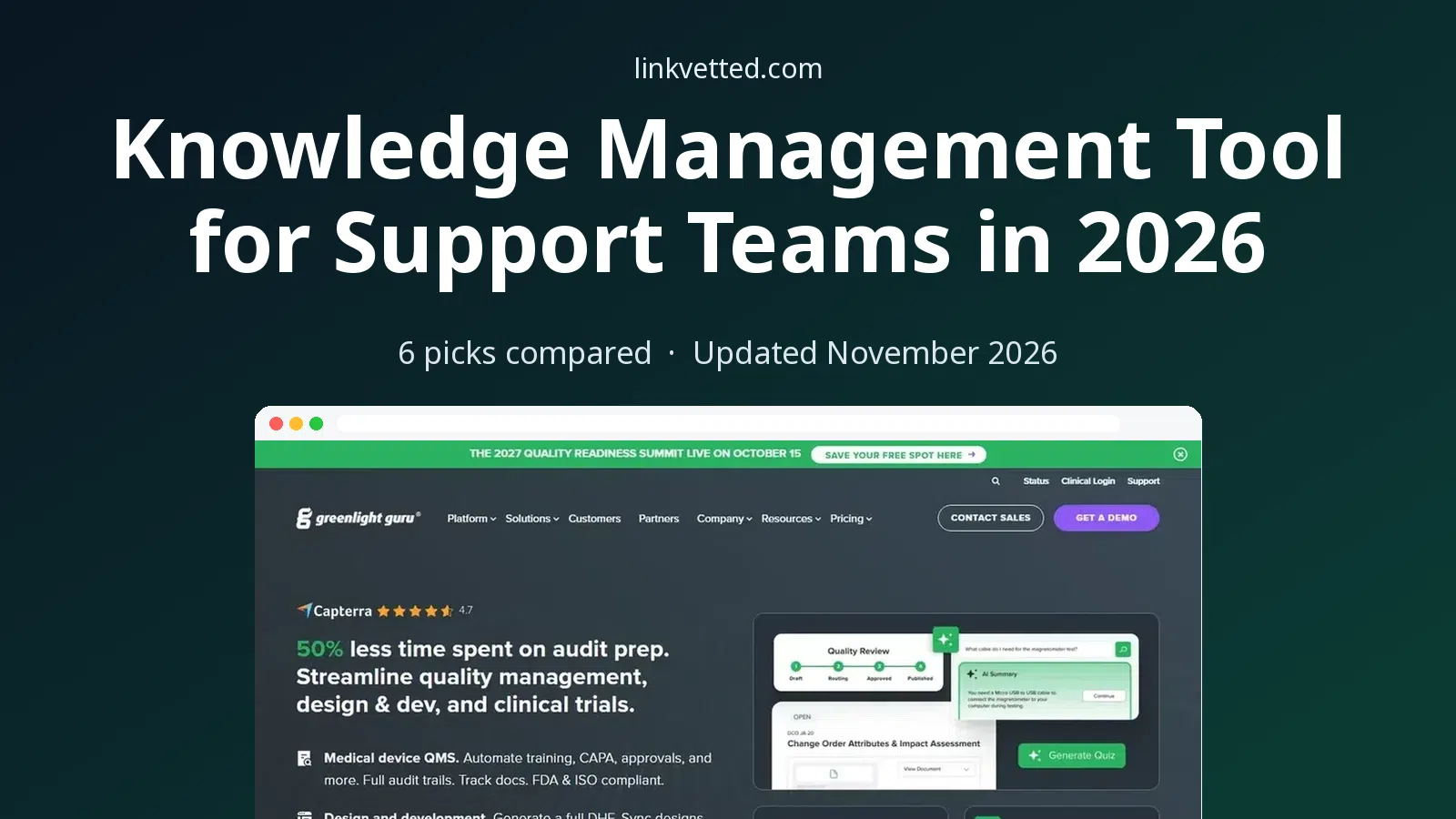
- Editor's choice
 Guru
Governed knowledge for AI answers
Starts atSee websiteVisit getguru.comFull review - Great alternative
 Freshdesk
Teams wanting knowledge beside ticketing
Starts atSee websiteVisit freshworks.comFull review - Also consider
 Zendesk Guide
Support teams already on Zendesk
Starts atSee websiteVisit zendesk.comFull review
Direct answer
Start with Guru if you need governed knowledge for AI answers. Listed starting prices: KnowledgeOwl from $100 per month and Notion from $10 per member a month. Freshdesk is the stronger choice for teams wanting knowledge beside ticketing, while Zendesk Guide suits support teams already on Zendesk. Details, prices and limits for the rest of the 6 tools are below.
TL;DR:
- Guru sits first on this list: governed knowledge for AI answers.
- Notion is the one to check for flexible workspace with AI search.
- Notion stands alone as the one tool in this list with a free plan.
- The cheapest monthly starting price in the list is $10 per member per month, offered by Notion.
- The main caution on Zendesk Guide: most valuable inside the Zendesk ecosystem.
Last checked November 2026. Prices and plan details were read from the vendors' own pages in November 2026; vendors change plans often, so confirm the current price on the vendor site before you buy.
Quick comparison
| Tool | Best for | Starts at | Free plan? | |
|---|---|---|---|---|
| Guru | Governed knowledge for AI answers | See website | Not stated | Visit |
| Freshdesk | Teams wanting knowledge beside ticketing | See website | Not stated | Visit |
| Zendesk Guide | Support teams already on Zendesk | See website | Not stated | Visit |
 KnowledgeOwl | Straightforward, steady knowledge sharing | $100 per month | Free trial | Visit |
 Confluence | Cross-team knowledge and collaboration | See website | Not stated | Visit |
 Notion | Adaptable workspace with AI search | $10 per member a month | Yes | Visit |
Our 6 knowledge management tool for support teams
Short on time? The summary and table above give the quick view of 6 knowledge management tool for support teams, and the profiles that follow give the detail behind each entry.
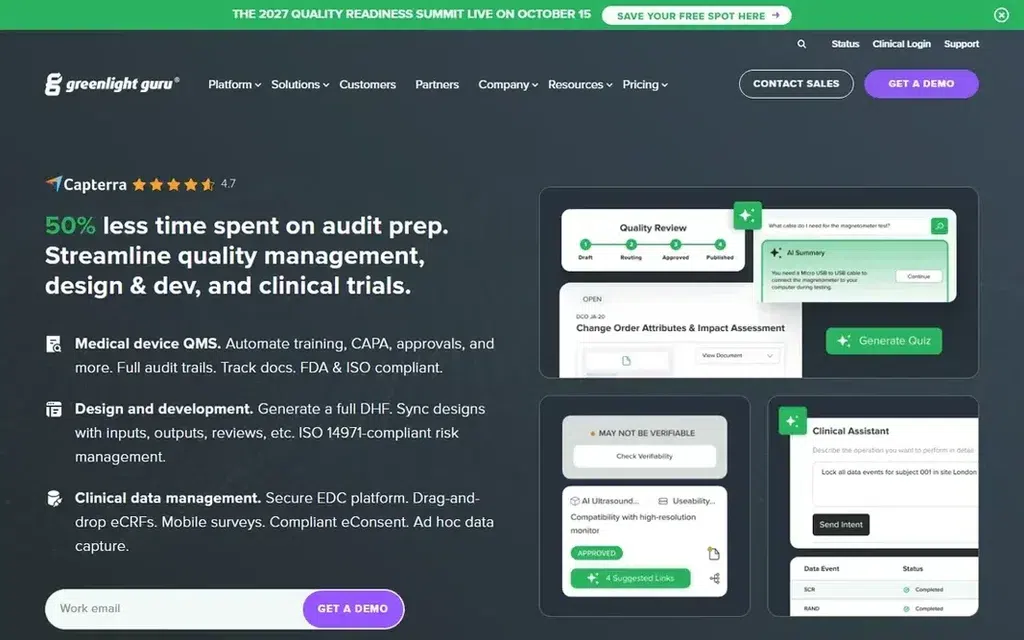
Guru was built for governed knowledge for AI answers. Guru describes itself as a governed knowledge layer for enterprise AI, structuring, governing and continuously improving knowledge so AI answers can be trusted.
It is most handy where knowledge is spread across plenty of sources and accuracy matters more than volume. In daily use, teams that chiefly need a public-facing help center or straightforward internal wiki may find the governance emphasis more than required. Guru shows no starting price here, so confirm the cost on the vendor site. Free plan details: Not stated.
Honest limits: Not a public help center first.
- Focus on structuring and governing knowledge
- Aims answers at trusted AI output
- Governance focus may be heavy for small teams
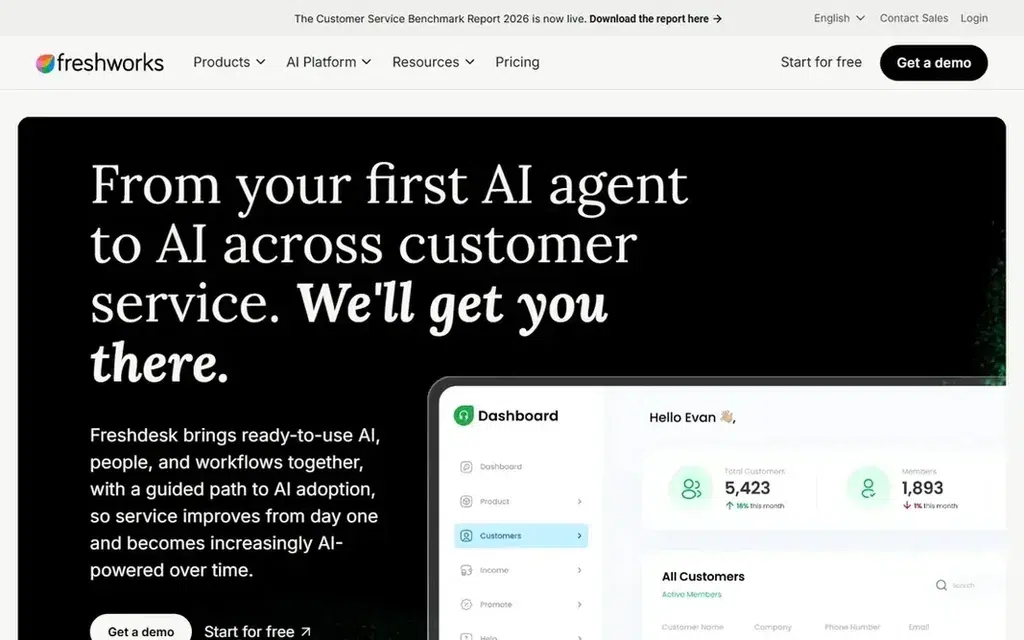
Freshdesk targets teams wanting knowledge beside ticketing. Freshdesk is presented by Freshworks as an AI-powered customer service option with omnichannel ticketing and automatic workflows pitched at boosting agent productivity.
Also, the knowledge capabilities serve the service desk first, so teams needing advanced documentation workflows, versioning or public developer portals may outgrow it. On top of that, consider a dedicated documentation system when long-form technical content is the central requirement. No starting price is listed for Freshdesk here; confirm pricing on the vendor site. Free options: Not stated.
Where it is weaker: Deep documentation control is limited.
- Omnichannel ticketing in one place
- Automatic workflows to cut manual work
- Knowledge features are part of a wider service suite
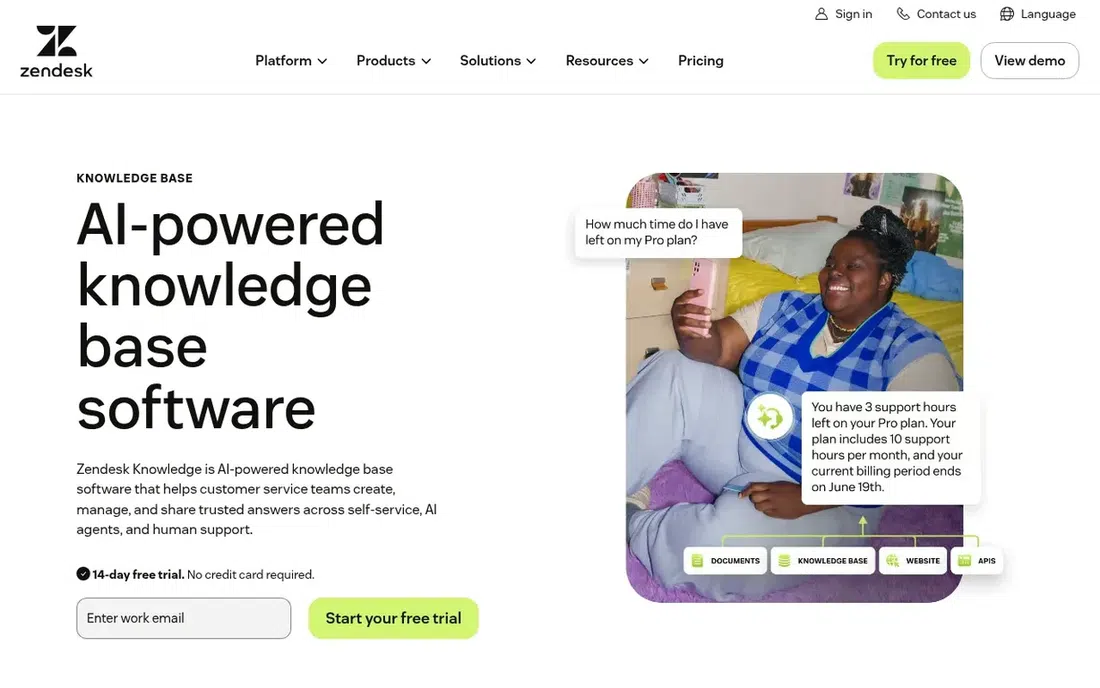
Where Zendesk Guide fits: support teams already on Zendesk. Since Guide is designed around customer service, teams using other ticketing systems may find the fit less natural, and organizations with heavy internal documentation needs may want a broader workspace too.
Beyond that, pick something else if your priority is engineering or product documentation instead of support content. No starting price is listed for Zendesk Guide here; confirm pricing on the vendor site. On free options: Not stated.
What to check first: Less suited to non-support documentation.
- Knowledge base designed for customer service
- Links trusted content to AI and self-service
- Most valuable inside the Zendesk ecosystem
KnowledgeOwl serves straightforward, steady knowledge sharing. Vendors with deep automation or AI governance requirements may find the feature set narrower than bigger systems. For everyday use, if you need deep integration with a specific ticketing system, check compatibility before committing.
KnowledgeOwl gives you knowledge base software presented as straightforward to use for sharing information rapidly with customers and staff. Its appeal is simplicity: teams that want a dependable place to publish help content without a long setup or complicated configuration. KnowledgeOwl starts at: $100 per month. Trial and free access: Free trial.
Limits to weigh: Restricted broader workspace functions.
- Straightforward knowledge base focus
- Straightforward to use for staff and customers
- Fewer advanced AI features described
Confluence works best for cross-team knowledge and collaboration. Confluence is Atlassian's AI workspace for knowledge and collaboration, where teams build and share content and use AI to draft, summarize and find answers.
Also, Confluence is a general workspace, so it lacks support-specific features like ticket-aware article suggestions, and large spaces can become hard to navigate without governance. Confluence does not show a starting price in this comparison, so check the vendor site for current pricing. Free plan details: Not stated.
Where it shines: Workspace for creating and sharing knowledge. Downsides: Can sprawl without page hygiene.
- AI drafting
- Summarizing and search
- Not purpose-built for support queues
For adaptable workspace with AI search, Notion is a natural candidate. Notion presents itself as an AI workspace that works for you, with custom agents, search across connected apps and automation of busywork.
Beyond that, pick a purpose-built knowledge base if you need governed publishing and customer-facing portals out of the box. Beyond that, support teams use it to combine internal procedures, onboarding material and product notes in one adaptable space, with AI helping people find answers across tools. Price to start with Notion: $10 per member per month. You can start on Notion without paying.
Limits to weigh: Needs structure to stay organized.
- Automation of routine busywork
- Custom agents and cross-app search
- Support-specific workflows need building
How we built this list
For each of the 6 tools we noted price, free plan or trial, fit for knowledge management tool for support teams and the main limit, using vendor pages and documentation. Plan names, prices and limits change often. Treat the figures here as a starting point and verify them with the vendor. The sequence is a judgement call: typical use case first, then pricing transparency, then free access. Use the profiles to check fit.
Before you commit
- Ask Guru, Freshdesk, Zendesk Guide and Confluence for a written quote, since no starting price is shown.
- Look at the free plan from Notion closely: its caps decide whether it is usable for real work.
- Use real work to test the free trial from KnowledgeOwl, rather than a demo project.
- Before choosing Guru, weigh its main limit: governance focus may be heavy for small teams.
- Pick one real project and run it in Confluence first; a small pilot shows fit faster than a checklist.
- Make sure KnowledgeOwl lets you export your data in a format another tool can read.
FAQ
How are the knowledge management tool for support teams ordered?
Guru sits first and Notion last because the order follows typical fit for knowledge management tool for support teams, then price clarity and free access. It is a judgement call, so read each profile for fit and limits.
Which knowledge management tool for support teams have a free plan?
Notion is the only tool in this list with a free plan. Free plans usually cap users, projects or features, so check the limits on the vendor page. One other tool offers a trial instead. All 6 picks in this knowledge management tool for support teams comparison list a starting price, free plan details and the main limits on their cards above.
Should support knowledge live in the ticketing tool or a separate product?
Keeping knowledge inside your ticketing tool, as with Zendesk Guide or Freshdesk, shortens the path between an article and a conversation. A separate system makes sense when documentation serves several audiences or needs stricter publishing control.
Do these tools publish their prices?
Not all of them. Guru, Freshdesk, Zendesk Guide and Confluence publish no starting price, so expect a quote request for those. The rest, KnowledgeOwl included, show a starting price, though seats and billing terms still change the final cost.
Is Guru the right pick for everyone comparing knowledge management tool for support teams?
No single tool suits every team. Guru comes first because it fits governed knowledge for AI answers, while Freshdesk suits teams wanting knowledge beside ticketing and Zendesk Guide suits support teams already on Zendesk. Match the tool to your own size, budget and workflow before deciding.
Sources
- https://www.getguru.com
- https://www.freshworks.com/freshdesk
- https://www.zendesk.com/service/help-center
- https://www.knowledgeowl.com
- https://www.atlassian.com/software/confluence
- https://www.notion.com