Best Personal Knowledge Management for Developers (2026): 6 Picks Checked on Vendor Pages
Weighing the best personal knowledge management for developers? We lined up 6 products by cost, free access and fit. Real limits included. Easy to scan.
- Editor's choice
 Logseq
Open-source outliner workflows
Starts atSee websiteVisit logseq.comFull review - Great alternative
 Joplin
Straightforward open-source note taking
Starts atSee websiteVisit joplinapp.orgFull review - Also consider
 Notion
Notes plus team workspaces
Starts at$10 per member a monthVisit notion.soFull review
Direct answer
Our first pick is Logseq, best for open-source outliner workflows. Listed starting prices: Notion from $10 per member a month, Obsidian from $4 per user per month and Craft from $4.8 per month. Joplin is the stronger choice for straightforward open-source note taking, while Notion suits notes plus team workspaces. Details, prices and limits for the rest of the 6 tools are below.
TL;DR:
- Logseq is the opening pick, best for open-source outliner workflows.
- The cheapest monthly starting price in the list is $4 per user per month, offered by Obsidian.
- Craft is the one to check for refined notes across devices.
- Only 3 of the 6 tools have a free plan (Notion, Obsidian, Craft), so check the caps.
Last checked November 2026. Prices and plan details were read from the vendors' own pages in November 2026; vendors change plans often, so confirm the current price on the vendor site before you buy.
Quick comparison
| Tool | Best for | Starts at | Free plan? | |
|---|---|---|---|---|
| Logseq | Open-source outliner workflows | See website | Not stated | Visit |
| Joplin | Straightforward open-source note taking | See website | Free trial | Visit |
| Notion | Notes plus team workspaces | $10 per member a month | Yes | Visit |
 Obsidian | Local files and linked notes | $4 per user per month | Yes | Visit |
| Roam Research | Networked thought and daily notes | See website | Not stated | Visit |
 Craft | Refined notes across devices | $4.8 per month | Yes | Visit |
Personal Knowledge Management for Developers profiles
If you are comparing personal knowledge management for developers, this page covers 6 tools in one place: what each is best for, what it costs to start, whether it has a free plan, and the main limit to know about.
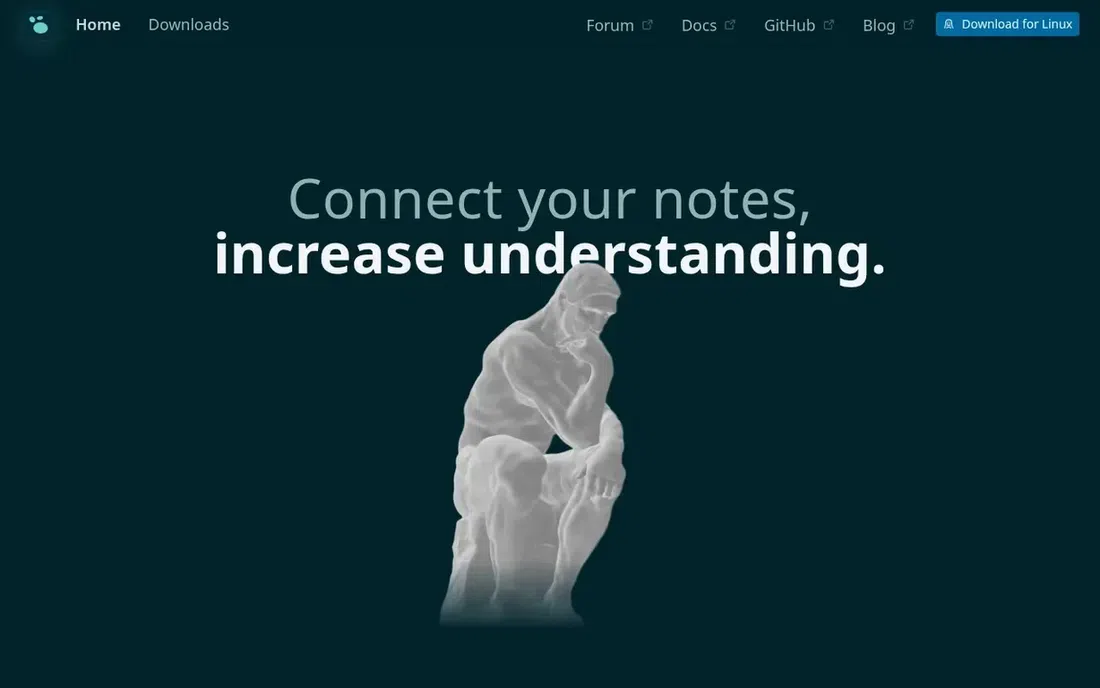
Logseq is a good fit for open-source outliner workflows. Logseq calls itself a privacy-first, open-source knowledge base for knowledge management and collaboration. Its outline-first approach means every note is a bullet structure, and linked references link ideas across pages.
As for the details, the community and plugin ecosystem are smaller than those of bigger systems. For everyday use, the outliner model is a real constraint: long-form prose and structured documentation can feel awkward compared to a document editor. Choose a document-centric tool if you write long technical pages more than daily linked notes. Check the vendor site for Logseq pricing; none is listed in this comparison. As for free access: Not stated.
Drawbacks to consider: Smaller ecosystem than mainstream apps.
- Outline-based note structure
- Linked references across pages
- Outliner style does not suit everyone
Joplin is built with straightforward open-source note taking in mind. Joplin is an open-source note-taking application pitched at capturing and organizing notes without complexity. It supports notebooks, to-dos and attachments, and it can sync through typical storage choices, which fits developers who want a dependable open-source tool.
Where it is weaker: Fewer knowledge-graph features.
It is a solid fit if you chiefly need quick capture and search instead of a heavily linked knowledge graph. Joplin is more of a classic notes manager than a networked thought tool, so graph-style linking and inbound links are restricted compared to dedicated PKM apps. Pricing for Joplin is not stated here, so ask the vendor for current figures. Free access: Free trial.
- Takes care of notes and to-do lists
- Portable
- Interface is more utilitarian
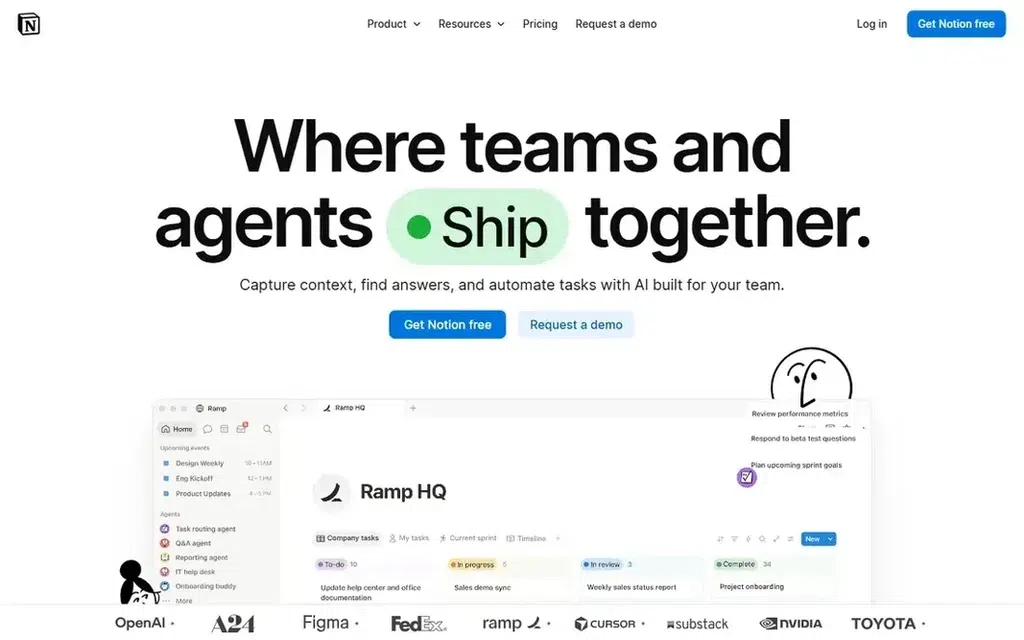
In short, Notion is for notes plus team workspaces. Pages with plenty of nested blocks can feel slower than a light editor. Notion presents itself as an AI workspace that works for you, with custom agents, cross-app search and automation.
What to check first: Content lives in a hosted workspace.
It blends notes, documents, tasks and databases in one place, which helps developers who track projects, meeting notes and specs together. Worth adding: if offline-first plain files or a graph-style linked notebook matter most, a local tool is the better fit. The starting price for Notion: $10 per member per month. Free access exists with Notion.
Highlights: AI search across connected apps.
- Capable sharing and collaboration
- Tasks and databases
- Large pages can feel heavy
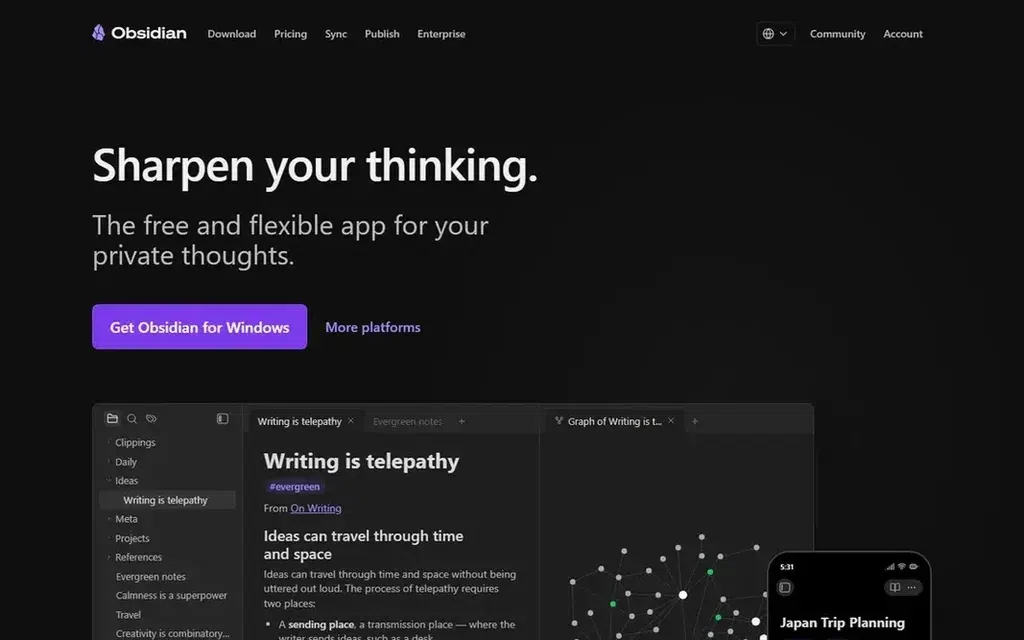
Think of Obsidian for local files and linked notes. Obsidian describes itself as a free and adaptable app for private thinking. As for the details, the adaptability cuts both ways: with no enforced structure, you decide how to organize everything, which takes discipline.
Main advantages: Linking builds a connected knowledge graph.
Trade-offs to know: Sync across devices needs setup.
On top of that, for developers, that means documentation, snippets and design notes can sit in one searchable vault that you control. In daily use, if you want a ready-made workspace with databases and team sharing built in, a collaborative workspace tool may suit you better. On top of that, notes live as local files. So you can organize folders, link related ideas and build a connected map of your work. Obsidian cost at the entry level: $4 per user per month. Free access exists with Obsidian.
- Adaptable structure without a fixed template
- Notes stored as plain local files
- Extras rely on community plugins
Roam Research
Best for: Networked thought and daily notes
Roam Research targets networked thought and daily notes. If you need structured databases or refined document sharing, another tool is likely more straightforward. The graph-first model can confuse people who expect folders and documents; there is little conventional hierarchy to lean on.
It also supplies either live collaboration or local storage instead of a full mix. Beyond that, daily notes and bidirectional links make it simple to collect fragments and see how topics relate. Pricing for Roam Research is not stated here, so ask the vendor for current figures. Trial and free access: Not stated.
What to check first: Unconventional structure for newcomers.
- Live collaboration or local storage
- Works like a straightforward bulleted list
- Restricted appeal outside linked-note workflows
Craft is aimed squarely at refined notes across devices. Craft bills itself as a productivity app for notes, tasks and docs that follows you across all your devices. Also, developers who want attractive, well-formatted notes for design decisions, meeting records or personal planning will find it comfortable.
Upsides: Manages tasks alongside documents.
It does well as a daily writing surface. From a buyer's view, some capabilities are reserved for premium levels, which matters if you want a completely open feature set. The editing experience is refined, with structured documents, blocks and task lists that read well. Craft starts at: $4.8 per month. You can start on Craft without paying.
The main drawbacks: Some features sit behind premium levels.
- Modern note and doc editor
- Notes follow you across devices
- Less concentrated on graph-style linking
What went into this list
What to confirm before you sign up
- Get a written quote from Logseq, Joplin and Roam Research; the list shows no starting price for them.
- Read the fine print on the free plans from Notion, Obsidian and Craft; seat, project and feature caps differ.
- Take the trial from Joplin and push a live task through it before you pay.
- Read the limits listed for Logseq first: Outliner style does not suit everyone.
- Pick one real project and run it in Notion first; a small pilot shows fit faster than a checklist.
- Check the integration list for Craft against the tools you run today, and note which ones need a higher plan.
FAQ
Which options for personal knowledge management for developers have a free plan?
Notion, Obsidian and Craft offer a free plan in this list. Free plans usually cap users, projects or features, so check the limits on the vendor page. One other tool offers a trial instead.
How are the tools for personal knowledge management for developers ordered?
Logseq sits first and Craft last because the order follows typical fit for personal knowledge management for developers, then price clarity and free access. It is a judgement call, so read each profile for fit and limits.
Do these tools publish their prices?
Not all of them. Logseq, Joplin and Roam Research publish no starting price, so expect a quote request for those. The rest, Notion included, show a starting price, though seats and billing terms still change the final cost.
Can I try these tools before paying?
Often, yes. Notion, Obsidian and Craft have a free plan and Joplin offers a free trial. Use your own data and a real task during the test, and check what the free tier or trial limits before you rely on it.
Can these tools replace a team wiki?
Local-first tools for example Obsidian and Logseq focus on personal knowledge and need additional setup for sharing. Consider how much collaboration you actually need.
Is an outliner like Logseq or Roam Research better than a document editor?
Outliners suit daily notes, tasks and linked fragments, which numerous developers collect whereas researching. Document editors like Craft or Notion are simpler for long technical write-ups and shared specs.
Sources
- https://logseq.com
- https://joplinapp.org
- https://www.notion.so
- https://obsidian.md
- https://roamresearch.com
- https://www.craft.do