Best PDF Rotator Services in 2026: 9 Services Compared
Best PDF rotator services compared for 2026, with free online rotation, batch page tools, and desktop options for sideways scans and mixed files. Free help.
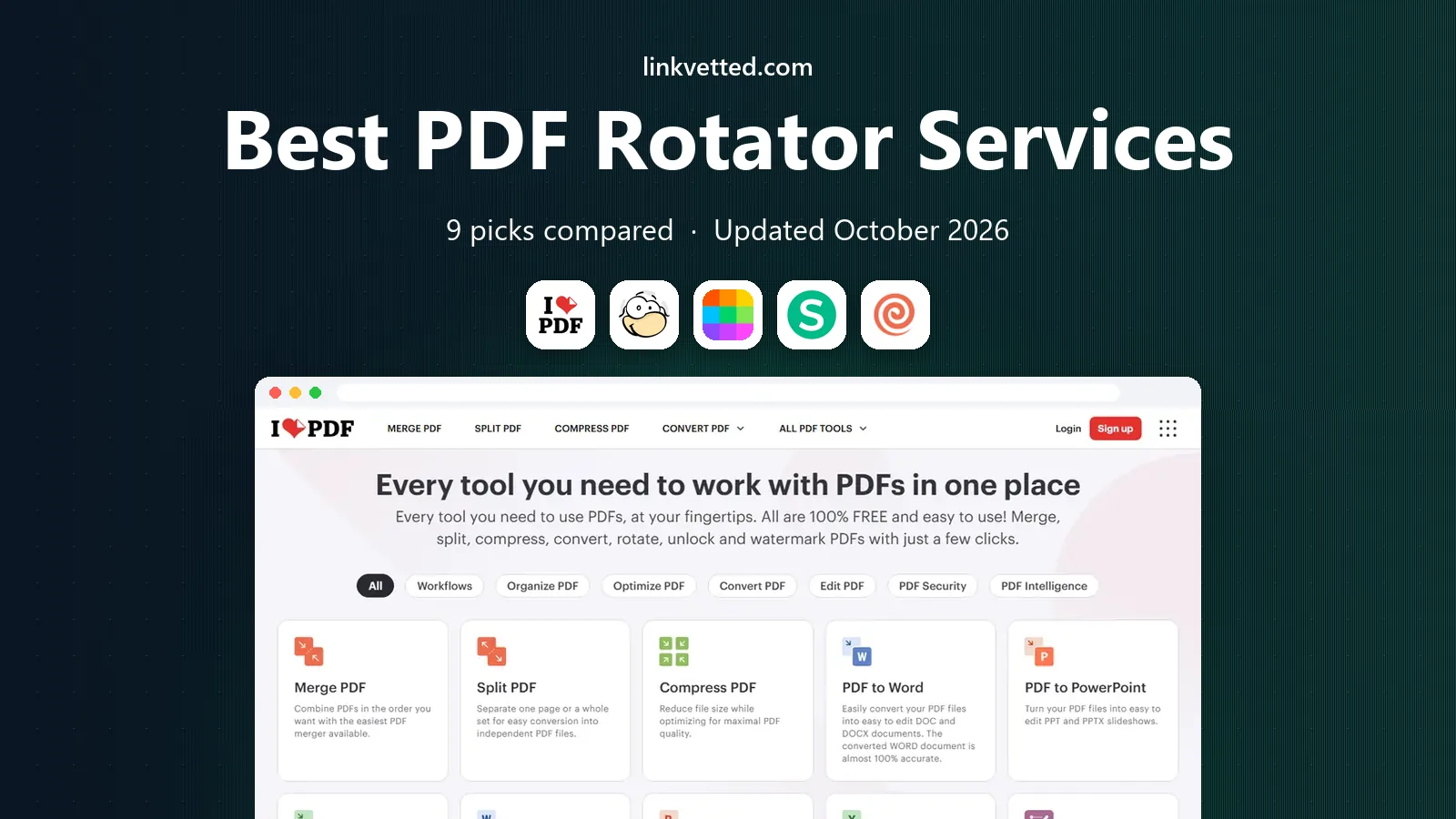
- Editor's choice
 iLovePDF
Easy online rotation
Starts atSee websiteVisit ilovepdf.comFull review - Great alternative
 PDF24
Free rotation with desktop option
Starts atFreeVisit pdf24.orgFull review - Also consider
 Smallpdf
Simple online rotation
Starts atSee websiteVisit smallpdf.comFull review
TL;DR:
- iLovePDF, PDF24, Sejda, and Smallpdf all rotate PDF pages online for free, with limits on tasks or file size.
- Desktop tools such as PDFsam Basic and PDF24 Creator rotate pages locally, which is safer for sensitive documents.
- Look for per page rotation, not just whole document rotation, since scans often mix portrait and sideways pages.
- Batch rotation saves time when a whole scanned file is upside down, while single page rotation fixes one bad page.
- Always download and check the rotated file, since a page that looks right in a preview can still export in the wrong direction.
Quick comparison
| Tool | Best for | Starts at | Free plan? | |
|---|---|---|---|---|
| iLovePDF | Easy online rotation | See website | Yes | Visit |
| PDF24 | Free rotation with desktop option | Free | Yes | Visit |
| Smallpdf | Simple online rotation | See website | Yes | Visit |
 Sejda | Per page rotation online | See website | Yes | Visit |
 PDF Candy | Rotation plus many PDF tools | See website | Yes | Visit |
 PDF2Go | Online rotation and editing | See website | Yes | Visit |
 EasePDF | Simple online rotation | See website | Yes | Visit |
 RotatePDF | Dedicated rotation tool | Free | Yes | Visit |
 PDFsam Basic | Desktop rotation | Free | Yes | Visit |
The best PDF rotator services
A PDF rotator fixes pages that were scanned sideways or upside down, and the best services let you rotate the whole file or single pages. The services below cover online rotation for quick fixes and desktop rotation for private or batch work.

iLovePDF rotate tool is easy to use. Upload a PDF, choose whether to rotate all pages or only selected ones, pick a direction, and download the result. That per page control matters, since a scanned file often has one or two sideways pages among many correct ones.
Free use has task and size limits, so it suits occasional fixes rather than daily batch work. For a quick rotation of a form, a scan, or a report, iLovePDF is fast and reliable. For sensitive documents, a desktop tool is still the safer choice.
- Simple rotate tool
- Rotate all pages or selected pages
- Many other PDF tools in one place
- Free tier limits tasks and file sizes
- Files are uploaded to servers
- Ads on free use
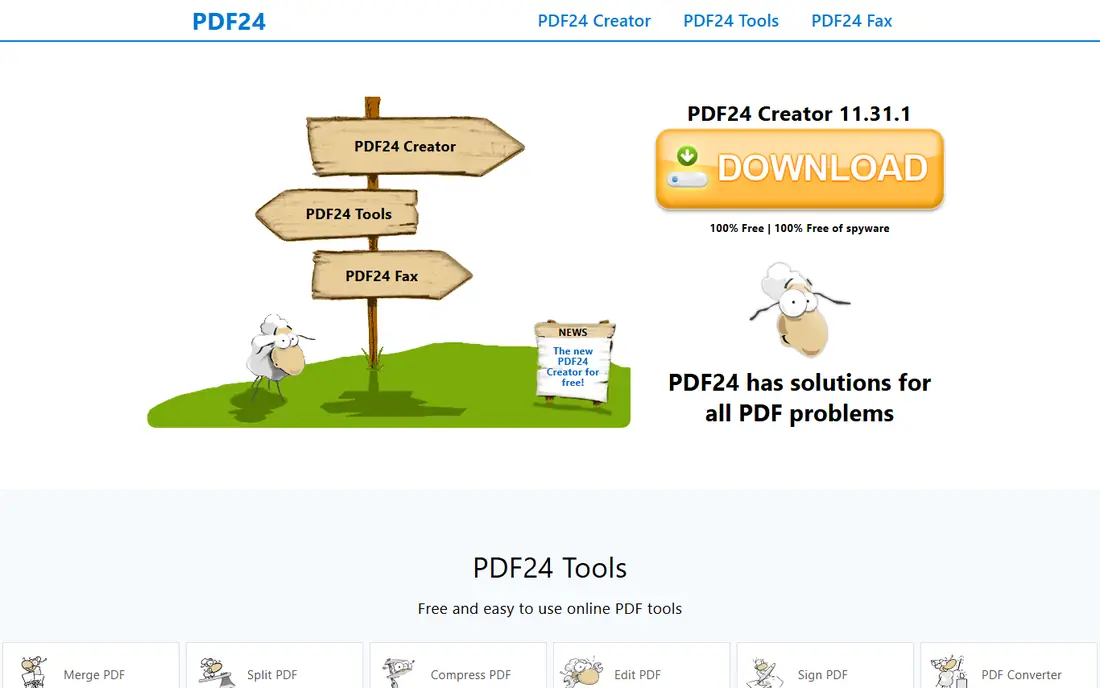
PDF24 offers rotation online and through its free Windows desktop app, PDF24 Creator. The desktop option is a major advantage for sensitive files, since pages are rotated on your own computer and never uploaded. The online tool is also simple, with clear rotation controls and no watermark on the output.
Mac and Linux users will use the web tools, which still work well for occasional rotation. If you rotate PDFs often, or you handle private documents, PDF24 is our pick, especially on Windows where the desktop app removes most free tier friction.
- Free online rotation
- Windows desktop Creator app works locally
- No registration for many tasks
- Desktop app is Windows only
- Interface is plain
- Online tools need an internet connection
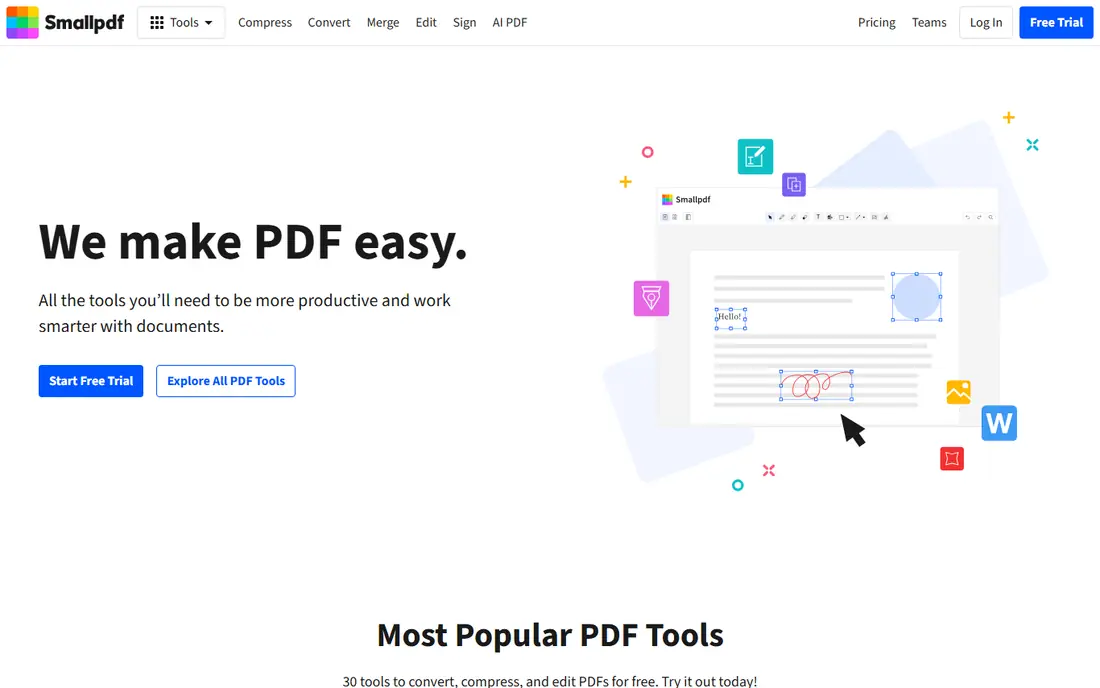
Smallpdf rotate tool follows the same simple pattern as its merge tool. Upload a file, rotate pages, and download the result, with a clean interface that needs no learning. The mobile experience is good, which helps when a scan arrives on your phone and needs a quick fix before forwarding.
Free limits apply, with a few tasks per hour and a file size cap, so Smallpdf suits light use. If you rotate a PDF once or twice a month and want the smoothest online flow, it is a good pick. For frequent rotation, PDF24 or PDFsam will be less limiting.
- Very simple rotate flow
- Clean interface
- Good mobile experience
- Free tier limits tasks per hour and file size
- Many features need a paid plan
- Files are uploaded to servers
Sejda is a strong online rotator because it handles per page rotation well. You can flip one sideways page without changing the rest of the document, which is exactly what a mixed scan needs. The preview makes it easy to spot pages that are still wrong before you download.
The free tier limits tasks per hour, so batch work can be slow. For a careful, page by page fix of a single document, Sejda is one of the best online options. Check the rotated file after download, especially for pages with tables or images that may look correct in preview but export differently.
- Rotate individual pages or the whole file
- Clean preview
- Files deleted after processing
- Free tier allows a limited number of tasks per hour
- File size limits apply
- Some tools need payment
PDF Candy is useful when rotation is one step in a larger job, such as rotating, merging, and compressing a scanned file. The rotate tool is straightforward, and the wider toolset means you do not need to switch sites mid task. A desktop version is also available for offline work.
Rotation controls are simpler than in Sejda or PDFsam, so very mixed files may need more care. Still, for everyday rotation plus other PDF jobs, PDF Candy is a convenient all rounder. Check current free limits before a large batch.
- Rotate tool plus many other PDF tools
- Desktop version available
- Simple upload and download flow
- Free online use has limits
- Rotation controls are simpler than specialist tools
- File size limits apply
PDF2Go lets you rotate PDF pages and then edit, split, or convert the file in the same session. That matters when a scan needs rotation and then a page removal or a format change. Cloud connections to Google Drive and Dropbox help when files already live online.
The interface has many options, so take a moment to find the rotate tool on your first visit. Free limits on size and tasks also apply. PDF2Go suits users who want rotation as part of a broader online PDF workflow, rather than a single purpose tool.
- Rotate, edit, and convert in one site
- Works from Google Drive and Dropbox
- Per page controls
- Free tier has file size and task limits
- Interface can feel busy
- Files are uploaded to servers
EasePDF rotate tool is as simple as it gets. Upload, rotate, and download, with no account needed for basic use. That simplicity suits users who rotate a PDF rarely and do not want to learn a new app for a one minute job.
Advanced options are limited, and free task limits apply, so EasePDF is not the best pick for large or mixed files. For a single sideways document, it does the job cleanly. For sensitive files, prefer a desktop rotator instead.
- Simple rotate flow
- Covers common PDF tasks
- No learning curve
- Free tier has task limits
- Fewer advanced rotation options
- Files are uploaded to servers
RotatePDF does one job, which can be an advantage when you do not want to navigate a large PDF suite. Upload a file, rotate pages, and download the result, with a simple interface that focuses on that task alone. For a quick fix, a dedicated tool can be faster than a general site.
The drawback is scope. If you also need to merge, split, or compress the file, you will need another service. RotatePDF is best kept as a bookmark for quick rotation jobs, alongside a broader tool for larger PDF work.
- Focused on rotation only
- Simple interface
- Free to use
- No wider PDF toolset
- File size and feature limits may apply
- Files are uploaded to servers
PDFsam Basic is a free desktop app that rotates PDF pages on your own computer, which is the safest option for private documents. It also merges, splits, and extracts pages, so a rotated file can be fixed and reorganised without uploading anything. That local workflow is ideal for contracts, medical forms, and work documents.
The interface is plain, and there is no quick mobile web version, so it is less convenient for a one off phone fix. For regular desktop use, especially with sensitive files, PDFsam Basic is a reliable, free choice that works offline.
- Free desktop app for Windows, Mac, and Linux
- Rotates pages locally
- Also merges and splits PDFs
- Interface is basic
- No online version for quick phone use
- Advanced features need a paid version
How we picked these
We compared official feature pages, free plan terms, and public reviews for services that rotate PDF pages reliably, with per page or whole file options where claimed. We favoured tools that are actively maintained, produce correctly oriented output, and cover online and desktop use. We noted upload privacy, task limits, and file size limits, since those affect real use more than marketing claims.
How to rotate a PDF correctly
Rotate single pages first
If only a few pages are sideways, rotate those pages alone. Rotating the whole file will fix the sideways pages but break the pages that were already correct. Use a preview to check each page before downloading.
Use batch rotation for uniform scans
When an entire scanned file is upside down, usually because a scanner fed pages the wrong way, rotate all pages at once. That single action fixes the whole file faster than page by page edits, and it avoids missing a page.
Check the result on a second device
Open the rotated file on your phone or in a different PDF reader after download. Some readers remember a previous view setting, so a file can look correct in one app and wrong in another. A second check catches that problem before you send the file on.
Prefer desktop tools for private files
Online rotators are convenient, but desktop tools keep files local. For work, legal, medical, or financial documents, rotate on your own computer with PDFsam Basic or PDF24 Creator, and delete any online copies if you used a web tool by mistake.
FAQ
What is the best free PDF rotator service?
PDF24 is our pick for most people, thanks to free online rotation and a Windows desktop app that works locally. Sejda is a strong online alternative for per page rotation, and PDFsam Basic is the best free desktop rotator across Windows, Mac, and Linux.
Can I rotate only one page in a PDF?
Yes, most rotators on this list let you rotate selected pages while leaving the rest unchanged. Sejda, iLovePDF, and PDFsam Basic all support per page rotation. Use the preview to confirm which pages you selected before downloading.
Why does my PDF keep opening sideways after rotation?
The file may have been saved with a rotation setting that some readers ignore, or you may have rotated the view rather than the pages. Use a rotator that saves page rotation to the file itself, then reopen the downloaded file in a different reader to confirm the fix held.
Is it safe to rotate PDFs online?
For routine documents, reputable online tools that encrypt uploads and delete files after processing are generally safe. For sensitive documents, use a desktop app that processes files locally. Avoid uploading documents with personal, financial, or medical details to an online service when a local option exists.
Can I rotate a PDF on my phone?
Yes, most online rotators work in a mobile browser, and the steps are the same as on a desktop. For large files, a desktop browser is usually faster. If you rotate PDFs often on a phone, a dedicated PDF app with rotation tools may be more convenient than a browser tool.
Does rotating a PDF change its quality?
No, rotation should not change text or image quality, since it only changes page orientation. If a rotated file looks blurry, check whether the tool also compressed it, and try again without compression. Keep the original file until you have checked the rotated result.