Best API Documentation Tools for Developers: 8 Tools Compared
Our best api documentation tools for developers guide compares 8 tools for OpenAPI portals, docs-as-code, playgrounds, and SDKs, with prices and limits in 2026.
- Editor's choice
 Mintlify
Polished docs-as-code portals
Starts atSee websiteVisit mintlify.comFull review - Great alternative
 ReadMe
Developer hubs with metrics
Starts at$250 per monthVisit readme.comFull review - Also consider
 SwaggerHub
OpenAPI design and governance
Starts atSee websiteVisit swagger.ioFull review
TL;DR:
- Mintlify and ReadMe suit teams that want a polished developer portal fast, while Docusaurus and Scalar suit teams that want full control.
- Docs-as-code matters: if docs live in Git with your code, they stay current far longer than docs edited only in a web editor.
- An interactive playground that sends real requests is a major adoption advantage, so test it with your own API before choosing.
- Pricing varies from free open source to several hundred dollars a month, so count editors, readers, and AI features before you compare headline prices.
Quick comparison
| Tool | Best for | Starts at | Free plan? | |
|---|---|---|---|---|
| Mintlify | Polished docs-as-code portals | See website | Yes | Visit |
| ReadMe | Developer hubs with metrics | $250 per month | Yes | Visit |
| SwaggerHub | OpenAPI design and governance | See website | Yes | Visit |
 Stoplight | Design-first API work | See website | Yes | Visit |
 Redocly | Branded OpenAPI portals | See website | Yes | Visit |
 Postman | Docs plus testing in one place | $14 per user per month | Yes | Visit |
 GitBook | Team docs and knowledge | See website | Yes | Visit |
 Scalar | Light open source API docs | Free | Yes | Visit |
The best api documentation tools for developers
Good API docs do more than list endpoints. They explain what an API is for, show working examples, let developers try requests, and stay in step with code changes. The tools below cover the main approaches: hosted portals, docs-as-code sites, design-first platforms, and open source renderers.
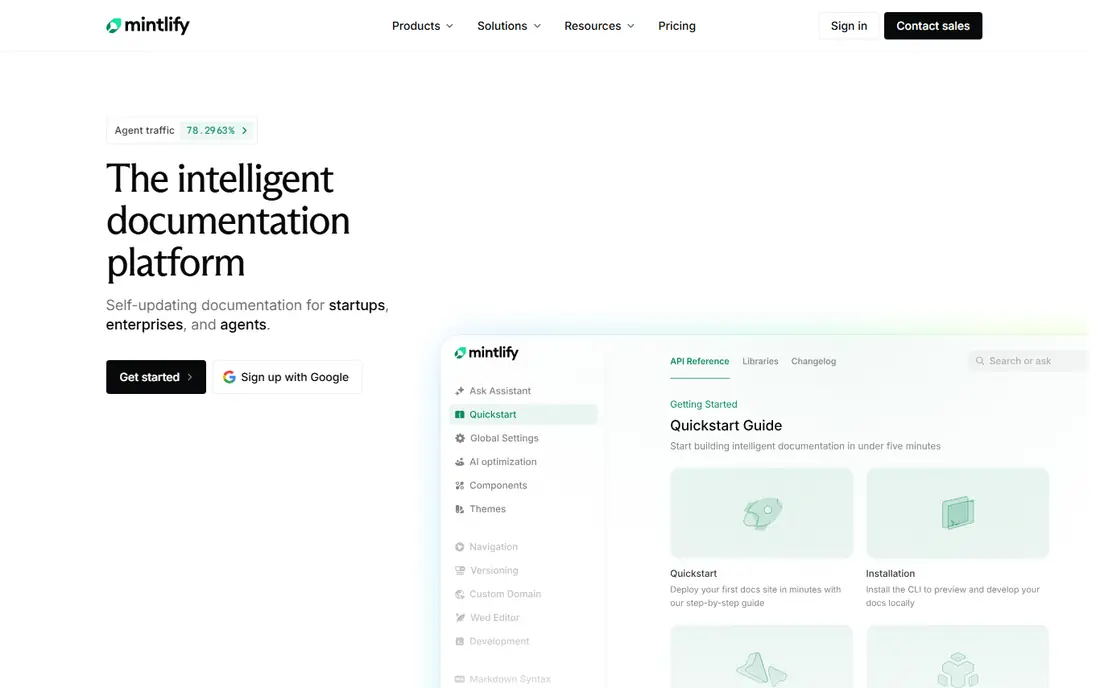
Mintlify is our pick for teams that want a polished portal without building a docs site from scratch. Docs live in Markdown with Git sync, so engineers can edit docs in the same workflow as code, while the hosted site handles search, navigation, and design. AI features can draft endpoint descriptions, answer developer questions, and expose agent-ready formats such as llms.txt. The main drawback is price. Mintlify offers a free Starter tier, but Pro pricing is several hundred dollars a month, which is a lot for a side project or a tiny startup. If your API is a core product and developer adoption matters, that polish can pay for itself. If budget is tight, Scalar or Docusaurus may fit better.
- Git sync and MDX editing
- Clean modern design
- AI assistant and agent-ready features
- Paid Pro pricing is high for small teams
- Cloud hosted, not self-hosted

ReadMe suits teams that treat docs as a product and want to measure adoption. Its Try It playground sends authenticated requests to a live API, so developers can test endpoints without leaving the docs. Metrics show which endpoints get tried, where developers drop off, and which pages need work, which helps a docs team focus on real friction. ReadMe also works well when writers and product managers contribute, since its web editor is friendlier than raw Markdown for non-engineers. The cost is the catch: Pro starts at 250 dollars a month on annual billing. For a public API with real adoption goals, that analytics depth can justify the price.
- Interactive Try It playground
- Developer analytics
- Strong editor for non-technical contributors
- Pro plan is pricey
- Cloud only, with no self-host option
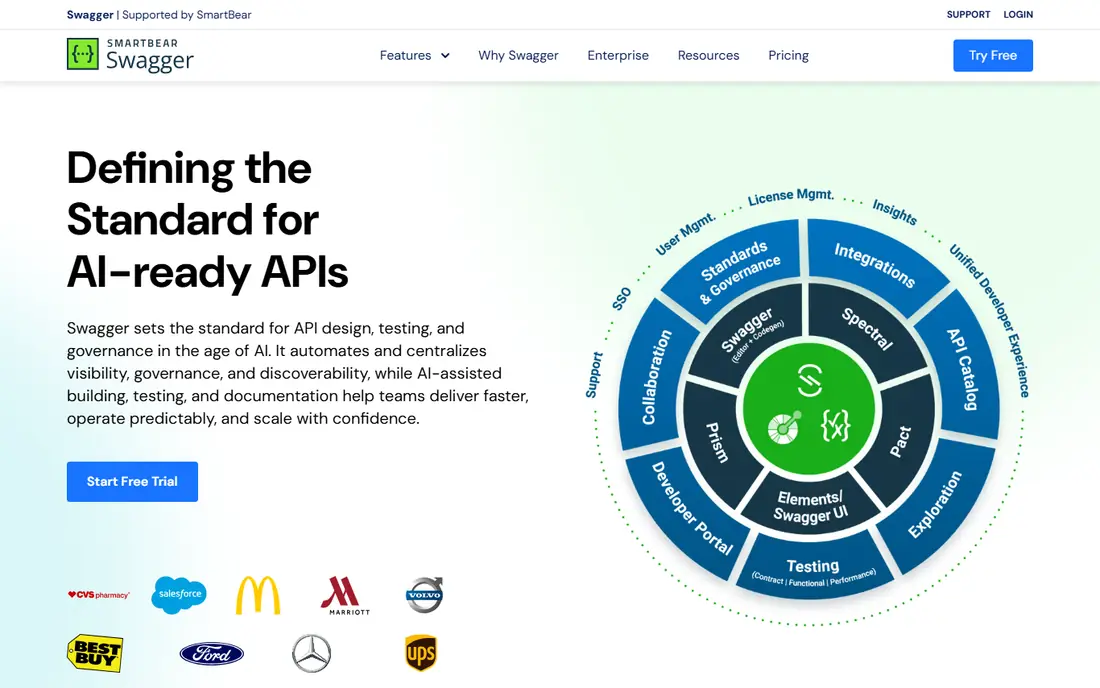
SwaggerHub is built around OpenAPI, the standard many teams already use to describe APIs. It lets teams design, edit, and collaborate on specs, enforce style rules, and publish docs from the same source. For organizations with many APIs and governance needs, that spec-first control matters more than a pretty marketing portal. SwaggerHub is less focused on long-form guides and tutorials than Mintlify or ReadMe, so teams often pair it with a docs site for narrative content. Pricing also varies by plan and needs checking on the vendor page. Choose SwaggerHub when spec quality and governance are the main problem.
- Strong OpenAPI editing and collaboration
- Design-first workflows
- Enterprise governance
- Interface can feel dated
- Pricing needs checking for team size
Stoplight helps teams design an API before writing code, using a visual editor that non-technical reviewers can understand. Mock servers let front-end teams build against a planned API while back-end work continues, and style rules keep specs consistent across teams. Its docs output then reflects the designed spec, not a document written after the fact. Design-first work takes discipline, and teams that prefer code-first development may find Stoplight adds process. Paid plans are needed for full collaboration and governance features. If your APIs suffer from inconsistent design or late-breaking changes, Stoplight addresses the root cause.
- Visual API designer
- Mock servers
- Governance and style rules
- Learning curve for design-first workflows
- Paid plans needed for full team features
Redocly is known for clean, readable OpenAPI reference docs. Its rendering handles large specs well, its branding options suit customer-facing portals, and its CLI helps teams lint, bundle, and manage specs in CI. For teams with complex APIs and strict spec standards, Redocly gives a professional result. The interactive playground sits on paid plans, so a free Redocly setup is more of a reference reader than a full try-it portal. Setup also assumes comfort with OpenAPI and build tools. If your spec is already solid and you want a branded portal that reads well, Redocly is a strong choice.
- High quality OpenAPI rendering
- Strong branding
- CLI and governance tools
- Interactive playground is a paid feature
- Setup needs OpenAPI skill
Postman makes sense when your team already tests APIs in Postman. Documentation can be published from the same collections used for testing, so examples stay close to real requests. Developers already know Postman, which lowers the learning curve for internal and partner docs. Postman docs are functional rather than beautiful, and they lack some portal polish and analytics depth of ReadMe. Seat pricing also adds up for larger teams. Choose Postman when testing and docs must stay in one workflow, and choose a portal tool when public design and adoption metrics matter more.
- Docs generated from collections you already test
- Huge developer familiarity
- Team workspaces
- Docs design is plainer than Mintlify or ReadMe
- Cost scales by seat
GitBook suits teams that need guides, internal docs, and API reference in one place, with contributors who are not all engineers. Its editor is approachable, search is good, and Git sync options let engineering teams keep docs in version control where that matters. API reference can be added through integrations, including Scalar-powered views. GitBook is not as OpenAPI-native as SwaggerHub or Redocly, so pure spec governance is weaker. Pricing also depends on team size and features, so check the current page. For a mixed team that writes a lot of narrative docs alongside API reference, GitBook is a practical all-rounder.
- Easy editor for mixed teams
- Git sync options
- Good for guides plus API reference
- API reference features depend on integrations
- Pricing varies by team size
Scalar is the best free starting point for OpenAPI docs. It renders specs quickly, shows code samples, and includes an interactive playground, all as open source software you can embed in your own site or docs. For open source projects, side projects, and teams that want full control, Scalar removes cost as a barrier. What you give up is the hosted portal layer: analytics, managed search, team workflows, and support that paid tools provide. You will host and maintain the docs site yourself, or pair Scalar with a static site generator. If you value control and low cost over managed features, Scalar is hard to beat.
- Free and open source
- Fast OpenAPI rendering
- Interactive playground and code samples
- Fewer portal, analytics, and hosting features than paid tools
- Needs your own hosting for a full site
How we picked these
We compared official feature pages, pricing pages, and public reviews for API documentation tools actively sold or maintained in October 2026. We favored tools with OpenAPI support, interactive playgrounds, docs-as-code workflows, and real developer adoption. We also weighed hosting model, editor experience, and pricing transparency, since a tool that fits a solo project may not fit an enterprise API program.
How to choose for your API
Start from your spec workflow
If your team designs APIs in OpenAPI first, SwaggerHub, Stoplight, or Redocly will fit naturally. If your team writes code first and generates specs, Mintlify, Scalar, or Postman may be easier. If docs are written by a mixed team, ReadMe or GitBook editors will cause less friction. The workflow you already use should decide the tool, not the demo design.
Test the playground with a real API
A playground that works with a simple demo can fail with auth, file uploads, or complex responses. Before you commit, publish a test portal with your own API, try auth flows, and check error messages. Developers judge docs by whether they can make a successful call in minutes, and a broken playground hurts adoption more than plain design.
Plan for docs maintenance
Docs rot when updates depend on one person remembering to edit a web page. Prefer Git-based workflows, spec-driven reference pages, and CI checks that fail when docs and specs drift apart. Assign an owner for guides, review docs with each release, and track which pages developers actually visit. A tool with good maintenance habits beats a prettier tool that goes stale.
FAQ
What is the best API documentation tool for a small startup?
Mintlify Starter or Scalar are good starting points for a small startup, depending on budget and control. Mintlify gives a polished hosted portal with a free tier, while Scalar is free open source and gives full control. Start with the one that matches your hosting skills, and move to a paid portal when developer adoption becomes a measured goal.
Do I need OpenAPI to use these tools?
Most tools on this list work best with OpenAPI, since it gives a structured spec for reference pages, playgrounds, and code samples. Some tools also support guides written in Markdown without a spec. If you do not have an OpenAPI spec yet, generating one from code or designing one in SwaggerHub or Stoplight is a useful first step.
Can API docs be generated automatically from code?
Yes, in part. Tools can generate reference pages from OpenAPI specs, code comments, or Postman collections, which keeps endpoints and parameters current. Narrative guides, examples, auth explanations, and error guidance still need human writing. Treat automation as a way to keep reference accurate, not as a replacement for clear explanations.
What is docs-as-code and why does it matter?
Docs-as-code means docs live in Git, are written in Markdown, and go through the same review and release process as code. It matters because docs then stay in step with releases, changes are reviewable, and rollbacks are simple. Teams that edit docs only in a web editor often find docs drift from the shipped API over time.
Is Postman enough for API documentation?
Postman is enough for many internal and partner APIs, especially when teams already test in Postman. For a public API where design, branding, and adoption metrics matter, a dedicated portal such as Mintlify or ReadMe usually gives a better developer experience. Many teams use Postman for testing and a portal tool for public docs.