Digital Scrapbooking Software Buyer's Guide: 5 Tools for 2026
Comparing the best digital scrapbooking software? 5 contenders, each with entry cost, free tier and best-fit buyer. Pros and cons for every tool. Plain facts.

- Editor's choice
 Smilebox
Fast slideshow keepsakes, invitations and announcements
Starts atSee websiteVisit smilebox.comFull review - Great alternative
 Canva
Modern scrapbookers who want endless templates and assets
Starts atFree (Pro $144/year per person, per canva.com)Visit canva.comFull review - Also consider
 BeFunky
Scrapbookers who want photo editing plus collage in one tool
Starts atSee websiteVisit befunky.comFull review
TL;DR:
- Number one here is Smilebox, a fit for fast slideshow keepsakes, invitations and announcements.
- MemoryMixer suits beginners who want guided, straightforward scrapbook page creation.
- What to know about Smilebox first: more keepsake-maker than true scrapbook program.
- 3 of 5 tools offer a free plan: Smilebox, Canva, BeFunky.
- No starting price is published for Smilebox, BeFunky, Artisan and MemoryMixer; expect a quote.
Direct answer
Smilebox is the first pick on this list for fast slideshow keepsakes, invitations and announcements. Canva fits modern scrapbookers who want endless templates and assets; BeFunky fits Scrapbookers who want photo editing plus collage in one tool. All 5 tools are compared below on price, free plan and limits.
Quick comparison
| Tool | Best for | Starts at | Free plan? | |
|---|---|---|---|---|
| Smilebox | Fast slideshow keepsakes, invitations and announcements | See website | Yes | Visit |
| Canva | Modern scrapbookers who want endless templates and assets | Free (Pro $144/year per person, per canva.com) | Yes | Visit |
| BeFunky | Scrapbookers who want photo editing plus collage in one tool | See website | Yes | Visit |
 Artisan | Traditional scrapbookers who want a dedicated desktop program | See website | Free trial | Visit |
 MemoryMixer | Beginners who want guided, straightforward scrapbook page creation | See website | Free trial | Visit |
Digital Scrapbooking Software compared in detail
This LinkVetted guide covers 5 options for digital scrapbooking software. Each profile lists a starting price, free plan details, strengths and drawbacks, so you can drop poor fits quickly.
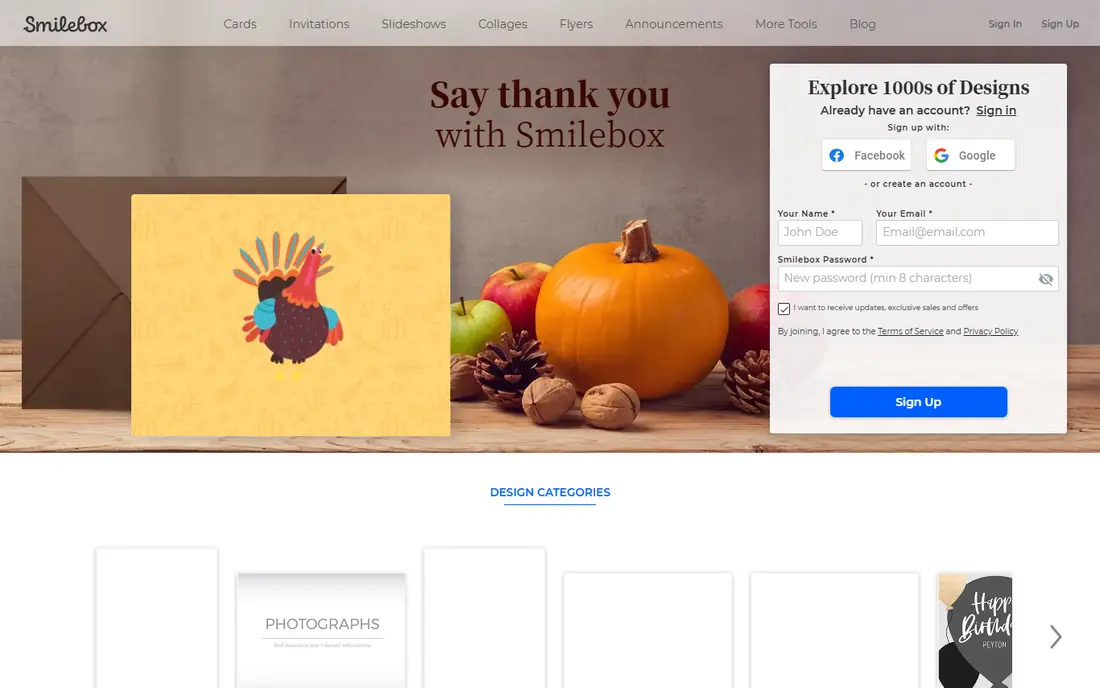
Smilebox is designed for fast slideshow keepsakes, invitations and announcements. The honest catch is depth.
Downsides: More keepsake-maker than true scrapbook program.
From a buyer's view, for the crafter who wants finished keepsakes without a ramp-up time, it gives. Pricing for Smilebox is not stated here, so ask the vendor for current figures. Smilebox has a free plan.
- Free level for trying
- Fastest path from photos to a finished keepsake
- Designs can feel templated

Where Canva fits: modern scrapbookers who want endless templates and assets. The free level is genuinely enough for beautiful pages. Pro ($144 a year per person, per Canva's own pricing page) brings premium assets and features.
The honest catch is specificity. Sharing, printing and collaborating are built in. Canva is the modern generalist's scrapbook tool: thousands of scrapbook and photo-book templates, millions of photos and graphics, and a drag-and-drop editor anyone can use. Entry price for Canva: Free. Canva includes a free tier.
Watch-outs: Pro at $144 a year for premium assets.
- Enormous free template and photo library
- Prices published on canva.com
- Not scrapbook-specific (no layered PSD-style workflow)
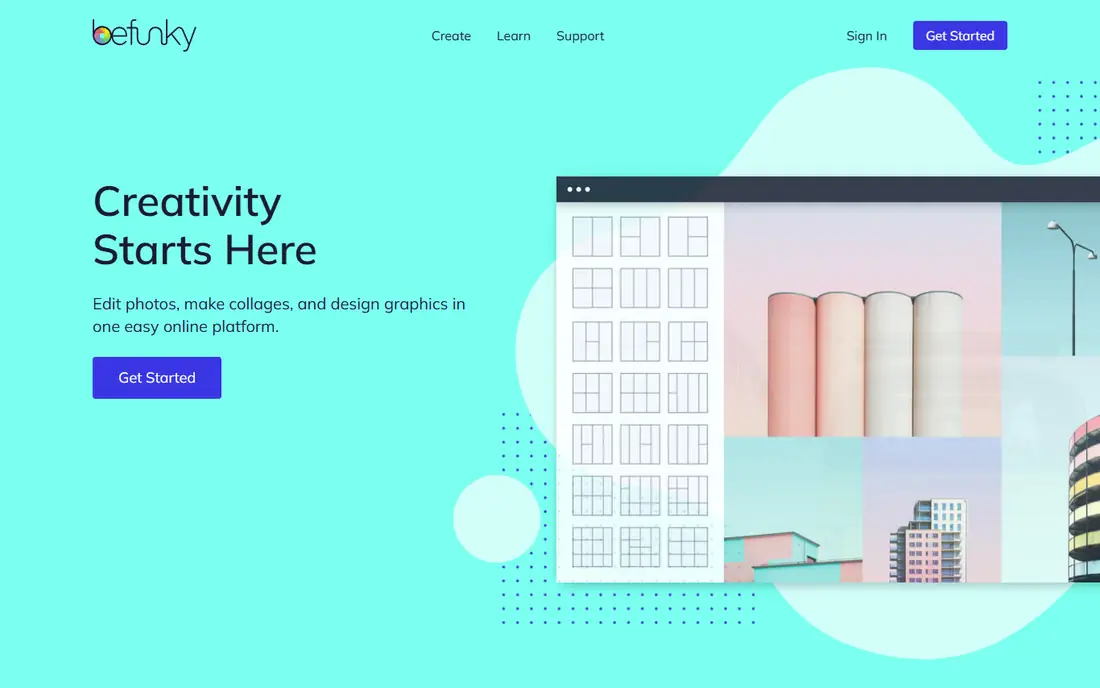
BeFunky was built for Scrapbookers who want photo editing plus collage in one tool. Check befunky.com for Plus pricing.
The main drawbacks: Subscription pricing on the vendor's site.
As for the details, for photo-first memory keepers, the editor-plus-collage combo is efficient. The free level takes care of real work; the Plus subscription brings premium effects and assets. This comparison lists no price for BeFunky; ask the vendor. You can start on BeFunky without paying.
- Browser-based
- Merges a real photo editor with collage maker
- Collage templates more straightforward than dedicated scrapbook kits
Artisan is aimed squarely at traditional scrapbookers who want a dedicated desktop program. Mobile-first crafters may find it desktop-bound.
But for dedicated page designers who want the full traditional toolkit digitally, it remains the reference. Artisan shows no starting price here, so confirm the cost on the vendor site. Free plan details: Free trial.
Where it falls short: Ramp-up time for true beginners.
Highlights: Purpose-built for scrapbooking: layered pages, templates, embellishments.
- Designed with scrapbookers
- Links up with Forever's printing and storage ecosystem
- Pricing on forever.com
MemoryMixer
Best for: Beginners who want guided, straightforward scrapbook page creation
MemoryMixer is a good fit for beginners who want guided, straightforward scrapbook page creation. Check memorymixer.com for current pricing and the trial. From a buyer's view, ambitious designers will outgrow it, and the community and kit ecosystem are smaller than the big names.
MemoryMixer targets the beginner straight: simple tools, guided templates and an interface that does not assume design experience. From a buyer's view, for the grandmother digitizing family photos or the parent making a first baby book, the low intimidation factor matters more than feature depth. It includes the essentials: photos, text, embellishments, backgrounds and printing. MemoryMixer does not show a starting price in this comparison, so check the vendor site for current pricing. Trial and free access: Free trial.
Honest limits: Smaller community.
- Budget-friendly positioning
- Template-based pages
- Fewer advanced features than Artisan
How these tools were picked
LinkVetted used vendor pricing pages and product documentation as the base, then compared plans, free access and documented limits for 5 tools. Figures are shown as the vendors publish them. Billing terms, seat minimums and add-ons can change the real cost. The sequence is a judgement call: typical use case first, then pricing transparency, then free access. Use the profiles to check fit.
Pre-purchase checklist
- Confirm the entry price on the vendor page. For Smilebox, BeFunky, Artisan and MemoryMixer that means a quote rather than a fixed price.
- Check what the free option really includes: Smilebox, Canva and BeFunky offer a free plan, and usage caps differ.
- Take the trial from Artisan and MemoryMixer and push a live task through it before you pay.
- Read the limits listed for Smilebox first: more keepsake-maker than true scrapbook program.
- Check whether MemoryMixer bills monthly or annually, and what cancelling early costs.
- Run a one or two week pilot of Canva with the people who will use it every day.
FAQ
Is Smilebox the right pick for everyone comparing digital scrapbooking software?
No single tool suits every team. Smilebox comes first because it fits quick slideshow keepsakes, invitations and announcements, while Canva suits modern scrapbookers who want endless templates and assets and BeFunky suits Scrapbookers who want photo editing plus collage in one tool. Match the tool to your own size, budget and workflow before deciding.
How are the tools for digital scrapbooking software ordered?
Smilebox sits first and MemoryMixer last because the order follows typical fit for digital scrapbooking software, then price clarity and free access. It is a judgement call, so read each profile for fit and limits.
Which options for digital scrapbooking software have a free plan?
On this list, Smilebox, Canva and BeFunky include a free plan. Caps on seats, usage or features are common, so test the free plan against your real workload. Several others offer a trial instead.
How do I preserve old photos for scrapbooking?
Scan at 600 DPI minimum, save as TIFF or high-quality JPEG, back up in a minimum of two places, then import into your scrapbook tool.
What is the difference between scrapbooking software and Canva?
Dedicated software uses layered pages and designer kits like paper scrapbooking; Canva uses templates and drag-and-drop design. The dedicated tools feel familiar to paper crafters; Canva is quicker for modern memory keepers.
Can I try these options before paying?
Often, yes. Smilebox, Canva and BeFunky have a free plan and Artisan and MemoryMixer offer a free trial. Use your own data and a real task during the test, and check what the free tier or trial limits before you rely on it.