Digital Facilitation Software in 2026: The 5 Best Options Side by Side
Weighing the best digital facilitation software? We lined up 5 products by cost, free access and fit. Every entry states what it lacks. See the full list.
- Editor's choice
 Mural
Structured workshop facilitation
Starts at$9.99 per member a monthVisit mural.coFull review - Great alternative
 Stormboard
Data-first collaborative workflows
Starts atSee websiteVisit stormboard.comFull review - Also considerGroupMap
Online brainstorming and decision-making
Starts at$16.67 a monthVisit groupmap.comFull review
Direct answer
This list puts Mural first for structured workshop facilitation. Listed starting prices: Mural from $9.99 per member a month, GroupMap from $16.67 a month and Miro from $8 per member per month. Stormboard fits data-first collaborative workflows; GroupMap fits online brainstorming and decision-making. The full list of 5 tools follows, with prices and free plan facts.
TL;DR:
- Mural takes the first slot, best suited to structured workshop facilitation.
- Miro is the one to check for visual collaboration and product development.
- Miro has the lowest monthly starting price in this list: $8 per member per month.
- 3 of 5 tools offer a free plan: Mural, Stormboard, Miro.
- GroupMap comes with a trade-off: less visual polish than some tools.
Last checked November 2026. Prices and plan details were read from the vendors' own pages in November 2026; vendors change plans often, so confirm the current price on the vendor site before you buy.
Quick comparison
| Tool | Best for | Starts at | Free plan? | |
|---|---|---|---|---|
| Mural | Structured workshop facilitation | $9.99 per member a month | Yes | Visit |
| Stormboard | Data-first collaborative workflows | See website | Yes | Visit |
| GroupMap | Online brainstorming and decision-making | $16.67 a month | Free trial | Visit |
 Lucidspark | Ideation to planning workflows | See website | Not stated | Visit |
 Miro | Visual collaboration and product development | $8 per member per month | Yes | Visit |
The best digital facilitation software
Choosing digital facilitation software usually comes down to price, fit and limits. This LinkVetted guide sets 5 tools side by side on those three points, with the facts kept short and checkable.
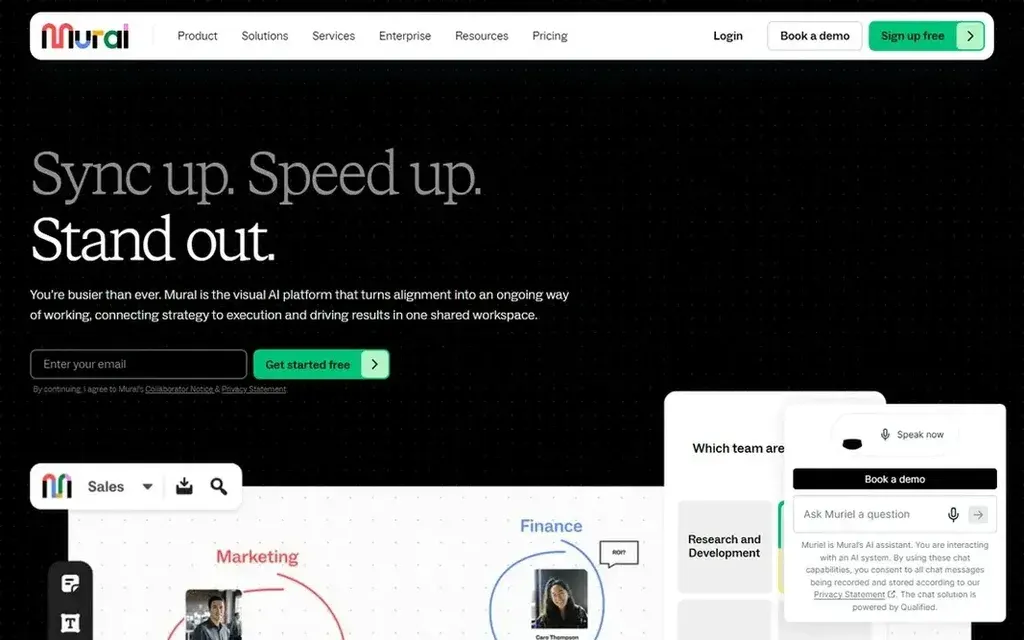
Choose Mural for structured workshop facilitation. Mural is an AI-powered visual workspace built to boost team collaboration and innovation. Its focus on visual collaboration supports engagement and creativity in workshops.
More specifically, if you need a more data-centric approach, Stormboard could be a better fit. Mural may need a ramp-up time for facilitators new to visual systems, and some advanced features are behind a subscription. Starting cost for Mural: $9.99 per member per month. You can start on Mural without paying.
Where it is weaker: Subscription required for full access.
- Supports planning and strategizing
- AI-powered visual workspace
- Ramp-up time for advanced features
For data-first collaborative workflows, Stormboard is a natural candidate. Stormboard is a data-first collaborative workflow platform that turns unstructured interactions into data-rich collaborative workspaces. It builds structured and actionable data from normal human collaboration, making it right for facilitators who require to capture and analyze input systematically.
What to check first: May be complicated for straightforward brainstorming.
Also, the tool emphasizes outcomes and data organization. More specifically, Stormboard's data-centric approach may be overkill for straightforward brainstorming sessions, and its interface might feel less visual than other tools. This comparison lists no price for Stormboard; ask the vendor. Stormboard offers a free plan.
- Data-rich workspaces
- Turns interactions into structured data
- Focus on data over visuals
GroupMap
Best for: Online brainstorming and decision-making
GroupMap is designed for online brainstorming and decision-making. GroupMap offers online brainstorming and group decision-making for meetings, workshops, conferences, and classrooms.
Where it is weaker: May lack advanced AI features.
It is meant to help facilitators with ease and reach real outcomes, making it a strong match for structured group activities that need clear decisions. Entry price for GroupMap: $16.67 per month. As for free access: Free trial.
- Supports meetings and workshops
- Focus on reaching outcomes
- Less visual polish than some tools
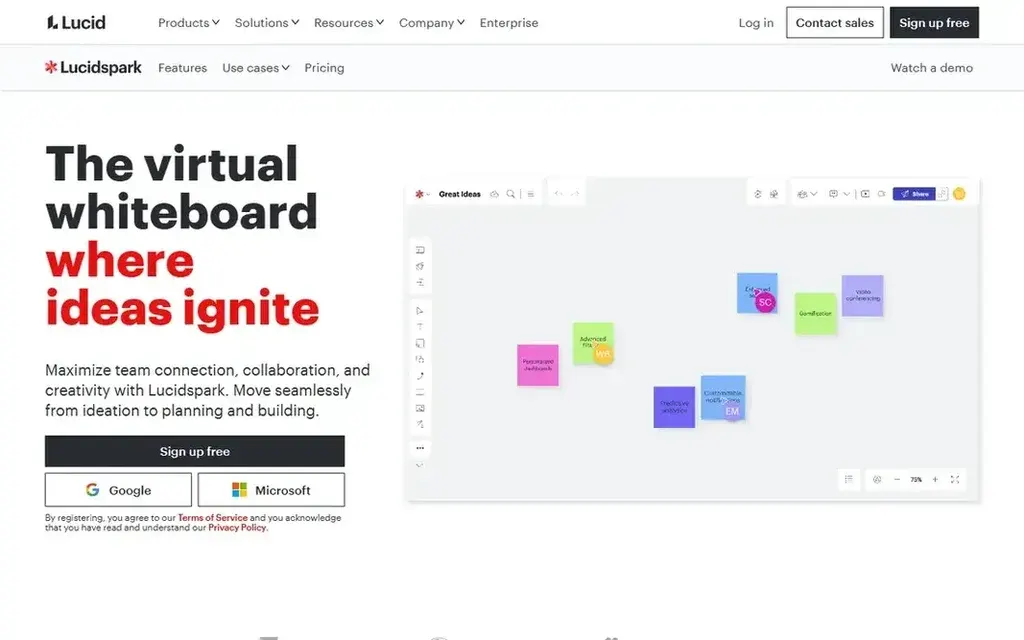
For Ideation to planning workflows, Lucidspark is a natural candidate. It permits teams to move smoothly from ideation to planning and building, making it well suited to facilitators who want to guide groups through a continuous workflow.
Lucidspark may lack some dedicated facilitation features found in specialized tools, and teams might have to plug into Lucidchart for advanced diagramming. Pricing for Lucidspark is not stated here, so ask the vendor for current figures. As for free access: Not stated.
Where it is weaker: Restricted facilitation-specific templates.
- Virtual whiteboard for creativity
- Encourages team connection
- Integration with Lucidchart may be needed

Miro is designed for visual collaboration and product development. Miro is an AI innovation workspace that accelerates product development from ideation to launch. It aligns teams and breaks tool silos in one visual product, making it a good match for cross-functional teams that require a shared canvas for brainstorming, planning, and execution.
Points against: May be complicated for straightforward sessions.
Beyond that, Miro's deep feature set can be overwhelming for facilitators who need only entry-level brainstorming tools. Its reliance on internet connectivity may limit offline use. For everyday use, Facilitators can use it to run engaging workshops and keep participants concentrated on outcomes. Miro pricing: $8 per member per month. A free plan is available with Miro.
- Supports ideation to launch
- AI-powered visual product
- Needs stable internet
How we chose
Selection started from tools commonly considered for digital facilitation software, then narrowed to 5 that have clear pricing information or a clear quote process. Where a vendor does not publish a price, the entry says quote. Where a price depends on seats or billing term, the entry says so. The order reflects how well each tool fits the most common buying scenario for digital facilitation software, then price clarity, then free plan access. It is a starting point, not a verdict.
Before you commit
- Confirm the entry price on the vendor page. For Stormboard and Lucidspark that means a quote rather than a fixed price.
- Check what the free option really includes: Mural, Stormboard and Miro offer a free plan, and usage caps differ.
- Run a trial of GroupMap with real work before paying for a year; your own workflow is the best test.
- Read the limits listed for Mural first: ramp-up time for advanced features.
- Ask Miro how an export works before you move any records in; an easy exit lowers the risk.
- Map your must-have features to a specific GroupMap plan before you compare prices.
FAQ
Can these tools be used for remote workshops?
Yes, most digital facilitation tools are built for remote and hybrid workshops. They offer live collaboration, virtual whiteboards, and features to keep remote participants engaged. Some tools also plug into video conferencing products.
How do I choose the right digital facilitation tool?
Start by identifying your primary facilitation needs, for example visual collaboration, structured agendas, or data capture. Consider the size and technical comfort of your participants.
Is Mural the right pick for everyone comparing digital facilitation software?
No single tool suits every team. Mural comes first because it fits structured workshop facilitation, while Stormboard suits data-first collaborative workflows and GroupMap suits online brainstorming and decision-making. Match the tool to your own size, budget and workflow before deciding.
How are the tools for digital facilitation software ordered?
The order follows typical fit for digital facilitation software, with Mural first and Miro last, then price clarity and free access. It is editorial judgement, not a score, so another team could rank the tools differently.
Which options for digital facilitation software have a free plan?
Mural, Stormboard and Miro offer a free plan in this list. Free plans usually cap users, projects or features, so check the limits on the vendor page. One other tool offers a trial instead.
Can I try these options before paying?
Often, yes. Mural, Stormboard and Miro have a free plan and GroupMap offers a free trial. Use your own data and a real task during the test, and check what the free tier or trial limits before you rely on it.
Sources
- https://www.mural.co
- https://stormboard.com
- https://www.groupmap.com
- https://lucid.co/lucidspark
- https://miro.com