DEVONthink Alternatives in 2026: 5 Options Vetted
Compare 5 picks for DEVONthink alternatives, with prices, free plans and who each fits. Price notes and drawbacks come with each one. Straight answers.
- Editor's choice
 Google Drive
Collaborative file storage
Starts atSee websiteVisit workspace.google.comFull review - Great alternative
 Obsidian
Private, adaptable note-taking
Starts at$4 per user per monthVisit obsidian.mdFull review - Also consider
 Dropbox
Cloud storage and file sharing
Starts at$9.99 a monthVisit dropbox.comFull review
Direct answer
Start with Google Drive if you need collaborative file storage. Listed starting prices: Obsidian from $4 per user per month, Dropbox from $9.99 a month and Notion from $10 per member a month. Obsidian fits private, adaptable note-taking; Dropbox fits cloud storage and file sharing. All 5 tools are compared below on price, free plan and limits.
TL;DR:
- Top of the list is Google Drive, which targets collaborative file storage.
- The cheapest monthly starting price in the list is $4 per user per month, offered by Obsidian.
- 3 of 5 tools offer a free plan: Obsidian, Evernote, Notion.
- One limit worth knowing about Evernote: restricted advanced document management.
Last checked November 2026. Prices and plan details were read from the vendors' own pages in November 2026; vendors change plans often, so confirm the current price on the vendor site before you buy.
Quick comparison
| Tool | Best for | Starts at | Free plan? | |
|---|---|---|---|---|
| Google Drive | Collaborative file storage | See website | Not stated | Visit |
| Obsidian | Private, adaptable note-taking | $4 per user per month | Yes | Visit |
| Dropbox | Cloud storage and file sharing | $9.99 a month | Free trial | Visit |
 Evernote | Note capture and task organization | See website | Yes | Visit |
 Notion | AI-powered team workspaces | $10 per member a month | Yes | Visit |
The 5 tools in detail
LinkVetted put together this guide to DEVONthink for readers who want a clear shortlist without reading every vendor page. It compares 5 tools on starting price, free plans, who each one suits and where each one falls short.
Google Drive works best for collaborative file storage. Google Drive offers secure cloud storage and file sharing, making it a solid choice for personal and collaborative use. It integrates smoothly with Google Workspace apps, allowing easy sharing and live collaboration.
Limits to weigh: Restricted note-taking capabilities.
More specifically, Google Drive is accessible from any device with a Google account. It also needs a Google account, which may not suit everyone. Google Drive shows no starting price here, so confirm the cost on the vendor site. Free access: Not stated.
- Simple file sharing
- Integrated with Google Workspace
- Needs Google account
Pick Obsidian if this describes you: private, flexible note-taking. Choose Obsidian if you prioritize local control and adaptable note-linking over integrated document management. Obsidian is a free and adaptable app for your private thoughts, emphasizing local storage and linking between notes.
Drawbacks to consider: No built-in sync.
The app supports markdown and a broad set of plugins for customization. It also has a ramp-up time for non-technical users. What you pay to start with Obsidian: $4 per user per month. Obsidian includes a free tier.
- Free and adaptable
- Focus on private thoughts
- Needs setup for collaboration
Dropbox serves cloud storage and file sharing. Dropbox is not a dedicated note-taking or document management tool, so it lacks features like tagging or full-text search across notes. Beyond that, Dropbox supplies secure cloud storage, file sharing, and syncing across devices.
It is well-suited for individuals and teams who require dependable file storage and sharing without advanced note-taking. In daily use, pick Dropbox if your primary need is cloud storage and file sharing instead of note organization. Dropbox starts at: $9.99 per month. Free options: Free trial.
Watch-outs: Storage limits on entry-level plans.
- Store and sync files
- Secure cloud storage
- Restricted note-taking features
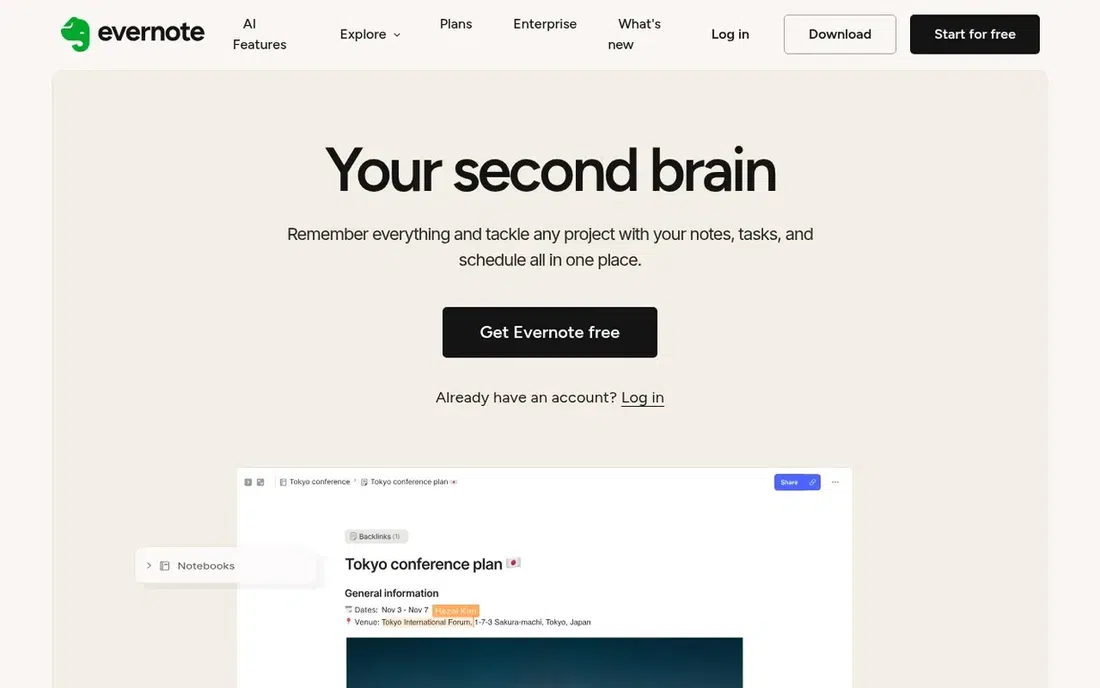
Evernote is aimed squarely at note capture and task organization. With syncing across devices, it keeps your information accessible whether you are at your desk or on the go.
More specifically, pick Evernote when note capture and task organization are your primary priorities. Evernote is a note-taking app meant to help you capture ideas, projects, and to-do lists so nothing falls through the cracks. Evernote shows no starting price here, so confirm the cost on the vendor site. You can start on Evernote without paying.
What to check first: Restricted advanced document management.
- Organizes projects and to-do lists
- Helps capture and prioritize ideas
- Needs subscription for full features
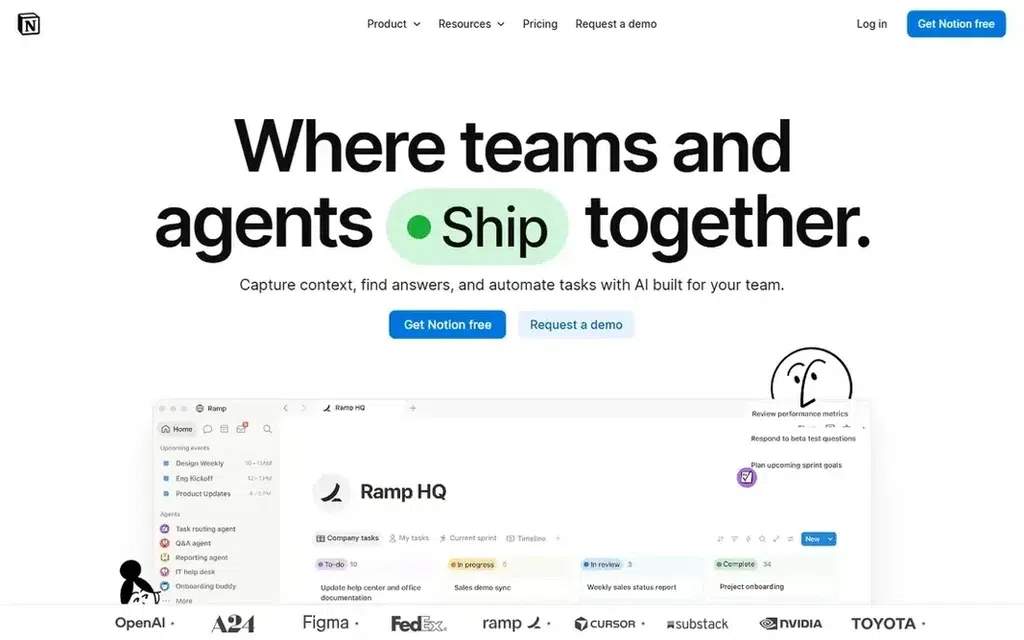
Notion serves AI-powered team workspaces. It is well suited to teams that want to get more done quicker by combining notes, databases, and automation in one place. In daily use, Notion's adaptability can result in a steep ramp-up time, and it needs an internet connection for full functionality.
Trade-offs to know: Depends on internet connection.
It may be overkill for individuals who just need straightforward note-taking. As for the details, the product adapts to several workflows, from project management to knowledge bases. What you pay to start with Notion: $10 per member per month. Notion has a free plan.
- Automate busywork
- Build custom agents
- Can be complicated for straightforward notes
How we built this list
The comparison looks at four things: starting price, free access, how well the feature set matches DEVONthink, and the main limit of each tool. Prices and plan limits come from vendor pages and can change, so confirm them on the vendor site before you buy. The sequence is a judgement call: typical use case first, then pricing transparency, then free access. Use the profiles to check fit.
Things to verify first
- Get a written quote from Google Drive and Evernote; the list shows no starting price for them.
- Read the fine print on the free plans from Obsidian, Evernote and Notion; seat, project and feature caps differ.
- Take the trial from Dropbox and push a live task through it before you pay.
- Before choosing Google Drive, weigh its main limit: restricted note-taking capabilities.
- Verify that exporting from Notion is possible on your plan and covers all your records.
- Test the integrations you rely on with Dropbox before committing; some connectors sit on upper tiers.
FAQ
Can I try these tools before paying?
Often, yes. Obsidian, Evernote and Notion have a free plan and Dropbox offers a free trial. Use your own data and a real task during the test, and check what the free tier or trial limits before you rely on it.
How are the tools for DEVONthink ordered?
The order follows typical fit for DEVONthink, with Google Drive first and Notion last, then price clarity and free access. It is editorial judgement, not a score, so another team could rank the tools differently.
Which options for DEVONthink have a free plan?
Obsidian, Evernote and Notion offer a free plan in this list. Free plans usually cap users, projects or features, so check the limits on the vendor page. One other tool offers a trial instead.
What is the cheapest option for DEVONthink in this list?
On published monthly entry prices, Obsidian is the lowest here at $4 per user per month. Entry price is only part of the cost, because seats, add-ons and billing terms can change the total. Prices, free plan details and limits for all 5 tools in this DEVONthink alternatives roundup sit on the individual cards above.
Sources
- https://workspace.google.com/products/drive
- https://obsidian.md
- https://www.dropbox.com
- https://evernote.com
- https://www.notion.so