Design Project Management Software in 2026: A Guide to 6 Tools
Best design project management software in 2026: 6 contenders with entry costs and free tiers. Every pick includes one clear drawback. See which fits.
- Editor's choice
 Avaza
Small creative teams that want projects, time tracking and invoicing flat-rated
Starts at$11.95/month (Startup plan)Visit avaza.comFull review - Great alternative
 Moxie
Small studios and freelancers that want projects plus invoicing in one tool
Starts at$10/month (Starter plan, billed annually; $12 month-to-month)Visit withmoxie.comFull review - Also consider
 Wrike
Design teams with formal review and approval cycles
Starts at$10/user/month (Team plan, billed yearly, 2 to 15 users)Visit wrike.comFull review
TL;DR:
- Number one here is Avaza, a fit for small creative teams that want projects, time tracking and invoicing flat-rated.
- Starting prices begin at $9/seat/month with monday.com.
- Before buying Moxie, weigh this: project management depth is lighter than dedicated PM products.
- Free plans exist at 4 of 6 tools (Avaza, Wrike, Teamwork, monday.com).
- monday.com suits visual teams that run design work on boards.
Direct answer
This list puts Avaza first for small creative teams that want projects, time tracking and invoicing flat-rated. If your case is different, Moxie suits small studios and freelancers that want projects plus invoicing in one tool and Wrike suits design teams with formal review and approval cycles. Details, prices and limits for the rest of the 6 tools are below.
Quick comparison
| Tool | Best for | Starts at | Free plan? | |
|---|---|---|---|---|
| Avaza | Small creative teams that want projects, time tracking and invoicing flat-rated | $11.95/month (Startup plan) | Yes | Visit |
| Moxie | Small studios and freelancers that want projects plus invoicing in one tool | $10/month (Starter plan, billed annually; $12 month-to-month) | Free trial (14 days) | Visit |
| Wrike | Design teams with formal review and approval cycles | $10/user/month (Team plan, billed yearly, 2 to 15 users) | Yes | Visit |
 Teamwork | Design agencies managing numerous client projects at once | $9.99/user/month (Basics plan, billed annually) | Yes | Visit |
 BQE Core | Architecture, engineering and design businesses that require project accounting | See website (quote-based; pricing not published) | Unverified | Visit |
 monday.com | Visual teams that handle design work on boards | $9/seat/month (Basic plan, billed annually) | Yes | Visit |
Our 6 picks for design project management software
Short on time? The summary and table above give the quick view of 6 tools for design project management software, and the profiles that follow give the detail behind each entry.
Avaza
Best for: Small creative teams that want projects, time tracking and invoicing flat-rated
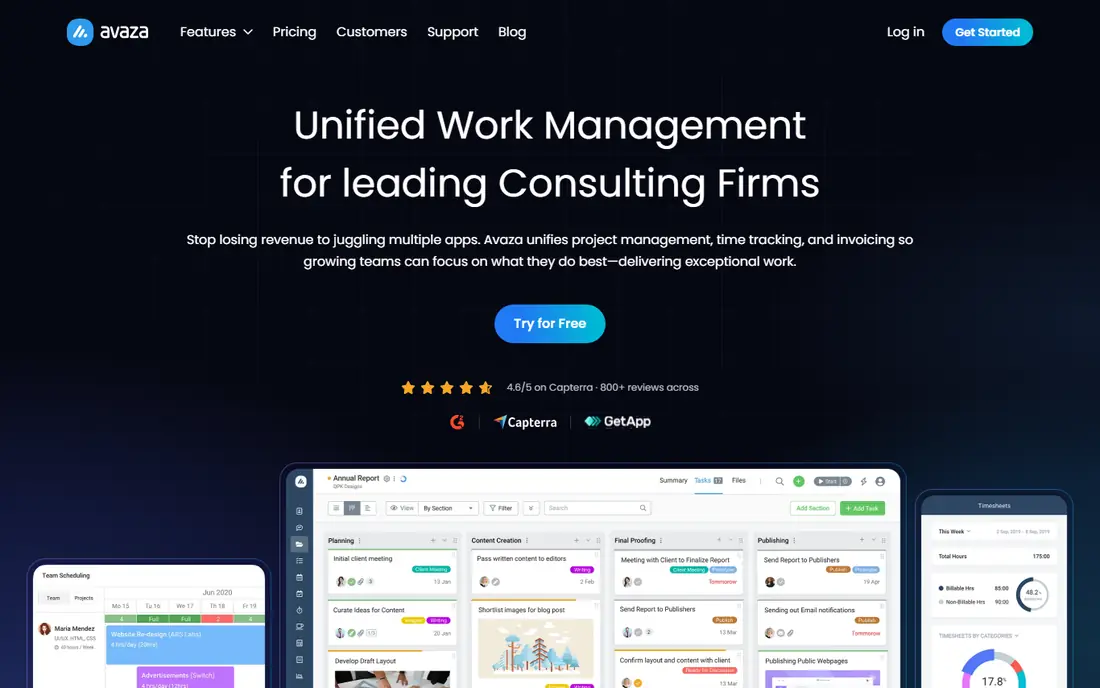
Choose Avaza for small creative teams that want projects, time tracking and invoicing flat-rated. At $11.95 a month for the Startup plan, a five-person studio pays less than two seats of most per-user tools. Also, for complicated multi-project scheduling, the per-seat products above go deeper.
Trade-offs to know: Smaller integration catalog than the big platforms.
In practice, Gantt charts exist but dependency management and portfolio views are entry-level, and the integration list is shorter. Beyond that, PM depth is the compromise. Avaza starts at: $11.95/month. Free access exists with Avaza.
- Clean interface with low ramp-up time
- Flat monthly rate comes with projects
- Advanced PM features like dependencies and portfolios are restricted
Moxie
Best for: Small studios and freelancers that want projects plus invoicing in one tool
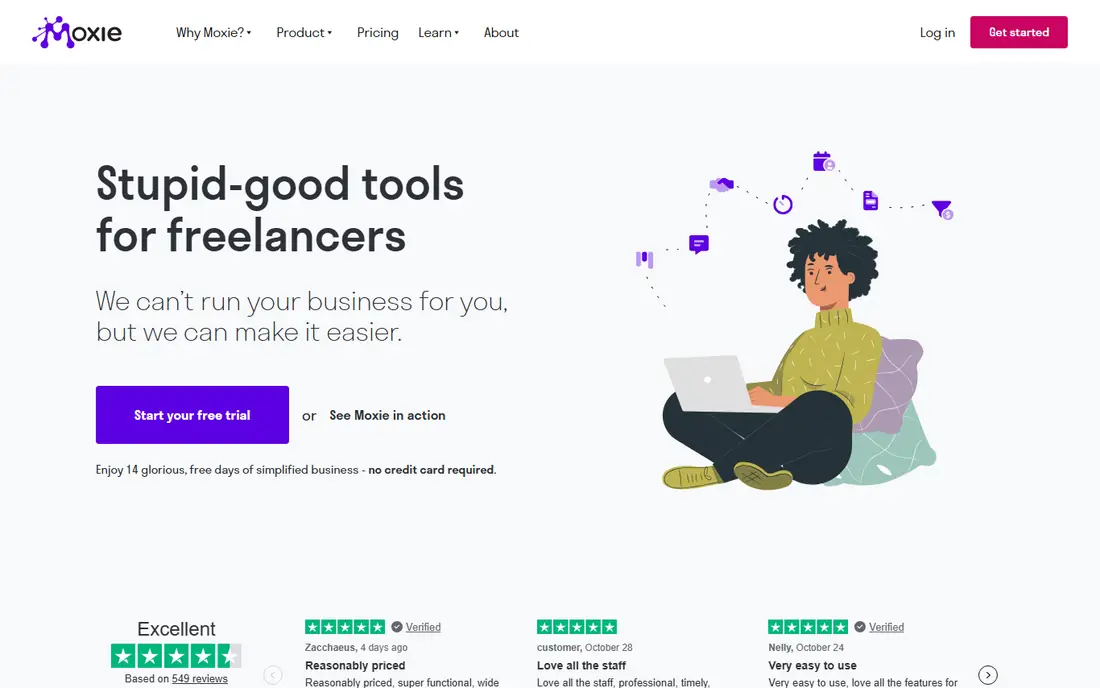
In short, Moxie is for small studios and freelancers that want projects plus invoicing in one tool. The trade-off is PM depth.
The main drawbacks: Project management depth is lighter than dedicated PM products.
But for studios under 10 people where the same person designs, tracks time and sends invoices, the flat price and unified workflow beat a per-seat PM tool plus separate invoicing. Starting cost for Moxie: $10/month. Free options: Free trial (14 days).
- Not per seat
- Merges projects
- No permanent free plan
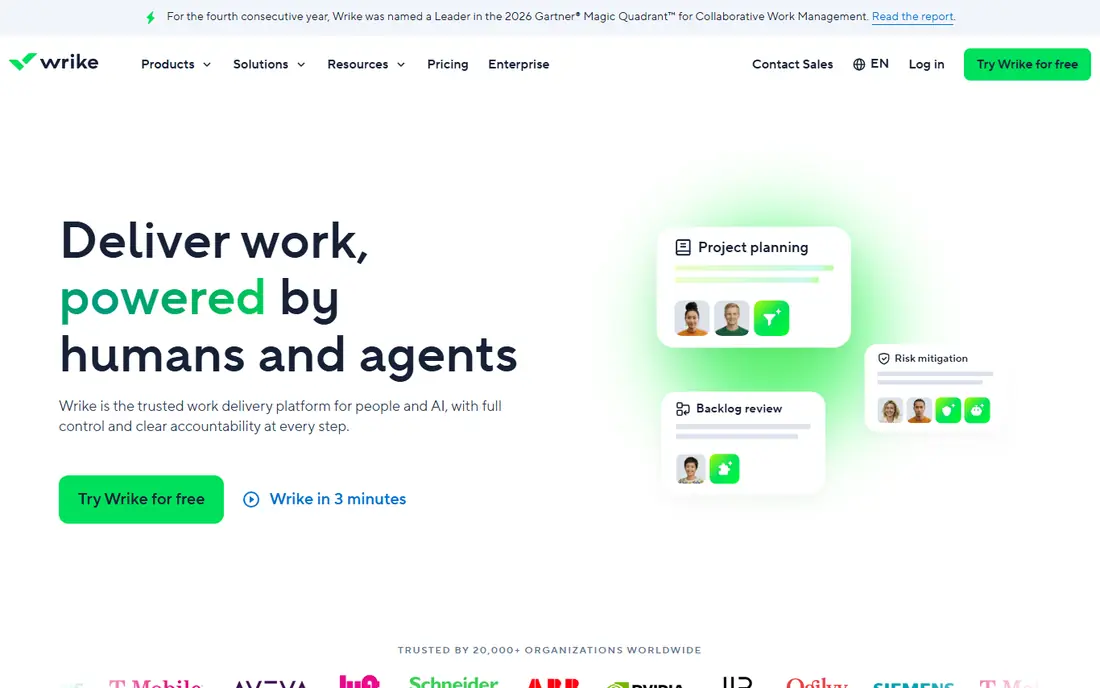
Wrike targets design teams with formal review and approval cycles. The price is mid-range at $10 per user a month, but the 15-user Team cap pushes expanding studios to higher levels. Also, request forms turn vague client briefs into structured tasks with required fields.
Proofing lets stakeholders comment straight on a mockup or video frame rather than describing changes in email, and approval workflows route work through the right sign-offs with an audit trail. For studios where "final_final_v3" is a recurring joke, that structure pays for itself. Entry price for Wrike: $10/user/month. Wrike offers a free plan.
What users get: Built-in proofing with markup on images.
The main drawbacks: The Team plan caps at 15 users.
- Video and documents
- Approval workflows with clear sign-off chains
- The interface takes longer to learn than more straightforward boards
Teamwork serves design agencies managing plenty of client projects at once. Each client project gets its own permissions, so clients see their work and nothing else.
Time tracking ties hours to projects with billable rates; and the project overview displays every engagement's health at a glance. The starting price for Teamwork: $9.99/user/month. Teamwork has a free plan.
Downsides: The agency framing suits client work better than in-house teams.
- Client-specific permissions and project privacy
- Per-project time tracking with billable rates
- Creative review features are entry-level next to Wrike
BQE Core
Best for: Architecture, engineering and design businesses that require project accounting
Think of BQE Core for architecture, engineering and design businesses that require project accounting. If you bill projects and have to know which ones make money, talk to BQE. Also, if you need task boards, look elsewhere.
Points against: Overkill for small studios that just need task tracking.
Where it shines: Aimed at professional services businesses.
the main limit is opacity. This belongs on the list since "design project management" for businesses bundles the financial side, and no per-seat board tool does project accounting. No starting price is listed for BQE Core here; confirm pricing on the vendor site. Free options: unverified).
- Time and expense tracking tied to project phases
- Cost tracking and profitability per project
- No published pricing, so evaluation needs a sales process
monday.com serves visual teams that manage design work on boards. monday.com suits teams that think visually. In daily use, for studios that want a beautiful, adaptable board system and manage approvals through comments, monday.com gives.
Also, at $9 per seat a month, Basic is budget-friendly for small studios. For everyday use, boards present every design project as cards with image thumbnails, and status columns make it obvious which projects are in concept, in review or approved. Files attach to tasks with previews, so designers do not hunt through drives for the latest version. For formal sign-off chains, Wrike is more solid. Entry price for monday.com: $9/seat/month. Free access exists with monday.com.
Where it falls short: Proofing depth is thinner than Wrike's.
- Large template library including creative project templates
- File and image previews straight on tasks
- Per-seat costs add up quick for bigger studios
How we chose
Pricing pages, product documentation and feature lists were the main sources, and every entry carries at least one honest drawback. Treat prices as a snapshot: vendors change plans often, so check the vendor site for the figure that applies today. Position on the page reflects fit for a typical buyer first, with price clarity and free access breaking ties. Treat it as a guide, not a ruling.
Questions to settle before buying
- Ask BQE Core for a written quote, since no starting price is shown.
- Check what the free option really includes: Avaza, Wrike, Teamwork and monday.com offer a free plan, and usage caps differ.
- Use real work to test the free trial from Moxie, rather than a demo project.
- Before choosing Avaza, weigh its main limit: advanced PM features like dependencies and portfolios are restricted.
- Add up seats, add-ons and usage charges for BQE Core before comparing it with cheaper entries.
- Confirm you can export your data from Moxie, so leaving later does not mean losing records.
FAQ
Is Avaza the right pick for everyone comparing design project management software?
No single tool suits every team. Avaza comes first because it fits small creative teams that want projects, time tracking and invoicing flat-rated, while Moxie suits small studios and freelancers that want projects plus invoicing in one tool and Wrike suits design teams with formal review and approval cycles. Match the tool to your own size, budget and workflow before deciding.
Can I try these options before paying?
Often, yes. Avaza, Wrike, Teamwork and monday.com have a free plan and Moxie offers a free trial. Use your own data and a real task during the test, and check what the free tier or trial limits before you rely on it.
What is the cheapest option for design project management software in this list?
On published monthly entry prices, monday.com is the lowest here at $9/seat/month. Entry price is only part of the cost, because seats, add-ons and billing terms can change the total.
How are the tools for design project management software ordered?
The order follows typical fit for design project management software, with Avaza first and monday.com last, then price clarity and free access. It is editorial judgement, not a score, so another team could rank the tools differently.