The 6 Best Agile Project Management Tools to Shortlist in 2026
Compare 6 best agile project management tools, with prices, free plans and who each fits. Price notes and drawbacks come with each one. Refreshed for 2026.
- Editor's choice
 Wrike
Large teams with complicated portfolios
Starts atSee websiteVisit wrike.comFull review - Great alternative
 Asana
Cross-functional teams new to agile
Starts at$10.99 per user/month (billed annually)Visit asana.comFull review - Also consider
 Jira
Engineering teams running strict Scrum
Starts atSee websiteVisit atlassian.comFull review
TL;DR:
- Wrike takes the first slot, best suited to large teams with complicated portfolios.
- A fair warning about Jira: configuration can feel overwhelming for small teams.
- For the cheapest start, look at ClickUp: $8 per user/month.
- monday.com fits visual teams that want adaptable boards.
Direct answer
This list puts Wrike first for large teams with complicated portfolios. If your case is different, Asana suits cross-functional teams new to agile and Jira suits engineering teams running strict Scrum. The remaining 3 options are covered below with prices and limits.
Quick comparison
| Tool | Best for | Starts at | Free plan? | |
|---|---|---|---|---|
| Wrike | Large teams with complicated portfolios | See website | Yes | Visit |
| Asana | Cross-functional teams new to agile | $10.99 per user/month (billed annually) | Yes | Visit |
| Jira | Engineering teams running strict Scrum | See website | Yes | Visit |
 ClickUp | Teams wanting one tool for everything | $8 per user/month (billed annually) | Yes | Visit |
 Azure DevOps (Azure Boards) | Microsoft-centric development teams | See website | Yes | Visit |
 monday.com | Visual teams that want adaptable boards | See website | Yes | Visit |
The best agile project management tools
LinkVetted compared 6 agile project management tools. The goal is a practical shortlist: published prices, free plan facts, best-fit use cases and honest limits for every entry.
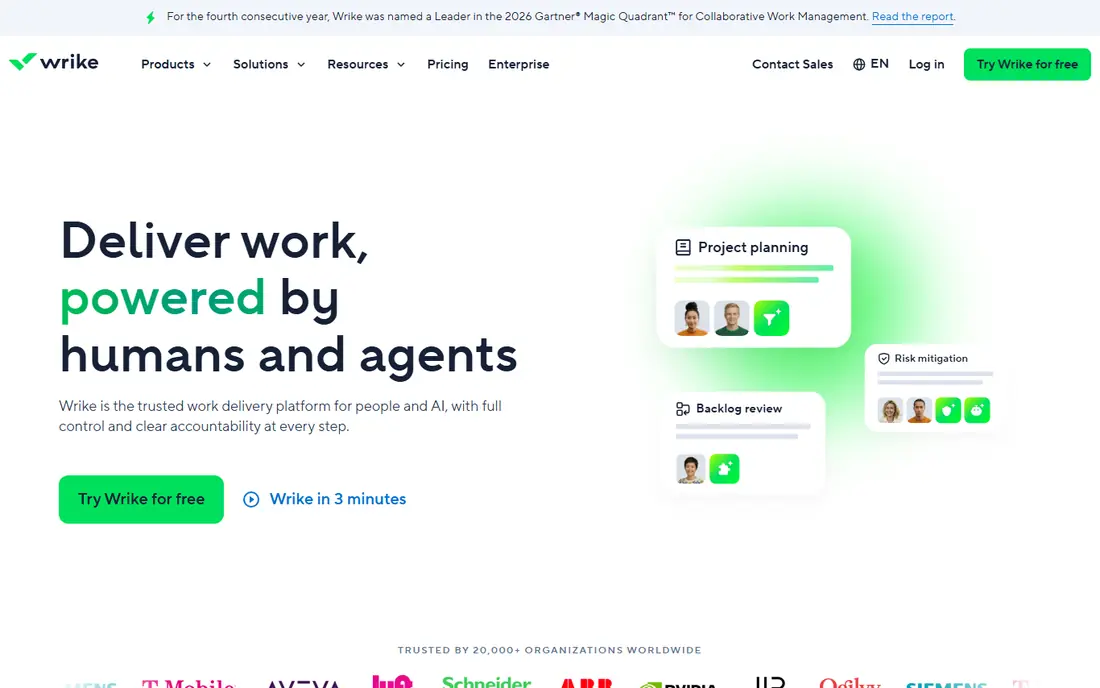
Wrike makes the most sense for large teams with complicated portfolios. Wrike targets the segment where agile meets enterprise project management. Beyond boards and sprints, it supplies portfolio management, resource allocation, time tracking, and detailed reporting that program managers need when dozens of projects run in parallel.
It holds SOC 2 Type II and ISO 27001 certifications, which matters for regulated industries evaluating agile tools. From a buyer's view, the honest catch is complexity: Wrike is feature-rich but not the fastest tool to learn, and smaller teams may find its enterprise orientation overkill. Its homepage claims more than 20,000 organizations use the system. Wrike's own pricing page confirms a free version exists and provides a 14-day free trial for new users. Specific plan prices are not published on the page and bigger configurations need talking to sales. Check the vendor site for Wrike pricing; none is listed in this comparison. Wrike offers a free plan.
Points against: The interface carries a ramp-up time for casual users.
- Capable portfolio and resource management for multi-project organizations
- Enterprise-grade security certifications
- Pricing details need contacting sales for bigger teams
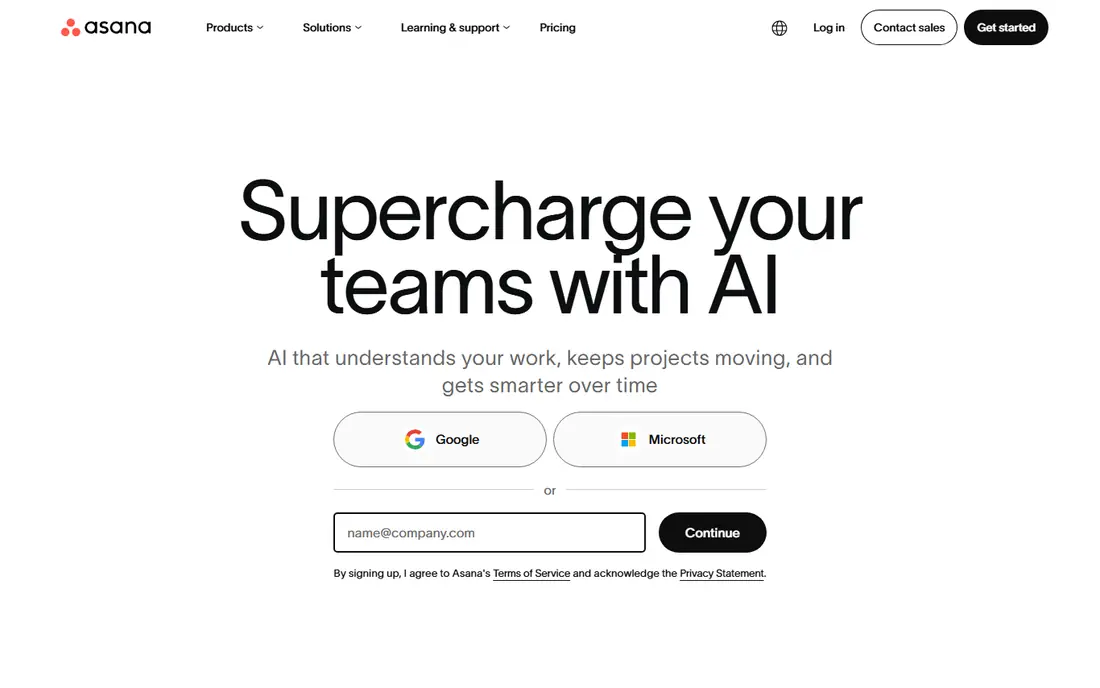
Asana serves cross-functional teams new to agile. Sprint essentials like Timeline and Gantt views arrive at the Starter level, whereas portfolio management, goals, and resource management need Advanced.
Starting cost for Asana: $10.99 per user/month. Free access exists with Asana.
Watch-outs: No user limits on the free plan but restricted to 2 users.
- Easy-to-learn interface that non-developers adopt rapidly
- Timeline and Gantt views on premium plans
- Advanced agile reporting sits on higher levels
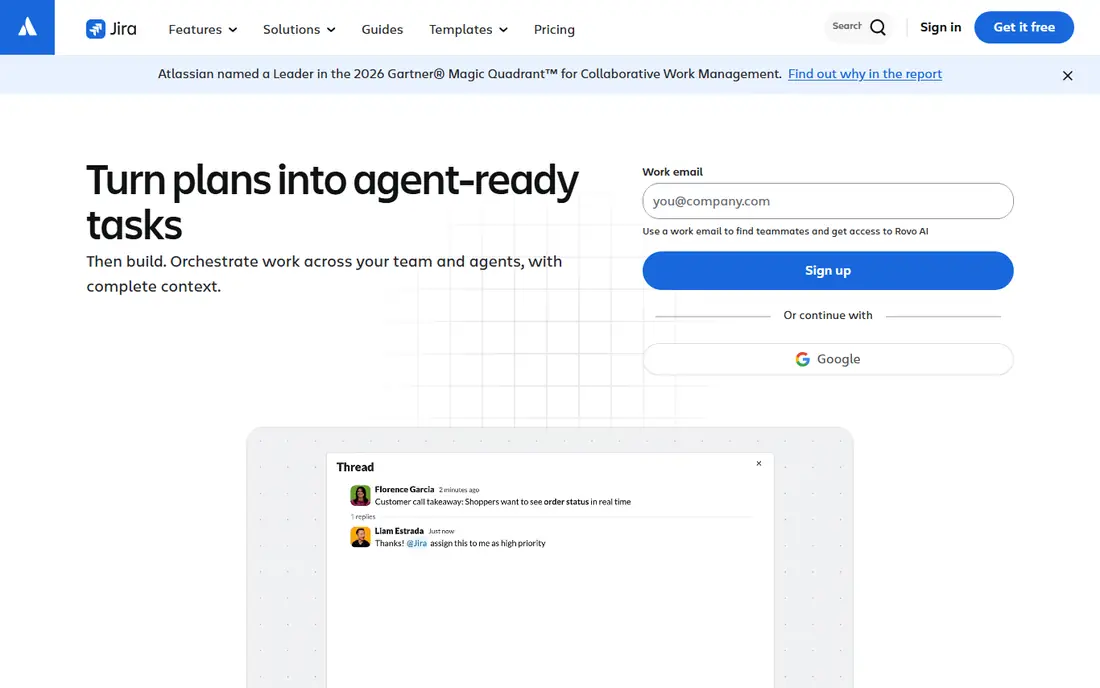
For engineering teams running strict Scrum, Jira is a natural candidate. The honest catch is that this power has a ramp-up time.
Worth adding: if your team runs daily standups and sprint reviews with formal ceremonies, Jira speaks that language from day one. Check the vendor site for Jira pricing; none is listed in this comparison. A free plan is available with Jira.
Points against: Interface can be slow with large backlogs.
- Purpose-built Scrum and Kanban boards
- Deep issue hierarchies (epics, stories, subtasks)
- Configuration can feel overwhelming for small teams
Choose ClickUp for teams wanting one tool for everything. Tasks, docs, whiteboards, chat, goals, time tracking, and sprint management all live inside one workspace.
In daily use, premium pricing is straightforward on ClickUp's own pricing page. ClickUp starts at: $8 per user/month. You can start on ClickUp without paying.
Limits to weigh: The sheer number of features can overwhelm new users.
- Ample Free Forever plan with unlimited tasks and members
- Wide feature set includes docs, chat, goals
- Performance and interface polish lag behind more straightforward rivals
Azure DevOps (Azure Boards) makes the most sense for Microsoft-centric development teams. Azure Boards is Microsoft's answer to agile work tracking. It makes the most sense when your code already lives in the Microsoft world.
Beyond that, the standout feature is traceability: a user story in Azure Boards can link straight to the commits, pull requests, and builds that implement it, giving managers a genuine from-idea-to-release view. It supports Scrum, Kanban, and Scrumban with customizable process templates, backlogs, sprint planning, and velocity metrics. In daily use, for organizations already on Microsoft 365 and Azure, though, the integration advantage is hard to beat. On top of that, the tradeoff is polish. Azure Boards' interface reflects its enterprise heritage more than its competitors' startup energy. Teams outside the Microsoft ecosystem get less value since the GitHub and Teams integrations are where it shines. Check the vendor site for Azure DevOps (Azure Boards) pricing; none is listed in this comparison. You can start on Azure DevOps (Azure Boards) without paying.
Watch-outs: Interface feels dated next to modern rivals.
- Native GitHub integration
- Work items link straight to code commits and pull requests
- Best value needs commitment to the Microsoft ecosystem
In short, monday.com is for visual teams that want adaptable boards. monday.com calls itself a Work OS instead of an agile tool, and that framing is honest.
The pricing structure is worth understanding before you commit. monday.com's own pricing FAQ confirms a free plan for individuals plus a 14-day trial of the Pro plan, but premium plans start at a 3-seat minimum, so the smallest possible bill is three seats regardless of your team size. monday.com shows no starting price here, so confirm the cost on the vendor site. You can start on monday.com without paying.
Highlights: Adaptable enough for non-software workflows. The main drawbacks: premium plans need a 3-seat minimum, which prices out solo users.
- Highly visual
- Colorful boards that stakeholders understand immediately
- The free plan is restricted to 2 seats and 3 boards
How we built this list
For each of the 6 tools we noted price, free plan or trial, fit for agile project management tools and the main limit, using vendor pages and documentation. Plan names, prices and limits change often. Treat the figures here as a starting point and verify them with the vendor. We ordered the tools by general fit, then by how clearly pricing is shown, then by free access. A buyer with unusual needs may reorder them.
What to check before you buy
- Get a written quote from Wrike, Jira, Azure DevOps (Azure Boards) and monday.com; the list shows no starting price for them.
- Look at free plan limits closely: Wrike, Asana, Jira and others have one, and the caps decide whether it is usable for real work.
- Before choosing Wrike, weigh its main limit: pricing details need contacting sales for bigger teams.
- Look at the help docs and support options for Wrike before you commit.
- Before rolling out ClickUp, verify the integrations your workflow depends on.
FAQ
Can I try these options before paying?
Often, yes. Wrike, Asana, Jira and others have a free plan. Use your own data and a real task during the test, and check what the free tier or trial limits before you rely on it.
Which options for agile project management tools have a free plan?
On this list, 6 of 6 tools include a free plan, among them Wrike, Asana, Jira and ClickUp. Caps on seats, usage or features are common, so test the free plan against your real workload.
How are the tools for agile project management tools ordered?
The order follows typical fit for agile project management tools, with Wrike first and monday.com last, then price clarity and free access. It is editorial judgement, not a score, so another team could rank the tools differently.
Is Wrike the right pick for everyone comparing agile project management tools?
No single tool suits every team. Wrike comes first because it fits large teams with complex portfolios, while Asana suits cross-functional teams new to agile and Jira suits engineering teams running strict Scrum. Match the tool to your own size, budget and workflow before deciding.
What is the best agile project management tool for a small team?
For most readers this guide would start with Wrike, built for large teams with complicated portfolios. Asana is the alternative for cross-functional teams new to agile, and Jira for engineering teams running strict Scrum. The right answer depends on budget and workflow.