Best Agile Software in 2026: 8 Tools Compared
Searching for the best agile software? We compare 8 agile tools on boards, sprints, roadmaps, pricing, and fit for software and business teams for teams.
- Editor's choice
 Jira
Software teams running Scrum or Kanban
Starts atSee websiteVisit atlassian.comFull review - Great alternative
 Linear
Fast product and engineering teams
Starts atSee websiteVisit linear.appFull review - Also consider
 Asana
Business and product teams
Starts atSee websiteVisit asana.comFull review
TL;DR:
- Jira is our pick for software teams that need deep Scrum and Kanban workflows, roadmaps, and a large integration list.
- Linear is the best choice for fast product teams that want speed, clean design, and low admin overhead.
- Asana, Monday, and ClickUp suit business teams that want agile boards alongside wider project work.
- Trello is the simplest starting point for a small team that only needs a Kanban board.
- Pick the tool your team will actually update daily, because an agile board that no one maintains helps no one.
Quick comparison
| Tool | Best for | Starts at | Free plan? | |
|---|---|---|---|---|
| Jira | Software teams running Scrum or Kanban | See website | Yes | Visit |
| Linear | Fast product and engineering teams | See website | Yes | Visit |
| Asana | Business and product teams | See website | Yes | Visit |
 Monday Work Management | Visual teams that want custom boards | See website | Yes | Visit |
 ClickUp | All in one project teams | See website | Yes | Visit |
 Trello | Simple Kanban boards for small teams | See website | Yes | Visit |
 Azure DevOps | Microsoft and engineering teams | See website | Yes | Visit |
 Notion | Docs plus lightweight agile tracking | See website | Yes | Visit |
The best agile software
Agile software should help a team plan a sprint, track work on a board, spot blockers, and review what shipped, without turning project management into a second job. We compared official pricing pages, board and sprint features, roadmap tools, and integrations for agile tools active in October 2026.
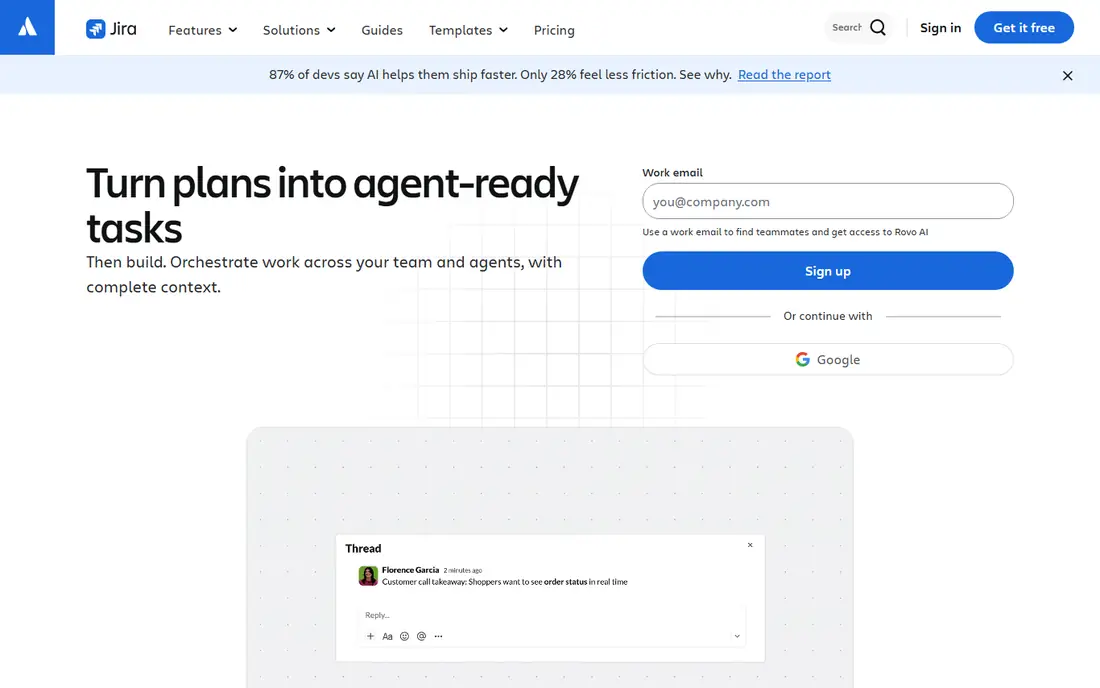
Jira is the standard agile tool for software teams for a reason. It supports Scrum boards, Kanban boards, backlogs, sprints, roadmaps, and detailed reporting, and it connects to code tools, test tools, and documentation through the Atlassian marketplace. Teams can customize workflows, statuses, and fields to match their real process, rather than forcing work into a generic task list. The free plan covers up to ten users, and paid plans start with Standard, with Premium adding advanced roadmaps and AI features.
The trade off is complexity. Jira can feel slow and cluttered for a small team that only needs a simple board, and pricing varies by user band, so larger teams should check the current per user price for their size. Admin work also grows as custom workflows multiply. For a software team that runs real sprints, needs roadmaps, and wants deep reporting, Jira remains the most capable choice in this list.
- Deep Scrum and Kanban support
- Roadmaps and reporting
- Huge marketplace
- Can feel complex for small teams
- Pricing varies by user count
- Admin overhead

Linear is built for product and engineering teams that value speed. Issues, cycles, roadmaps, and project tracking live in a fast, keyboard friendly interface, and Git integrations link code changes to issues without extra admin. Teams often praise Linear for low friction, because creating, triaging, and updating issues takes seconds, which means the board stays current without a weekly cleanup session.
The limits are scope. Linear is less suited to marketing, operations, or other business teams that need forms, docs, and broad project templates, and some business features require workarounds or integrations. It also works best when the whole product team adopts it, rather than as a side tool for one squad. For a fast moving software team that wants agile tracking without Jira overhead, Linear is our top alternative.
- Very fast interface
- Clean issue tracking
- Strong Git integration
- Less suited to non software teams
- Fewer native business features
- Pricing for larger teams varies
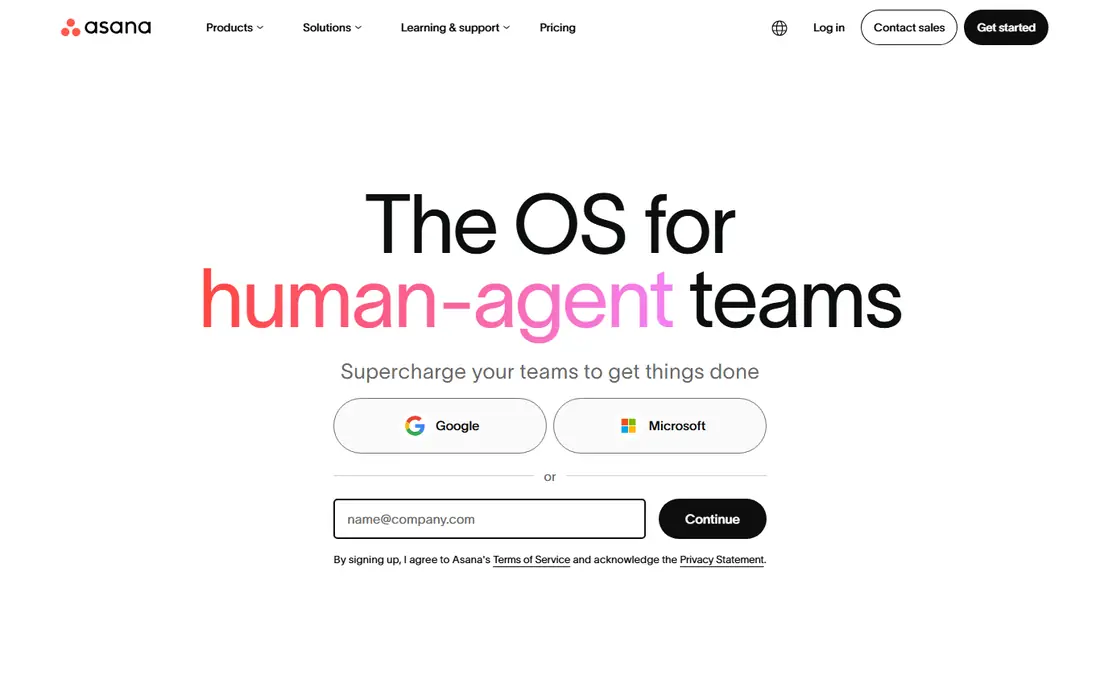
Asana suits teams that want agile boards alongside wider project work, such as marketing campaigns, launches, and operations. It offers boards, lists, timelines, goals, and workload views, with templates that help a new team start quickly. Non technical team members usually learn Asana faster than Jira, which matters when product, design, and marketing share the same board.
The trade off is agile depth. Asana handles sprints and boards well for many teams, but it lacks some of the detailed Scrum reporting, backlog management, and code integration that Jira and Linear offer. Some useful features also sit on higher plans. Pick Asana when your agile work sits inside broader business projects and ease of use matters more than deep engineering workflows.
- Boards, timelines, and goals
- Easy for non technical teams
- Strong templates
- Agile depth is lighter than Jira
- Some features need higher plans
- Cost grows with seats
Monday Work Management is a visual work platform that teams can shape into agile boards, sprint trackers, and roadmaps using custom columns, automations, and dashboards. Its strength is flexibility and clarity, because a board can show status, owner, dates, and priorities at a glance, and dashboards roll up progress for managers without a separate report. That visual style suits teams that present work to stakeholders often.
The caution is price and agile specificity. Monday is a general work tool first, so its agile features are broader and less deep than Jira for strict Scrum teams, and per seat pricing can add up for larger teams. Setup also needs care, because too many custom columns can clutter a board. For a visual team that wants agile boards plus wider project tracking in one place, Monday is a strong, flexible choice.
- Highly visual boards
- Custom workflows
- Good dashboards
- Can get pricey per seat
- Agile features are general
- Setup needs care
ClickUp tries to replace several tools at once, with tasks, docs, whiteboards, goals, sprints, and dashboards in a single workspace. That breadth appeals to teams that want agile boards, docs, and time tracking without buying separate apps, and its free plan is generous for small teams. Sprint features, custom statuses, and multiple views let a team run Scrum or Kanban without leaving ClickUp.
The risk is overload. ClickUp has so many features that new teams can spend weeks configuring it instead of shipping work, and performance can vary on very large workspaces. Teams should start with a simple setup, such as one board, one sprint workflow, and a few custom fields, and add features only when a real need appears. For a team that wants one tool for almost everything, ClickUp offers the most breadth per dollar.
- Many views and features in one tool
- Docs and goals included
- Generous free plan
- Feature overload for some teams
- Performance can vary
- Learning curve
Trello, owned by Atlassian, is the simplest agile tool in this list. Boards, lists, and cards map directly to Kanban, so a team can start in minutes, move cards across columns, add checklists, dates, and members, and see work at a glance. Power-Ups add calendars, voting, and integrations, and the free plan suits a small team or a personal project.
The limits appear as work grows. Trello lacks the deep sprint planning, backlog management, and reporting that Jira offers, and larger teams may need Premium features to manage many boards and members. Trello is best as a first agile board, a side board for a small project, or a tool for a non technical team that wants Kanban without complexity. When sprints and roadmaps become central, move to Jira, Linear, or Asana.
- Simplest Kanban setup
- Easy to learn
- Good Power-Ups and integrations
- Limited sprint and reporting depth
- Scaling needs higher plans
- Fewer native agile reports
Azure DevOps combines agile boards with code repositories, pipelines, test plans, and artifacts, which makes it a natural fit for engineering teams already using Microsoft tools and Azure. Boards support Scrum and Kanban, backlogs, sprints, and queries, and the link between work items, code commits, and builds helps teams trace a feature from plan to release. The free tier covers small teams, with paid pricing for larger groups and additional services.
The drawbacks are interface and ecosystem fit. Azure DevOps can feel dated next to Linear, and setup takes more effort than a standalone board tool, especially for non engineering teams. It also works best when the team already uses Microsoft identity, code hosting, and cloud services. For a Microsoft centric engineering team that wants boards, code, and pipelines in one place, Azure DevOps is a strong, cost effective choice.
- Boards plus repos and pipelines
- Strong for .NET and Azure teams
- Free for small teams
- Interface can feel dated
- Setup complexity
- Best inside Microsoft ecosystem
Notion is a docs and wiki tool that can also run lightweight agile tracking through databases, boards, timelines, and templates. Teams that already write specs, meeting notes, and roadmaps in Notion can add a sprint board without buying another tool, and the flexibility of databases lets a team shape fields, views, and filters to its own process. The free plan suits individuals and small teams.
The limit is depth. Notion does not offer native sprint planning, velocity reporting, or backlog management at the level of Jira or Linear, so agile features need manual setup and discipline to maintain. Large boards can also feel slower than a dedicated issue tracker. Pick Notion when docs and light tracking matter more than strict agile reporting, and pick a dedicated agile tool when sprints become the core workflow.
- Docs, wikis, and boards in one place
- Flexible databases
- Good for small teams
- Not a full agile tool
- Sprint features need manual setup
- Performance on large boards varies
How we picked these
We compared official pricing pages, board and sprint features, roadmap tools, and integrations for agile tools available in October 2026. We favored tools with real Scrum or Kanban boards, backlog management, and a way to review completed work, rather than generic task lists. We also weighed ease of use, admin overhead, code integration, and fit for software versus business teams.
How to run agile well, whatever tool you pick
Start with a simple board, a clear definition of done, and a sprint length your team can sustain, usually one or two weeks. Keep work items small enough to finish inside a sprint, limit work in progress, and review the board daily for blockers rather than waiting for a weekly status meeting. A tool cannot fix a process where work items are vague, priorities change daily, or no one owns the board.
Next, use the retrospective to improve one thing at a time, such as smaller stories, better estimates, or clearer acceptance criteria. Track a few metrics that matter, like completed work per sprint and cycle time, but avoid turning metrics into a judgment tool that discourages honest updates. The best agile tool is the one your team updates without being asked, because that board reflects real work, not a report for managers.
Choosing between Scrum and Kanban in your tool
Scrum suits teams with planned, time boxed work and a regular release rhythm, while Kanban suits teams with continuous, incoming work such as support or operations. Most tools in this list support both, so pick the workflow that matches your work pattern, set work in progress limits for Kanban, and set sprint goals for Scrum, rather than mixing the two without a clear reason.
FAQ
What is the best agile software?
Jira is the best pick for software teams that need deep Scrum, Kanban, and roadmaps. Linear is best for fast product teams, Asana and Monday suit business teams, and Trello is best for a simple Kanban start.
What is the difference between Scrum and Kanban software?
Scrum software plans work in time boxed sprints with a backlog, sprint goal, and review. Kanban software tracks continuous work on a board with columns and work in progress limits, without fixed sprints. Many tools support both, so choose the workflow that matches how work arrives for your team.
Is Jira free for small teams?
Yes, Jira offers a free plan for up to ten users, with paid Standard and Premium plans for larger teams and more features. Check the current per user price for your team size, since Atlassian pricing varies by user band and billing cadence.
Can non technical teams use agile software?
Yes. Asana, Monday, Trello, and Notion are easier for non technical teams than Jira or Azure DevOps, because their boards and templates need less setup. Start with a simple board, use plain language for statuses, and add features only when the team asks for them.
Do I need agile software if I already use a project tool?
It depends on how you work. A general project tool may be enough for simple boards, but dedicated agile tools add sprint planning, backlogs, velocity, and code integration that matter for software teams. If sprints and releases are central to your work, a dedicated tool will save time.
How do I pick between Jira and Linear?
Pick Jira if you need deep customization, marketplace apps, and detailed reporting across many teams. Pick Linear if you want speed, a clean interface, and low admin overhead for a product and engineering team. Trial both with a real sprint, since team feel matters as much as features.