Choosing Calendar Software for Project Managers in 2026: 5 Options Compared
Compare 5 best calendar software for project managers, with prices, free plans and who each fits. Hidden costs and gaps are flagged. Updated November 2026.
- Editor's choice
 Google Calendar
Straightforward shared scheduling
Starts atSee websiteVisit calendar.google.comFull review - Great alternative
 monday.com
AI-assisted work scheduling
Starts at$9 per seat per monthVisit monday.comFull review - Also consider
 ClickUp
All-in-one productivity with calendars
Starts at$9 per user per monthVisit clickup.comFull review
Direct answer
This list puts Google Calendar first for straightforward shared scheduling. Listed starting prices: monday.com from $9 per seat per month, ClickUp from $9 per user per month and Asana from $10.99 per user a month. Alternatives: monday.com for AI-assisted work scheduling, and ClickUp for all-in-one productivity with calendars. The remaining 2 options are covered below with prices and limits.
TL;DR:
- Google Calendar takes the first slot, best suited to straightforward shared scheduling.
- 3 of 5 tools offer a free plan: monday.com, ClickUp, Asana.
- Microsoft Outlook suits email and calendar integration.
- monday.com is the lowest-priced starter here at $9 per seat per month.
Last checked November 2026. Prices and plan details were read from the vendors' own pages in November 2026; vendors change plans often, so confirm the current price on the vendor site before you buy.
Quick comparison
| Tool | Best for | Starts at | Free plan? | |
|---|---|---|---|---|
| Google Calendar | Straightforward shared scheduling | See website | Not stated | Visit |
| monday.com | AI-assisted work scheduling | $9 per seat per month | Yes | Visit |
| ClickUp | All-in-one productivity with calendars | $9 per user per month | Yes | Visit |
 Asana | Calendar views within project management | $10.99 per user a month | Yes | Visit |
 Microsoft Outlook | Email and calendar integration | See website | Not stated | Visit |
Calendar Software for Project Managers profiles
LinkVetted compared 5 calendar software for project managers. The goal is a practical shortlist: published prices, free plan facts, best-fit use cases and honest limits for every entry.
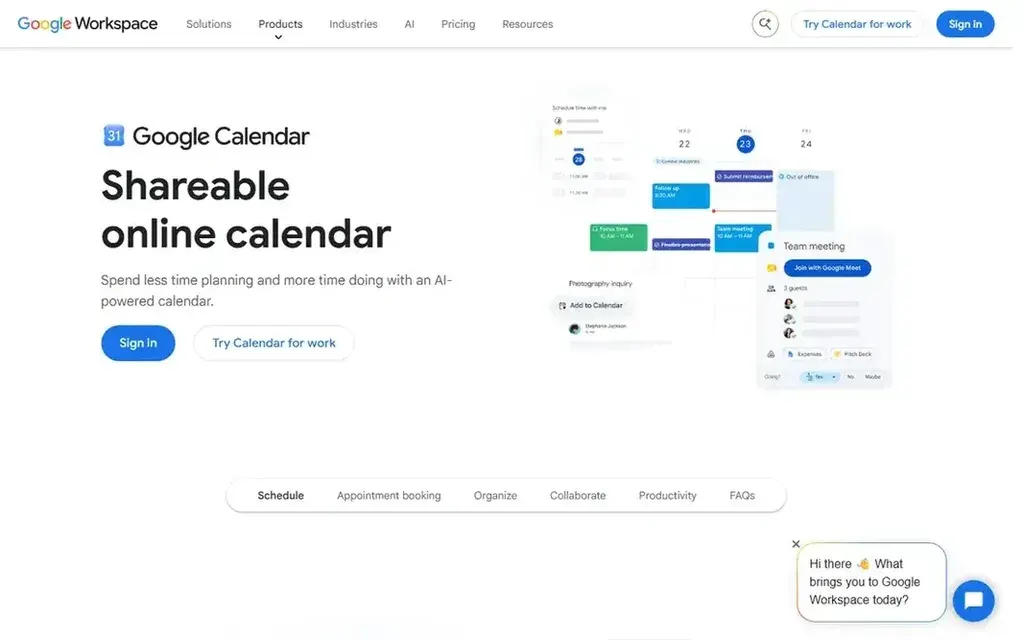
Google Calendar makes the most sense for straightforward shared scheduling. Google Calendar is a shareable online calendar for scheduling meetings and appointments in both business and personal contexts. It connects with Google Workspace, making it a natural choice for teams already using Gmail and Google Drive.
Limits to weigh: Restricted project management features.
Beyond that, if you need calendars tied straight to project tasks, Asana or ClickUp may be better suits. Worth adding: Google Calendar centres on scheduling rather than project tracking, so it lacks built-in task management or workflow automation. Google Calendar does not show a starting price in this comparison, so check the vendor site for current pricing. On free options: Not stated.
- Works with Google Workspace
- Simple to share calendars
- Advanced customization may need extras
monday.com is aimed squarely at AI-assisted work scheduling. Project managers who want AI assistance and an adaptable system for coordinating work may find it handy for keeping deadlines and tasks aligned.
Like other work management products, monday.com is not a standalone calendar tool, so its calendar capabilities are less deep than dedicated apps. Price to start with monday.com: $9 per seat per month. You can start on monday.com without paying.
Watch-outs: Can be complicated for straightforward scheduling.
- Visual project tracking
- AI agents for work management
- Calendar features are secondary
ClickUp targets all-in-one productivity with calendars. ClickUp is an everything app for work that comes with tasks, docs, goals, and chat, aiming to maximize productivity. It gives you calendar views that let project managers see tasks and deadlines alongside other work items.
Where it is weaker: Feature-rich interface can overwhelm.
Worth adding: if you need a dedicated calendar with minimal setup, Outlook or Google Calendar may be more straightforward. Worth adding: ClickUp's broad feature set can be daunting for new users, and its calendar is one component of a bigger system. ClickUp pricing: $9 per user per month. Free access exists with ClickUp.
- Configurable to fit workflows
- Tasks, docs, goals
- Calendar is part of a bigger suite
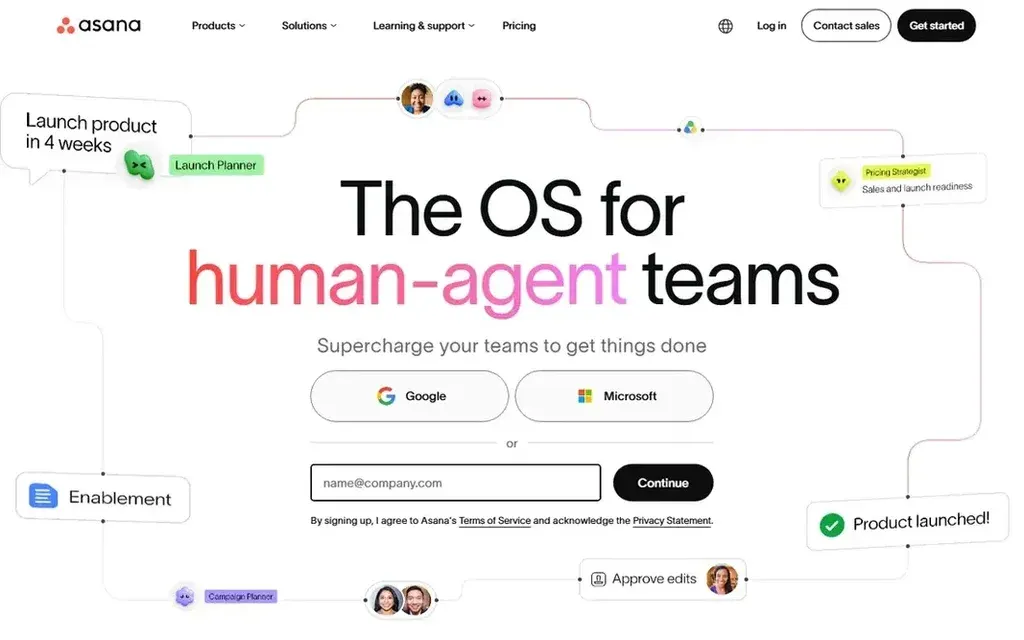
Asana is built with Calendar views within project management in mind. Asana is not a dedicated calendar application, so its calendar features are part of a broader system.
Trade-offs to know: May need setup for calendar-centric use.
Worth adding: teams needing advanced calendar sharing or email integration might pair it with Outlook or Google Calendar. What you pay to start with Asana: $10.99 per user per month. Free access exists with Asana.
- Calendar view alongside tasks
- Supports team collaboration
- Calendar is one view among plenty
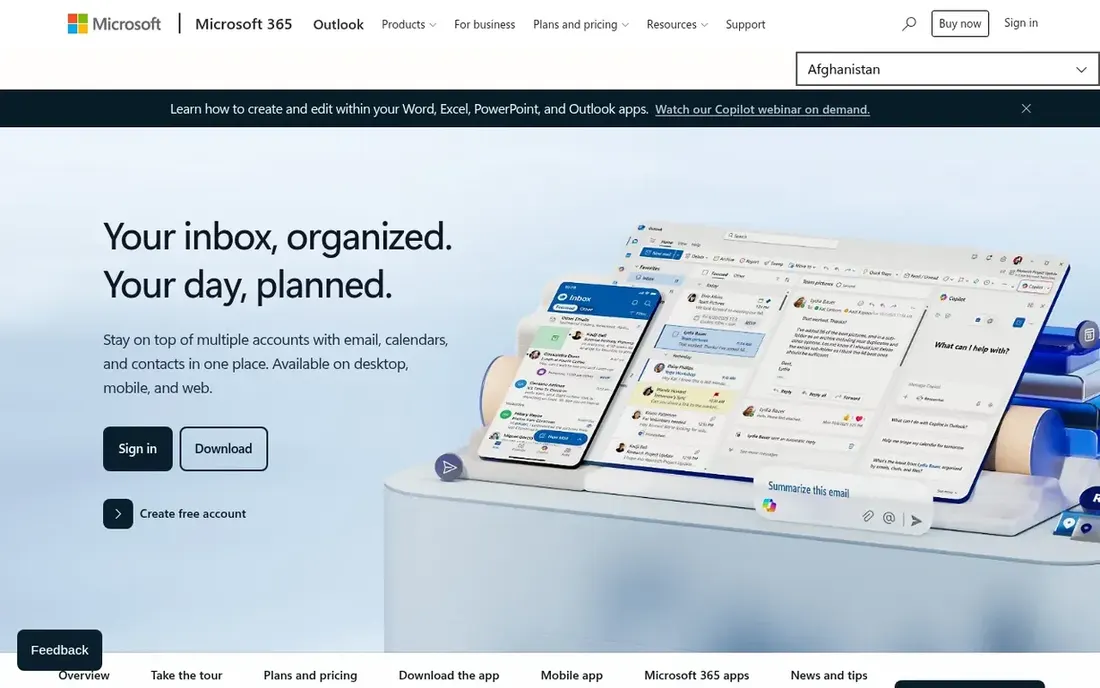
Microsoft Outlook is built with email and calendar integration in mind. Microsoft Outlook is a personal email and calendar application that also links to Office Online apps like Word, Excel, and PowerPoint. It is aimed at individuals and teams who want email and scheduling in one place.
As for the details, Outlook may be more than needed if you only need a shared calendar and nothing else. Its full feature set can feel complicated for small teams or those outside the Microsoft ecosystem. Consider Google Calendar or Asana if you want a lighter scheduling tool or calendar views embedded in project management. As for the details, project managers who already use Microsoft 365 will find it convenient for tracking meetings, deadlines, and communications without switching between tools. Pricing for Microsoft Outlook is not stated here, so ask the vendor for current figures. On free options: Not stated.
Where it falls short: Best experience tied to Microsoft ecosystem.
- Works with Microsoft 365 apps
- Familiar interface for numerous offices
- Can feel heavy for straightforward scheduling
Selection criteria
LinkVetted used vendor pricing pages and product documentation as the base, then compared plans, free access and documented limits for 5 tools. Seat minimums, billing terms and add-ons can move the real cost, so the starting prices here are a guide and not a quote. The order reflects how well each tool fits the most common buying scenario for calendar software for project managers, then price clarity, then free plan access. It is a starting point, not a verdict.
What to check before you buy
- Confirm the entry price on the vendor page. For Google Calendar and Microsoft Outlook that means a quote rather than a fixed price.
- Check what the free option really includes: monday.com, ClickUp and Asana offer a free plan, and usage caps differ.
- Read the limits listed for Google Calendar first: restricted project management features.
- Find out whether the entry plan of Asana covers your must-haves or only a trimmed-down version.
- Confirm that ClickUp connects to the apps your team already uses, on the plan you would actually buy.
FAQ
Can I use these tools as standalone calendars?
Microsoft Outlook and Google Calendar are standalone calendar applications. The others, like Asana and ClickUp, contain calendar views within broader project management products. So they are not dedicated calendars but can serve scheduling needs alongside tasks.
Which tool is a good match for sharing calendars with a project team?
Start with Google Calendar if you need straightforward shared scheduling. monday.com is the better match for AI-assisted work scheduling, and ClickUp for all-in-one productivity with calendars. The best choice depends on budget, team size and workflow.
How do I choose between a dedicated calendar and a project management tool with calendar features?
If you want to see tasks and deadlines alongside project work, a system like Asana or ClickUp may be better. Consider your team's workflow and whether you need integrated task management.
Do these tools publish their prices?
Not all of them. Google Calendar and Microsoft Outlook publish no starting price, so expect a quote request for those. The rest, monday.com included, show a starting price, though seats and billing terms still change the final cost.
What is the cheapest option for calendar software for project managers in this list?
On published monthly entry prices, monday.com is the lowest here at $9 per seat per month. Entry price is only part of the cost, because seats, add-ons and billing terms can change the total.
Which options for calendar software for project managers have a free plan?
On this list, monday.com, ClickUp and Asana include a free plan. Caps on seats, usage or features are common, so test the free plan against your real workload.
Sources
- https://calendar.google.com
- https://monday.com
- https://clickup.com
- https://asana.com
- https://www.microsoft.com/microsoft-365/outlook/email-and-calendar-software-microsoft-outlook