The 5 Best Note-Taking Software for Project Managers in 2026, Ranked
5 best Note-Taking software for project managers, compared on pricing, free plans and best-fit use. Each listing flags where it falls short. Choose faster.
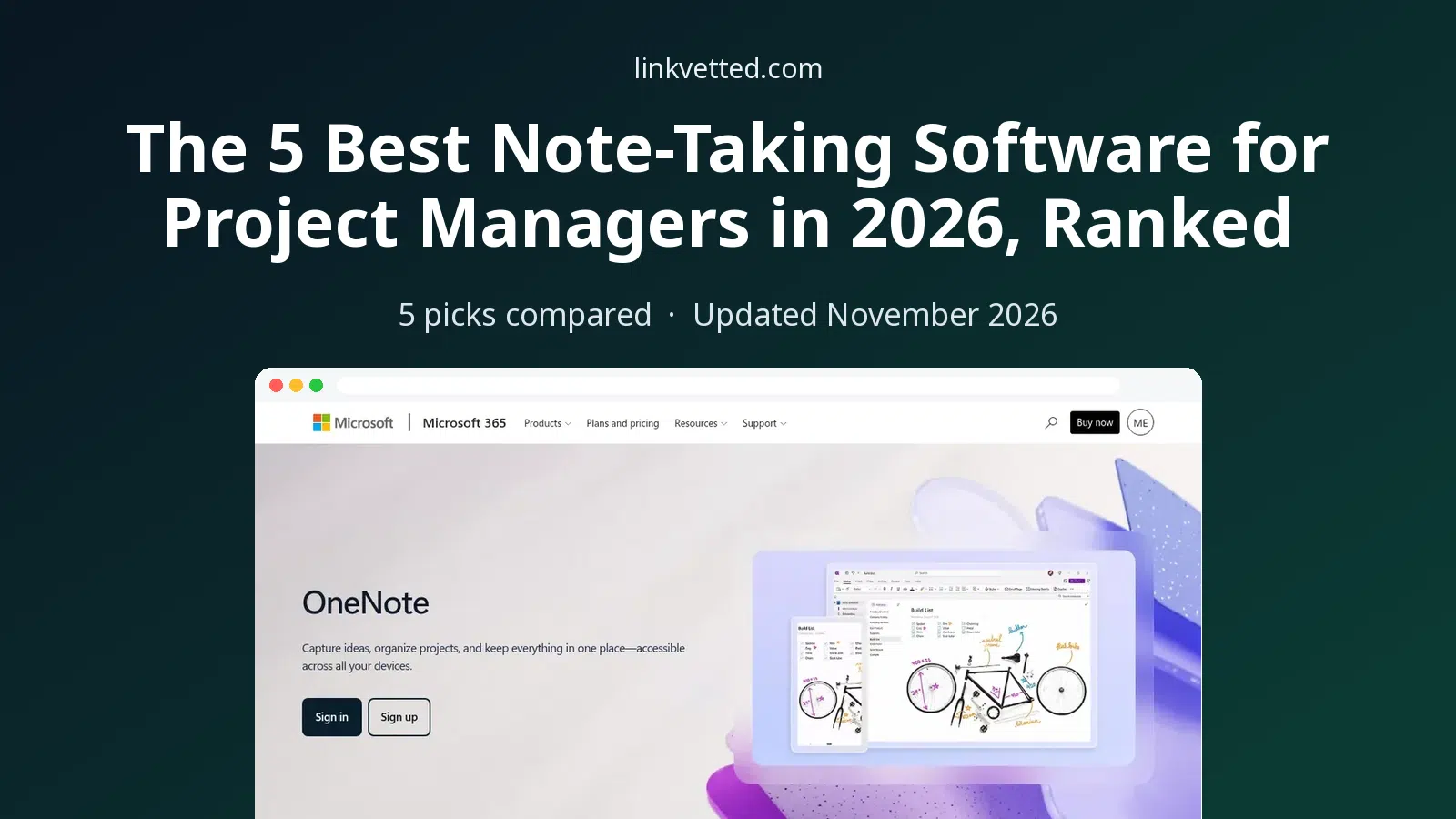
- Editor's choice
 Microsoft OneNote
Familiar digital notebooks in Microsoft environments
Starts atSee websiteVisit microsoft.comFull review - Great alternative
 Obsidian
Private, adaptable linked notes
Starts at$4 per user a monthVisit obsidian.mdFull review - Also consider
 ClickUp
Notes alongside tasks and goals
Starts at$9 per user per monthVisit clickup.comFull review
Direct answer
Microsoft OneNote leads the list, best for familiar digital notebooks in Microsoft environments. Listed starting prices: Obsidian from $4 per user a month, ClickUp from $9 per user per month and Notion from $10 per member a month. Look at Obsidian for private, adaptable linked notes, and at ClickUp for notes alongside tasks and goals. Prices, free plans and limits for all 5 tools follow.
TL;DR:
- Number one here is Microsoft OneNote, a fit for familiar digital notebooks in Microsoft environments.
- Obsidian comes with a trade-off: restricted built-in team collaboration.
- Only 3 of the 5 tools have a free plan (Obsidian, ClickUp, Notion), so check the caps.
- Obsidian has the lowest monthly starting price in this list: $4 per user per month.
Last checked November 2026. Prices and plan details were read from the vendors' own pages in November 2026; vendors change plans often, so confirm the current price on the vendor site before you buy.
Quick comparison
| Tool | Best for | Starts at | Free plan? | |
|---|---|---|---|---|
| Microsoft OneNote | Familiar digital notebooks in Microsoft environments | See website | Not stated | Visit |
| Obsidian | Private, adaptable linked notes | $4 per user a month | Yes | Visit |
| ClickUp | Notes alongside tasks and goals | $9 per user per month | Yes | Visit |
 Notion | All-in-one workspace with AI | $10 per member a month | Yes | Visit |
 Coda | Docs blended with spreadsheet structure | See website | Not stated | Visit |
Our 5 Note-Taking software for project managers
LinkVetted put together this guide to Note-Taking software for project managers for readers who want a clear shortlist without reading every vendor page. It compares 5 tools on starting price, free plans, who each one suits and where each one falls short.
Microsoft OneNote
Best for: Familiar digital notebooks in Microsoft environments
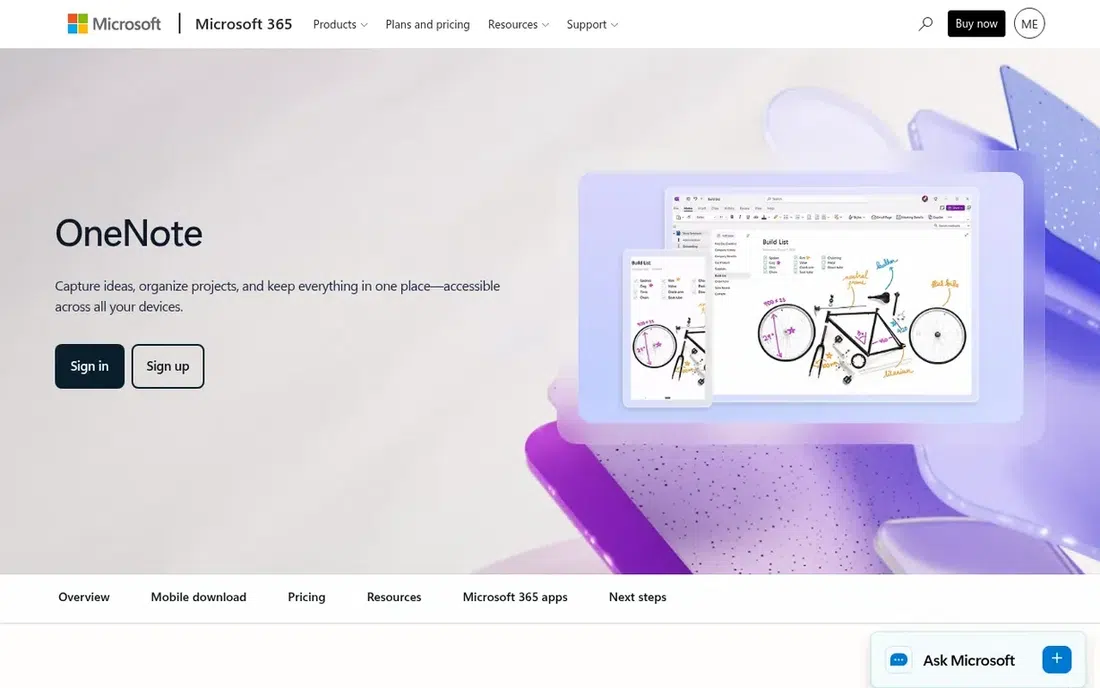
Microsoft OneNote works best for familiar digital notebooks in Microsoft environments. OneNote is Microsoft's digital note-taking app, offering notebook tools that strengthen organization and ease collaboration. From a buyer's view, teams needing dashboards, timelines or linked databases should pair it with a project tool or choose a workspace system with built-in structure.
The main drawbacks: Search across notebooks can be uneven.
More specifically, OneNote is notebook-first, so it does not track tasks or project status on its own. Beyond that, project managers already working in Microsoft 365 will find it a natural place for meeting notes, research and shared notebooks that colleagues can open without learning a new system. Check the vendor site for Microsoft OneNote pricing; none is listed in this comparison. Free access: Not stated.
- Suits Microsoft 365 workflows
- Eases collaboration
- Less structured for project tracking
Choose Obsidian for private, adaptable linked notes. Obsidian is described as a free and adaptable app for private thoughts, built around notes you organize and link yourself. It appeals to project managers who think in connected notes, for example linking decisions, risks and stakeholder context, and who prefer to own their note files instead of store them in a shared system.
Points against: Restricted built-in team collaboration.
Choose it for personal knowledge work and pair it with a team system when plenty of contributors have to edit the same notes. More specifically, Obsidian leans toward individual instead of team collaboration, so shared project documentation needs additional effort. On cost, Obsidian starts like this: $4 per user per month. A free plan is available with Obsidian. What users get: Adaptable note structure.
- Emphasis on private thinking
- Notes stay portable and local
- Needs self-discipline
Pick ClickUp if this describes you: notes alongside tasks and goals. ClickUp positions itself as an everything app for work, bringing tasks, docs, goals and chat together with AI.
Points against: Feature breadth can overwhelm.
Where it shines: Tasks, docs.
- AI-assisted productivity features
- Goals and chat together
- Setup takes planning
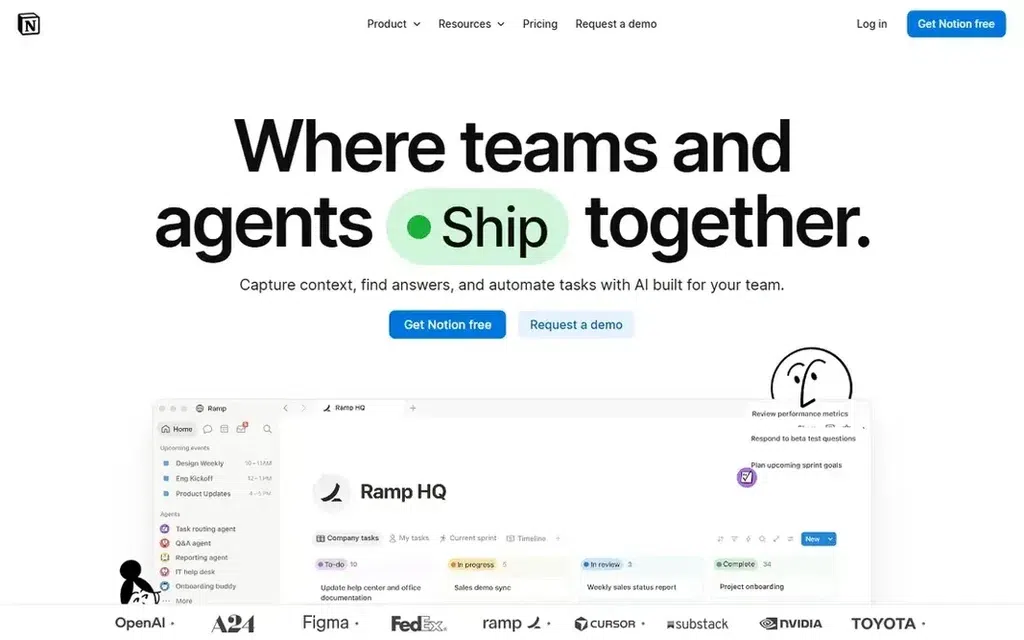
Notion is a good fit for all-in-one workspace with AI. Teams wanting strict, pre-built project workflows may prefer a dedicated task tool.
The main drawbacks: Structure needs continuing upkeep.
Main advantages: Automation for busywork.
More specifically, the adaptability is also the limit: without discipline, pages multiply and structure drifts. In practice, for project managers it works as a home for meeting notes, project wikis and light tracking in one connected space. Starting cost for Notion: $10 per member per month. Notion offers a free plan.
- AI agents and cross-app search
- Merges notes
- Can feel complicated to set up
Coda is designed for docs blended with spreadsheet structure. Coda is an all-in-one collaborative workspace that blends docs, spreadsheet structure, application power and AI. For everyday use, teams that want straightforward notes without configuration will be quicker in a plainer app.
Where it is weaker: Ramp-up time for builders.
Coda pays off when you need structured, document-linked data. Building in Coda takes time, and a workspace can become an elaborate project in itself. Project managers can keep narrative notes and structured tables side by side, which suits status reporting, meeting logs and light trackers that require both prose and rows. Pricing for Coda is not stated here, so ask the vendor for current figures. Free plan details: Not stated.
- Application-style building blocks
- Docs with spreadsheet-like tables
- Can grow into a complicated build
How we compared the tools
Questions to settle before buying
- Get a written quote from Microsoft OneNote and Coda; the list shows no starting price for them.
- Look at free plan limits closely: Obsidian, ClickUp and Notion have one, and the caps decide whether it is usable for real work.
- Read the limits listed for Microsoft OneNote first: search across notebooks can be uneven.
- Check whether Coda bills monthly or annually, and what cancelling early costs.
- Confirm that Obsidian connects to the apps your team already uses, on the plan you would actually buy.
FAQ
How are the tools for Note-Taking software for project managers ordered?
Microsoft OneNote sits first and Coda last because the order follows typical fit for Note-Taking software for project managers, then price clarity and free access. It is a judgement call, so read each profile for fit and limits.
Is Microsoft OneNote the right pick for everyone comparing Note-Taking software for project managers?
No single tool suits every team. Microsoft OneNote comes first because it fits familiar digital notebooks in Microsoft environments, while Obsidian suits private, flexible linked notes and ClickUp suits notes alongside tasks and goals. Match the tool to your own size, budget and workflow before deciding.
Should project managers use a notes app or a project management tool?
Numerous managers need both: a notes app for context, decisions and meeting records, and a task tool for tracking work. Products like ClickUp and Coda blur the line by putting notes next to tasks or structured tables.
Do these tools publish their prices?
Not all of them. Microsoft OneNote and Coda publish no starting price, so expect a quote request for those. The rest, Obsidian included, show a starting price, though seats and billing terms still change the final cost.
Which options for Note-Taking software for project managers have a free plan?
On this list, Obsidian, ClickUp and Notion include a free plan. Caps on seats, usage or features are common, so test the free plan against your real workload.
Which note-taking tool is a good match for project managers overall?
For most readers this guide would start with Microsoft OneNote, built for familiar digital notebooks in Microsoft environments. Obsidian is the alternative for private, adaptable linked notes, and ClickUp for notes alongside tasks and goals. The right answer depends on budget and workflow.
Sources
- https://www.microsoft.com/en-us/microsoft-365/onenote/digital-note-taking-app
- https://obsidian.md
- https://clickup.com
- https://www.notion.so
- https://coda.io