5 Best Note-Taking Tool for Product Managers for 2026, Vetted and Compared
5 best Note-Taking tool for product managers, with entry costs, free tiers and the buyer each one serves. The weak spots sit next to the strengths. Facts only.
- Editor's choice
 Craft
Refined notes and docs across devices
Starts at$4.8 a monthVisit craft.doFull review - Great alternative
 Evernote
Personal note capture and organization
Starts atSee websiteVisit evernote.comFull review - Also consider
 Obsidian
Private, linked note-taking
Starts at$4 per user a monthVisit obsidian.mdFull review
Direct answer
This list puts Craft first for refined notes and docs across devices. Listed starting prices: Craft from $4.8 a month, Obsidian from $4 per user a month and Notion from $10 per member per month. For a different need, Evernote covers personal note capture and organization and Obsidian covers private, linked note-taking. The other 2 tools in the list cover narrower or pricier cases.
TL;DR:
- Craft is the opening pick, best for refined notes and docs across devices.
- Obsidian is the lowest-priced starter here at $4 per user per month.
- One limit worth knowing about Craft: less structured for databases.
- A free plan is available from 4 of the 5 tools: Craft, Evernote, Obsidian, Notion.
Last checked November 2026. Prices and plan details were read from the vendors' own pages in November 2026; vendors change plans often, so confirm the current price on the vendor site before you buy.
Quick comparison
| Tool | Best for | Starts at | Free plan? | |
|---|---|---|---|---|
| Craft | Refined notes and docs across devices | $4.8 a month | Yes | Visit |
| Evernote | Personal note capture and organization | See website | Yes | Visit |
| Obsidian | Private, linked note-taking | $4 per user a month | Yes | Visit |
 Notion | All-in-one workspace for product teams | $10 per member per month | Yes | Visit |
 Coda | Docs blended with spreadsheets and apps | See website | Not stated | Visit |
The full Note-Taking tool for product managers list
Choosing Note-Taking tool for product managers usually comes down to price, fit and limits. This LinkVetted guide sets 5 tools side by side on those three points, with the facts kept short and checkable.
Craft is aimed squarely at refined notes and docs across devices. Some features are premium, so check what is included before committing.
In daily use, product managers can use it for meeting notes, light task lists, and refined documents. Craft is a productivity app for notes, tasks, and docs that follows you across devices. Starting cost for Craft: $4.8 per month. Craft offers a free plan.
Drawbacks to consider: Less structured for databases.
- Focused writing experience
- Works across devices
- Team features are more restricted
Evernote serves personal note capture and organization. Evernote is a note-taking app that helps capture and prioritize ideas, projects, and to-do lists so nothing falls through the cracks.
Points against: Can feel dated for structured docs.
Product managers can use it for personal meeting notes, research clips, and task lists. Pricing for Evernote is not stated here, so ask the vendor for current figures. A free plan is available with Evernote.
- Well suited to personal organization
- Supports prioritizing projects
- Less suited to team collaboration
For private, linked note-taking, Obsidian is a natural candidate. Obsidian is described as an adaptable app for private thoughts, built around linked notes.
It suits individuals who value privacy, local files, and a highly customizable note system over a shared team workspace. Obsidian starts at: $4 per user per month. Obsidian offers a free plan.
Limits to weigh: Setup and conventions are user-driven.
- Adaptable and local-first
- Capable linking between notes
- Less built-in team collaboration
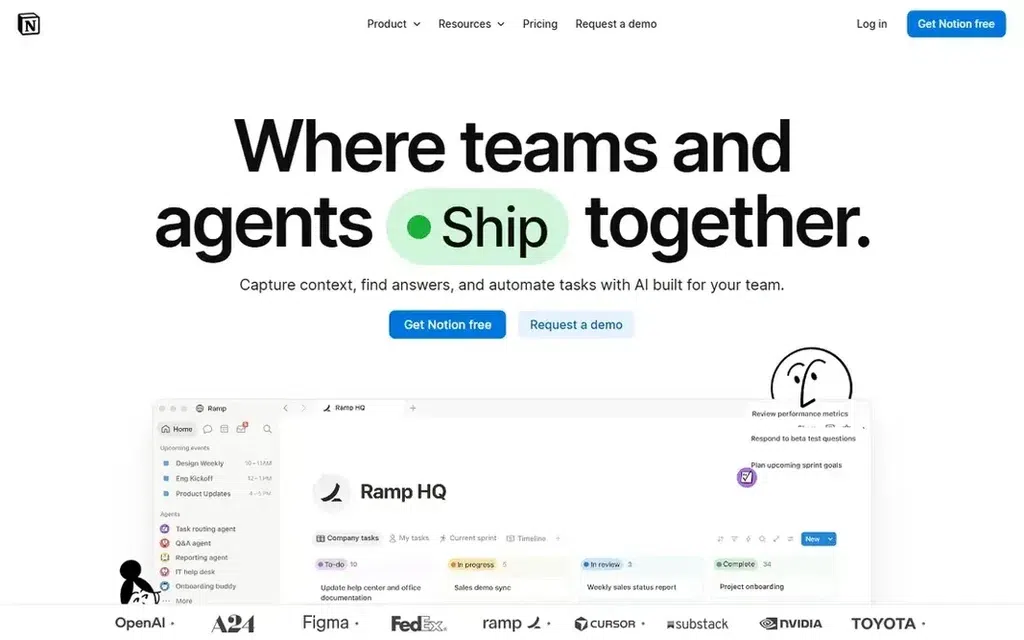
Notion is designed for all-in-one workspace for product teams. Notion is an AI workspace that lets teams build custom agents, search across apps, and automate busywork.
Downsides: Needs setup discipline.
Product managers can keep meeting notes, product specs, and roadmaps in one place, with databases that act like light trackers. Price to start with Notion: $10 per member per month. Notion has a free plan.
- AI search across connected apps
- Custom agents and automation
- Can feel overwhelming at first
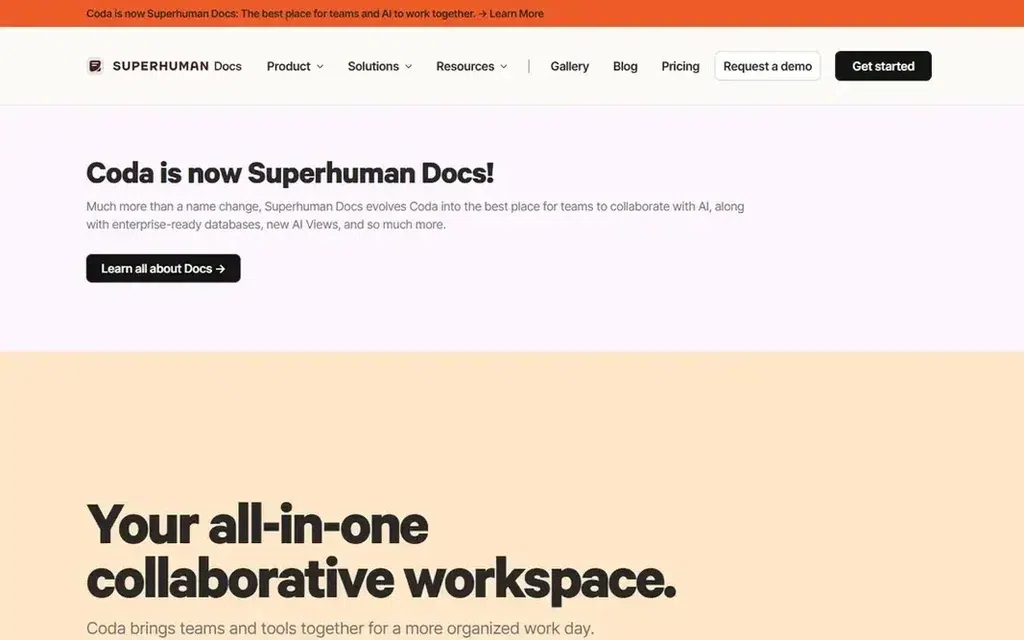
Think of Coda for docs blended with spreadsheets and apps. Coda's power means more setup and a steeper ramp-up time than a plain note-taking app. Straightforward note capture can feel overbuilt, and teams may have to define conventions to avoid sprawl.
What to check first: Can be complicated for straightforward notes.
On top of that, if you chiefly need quick, freeform notes, Evernote or OneNote may be simpler choices. Product managers can use it for roadmaps, meeting notes, and tracking tables that behave like light apps. Coda shows no starting price here, so confirm the cost on the vendor site. On free options: Not stated.
- Merges docs, tables
- App-like features
- Needs some setup to shine
Selection criteria
We compared the tools on published pricing, free plan or trial availability, feature coverage for Note-Taking tool for product managers, and the limits each vendor documents. Where a price is missing, the vendor does not list one publicly or ties it to a quote. Always confirm before budgeting. The order reflects how well each tool fits the most common buying scenario for Note-Taking tool for product managers, then price clarity, then free plan access. It is a starting point, not a verdict.
Before you commit
- Confirm the entry price on the vendor page. For Evernote and Coda that means a quote rather than a fixed price.
- Check what the free option really includes: Craft, Evernote, Obsidian and Notion offer a free plan, and usage caps differ.
- Read the limits listed for Craft first: less structured for databases.
- Check whether Obsidian bills monthly or annually, and what cancelling early costs.
- Before you load data into Coda, check what an export looks like and who can run it.
FAQ
How are the tools for Note-Taking tool for product managers ordered?
The order follows typical fit for Note-Taking tool for product managers, with Craft first and Coda last, then price clarity and free access. It is editorial judgement, not a score, so another team could rank the tools differently.
Which options for Note-Taking tool for product managers have a free plan?
Craft, Evernote, Obsidian and Notion offer a free plan in this list. Free plans usually cap users, projects or features, so check the limits on the vendor page.
Do these tools publish their prices?
Not all of them. Evernote and Coda publish no starting price, so expect a quote request for those. The rest, Craft included, show a starting price, though seats and billing terms still change the final cost.
How do Coda and Notion differ for product planning?
Notion merges notes, docs, and databases in a more freeform workspace. Both can support product planning, but the better fit relies on how much structure and automation you need.
Is Craft the right pick for everyone comparing Note-Taking tool for product managers?
No single tool suits every team. Craft comes first because it fits polished notes and docs across devices, while Evernote suits personal note capture and organization and Obsidian suits private, linked note-taking. Match the tool to your own size, budget and workflow before deciding.
Which note-taking tool is a good match for product managers who need shared team docs?
For most readers this guide would start with Craft, built for polished notes and docs across devices. Evernote is the alternative for personal note capture and organization, and Obsidian for private, linked note-taking. The right answer depends on budget and workflow.