Best IT Workflow Automation Software for IT Managers for 2026: Our 6 Vetted Picks
Searching for the best IT workflow automation software for IT managers? Here are 6 options with prices and free plans. Real limits included. Checked this month.
- Editor's choiceNintex Workflow
End-to-end process and workflow automation
Starts atSee websiteVisit nintex.comFull review - Great alternative
 Jira Service Management
Atlassian-centric incident and change workflows
Starts atSee websiteVisit atlassian.comFull review - Also considerSolarWinds Web Help Desk
Self-hosted help desk with SLAs
Starts atSee websiteVisit solarwinds.comFull review
Direct answer
Start with Nintex Workflow if you need end-to-end process and workflow automation. Listed starting prices: Workato from $100 a month. Jira Service Management is better for Atlassian-centric incident and change workflows, and SolarWinds Web Help Desk is better for self-hosted help desk with SLAs. The full list of 6 tools follows, with prices and free plan facts.
TL;DR:
- Number one here is Nintex Workflow, a fit for end-to-end process and workflow automation.
- SolarWinds Web Help Desk comes with a trade-off: restricted to help desk scope.
- Workato stands alone as the one tool in this list with a free plan.
- Freshservice is the one to check for quick-to-deploy AI-powered ITSM.
Last checked November 2026. Prices and plan details were read from the vendors' own pages in November 2026; vendors change plans often, so confirm the current price on the vendor site before you buy.
Quick comparison
| Tool | Best for | Starts at | Free plan? | |
|---|---|---|---|---|
| Nintex Workflow | End-to-end process and workflow automation | See website | Free trial | Visit |
| Jira Service Management | Atlassian-centric incident and change workflows | See website | Not stated | Visit |
| SolarWinds Web Help Desk | Self-hosted help desk with SLAs | See website | Not stated | Visit |
 Workato | Integration-led automation across apps | $100 a month | Yes | Visit |
 ServiceNow IT Service Management | ITIL-aligned enterprise service workflows | See website | Not stated | Visit |
 Freshservice | Quick-to-deploy AI-powered ITSM | See website | Not stated | Visit |
IT Workflow Automation Software for IT Managers profiles
LinkVetted compared 6 IT workflow automation software for IT managers. The goal is a practical shortlist: published prices, free plan facts, best-fit use cases and honest limits for every entry.
Nintex Workflow
Best for: End-to-end process and workflow automation
Nintex Workflow targets end-to-end process and workflow automation. Nintex Workflow centres on end-to-end process and workflow automation, with custom app development for integrated workflows. Designing workflows also takes training and governance.
Drawbacks to consider: Not an ITSM suite.
IT managers can use it to automate approvals, forms, and cross-system processes that sit outside a traditional service desk. In daily use, Nintex is not a full ITSM product, so incident, change, and request management would need a separate service desk. Nintex Workflow does not show a starting price in this comparison, so check the vendor site for current pricing. On free options: Free trial.
- End-to-end process automation
- Custom app development support
- Workflow design needs training
Jira Service Management
Best for: Atlassian-centric incident and change workflows
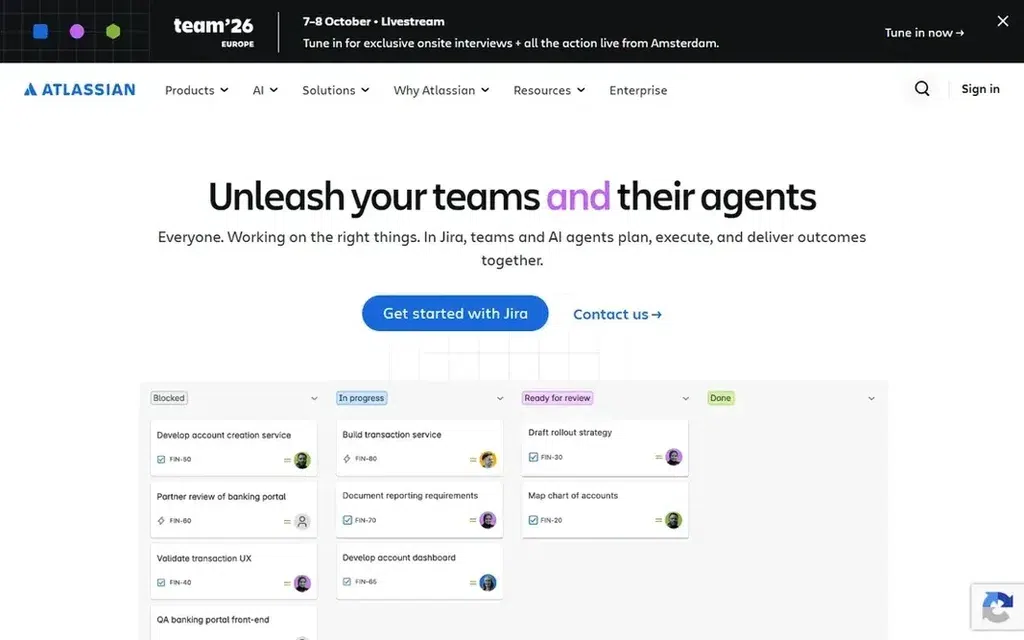
Jira Service Management was built for Atlassian-centric incident and change workflows. Pick Jira Service Management when tight coupling with development workflows matters. Jira Service Management from Atlassian provides AI-powered ITSM for incident response, change management, and request fulfillment.
Honest limits: May need setup for non-dev teams.
It is meant to support service delivery at scale. Beyond that, IT managers whose development and operations teams already use Atlassian tools will find the workflow continuity valuable. The request fulfillment features include typical service desk needs. No starting price is listed for Jira Service Management here; confirm pricing on the vendor site. Free access: Not stated.
- Request fulfillment at scale
- AI-powered ITSM features
- Best value inside Atlassian ecosystem
SolarWinds Web Help Desk
Best for: Self-hosted help desk with SLAs
Think of SolarWinds Web Help Desk for self-hosted help desk with SLAs. The scope stays close to help desk functions, so broad workflow automation across departments may need other tools.
Self-hosting also layers on maintenance work for the IT team. More specifically, choose Web Help Desk when on-premises control and SLA tracking are priorities over expansive automation. Pricing for SolarWinds Web Help Desk is not stated here, so ask the vendor for current figures. As for free access: Not stated.
What to check first: Self-hosting needs admin effort.
- Managed within your environment
- Tickets, assets, SLAs
- Restricted to help desk scope
Choose Workato for integration-led automation across apps. Workato does not replace an ITSM or help desk tool, so ticketing and service requests still need a dedicated product. As for the details, choose Workato when cross-application orchestration and governance are the primary automation challenge.
From a buyer's view, Workato links apps, data, workflows, and AI agents on one enterprise product to securely orchestrate, automate, and govern work. Worth adding: IT managers can use it to link service management tools with the rest of the business stack. Price to start with Workato: $100 per month. Workato offers a free plan.
Watch-outs: Integration design needs skilled staff.
- Links apps, data, workflows
- Enterprise orchestration and governance
- Not a service desk product
ServiceNow IT Service Management
Best for: ITIL-aligned enterprise service workflows
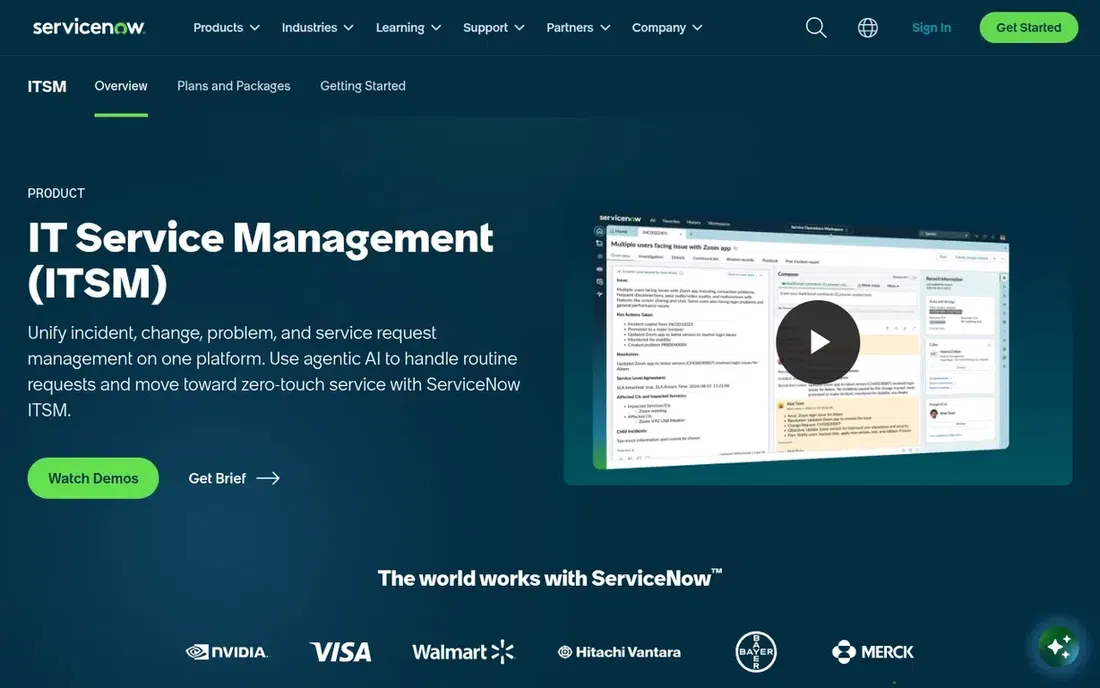
ServiceNow IT Service Management is a good fit for ITIL-aligned enterprise service workflows. Choose ServiceNow when ITIL-aligned governance and request fulfillment are central requirements.
Trade-offs to know: Setup demands process planning.
It deals with service request fulfillment and workflow simplifying on a single product. The system's breadth means configuration takes planning, and smaller teams may find it heavier than needed. Pricing for ServiceNow IT Service Management is not stated here, so ask the vendor for current figures. Free access: Not stated.
- Aligns with ITIL standards
- Simplifies service requests
- Wide product can feel complicated
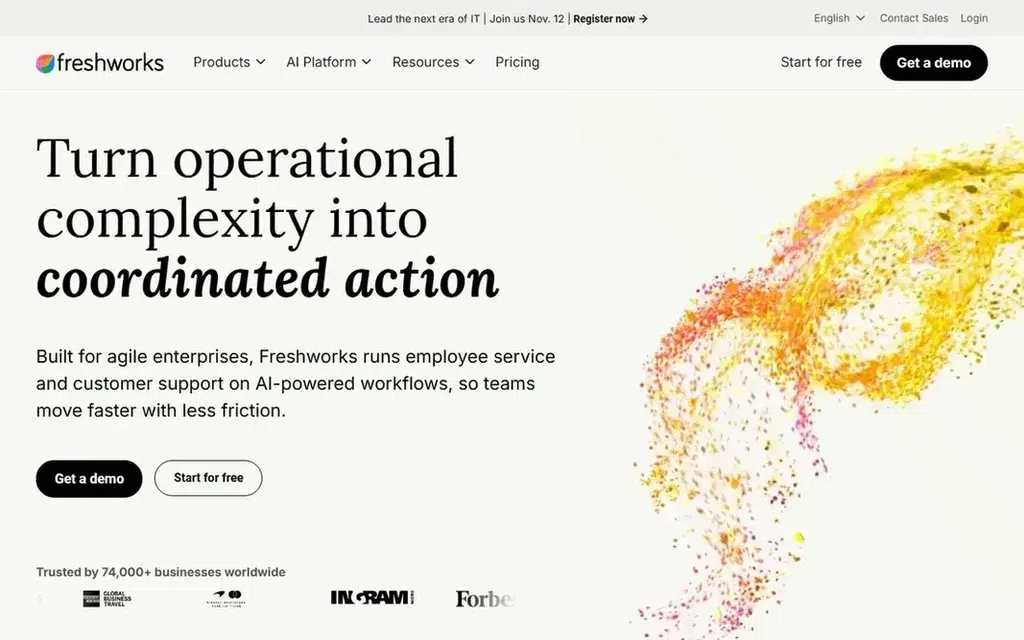
Freshservice works best for quick-to-deploy AI-powered ITSM. If your organization needs broad ITIL depth or wide system modules, a bigger suite could be a better match. IT managers who want a modern service desk without a long rollout will find the positioning relevant, especially when usability across the team is a priority.
What to check first: Deep customization takes effort.
More specifically, Freshservice is an AI-powered ITSM product described as fast to deploy and straightforward to use, pitched at delivering enterprise IT service for companies of varied sizes. More specifically, highly complicated or heavily customized workflows may need extra configuration effort. Check the vendor site for Freshservice pricing; none is listed in this comparison. Free access: Not stated.
- AI-powered ITSM product
- Straightforward to use
- Advanced automation may need extras
Selection criteria
We compared the tools on published pricing, free plan or trial availability, feature coverage for IT workflow automation software for IT managers, and the limits each vendor documents. Where a price is missing, the vendor does not list one publicly or ties it to a quote. Always confirm before budgeting. The ranking is editorial: typical fit first, then clear pricing, then free access. If your needs are unusual, read the profiles rather than relying on position.
Before you commit
- Ask Nintex Workflow, Jira Service Management, SolarWinds Web Help Desk and others for a written quote, since no starting price is shown.
- Look at the free plan from Workato closely: its caps decide whether it is usable for real work.
- Run a trial of Nintex Workflow with real work before paying for a year; your own workflow is the best test.
- Before choosing Nintex Workflow, weigh its main limit: not an ITSM suite.
- Work out what Freshservice costs with your real seat count, add-ons and usage, not just the entry price.
- Ask SolarWinds Web Help Desk which support channels and response times come with the plan you would buy.
FAQ
When does a dedicated automation product make sense?
Tools like Nintex Workflow and Workato focus on process and integration automation instead of full ITSM. Keep a dedicated ITSM tool for incident, change, and request management.
What is the cheapest option for IT workflow automation software for IT managers in this list?
On published monthly entry prices, Workato is the lowest here at $100 per month. Entry price is only part of the cost, because seats, add-ons and billing terms can change the total.
Do these tools publish their prices?
Not all of them. Nintex Workflow, Jira Service Management, SolarWinds Web Help Desk and others publish no starting price, so expect a quote request for those. The rest, Workato included, show a starting price, though seats and billing terms still change the final cost.
Which options for IT workflow automation software for IT managers have a free plan?
Workato is the only tool in this list with a free plan. Free plans usually cap users, projects or features, so check the limits on the vendor page. One other tool offers a trial instead. Prices, free plan details and limits for all 6 tools in this IT workflow automation software for IT managers roundup sit on the individual cards above.
What should smaller IT teams consider first?
Freshservice is positioned as fast to deploy and straightforward to use, which helps smaller teams adopt service management without a long rollout. SolarWinds Web Help Desk is another choice when self-hosting and SLA tracking matter.
Can I try these tools before paying?
Often, yes. Workato has a free plan and Nintex Workflow offers a free trial. Use your own data and a real task during the test, and check what the free tier or trial limits before you rely on it.
Sources
- https://www.nintex.com
- https://www.atlassian.com/software/jira/service-management
- https://www.solarwinds.com/web-help-desk
- https://www.workato.com
- https://www.servicenow.com/products/itsm.html
- https://www.freshworks.com/freshservice