Best Document Workflow Automation Platform in 2026: 8 Platforms Compared
Compare the best document workflow automation platform options, including DocuWare, M-Files, PandaDoc, and Laserfiche, on price, features, and fit in 2026.
- Editor's choice
 DocuWare
Invoice and approval automation
Starts atSee websiteVisit docuware.comFull review - Great alternative
 M-Files
Metadata organization
Starts at$65 per monthVisit m-files.comFull review - Also consider
 PandaDoc
Proposals and signatures
Starts at$19 per monthVisit pandadoc.comFull review
TL;DR:
- DocuWare and Laserfiche suit firms that need capture, approvals, and records control in one platform.
- M-Files suits firms that organize by metadata rather than folders, with strong search and audit trails.
- PandaDoc and airSlate suit sales and operations teams that need documents, signatures, and approvals fast.
- Kissflow and Nintex suit larger firms automating many approval processes across departments.
- Pricing is often quote based for enterprise platforms, so request a total cost for users, storage, and implementation before signing.
Quick comparison
| Tool | Best for | Starts at | Free plan? | |
|---|---|---|---|---|
| DocuWare | Invoice and approval automation | See website | Free trial | Visit |
| M-Files | Metadata organization | $65 per month | Free trial | Visit |
| PandaDoc | Proposals and signatures | $19 per month | Yes | Visit |
 Laserfiche | Regulated records | $73 per month | Free trial | Visit |
 airSlate | No code workflows | See website | Free trial | Visit |
 Nintex | Enterprise automation | See website | Free trial | Visit |
 Kissflow | Low code process apps | See website | Free trial | Visit |
 ProcessMaker | Open process automation | See website | Free trial | Visit |
The best document workflow automation platform
These eight platforms automate document capture, routing, approval, and storage. We compared official feature pages, pricing pages, app store listings, and public reviews, focusing on workflow design, integrations, compliance features, and total cost.
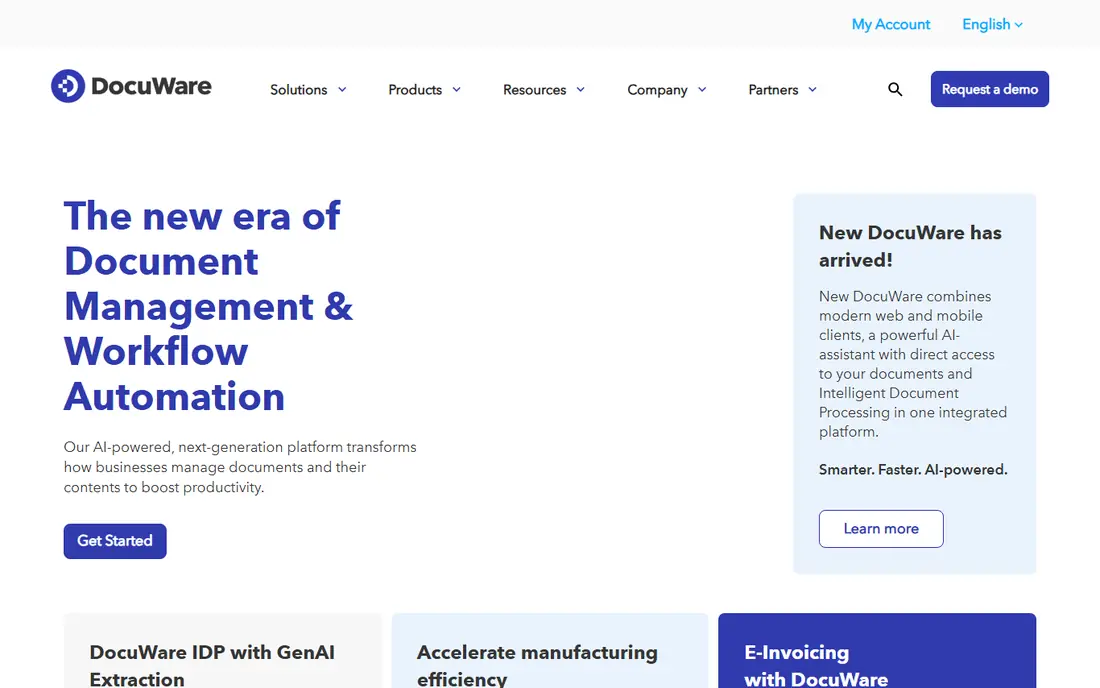
DocuWare is a cloud document management and workflow platform built around intelligent indexing, forms, approval workflows, and e-signatures. Invoices, contracts, and employee documents can be captured, indexed, routed for approval, and stored with audit trails, which helps finance, HR, and legal teams replace email based approvals. The platform is a Ricoh subsidiary, with compliance certifications that matter for regulated firms. Pricing is quote based, with subscription bundles starting at a small user count, so buyers must request a total figure for users, storage, and add-ons. Small storage on the smallest bundle can also surprise buyers with large scan volumes. For mid sized firms that need reliable invoice and approval automation with strong capture tools, DocuWare is a proven, full featured choice, provided the quote fits the budget.
- Strong capture and indexing
- Approval workflows
- E-signatures and forms
- No public pricing
- Smallest bundles limit storage
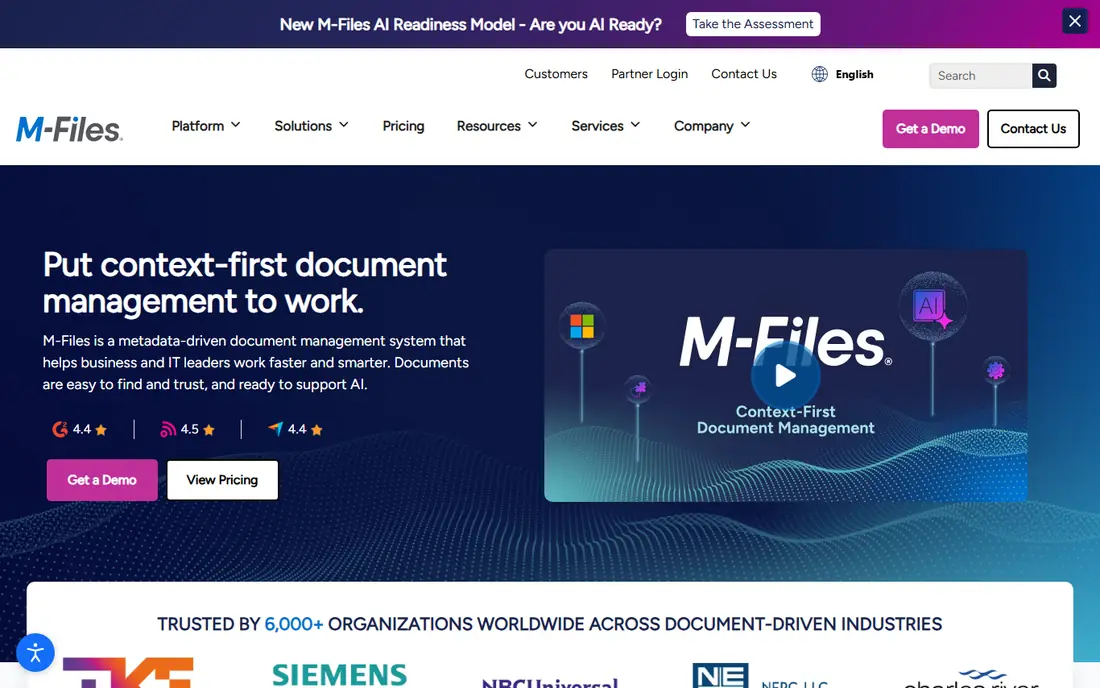
M-Files organizes documents by metadata, such as client, project, or contract, rather than by folders. That model means a single document can appear in several views without duplicate copies, and search finds files by what they are, not just where someone filed them. Workflows, version control, permissions, and audit trails support regulated work, while integration with Microsoft 365 keeps documents close to email and Office apps. Setup needs planning, since metadata design decides how well search works. Firms that skip that design phase may end up with inconsistent tags and weak search. Pricing starts at a published Essentials tier, with Enterprise plans quoted. For firms drowning in folders and duplicate files, M-Files offers a different, often better way to organize work, especially when compliance and audit trails matter.
- Metadata model avoids duplicate files
- Strong workflows and version control
- Microsoft 365 integration
- Enterprise plan is quote only
- Setup takes planning
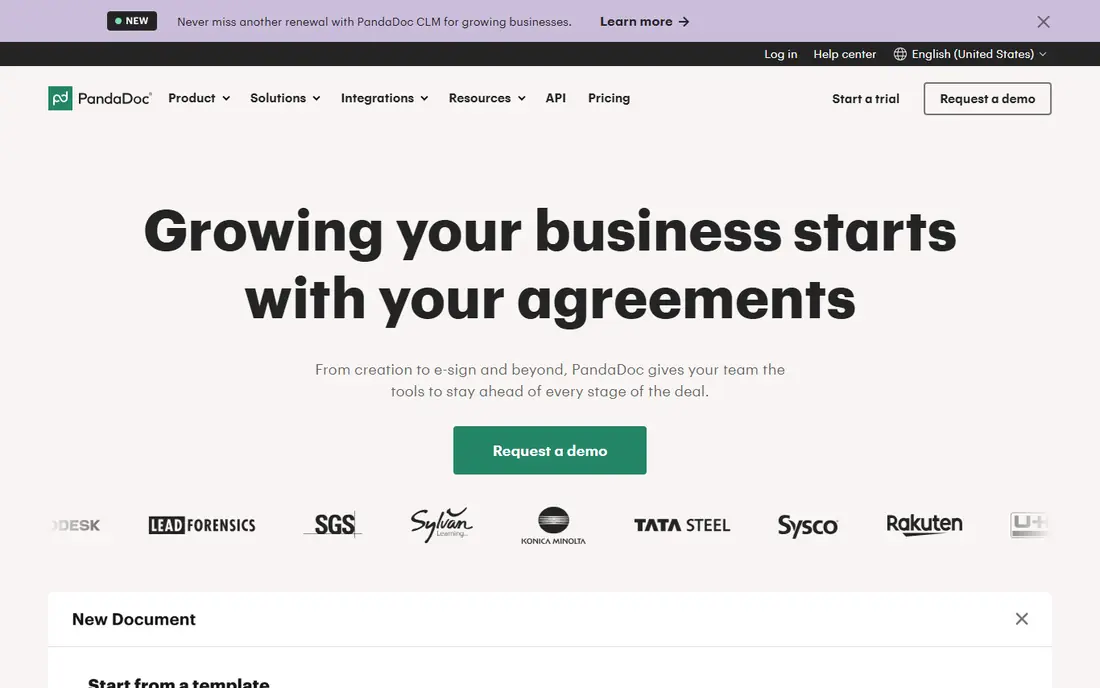
PandaDoc suits sales, marketing, and legal teams that create proposals, quotes, contracts, and agreements at volume. A drag and drop editor, template library, and interactive pricing tables let teams build polished documents quickly, while e-signatures, reminders, and page level analytics show when a client opens, reads, and signs. CRM integrations with Salesforce, HubSpot, Zoho, and Pipedrive keep deal documents tied to pipeline records. PandaDoc is not a deep enterprise archive for back office records, and advanced workflow automation and CPQ features sit on higher tiers. Teams that need long term records management with complex retention rules should pair PandaDoc with a document management platform, or choose DocuWare or Laserfiche instead. For deal documents that need to close fast, PandaDoc is the most focused tool here.
- Drag and drop document builder
- Interactive pricing tables
- E-signatures and analytics
- Not built for deep archiving
- Advanced workflows need higher tiers
Laserfiche combines a document repository with a no code workflow designer, forms, and records management, with AI tools for extraction and classification on cloud tiers. That mix suits government, education, healthcare, and financial firms that need retention rules, audit trails, and secure storage beside automation. Published pricing for cloud tiers is clearer than many rivals, which helps budgeting, even though minimum user counts apply. Implementation can add cost, especially for complex migrations and integrations, and smaller teams may find the minimums and price high. Firms should budget for implementation and training beside licenses. For process heavy and regulated records work, where compliance cannot be an afterthought, Laserfiche is a strong, well documented choice.
- Records management and compliance controls
- No code workflow designer
- Transparent published pricing
- Minimum user counts on cloud tiers
- Implementation services cost extra
airSlate offers no code workflow automation for documents, with forms, e-signatures, and routing that non technical teams can build without developer help. Common flows such as NDAs, onboarding packets, vendor approvals, and sales agreements can be templated, sent, tracked, and archived in one flow. Integrations with CRMs, cloud storage, and productivity apps keep documents moving between systems. Pricing varies by bundle, since airSlate sells several products under one brand, so buyers should confirm which bundle includes the workflow, signature, and automation features they need. Advanced routing and analytics may require higher tiers. For operations and sales teams that want to automate document flows without coding, airSlate is a flexible, approachable platform.
- No code workflow builder
- E-signatures and forms
- Many integrations
- Pricing varies by product bundle
- Advanced features need higher tiers
Nintex is an enterprise process automation platform that covers workflow design, forms, document generation, and robotic process automation beside document routing. That breadth suits large firms automating processes across departments, from HR onboarding to finance approvals to customer service cases. Strong links to Microsoft 365, SharePoint, and Salesforce help firms that already run on those platforms. Pricing is quote based, and implementation for complex processes takes real planning and training. Smaller firms with a single approval flow will find Nintex more platform than they need, and a lighter tool such as PandaDoc or airSlate will be faster to deploy. For enterprises with many processes, governance needs, and integration demands, Nintex offers depth that simpler tools cannot match.
- Deep process automation
- Forms and document generation
- Strong Microsoft and Salesforce links
- Quote based pricing
- Implementation and training take time
Kissflow is a low code platform where workflows are one part of internal applications for procurement, HR, finance, and operations. Teams can build approval apps with forms, rules, dashboards, and audit trails, without writing full code. Governance controls, role permissions, and reporting suit firms that run hundreds of approval processes and need to prove who approved what and when. Entry pricing is aimed at larger teams, with platform plans that can price out very small businesses. Implementation also takes planning, since app design, roles, and integrations need to be mapped before launch. For mid sized and large firms that need more than a single document flow, Kissflow offers a platform that grows from one approval process to a full internal app suite.
- Low code internal apps
- Strong governance and approvals
- Handles high volume processes
- Entry pricing suits larger teams
- Implementation takes planning
ProcessMaker is a workflow and business process automation platform with open source roots, a visual workflow designer, and case management for document heavy processes. Teams can design approval flows, assign tasks, track cases, and integrate with other systems, with deployment options that include cloud and self hosted setups in some editions. That flexibility suits firms with specific hosting or integration needs. Edition differences and pricing need careful reading, since open source, commercial, and cloud options differ in features and support. Complex flows also benefit from technical input during setup, even though the designer is visual. For firms that value open deployment, process modeling depth, and case tracking beside document routing, ProcessMaker is a credible final entry, especially where hosting control matters.
- Open source roots and flexible deployment
- Workflow designer
- Document and case management
- Pricing and edition differences need careful reading
- Setup needs technical input for complex flows
How we picked these
We compared official feature pages, pricing pages, app store listings, and public reviews, and we kept only platforms that automate document workflows, not simple file storage or e-signature only tools. We favored platforms with workflow designers, approval routing, audit trails, and integrations, and we included both SMB friendly tools and enterprise platforms to cover different firm sizes. We used See website where pricing is quote based or bundle dependent.
How to choose a document workflow platform
Map one process end to end first
Pick a single high volume process, such as invoice approval or contract signing, and map every step, approver, exception, and system it touches. That map reveals whether you need simple routing, forms, e-signatures, records retention, or all four. Buying a platform before mapping a process often leads to paying for features that stay unused.
Check compliance, retention, and audit needs
Regulated firms need retention rules, version control, permissions, and audit trails that stand up to review. Confirm how long records are kept, who can delete them, and whether audit logs export cleanly. A sales focused tool may lack the retention controls that a regulated firm needs, while an enterprise records platform may be more than a sales team needs.
Price users, storage, and implementation together
License price alone misleads. Add user counts, storage for scans, implementation services, training, and any AI or signature add-ons. Request a first year total in writing, including renewal terms, and confirm what happens to documents and workflows if you leave. A cheaper license with high implementation costs can cost more overall than a higher license with simpler setup.
FAQ
What is the best document workflow automation platform?
DocuWare and Laserfiche suit firms needing capture, approvals, and records control, while M-Files suits metadata based organization. PandaDoc suits sales documents and signatures, airSlate suits no code operations workflows, and Nintex and Kissflow suit larger enterprise process needs. The best platform depends on firm size, compliance needs, and process volume.
What is document workflow automation?
Document workflow automation routes documents through capture, review, approval, signature, and storage without manual email handoffs. A workflow can extract data from an invoice, send it to a manager for approval, flag exceptions, collect a signature, and file the final version with an audit trail. That automation reduces delays, errors, and lost documents.
How much does document workflow software cost?
Costs vary widely. PandaDoc starts at a low published monthly price, M-Files and Laserfiche publish starting per user prices, while DocuWare, Nintex, Kissflow, and ProcessMaker often price by quote or bundle. Add implementation, storage, and add-ons to the license price for a true first year total.
Is PandaDoc a document workflow automation platform?
Yes, for sales and agreement workflows. PandaDoc automates document creation, approval, signature, and tracking for proposals, quotes, and contracts. It is less suited to deep enterprise archiving and retention than DocuWare, M-Files, or Laserfiche, so firms with heavy records needs may pair it with a records platform or choose a different primary tool.
What is the difference between document management and workflow automation?
Document management focuses on storing, organizing, searching, and controlling versions of files. Workflow automation focuses on moving documents through steps, approvals, and signatures. Most platforms on this list do both, but their strengths differ, so check whether your main pain is finding files, approving them, or both.
Can small businesses use document workflow automation?
Yes. PandaDoc and airSlate offer lower entry points and faster setup for small teams, while DocuWare and M-Files offer smaller bundles or trials for mid sized firms. Start with one process, such as contracts or invoices, measure time saved, then expand to other processes once the first workflow runs smoothly.