Best Alternatives to n8n for Workflow Automation in 2026: 8 Compared
Need the best alternatives to n8n for workflow automation? We compare 8 tools for no-code, code-first and enterprise automation needs. Read our guide first.
- Editor's choice
 Zapier
Widest app catalogue
Starts at$19.99 per monthVisit zapier.comFull review - Great alternative
 Make
Visual multi-step workflows
Starts at$9 per monthVisit make.comFull review - Also consider
 Activepieces
Open source self-hosting
Starts atSee websiteVisit activepieces.comFull review
TL;DR:
- Zapier is the easiest no-code swap for teams that want the widest app catalogue.
- Make gives visual, multi-step workflows at a lower starting price than Zapier.
- Activepieces and Windmill suit teams that want self-hosting and code control.
- Power Automate fits Microsoft 365 shops, while IFTTT fits personal and smart-home routines.
- Workato and Tray.ai suit larger firms that need governance, scale and vendor support.
Quick comparison
| Tool | Best for | Starts at | Free plan? | |
|---|---|---|---|---|
| Zapier | Widest app catalogue | $19.99 per month | Yes | Visit |
| Make | Visual multi-step workflows | $9 per month | Yes | Visit |
| Activepieces | Open source self-hosting | See website | Yes | Visit |
 Power Automate | Microsoft 365 automation | $15 per user per month | Free trial | Visit |
 IFTTT | Personal and smart-home routines | $2.99 per month | Yes | Visit |
 Workato | Enterprise integrations | See website | Free trial | Visit |
 Tray.ai | Enterprise agents and integrations | See website | Free trial | Visit |
 Windmill | Code-first developer workflows | See website | Yes | Visit |
The best alternatives to n8n for workflow automation
n8n appeals to technical teams because it mixes visual workflows with code and self-hosting. The tools below cover the same ground from different angles, from simple no-code builders to developer platforms and enterprise suites.
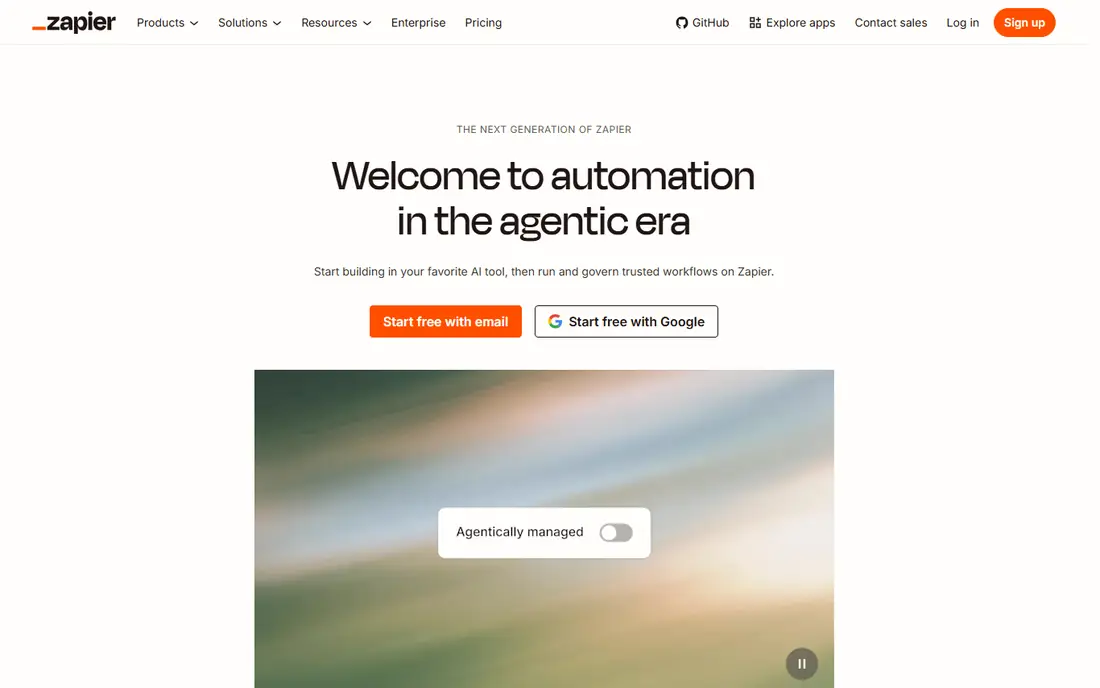
Zapier is the default recommendation for non-technical teams, and for good reason. Its catalogue covers thousands of apps, and most workflows can be built by picking a trigger, adding actions, and testing the result. For a team moving from n8n because self-hosting feels like too much work, Zapier removes that burden at once.
The cost model is the main watch point. Each successful action counts as a task, so loops and busy workflows can burn through a monthly allowance. Start with the free plan for a simple flow, then model a real month of runs before you pick a paid tier.
- Very large app catalogue
- Easy setup
- Multi-step workflows on paid plans
- Task costs add up fast
- Free plan limits workflows to two steps

Make gives you a canvas where you can see data move from one app to the next, which helps when a workflow has branches, filters or data changes. That visual style feels close to n8n, without the need to host a server. Its entry paid plan starts lower than Zapier, which makes it attractive for small teams with multi-step needs.
The trade-off is catalogue depth. Make covers the major apps well, but a niche tool may need a webhook or custom connection. If your core apps are covered, Make often gives more workflow power per dollar than Zapier.
- Clear visual scenarios
- Generous credit allowance at entry level
- Strong data tools
- App catalogue is smaller than Zapier
- Learning curve for routers and filters
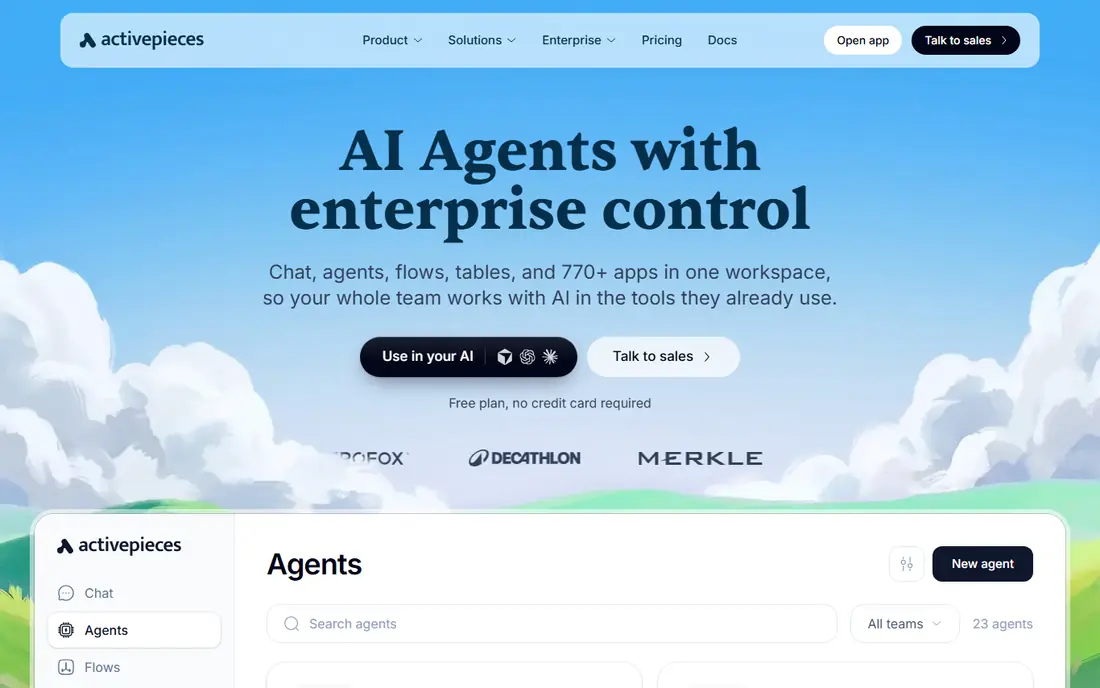
Activepieces is the closest open source cousin to n8n on this list. Its community edition can be self-hosted, and its cloud version gives a managed route for teams that do not want server work. Pieces connect common apps, and code steps let technical users go beyond drag-and-drop blocks.
Catalogue size is still catching up, so check your must-have apps before you commit. For a team that values open source and data control, Activepieces offers a practical path that keeps costs and hosting choices in your hands.
- Open source community edition
- Self-hosting option
- Growing piece library
- Smaller catalogue than Zapier and Make
- Cloud pricing varies by plan
Power Automate makes sense when your work already lives in Outlook, Teams, SharePoint and Excel. It connects those tools with less friction than a general automation platform, and desktop flows can handle repetitive tasks on a Windows computer. For a firm on Microsoft 365, that fit can outweigh a lower price elsewhere.
Outside that ecosystem, the appeal fades. Pricing is per user, and the full feature set takes time to learn. If your team uses Google Workspace or a mix of tools, Make or Zapier may give a smoother start.
- Deep Microsoft 365 and Teams integration
- Desktop flows for repetitive tasks
- Enterprise controls
- Best value inside Microsoft shops
- Interface can feel complex
IFTTT is not a business replacement for n8n, and we include it for a different job. It links personal apps and smart-home devices with simple rules, such as saving a photo, logging a device event, or sending a notification. Setup takes minutes, and the free plan covers a small number of applets.
Business teams should look elsewhere for branching logic, error handling and team controls. For a home routine or a simple personal automation, IFTTT is cheaper and easier than a full workflow platform.
- Very simple applets
- Strong smart-home support
- Low entry price
- Limited multi-step logic
- Not built for business workflows
Workato targets firms that need integrations to run safely at scale, with roles, audit trails and reusable recipes. It suits finance, operations and IT teams that move data between core systems such as Salesforce, NetSuite and Workday. That governance focus is the reason larger firms choose it over a consumer tool.
The cost and sales process reflect that audience. Expect a quote rather than a simple monthly price, and expect a longer setup for complex recipes. Small teams will find Zapier or Make faster and cheaper for the same simple flows.
- Strong enterprise governance
- Reusable recipes
- Broad SaaS connectors
- Pricing is quote-led
- Overkill for small teams
Tray.ai, formerly Tray.io, sits in the same enterprise space as Workato, with a focus on integrations and AI-driven workflows. It gives IT and operations teams a way to build, govern and monitor workflows across many systems. That control matters when a broken workflow could affect orders, payroll or customer data.
Like Workato, Tray.ai is not a quick self-serve purchase for a solo user. Trials run through sales, and pricing depends on volume and features. For a large team that outgrew n8n on governance grounds, Tray.ai is a serious shortlist candidate.
- Enterprise integration platform
- Agent and AI workflow features
- Strong controls
- Pricing is quote-led
- Setup needs technical planning
Windmill is built for developers who want workflows as code, not just as boxes on a canvas. You can write steps in languages such as Python and TypeScript, schedule jobs, and build internal apps around those flows. Self-hosting gives control over data and cost, which appeals to engineering teams.
Non-technical users will find Windmill harder than Zapier or Make, because the power comes from code. For a technical team that liked n8n for its code steps but wants a more developer-centred model, Windmill is worth a close look.
- Code-first workflows in common languages
- Self-hosting option
- Strong for internal tools
- Needs coding skill
- Less friendly for non-technical users
How we picked these
We compared official pricing pages, feature documentation and hosting models for tools that automate work between apps, with code steps, schedules or triggers. We included no-code, open source, Microsoft and enterprise options, because n8n users leave for different reasons. We did not claim hands-on testing, and we used See website where pricing is quote-led or varies by plan.
Choosing by reason for leaving n8n
Your reason for leaving should drive the shortlist. If hosting and maintenance are the pain, choose a managed tool such as Zapier, Make or Power Automate. If control and cost are the pain, test Activepieces or Windmill on your own server first.
Count the real unit, not just the headline price
Zapier counts tasks, Make counts credits, and Power Automate counts users, so the same workflow can look cheap in one system and costly in another. Convert one real month of runs into each unit before you compare. That step matters more than any starting price on a pricing page.
Test failure handling early
A workflow that works in a demo can fail on bad data, rate limits or a changed app field. Test error alerts, retries and logs in the first week, and check how easy it is to replay a failed run. A tool that hides failures will cost more time than it saves.
FAQ
What is the best n8n alternative for beginners?
Zapier is the easiest starting point for beginners, because its app catalogue is large and its setup is guided. Make is a close second for beginners who want visual multi-step flows at a lower price. Both offer free plans for a first test.
What is the best free alternative to n8n?
Activepieces offers a free self-hosted community edition, and Windmill offers a free starting option for developers. Zapier and Make also offer free plans with limits on tasks or credits. The best free choice depends on whether you want to host the tool yourself.
Is Zapier better than n8n?
Zapier is better for non-technical teams that want the widest app catalogue and no server work. n8n is better for technical teams that want code control and self-hosting at a lower licence cost. The right answer depends on team skill, hosting preference and workflow volume.
What n8n alternatives support self-hosting?
Activepieces and Windmill both support self-hosting, which gives control over data and running costs. Self-hosting still needs updates, backups and monitoring, so budget staff time as well as server cost. Managed cloud plans remove that work for a monthly fee.
Can I migrate workflows from n8n to another tool?
There is no universal one-click migration, so expect to rebuild workflows in the new tool. Export your n8n workflow definitions, list triggers, actions and code steps, then rebuild and test each flow in parallel. Running both tools for a short overlap helps catch missing steps.
Which n8n alternative is best for enterprises?
Workato and Tray.ai are the strongest enterprise picks here, because they offer governance, monitoring and vendor support at scale. Power Automate is also strong inside Microsoft 365 firms. Enterprise pricing is usually quote-led, so request a quote based on real volume.