Choosing Calendar Software for Client Scheduling in 2026: 5 Options Compared
Best calendar software for client scheduling: 5 tools compared on price, free plans and fit. Each pick comes with its main catch. Skim the table first.
- Editor's choice
 SavvyCal
Respectful booking with calendar overlay
Starts at$10 per user a monthVisit savvycal.comFull review - Great alternativeMicrosoft Bookings
Teams already using Microsoft 365
Starts atSee websiteVisit microsoft.comFull review - Also consider
 Cal.com
Adaptable scheduling for online bookings
Starts at$12 per user a monthVisit cal.comFull review
Direct answer
This list puts SavvyCal first for respectful booking with calendar overlay. Listed starting prices: SavvyCal from $10 per user a month, Cal.com from $12 per user a month and Calendly from $10 per seat per month. Microsoft Bookings is the stronger choice for teams already using Microsoft 365, while Cal.com suits adaptable scheduling for online bookings. The remaining 2 options are covered below with prices and limits.
TL;DR:
- The list opens with SavvyCal, aimed at respectful booking with calendar overlay.
- Only 2 of the 5 tools have a free plan (Cal.com, Calendly), so check the caps.
- Starting prices begin at $10 per user per month with SavvyCal.
- A fair warning about Google Calendar: booking workflows are lighter than dedicated schedulers.
Last checked November 2026. Prices and plan details were read from the vendors' own pages in November 2026; vendors change plans often, so confirm the current price on the vendor site before you buy.
Quick comparison
| Tool | Best for | Starts at | Free plan? | |
|---|---|---|---|---|
| SavvyCal | Respectful booking with calendar overlay | $10 per user a month | Free trial | Visit |
| Microsoft Bookings | Teams already using Microsoft 365 | See website | Not stated | Visit |
| Cal.com | Adaptable scheduling for online bookings | $12 per user a month | Yes | Visit |
 Google Calendar | Shared calendars inside Google Workspace | See website | Not stated | Visit |
 Calendly | End-to-end meeting workflow for client calls | $10 per seat per month | Yes | Visit |
Calendar Software for Client Scheduling profiles
LinkVetted put together this guide to calendar software for client scheduling for readers who want a clear shortlist without reading every vendor page. It compares 5 tools on starting price, free plans, who each one suits and where each one falls short.
SavvyCal serves respectful booking with calendar overlay. SavvyCal is a scheduling tool for sharing booking links.
Its homepage notes that invitees can overlay their own calendar on your link to find a time, whereas the host controls buffers, limits and preferred times. Worth adding: confirm current capabilities with the vendor if you need deeper integrations. SavvyCal cost at the entry level: $10 per user per month. As for free access: Free trial.
Main advantages: Invitees can overlay their own calendar on the link.
Where it falls short: Narrower scope than full meeting suites.
- Limits and preferred times
- Straightforward booking link sharing
- Fewer surrounding workflow features
Microsoft Bookings
Best for: Teams already using Microsoft 365
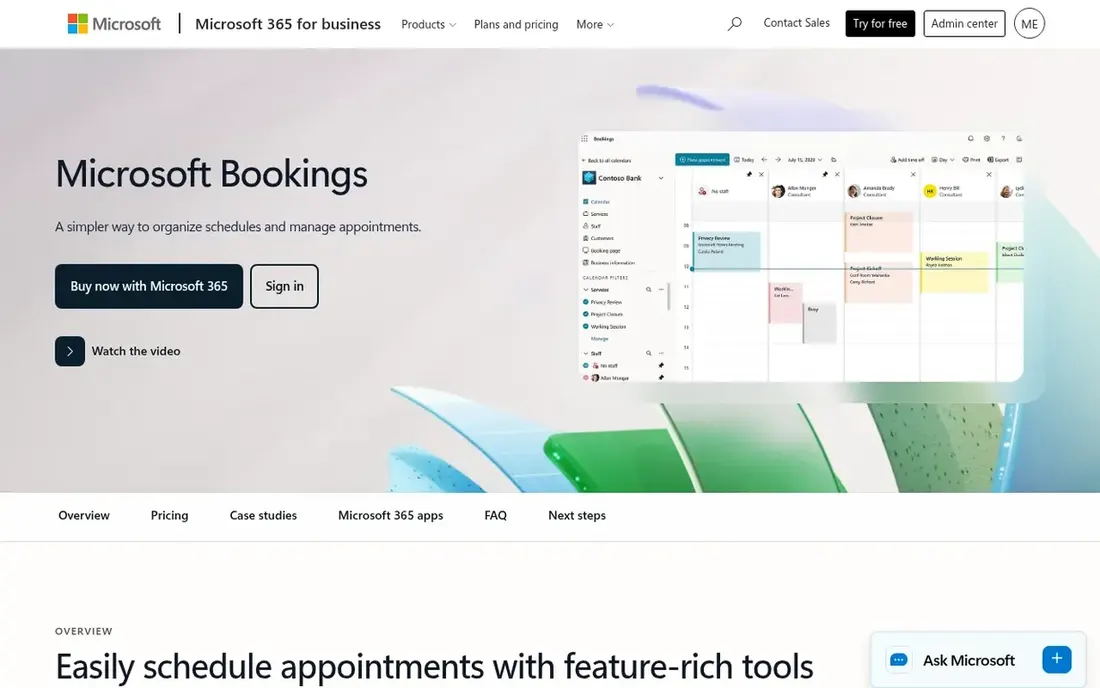
Choose Microsoft Bookings for teams already using Microsoft 365. Microsoft Bookings is an online booking and appointment scheduling app within Microsoft 365. Its homepage flags adaptability and customization for different departments, individuals and appointment types, which makes it a natural choice for organizations that already run email, files and calendars through Microsoft.
Worth adding: teams outside the Microsoft ecosystem will get less value from it, and mixed environments may prefer a standalone scheduler. Staff can publish bookable times whereas keeping scheduling inside the tools they use daily. Microsoft Bookings does not show a starting price in this comparison, so check the vendor site for current pricing. Free plan details: Not stated.
What to check first: Most handy only within the Microsoft ecosystem.
- Suits departments and individual schedulers
- Ties into the Microsoft 365 environment
- Less appealing for non-Microsoft organizations
Choose Cal.com for adaptable scheduling for online bookings. It centers on booking links that clients use to reserve meetings, making it a fit for teams that want a standalone scheduling layer separate from their primary calendar.
The main drawbacks: Feature depth varies by configuration.
It fits small companies and product teams that prefer a dedicated booking tool. Entry price for Cal.com: $12 per user per month. A free plan is available with Cal.com.
- Works as a dedicated booking layer
- Built around online booking links
- Brand recognition is lower than the largest schedulers
Google Calendar works best for shared calendars inside Google Workspace. For client-facing self-service booking with forms, routing and customization, a dedicated scheduling tool normally does more. In practice, Google Calendar is a shareable online calendar used to schedule meetings and appointments and run both business and personal commitments.
It does well as the calendar backbone for a business that schedules straight instead of through a dedicated booking page. As for the details, Calendly or SavvyCal can sit on top of a Google-based calendar when booking links are needed. Google Calendar shows no starting price here, so confirm the cost on the vendor site. Free options: Not stated.
Limits to weigh: Booking workflows are lighter than dedicated schedulers.
- Works alongside Google Workspace
- Shareable online calendar for meetings and appointments
- Customization is restricted compared to booking apps
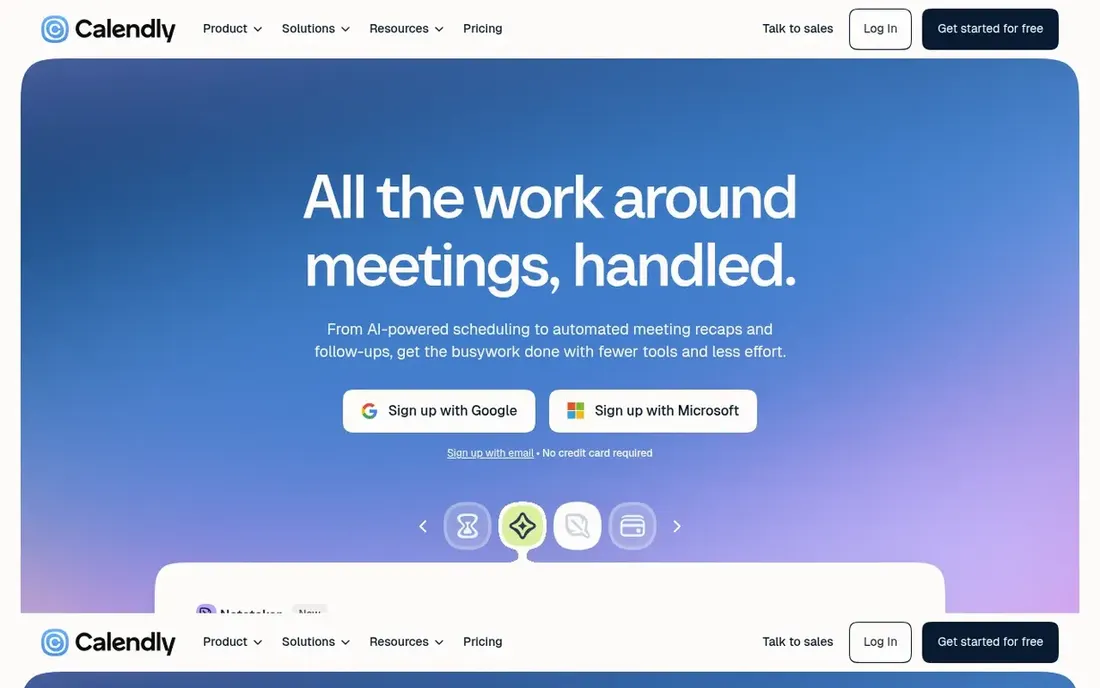
Calendly works best for end-to-end meeting workflow for client calls. Its homepage describes a broader workflow that spans scheduling, payments, meeting preparation, notetaking, contact management and follow-up.
Since the product spreads across numerous meeting tasks, teams that only need a straightforward shared calendar may find it more than necessary. Calendly pricing: $10 per seat per month. Calendly has a free plan.
Honest limits: Advanced customization may need a premium level. What works well: AI meeting tools for the work around meetings.
- Payments and meeting prep in one place
- Contact management and follow-up support
- Less centred on service-business appointment types
How we compared the tools
A buyer's checklist
- Ask Microsoft Bookings and Google Calendar for a written quote, since no starting price is shown.
- Read the fine print on the free plans from Cal.com and Calendly; seat, project and feature caps differ.
- Take the trial from SavvyCal and push a live task through it before you pay.
- Before choosing SavvyCal, weigh its main limit: narrower scope than full meeting suites.
- Check how data leaves Google Calendar: formats, limits and whether exports are available on every plan.
- A short pilot of Cal.com with your real workflow tells you more than a feature table.
FAQ
What is the difference between a calendar and a scheduling tool?
A calendar for example Google Calendar keeps and shares your events, whereas a scheduling tool publishes bookable availability and takes care of the booking request.
What is the cheapest option for calendar software for client scheduling in this list?
On published monthly entry prices, SavvyCal is the lowest here at $10 per user per month. Entry price is only part of the cost, because seats, add-ons and billing terms can change the total. For the full picture, the cards above cover all 5 entries of this calendar software for client scheduling list, including price, free plan and limits.
Can invitees see their own calendar while booking?
SavvyCal lets invitees overlay their own calendar on your booking link so they can pick a time that works. The host still sets buffers, limits and preferred times to keep control over availability.
Can I try these tools before paying?
Often, yes. Cal.com and Calendly have a free plan and SavvyCal offers a free trial. Use your own data and a real task during the test, and check what the free tier or trial limits before you rely on it.
Is SavvyCal the right pick for everyone comparing calendar software for client scheduling?
No single tool suits every team. SavvyCal comes first because it fits respectful booking with calendar overlay, while Microsoft Bookings suits teams already using Microsoft 365 and Cal.com suits flexible scheduling for online bookings. Match the tool to your own size, budget and workflow before deciding.
Do these tools publish their prices?
Not all of them. Microsoft Bookings and Google Calendar publish no starting price, so expect a quote request for those. The rest, SavvyCal included, show a starting price, though seats and billing terms still change the final cost.
Sources
- https://savvycal.com
- https://www.microsoft.com/en-us/microsoft-365/business/scheduling-and-booking-app
- https://cal.com
- https://calendar.google.com
- https://calendly.com