Best Calendar Scheduling Tools in 2026: 8 Tools Compared
Compare the best calendar scheduling tools in 2026, from free booking pages to team routing, payments, and group polls for busy calendars today. and key picks
- Editor's choice
 Calendly
Simple booking pages most clients recognize
Starts atFreeVisit calendly.comFull review - Great alternative
 Cal.com
Generous free scheduling
Starts atFreeVisit cal.comFull review - Also consider
 Acuity Scheduling
Service bookings with payments
Starts atSee websiteVisit acuityscheduling.comFull review
TL;DR:
- Calendly is our pick for most people because it is widely recognized and easy to set up.
- Cal.com offers the strongest free plan, with unlimited event types for one user.
- Acuity Scheduling suits service businesses that need intake forms and payments at booking.
- TidyCal is the budget pick for solo users who prefer a one-time payment.
- Team routing tools such as Chili Piper fit sales teams, but they are overkill for solo schedules.
Quick comparison
| Tool | Best for | Starts at | Free plan? | |
|---|---|---|---|---|
| Calendly | Simple booking pages most clients recognize | Free | Yes | Visit |
| Cal.com | Generous free scheduling | Free | Yes | Visit |
| Acuity Scheduling | Service bookings with payments | See website | Free trial | Visit |
 TidyCal | Low-cost lifetime scheduling | $29 one-time | Yes | Visit |
 SavvyCal | Polished booking experience | $12 per month | Free trial | Visit |
 Setmore | Small teams on a free plan | Free | Yes | Visit |
 Doodle | Group scheduling polls | See website | Yes | Visit |
 HubSpot Meetings | Teams already using HubSpot | Free | Yes | Visit |
The best calendar scheduling tools
A good scheduling tool should remove back-and-forth emails without adding a new chore. The best options connect to your calendar, respect your availability, and send reminders automatically. The differences show up in team features, payments, and price.

Calendly remains the default for a reason. Most clients have seen a Calendly link before, so they know what to do without instructions. Setup is guided, and you can connect Google Calendar, Outlook, Zoom, Google Meet, or Teams in a few steps. Paid plans add unlimited event types, workflows, and routing forms.
The free plan is the main limit. One event type works for a single meeting format, but coaches, consultants, and freelancers with several services will outgrow it fast. Standard starts at $10 per seat per month billed yearly, which is fair for the polish, but check whether you need that many features.
- Familiar to many clients
- Guided setup
- Strong integrations with video and payment tools
- Free plan allows only one event type
- Team routing sits on higher tiers
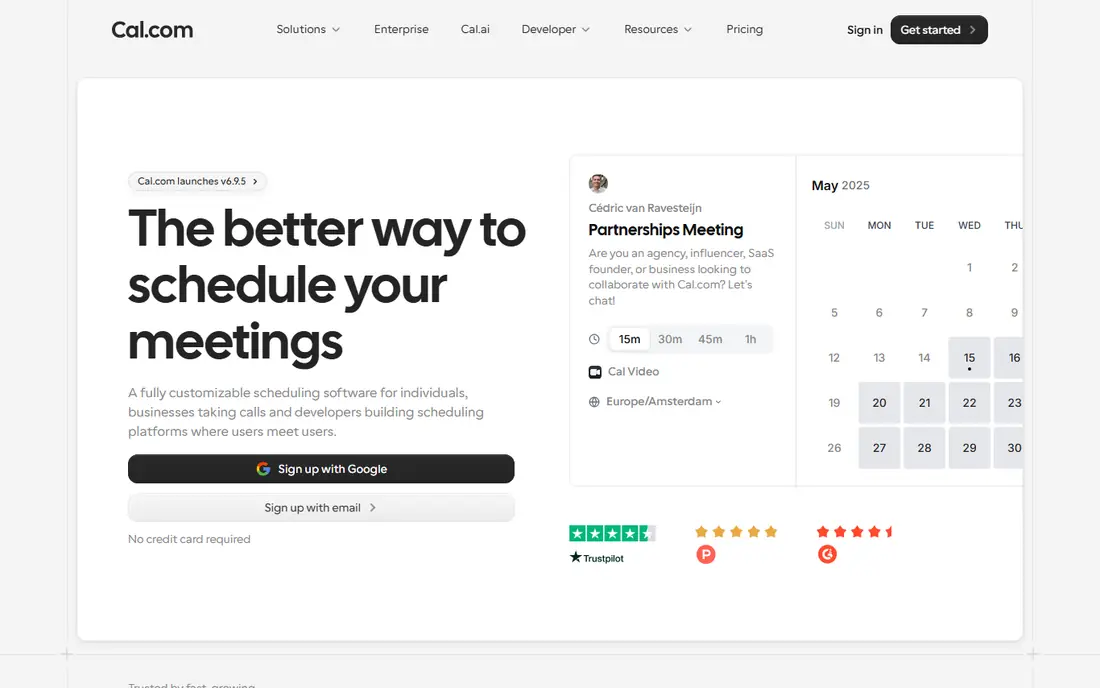
Cal.com is the value pick in this list. Its free plan for one user includes unlimited event types and calendars, which is far more than most rivals offer free. Teams can move to paid plans from $12 per user per month billed yearly for team features and organizations.
The trade-off is polish and familiarity. Clients may not recognize the brand as quickly, and setup asks a bit more from you. If you value control and low cost over brand recognition, that trade is easy to accept.
- Free plan includes unlimited event types
- Open source and self-hosting option
- Built-in video option
- Interface feels less polished than Calendly for some users
- Fewer ready-made integrations in some workflows
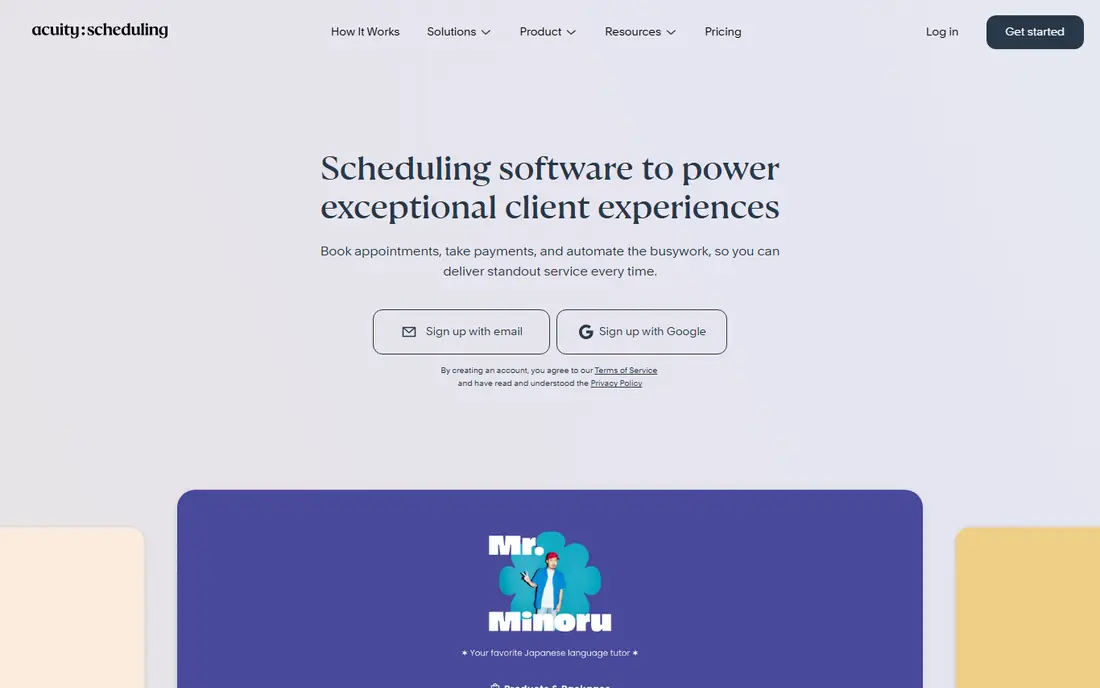
Acuity, now part of Squarespace, is built for businesses that sell time. Clients can pick a service, answer intake questions, and pay before the appointment. That reduces no-shows and admin work for salons, therapists, tutors, and consultants.
If you only need a link for occasional calls, Acuity has more settings than you need. For a service business with repeat bookings, packages, and classes, those settings become the point.
- Intake forms, packages, and payment collection at booking
- Strong fit for salons, clinics, and coaches
- Client self-service rescheduling
- Pricing varies and needs checking on the vendor site
- Can feel like overkill for simple one-to-one meetings
TidyCal appeals to people who are tired of monthly fees. Pay once and you get booking pages without a recurring bill, which is rare in this category. It covers the basics well: availability, calendar connections, and booking links.
Larger teams will miss routing, advanced workflows, and deeper CRM links. Solo freelancers and small creators, by contrast, may never need those features. Judge TidyCal by your current size, not by a feature list you may never use.
- One-time payment option
- Simple booking pages
- Good for solo users who dislike subscriptions
- Fewer advanced team features
- Smaller integration list than Calendly or Cal.com
SavvyCal focuses on how booking feels for the guest. Visitors can overlay your availability on their own calendar view, which makes picking a time less confusing. The pages look modern without much styling work from you.
The price starts at $12 per user per month in published comparisons, and there is no free forever tier. That is fair for professionals who book often, but casual users should start with a free tool first.
- Clean booking pages with overlay views
- Good calendar and video integrations
- Thoughtful design details
- No permanent free plan
- Team features cost more at scale
Setmore is useful when a small team shares bookings. Its free plan covers up to four users in many listings, which helps a tiny salon or clinic get started without paying. Staff pages, services, and customer reminders are included in the core workflow.
Design and depth lag behind newer rivals. If you want a highly branded booking page or complex routing, look at Calendly, Cal.com, or SavvyCal. If you want a free team start, Setmore is hard to beat.
- Free plan supports small teams
- Appointment booking plus basic staff scheduling
- Payment options on paid plans
- Interface feels dated in places
- Advanced features sit behind paid tiers
Doodle solves a different problem from the rest of this list. When five people need to meet, a poll lets each person mark available times, and the organizer picks the best slot. That avoids a long email thread and works well for teams, clubs, and family events.
For client bookings with payments and intake forms, Doodle is not the right tool. Use it alongside a booking tool: Doodle for group decisions, and a dedicated scheduler for client work.
- Group polls find a time that works for many people
- Simple for guests with no account
- Booking pages for one-to-one meetings too
- Less suited to paid service bookings
- Poll results still need a final confirmation step
HubSpot Meetings makes sense if your team already lives in HubSpot CRM. Booking links are free, meetings attach to contact records, and sales teams can track follow-up without extra tools. That context is valuable for pipeline work.
If you do not use HubSpot, there is little reason to adopt its CRM just for scheduling. Pick Calendly or Cal.com instead, and keep your CRM choice separate from your booking choice.
- Free booking links inside HubSpot
- Meetings sync to contacts and deals
- Good for sales and support teams
- Best value only inside HubSpot
- Standalone users get less reason to choose it
How we picked these
We compared official pricing pages, feature lists, and public reviews for tools that connect to Google Calendar or Outlook, offer a booking page, and handle reminders. We favored tools with a clear free or low-cost entry point, plus options for teams, service businesses, and group scheduling. Where pricing was not published clearly, we wrote See website.
How to choose the right scheduling tool
Start with who books with you. Clients, students, patients, and colleagues have different needs, and a tool built for one group may annoy another. A simple link works for colleagues, while service clients need forms, payments, and reminders.
Match features to your meeting types
Count your meeting formats first. One format fits a free plan. Several formats, group sessions, and team routing need a paid tier or a tool like Cal.com with generous free limits. Also check time zones, buffers between meetings, and daily booking limits, since those settings prevent burnout and double bookings.
Test the guest experience
Book a test meeting as a guest. Check how long it takes, whether the page works on a phone, and whether reminders arrive. A tool that saves you time but confuses guests will cost you bookings. Also confirm calendar sync in both directions, so a manually added event blocks your booking page. Pay attention to cancellation and rescheduling too, since guests need a clear way to change a booking without emailing you. A clean cancellation flow protects your calendar and keeps the relationship in good shape, even when plans change. Finally, check how booking data is stored and whether you can export it, so a future switch to another tool does not trap your client history.
FAQ
What is the best calendar scheduling tool?
Calendly is the safest general pick because clients recognize it and setup is quick. Cal.com is the best free option for solo users who need many event types. Service businesses should shortlist Acuity Scheduling for payments and intake forms.
What is the best online calendar scheduling tool for teams?
For teams, look at Calendly Teams, Cal.com Teams, or HubSpot Meetings if you already use HubSpot. Check round-robin routing, shared calendars, and routing forms before you pay, since those features vary widely by tier.
Is there a free calendar scheduling app?
Yes. Calendly, Cal.com, Setmore, Doodle, and HubSpot Meetings all offer free tiers. Cal.com offers the most generous free plan for one user, while Setmore helps small teams. Free plans often limit event types, users, or branding.
What is the best calendar app for scheduling meetings?
A calendar app and a scheduling tool are different jobs. Google Calendar and Outlook handle your calendar, while tools in this list create public booking pages on top of them. Use both: a calendar for your time, and a scheduler for letting others book it.
How do scheduling tools avoid double bookings?
They check your connected calendar in real time and only show times that are free. Buffers, booking limits, and event duration settings add extra protection. Make sure all calendars you use, including personal ones, are connected or blocked.