Best Calendly Alternatives in 2026: 8 Tools Compared
Compare the best Calendly alternatives for 2026, from Acuity and Cal.com to Doodle, Setmore, and TidyCal, with prices, free plans, and booking features.
- Editor's choice
 Acuity Scheduling
Appointment businesses
Starts at$16 per monthVisit acuityscheduling.comFull review - Great alternative
 Cal.com
Open, team-friendly booking
Starts at$12 per monthVisit cal.comFull review - Also consider
 YouCanBookMe
Calendar-driven booking pages
Starts atSee websiteVisit youcanbook.meFull review
TL;DR:
- The best Calendly alternatives cover booking pages, calendar sync, reminders, and payments, with different pricing models.
- Acuity Scheduling and Setmore suit appointment businesses that also need packages, payments, and staff calendars.
- Cal.com, YouCanBookMe, and TidyCal suit individuals and small teams that want simple, low-cost booking links.
- Doodle suits group scheduling, where finding a time that works for many people matters more than a booking page.
Quick comparison
| Tool | Best for | Starts at | Free plan? | |
|---|---|---|---|---|
| Acuity Scheduling | Appointment businesses | $16 per month | No | Visit |
| Cal.com | Open, team-friendly booking | $12 per month | Yes | Visit |
| YouCanBookMe | Calendar-driven booking pages | See website | Yes | Visit |
 Setmore | Staff teams on a budget | $5 per month | Yes | Visit |
 Doodle | Group polls and scheduling | $11 per month | Yes | Visit |
 TidyCal | Low-cost lifetime booking | See website | Yes | Visit |
 SimplyBook.me | Service businesses with many features | See website | Yes | Visit |
 Zoho Bookings | Zoho users needing bookings | $6 per month | Yes | Visit |
The best Calendly alternatives
We compared official feature pages, pricing pages, app store listings, privacy policies, and public reviews to find genuine alternatives that offer booking pages, calendar sync, and automated reminders for individuals, teams, and service businesses.
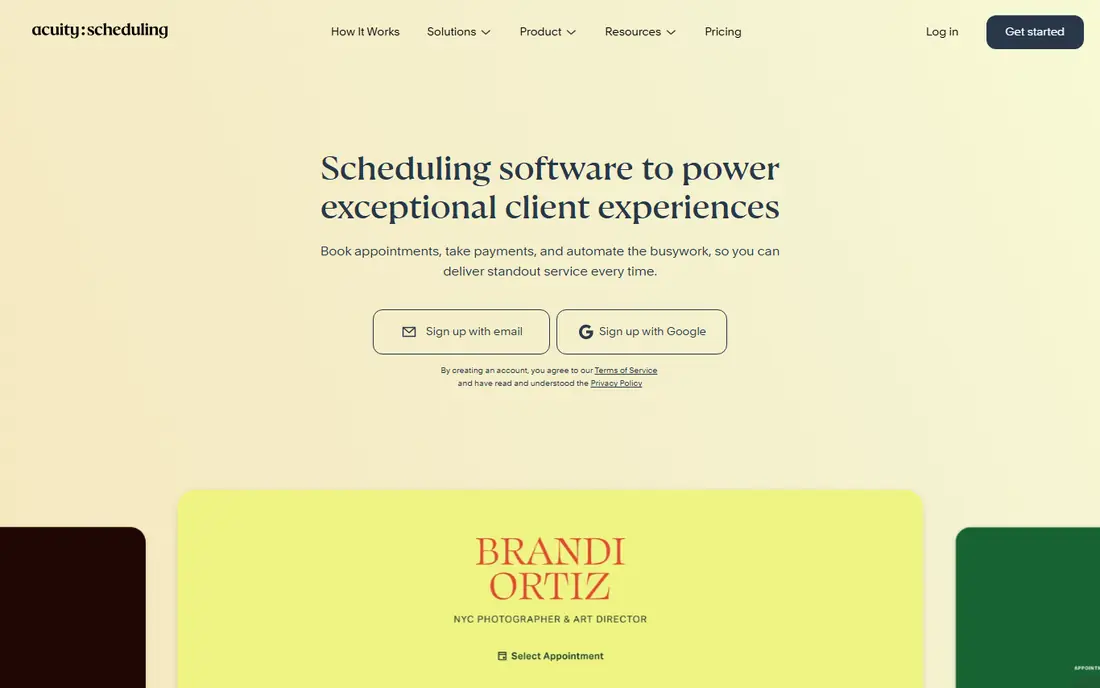
Acuity Scheduling, now part of Squarespace, suits health, wellness, coaching, and service businesses that sell appointments as products. You can offer packages, memberships, and gift certificates, collect payment at booking, and use intake forms to gather client details before a session. That business focus goes past a simple meeting link. The lack of a free plan is the main barrier for casual users. Pricing by calendars also works differently from per-seat tools, so compare your calendar count, not just your team size. For an appointment business, those features often justify the cost quickly.
- Packages, memberships, and gift certificates
- Payment collection at booking
- Intake forms and reminders
- No free plan
- Pricing is per account by calendars, not per user
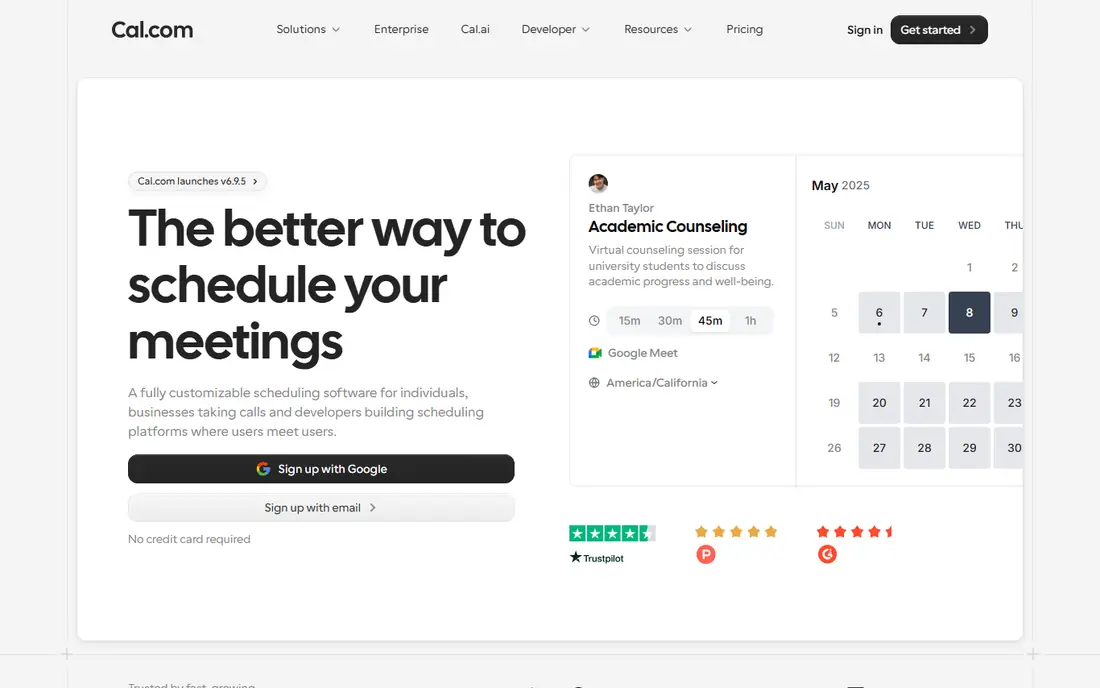
Cal.com suits teams that want control, transparency, and team booking without a closed system. The open source core appeals to developers and privacy-conscious teams, while hosted plans offer booking pages, team routing, and integrations without server work. Round-robin booking helps sales and support teams share incoming meetings fairly. Individuals can start free, while teams pay per seat for advanced features. Self-hosting gives full control but adds maintenance, so most small teams should use the hosted plan. For a team that values openness and routing, Cal.com is a strong modern alternative.
- Open source core
- Team booking and round-robin routing
- Good calendar and app integrations
- Paid team features need a higher plan
- Self-hosting adds setup work

YouCanBookMe suits calendar-driven users who want a booking page that reflects real availability. You can set event types, add custom questions, send reminders, and connect multiple calendars, which helps consultants, tutors, and small teams. The interface is straightforward, and guests book without an account. Limits to check include custom domains, calendar counts, and API access, which vary by plan. The free plan covers a single calendar, which suits a solo user. For a small team that books from calendars all day, YouCanBookMe is a practical, low-friction choice.
- Booking pages tied closely to your calendar
- Custom questions and notifications
- Team plans with routing
- No custom domain on lower plans
- API and advanced features need Team plans
Setmore suits small staff teams, such as salons, clinics, and studios, that need several calendars without a large bill. The free plan covers up to four users, which is generous, while Pro adds reminders, payments, and more integrations. Booking pages, staff views, and customer records cover the daily front-desk job. The design is more functional than elegant, and some advanced features sit behind Pro. For a budget team, that trade-off is usually fine, since the free tier alone handles basic booking. Check Pro pricing per user if your team grows past four people.
- Free plan for up to four users
- Staff calendars and booking pages
- Payment and reminder tools
- Some features need Pro
- Interface feels functional rather than polished
Doodle suits a different job from most booking tools: finding a time when many people can meet. Group polls let participants vote on times, which helps teams, committees, and event organisers avoid long email threads. Booking pages also cover one-to-one meetings, so Doodle can serve both needs. Service businesses that need packages, intake forms, and payments will find Doodle lighter than Acuity or SimplyBook.me. For internal scheduling, interviews, and group planning, Doodle is simple and effective. Trial a group poll with a real team to see how quickly it settles a date.
- Group polls for finding a shared time
- Booking pages for one-to-one meetings
- Simple guest experience
- Less suited to complex service bookings
- Payment tools are lighter than Acuity or Setmore
TidyCal suits solo users who want simple booking links without a monthly bill. You can create booking types, set availability, accept payments on higher tiers, and share a link with clients. Setup takes minutes, and the interface stays focused on booking, not on a wider suite. The limits matter for teams. There is no native mobile app, and integrations, webhooks, and routing are lighter than Cal.com or Acuity. Lifetime terms have also changed over time, so check the current offer carefully. For a solo consultant, TidyCal is a low-cost, low-fuss pick.
- Simple booking pages and types
- Low-cost lifetime options have been offered
- Easy setup for solo users
- No native mobile app
- Fewer integrations and automation than larger tools
SimplyBook.me suits service businesses that need more than a meeting link, such as classes, memberships, and multi-location bookings. You can build a booking website, offer services with staff and rooms, and add payments and client management. That breadth helps salons, clinics, fitness studios, and schools. The depth can feel complex for a solo user who only needs a simple link. Pricing also depends on bookings and features, so compare your expected volume with the plan limits. For a service business with varied offerings, SimplyBook.me covers more ground than a basic scheduler.
- Wide feature set for services
- Booking website and client app options
- Payments, memberships, and classes
- Feature depth can feel complex at first
- Pricing depends on bookings and features
Zoho Bookings suits teams already using Zoho apps, since bookings can feed into CRM records, calendars, and customer data. Booking pages, team routing, reminders, and payments cover the core job at a low entry price, and the free plan helps solo users start. For a Zoho workplace, the fit reduces manual data entry. Outside Zoho, the advantage is smaller, and teams should check integrations with their existing calendar and CRM. Feature availability also varies by plan, so trial the routing and payment features you need. For Zoho users, it is the natural, low-cost alternative.
- Low entry price
- Fits Zoho CRM, Calendar, and workplace apps
- Team routing and booking pages
- Best value inside Zoho
- Some features vary by plan and region
How we picked these
We compared official feature pages, pricing pages, app store listings, privacy policies, and public reviews. We looked for tools that are active in October 2026, offer booking pages and calendar sync, and can replace the core scheduling job for individuals or teams. We did not include Calendly itself in the list, since the task is alternatives, and we included appointment, team, group, and budget options.
How to switch from Calendly without breaking bookings
A switch is safest when you move event types, test links, and update embeds before you cancel the old tool. Start with your most-booked event type, and keep the old link live until the new one is proven.
Map event types, reminders, and payments
List every event type, duration, buffer, reminder, and payment rule you use in Calendly. Many teams forget a hidden event type or a payment link until a client reports it. Rebuild those first in the new tool, and test each one with a real booking, cancellation, and reschedule.
Check calendar sync, time zones, and routing
Confirm two-way calendar sync, time zone handling, and team routing for your use case. Round-robin, collective, and group bookings behave differently across tools, so test with your actual team. Check guest experience on mobile too, since many clients book from a phone.
Update links everywhere before you cancel
Booking links live in email signatures, websites, social profiles, and CRM templates, not just in one place. Search for old links, update embeds, and set a redirect or notice where possible. Keep the old account for a short overlap period, so in-flight bookings are not lost during the move.
FAQ
What are the best Calendly alternatives for free?
Cal.com, Setmore, YouCanBookMe, Doodle, TidyCal, SimplyBook.me, and Zoho Bookings all offer free plans with limits. Setmore is generous for small staff teams, while Cal.com suits individuals and teams that want a modern free start. Free plans usually limit event types, users, or features, so check limits against your real booking volume.
What is the best Calendly alternative for small businesses?
Acuity Scheduling and Setmore suit appointment businesses, while Cal.com and YouCanBookMe suit consultants and small teams. Acuity fits businesses that sell packages and collect payment, Setmore fits staff teams on a budget, and Cal.com fits teams that need routing. Trial your most common booking type in each tool before you choose.
Are there free alternatives to Calendly for teams?
Yes, with limits. Cal.com offers a free individual plan with team features on paid tiers, Setmore offers free booking for up to four users, and Zoho Bookings offers a free solo plan. For larger teams, expect a paid plan for round-robin routing, advanced reporting, and higher booking limits.
How do I choose between Acuity, Cal.com, and Setmore?
Choose Acuity if you run an appointment business with packages and payments. Choose Cal.com if you want open, team-friendly routing and modern booking pages. Choose Setmore if you need several staff calendars on a low budget. The deciding factor is usually business type, not just price.
Can I collect payments with Calendly alternatives?
Yes. Acuity, Setmore, SimplyBook.me, TidyCal, and Zoho Bookings support payment collection on paid or higher tiers, usually through Stripe or PayPal. Check which payment providers are supported in your country, and test a real payment, refund, and cancellation before you offer paid bookings to clients.
Do Calendly alternatives work with Google Calendar and Outlook?
Yes, all the tools in this list sync with Google Calendar and Outlook in some form, though two-way sync and calendar counts vary by plan. Test sync with your actual calendars, including shared and team calendars, and check time zone handling for clients in other regions. A broken sync is the fastest way to create double bookings.