Choosing Productivity App for Remote Workers in 2026: 5 Options Compared
Best productivity app for remote workers: 5 contenders ranked by fit, with entry costs and free tiers. Caveats come with every verdict. Details below.
- Editor's choice
 Trello
Visual boards for team workflows
Starts at$5 per user per monthVisit trello.comFull review - Great alternative
 Todoist
Straightforward task capture and organization
Starts at$5 a monthVisit todoist.comFull review - Also consider
 Evernote
Note taking and idea capture
Starts atSee websiteVisit evernote.comFull review
Direct answer
This list puts Trello first for visual boards for team workflows. Listed starting prices: Trello from $5 per user per month, Todoist from $5 a month and Asana from $10.99 per user per month. Todoist is better for straightforward task capture and organization, and Evernote is better for note taking and idea capture. The full list of 5 tools follows, with prices and free plan facts.
TL;DR:
- Number one here is Trello, a fit for visual boards for team workflows.
- Trello is the lowest-priced starter here at $5 per user per month.
- Notion is the one to check for all-in-one workspace for notes and tasks.
- Todoist comes with a trade-off: restricted for complicated project views.
Last checked November 2026. Prices and plan details were read from the vendors' own pages in November 2026; vendors change plans often, so confirm the current price on the vendor site before you buy.
Quick comparison
| Tool | Best for | Starts at | Free plan? | |
|---|---|---|---|---|
| Trello | Visual boards for team workflows | $5 per user per month | Yes | Visit |
| Todoist | Straightforward task capture and organization | $5 a month | Yes | Visit |
| Evernote | Note taking and idea capture | See website | Yes | Visit |
 Asana | Structured project and workflow management | $10.99 per user per month | Yes | Visit |
 Notion | All-in-one workspace for notes and tasks | $10 per member a month | Yes | Visit |
Every option for productivity app for remote workers explained
Choosing productivity app for remote workers usually comes down to price, fit and limits. This LinkVetted guide sets 5 tools side by side on those three points, with the facts kept short and checkable.
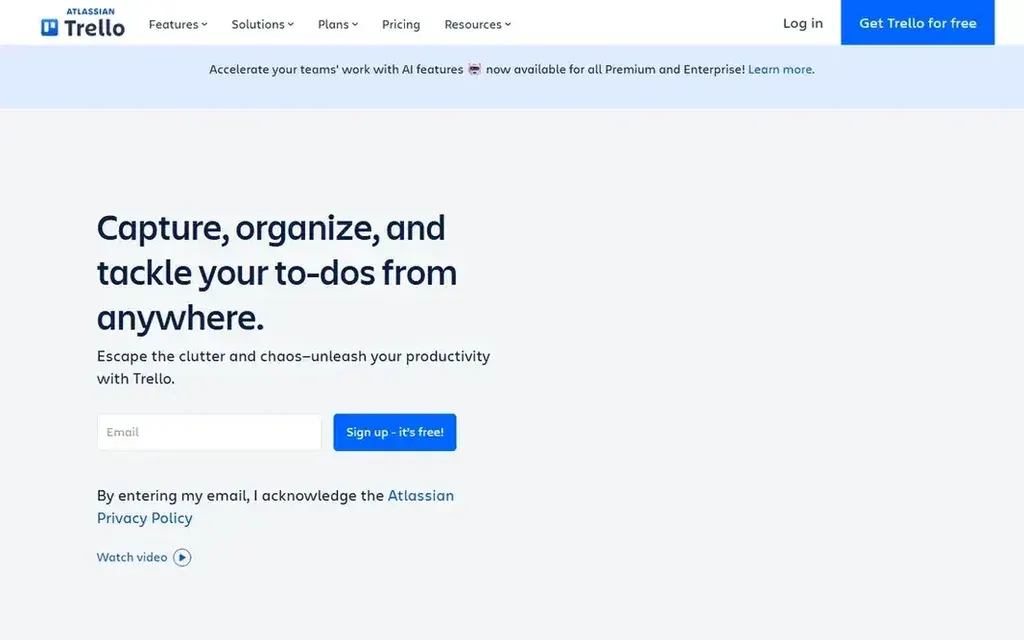
In short, Trello is for visual boards for team workflows. Trello can become cluttered when boards grow large, and it gives you fewer features for complicated project planning.
Where it is weaker: Can get cluttered with plenty of cards.
Remote workers who like a visual workflow will find it simple to see what is in progress and what comes next. In practice, the mobile app keeps boards accessible on the go. The starting price for Trello: $5 per user per month. A free plan is available with Trello.
- Performs well on mobile
- Visual boards and cards
- Restricted for complicated dependencies
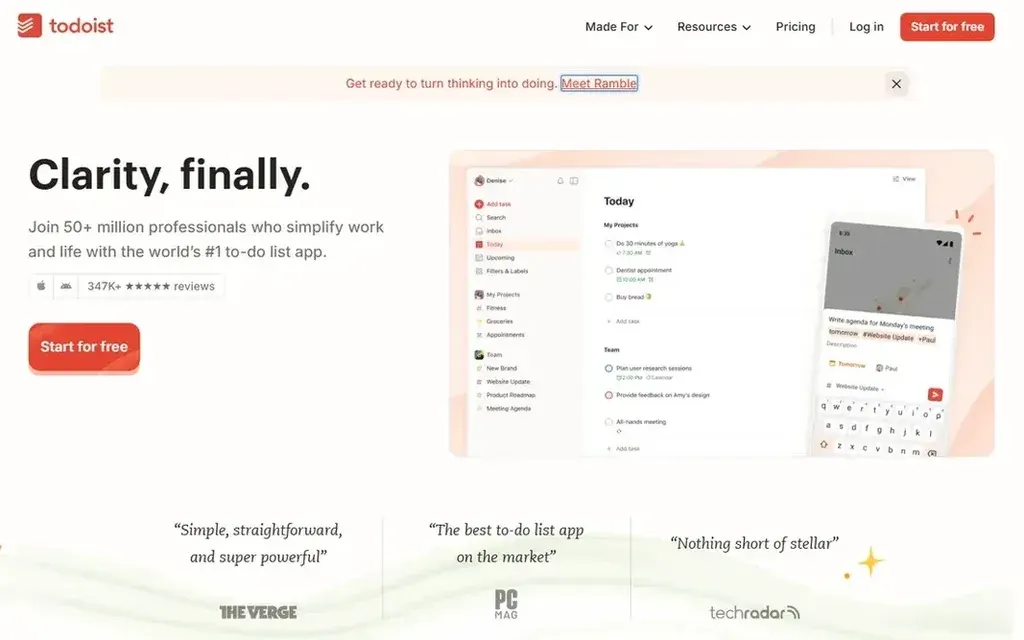
Choose Todoist for straightforward task capture and organization. Todoist is less suited to teams that require in-depth project timelines or document collaboration.
Upsides: Fast task entry across devices.
Downsides: Restricted for complicated project views. Todoist is a to-do list app built to help users organize work and life. What you pay to start with Todoist: $5 per month. Todoist has a free plan.
- Clean
- Organizes work and personal lists
- Fewer document features than suites
Evernote is aimed squarely at note taking and idea capture. Evernote is centered on notes instead of team project management, so it may not replace a full work management tool.
Watch-outs: Less suited to team project management.
It fits individuals who want a steady digital notebook. Evernote does not show a starting price in this comparison, so check the vendor site for current pricing. Evernote has a free plan.
- A decent match for personal knowledge
- Helps prioritize projects
- Focused chiefly on notes
Asana makes the most sense for structured project and workflow management. Asana needs more setup than a straightforward to-do app, which can feel heavy for solo remote workers.
Limits to weigh: Can be heavy for solo users.
Worth adding: Asana is work management software for teams and AI agents, built to plan, automate, and execute critical workflows together. In practice, if you only need personal task tracking, Todoist is a lighter choice. Asana pricing: $10.99 per user per month. A free plan is available with Asana.
- Supports human and AI agent teams
- Plan and automate workflows
- More setup than straightforward task apps

Notion is aimed squarely at all-in-one workspace for notes and tasks. It fits people who want notes, project plans, and task lists in one adaptable space.
Where it falls short: Needs setup time to customize.
For everyday use, teams that prefer a single hub for documents and workflows will find it handy. Notion cost at the entry level: $10 per member per month. Free access exists with Notion.
- Search across connected apps
- Custom agents and automation features
- Can feel complicated for straightforward task lists
How we compared the tools
Selection started from tools commonly considered for productivity app for remote workers, then narrowed to 5 that have clear pricing information or a clear quote process. Prices and plan limits come from vendor pages and can change, so confirm them on the vendor site before you buy. Position on the page reflects fit for a typical buyer first, with price clarity and free access breaking ties. Treat it as a guide, not a ruling.
Questions to settle before buying
- Confirm the entry price on the vendor page. For Evernote that means a quote rather than a fixed price.
- Check what the free option really includes: Trello, Todoist, Evernote and others offer a free plan, and usage caps differ.
- Read the limits listed for Trello first: restricted for complex dependencies.
- List the apps you already depend on and check that Evernote supports each one on the plan you would buy.
- Ask Notion how an export works before you move any records in; an easy exit lowers the risk.
FAQ
Can I try these tools before paying?
Often, yes. Trello, Todoist, Evernote and others have a free plan. Use your own data and a real task during the test, and check what the free tier or trial limits before you rely on it.
Do these tools publish their prices?
Not all of them. Evernote publishes no starting price, so expect a quote request for it. The rest, Trello included, show a starting price, though seats and billing terms still change the final cost.
Which productivity app for remote workers have a free plan?
On this list, Trello, Todoist, Evernote, Asana and Notion include a free plan. Caps on seats, usage or features are common, so test the free plan against your real workload.
What is the cheapest option for productivity app for remote workers in this list?
On published monthly entry prices, Trello is the lowest here at $5 per user per month. Entry price is only part of the cost, because seats, add-ons and billing terms can change the total. Prices, free plan details and limits for all 5 tools in this productivity app for remote workers roundup sit on the individual cards above.