PDF Editor Software for Small Offices in 2026: The 6 Best Options Side by Side
Best PDF editor software for small offices: 6 tools compared on price, free plans and fit. Hidden costs and gaps are flagged. Built for quick decisions.
- Editor's choice
 ABBYY FineReader PDF
OCR and document conversion
Starts at$16 per monthVisit abbyy.comFull review - Great alternative
 Foxit PDF Editor
Editing, converting and signing in one
Starts atSee websiteVisit foxit.comFull review - Also consider
 Nitro PDF Pro
Editing, signing and protecting documents
Starts atSee websiteVisit gonitro.comFull review
Direct answer
ABBYY FineReader PDF leads the list, best for OCR and document conversion. Listed starting prices: ABBYY FineReader PDF from $16 per month and Wondershare PDFelement from $6.99 per week. Foxit PDF Editor is the stronger choice for editing, converting and signing in one, while Nitro PDF Pro suits editing, signing and protecting documents. The full list of 6 tools follows, with prices and free plan facts.
TL;DR:
- ABBYY FineReader PDF is the opening pick, best for OCR and document conversion.
- The cheapest monthly starting price in the list is $16 per month, offered by ABBYY FineReader PDF.
- The main caution on Wondershare PDFelement: cross-device consistency should be checked.
- Nitro Sign is the one to check for secure eSignature workflows.
Last checked November 2026. Prices and plan details were read from the vendors' own pages in November 2026; vendors change plans often, so confirm the current price on the vendor site before you buy.
Quick comparison
| Tool | Best for | Starts at | Free plan? | |
|---|---|---|---|---|
| ABBYY FineReader PDF | OCR and document conversion | $16 per month | Free trial | Visit |
| Foxit PDF Editor | Editing, converting and signing in one | See website | Not stated | Visit |
| Nitro PDF Pro | Editing, signing and protecting documents | See website | Not stated | Visit |
| Wondershare PDFelement | Editing across desktop, mobile and web | $6.99 per week | Not stated | Visit |
 Adobe Acrobat Pro | Full-featured PDF editing and sharing | See website | Not stated | Visit |
| Nitro Sign | Secure eSignature workflows | See website | Free trial | Visit |
Tool-by-tool breakdown
LinkVetted compared 6 PDF editor software for small offices. The goal is a practical shortlist: published prices, free plan facts, best-fit use cases and honest limits for every entry.
Pick ABBYY FineReader PDF if this describes you: OCR and document conversion. For general editing and sharing, Adobe Acrobat Pro or Foxit PDF Editor may be more straightforward starting points.
Limits to weigh: Interface depth takes time to learn.
ABBYY FineReader PDF is powered by ABBYY's AI-based OCR technology and is designed for opening, reading and editing PDFs, converting files for example PDF to Excel or Word, and sharing and collaborating. Its OCR strength can be more than an office needs if documents are already digital and just need text edits. ABBYY FineReader PDF cost at the entry level: $16 per month. Free plan details: Free trial.
- Sharing and collaboration included
- Converts PDFs to Excel
- OCR focus may be overkill for plain editing
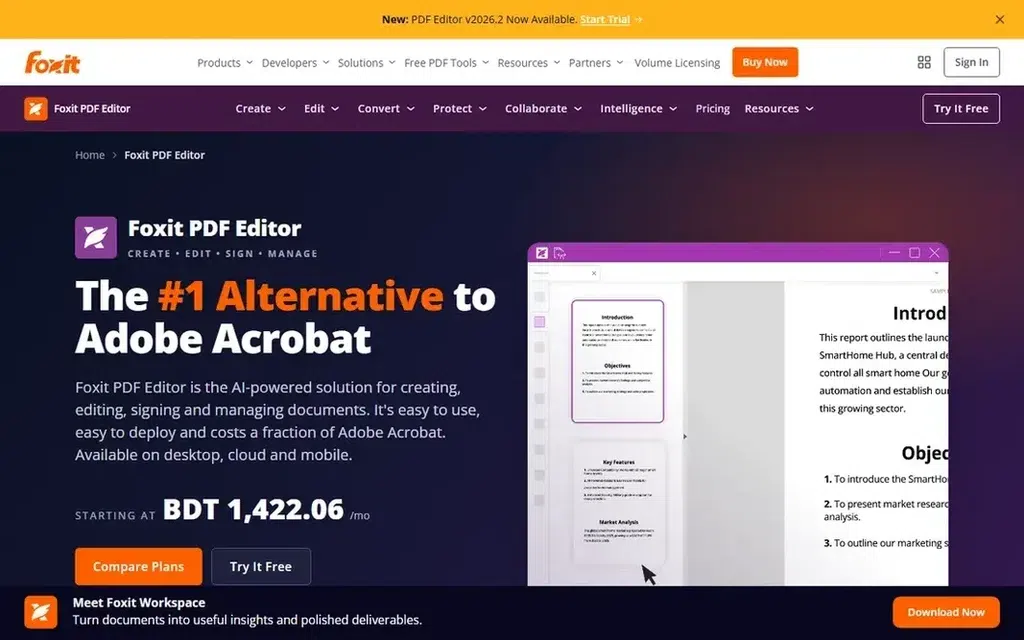
In short, Foxit PDF Editor is for editing, converting and signing in one. Foxit PDF Editor is presented as an AI-powered PDF editor for editing, converting and signing documents, and its vendor positions it as an alternative to Adobe.
Reasons to shortlist it: Signing built into the editor.
Vendor claims about being an alternative are worth testing against your own documents before committing. Also, offices that chiefly need conversion or OCR may find ABBYY FineReader PDF a better match, and those centred on signing can look at Nitro Sign. Foxit PDF Editor shows no starting price here, so confirm the cost on the vendor site. On free options: Not stated.
- AI-powered editing and conversion
- Marketed as an alternative to Adobe
- Feature set may exceed entry-level office needs
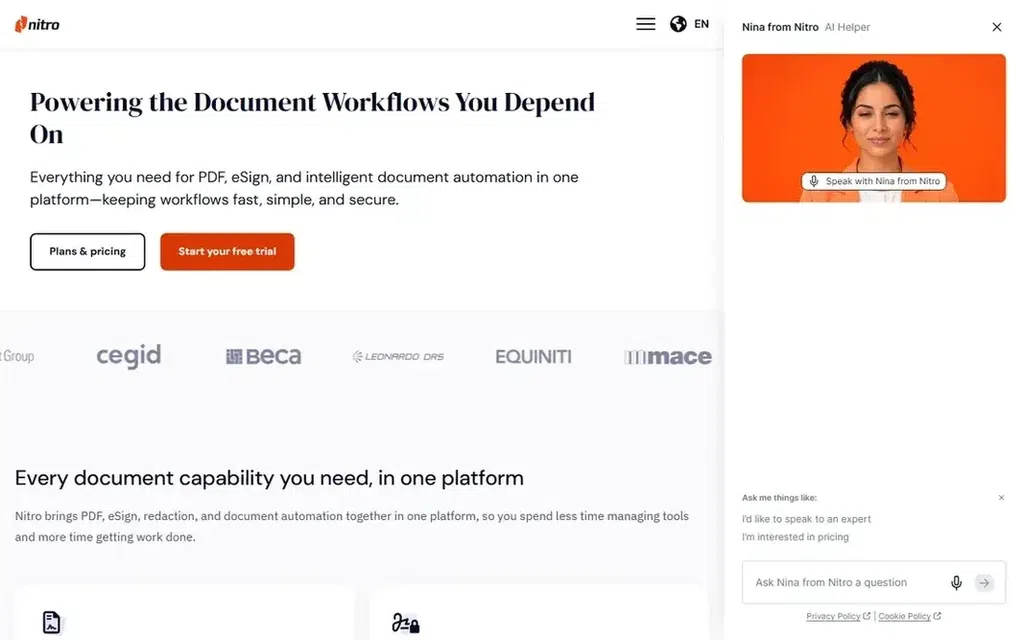
Nitro PDF Pro was built for editing, signing and protecting documents. Nitro PDF Pro is described as a full-featured PDF editor for editing, converting, signing and protecting documents whereas simplifying workflows.
Teams that only need signing can choose Nitro Sign rather than the fuller editor. As for the details, if your office works largely with scanned paper and needs solid recognition, a dedicated OCR tool like ABBYY FineReader PDF may serve better. Check the vendor site for Nitro PDF Pro pricing; none is listed in this comparison. As for free access: Not stated.
Highlights: Protection features for sensitive files.
Honest limits: Less specialized than dedicated OCR tools.
- Conversion and signing together
- Editing
- Full suite may be more than casual users need
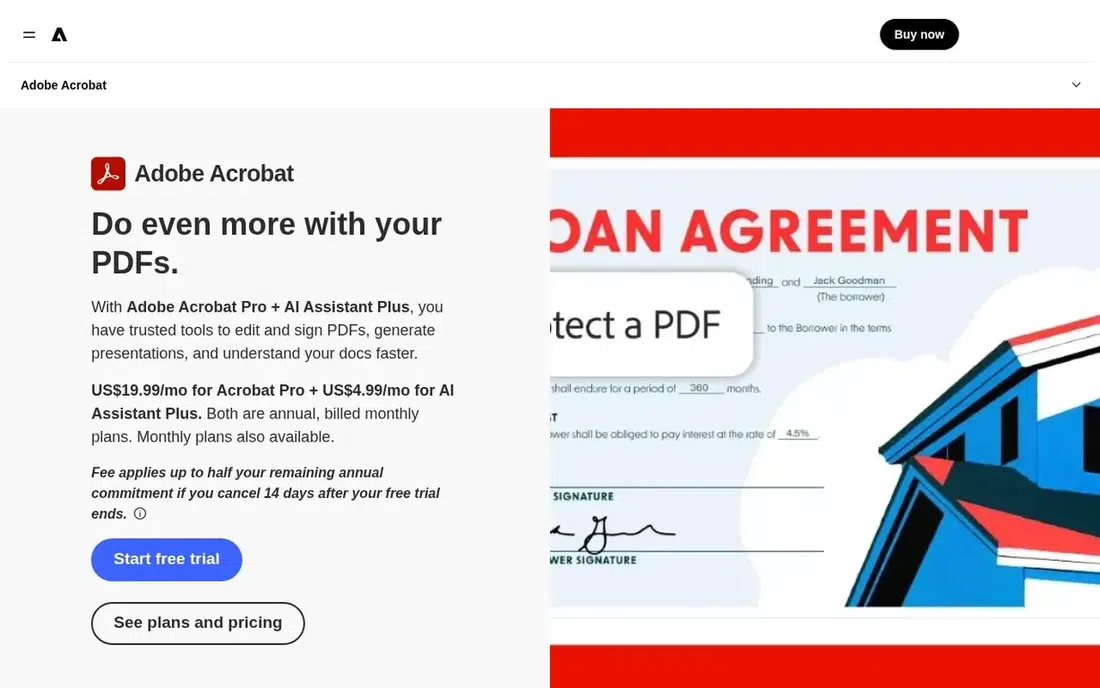
Adobe Acrobat Pro is aimed squarely at full-featured PDF editing and sharing. Adobe Acrobat Pro is the established PDF software from Adobe, described as offering edit, convert and share functionality with access to the latest features.
Downsides: Overlap with lighter tools for entry-level signing.
Where it shines: Well known workflow and file compatibility. It suits small offices that on a regular basis work with PDFs and want a single, broadly capable application for editing text, converting documents and circulating files among colleagues. Check the vendor site for Adobe Acrobat Pro pricing; none is listed in this comparison. Free plan details: Not stated.
- Wide feature coverage for mixed office tasks
- Editing
- Feature depth can feel heavy for straightforward needs
Nitro Sign
Best for: Secure eSignature workflows
Where Nitro Sign fits: secure eSignature workflows. Nitro Sign is eSign software centred on helping teams ease eSignature workflows with secure, compliant signing.
It suits small offices that send contracts, forms and approvals for signature and want a dedicated tool instead of a full editor, keeping the signing step clear and repeatable for staff and clients. Pricing for Nitro Sign is not stated here, so ask the vendor for current figures. Free access: Free trial.
Where it is weaker: Not a full document editing suite.
- Eases approval and signature steps
- Secure and compliant signing emphasis
- Editing tasks need a separate PDF editor
How we built this list
The comparison looks at four things: starting price, free access, how well the feature set matches PDF editor software for small offices, and the main limit of each tool. Plan names, prices and limits change often. Treat the figures here as a starting point and verify them with the vendor. Order on the page follows fit for the typical buyer first, then price transparency and free access. Your own requirements should decide the final pick.
A buyer's checklist
- Get a written quote from Foxit PDF Editor, Nitro PDF Pro, Adobe Acrobat Pro and Nitro Sign; the list shows no starting price for them.
- Use real work to test the free trial from ABBYY FineReader PDF and Nitro Sign, rather than a demo project.
- Before choosing ABBYY FineReader PDF, weigh its main limit: OCR focus may be overkill for plain editing.
- Work out what Foxit PDF Editor costs with your real seat count, add-ons and usage, not just the entry price.
- Look at the help docs and support options for ABBYY FineReader PDF before you commit.
FAQ
Which PDF editor is a good match for a small office that needs everything?
ABBYY FineReader PDF comes first here and is built for OCR and document conversion. Buyers with other needs may prefer Foxit PDF Editor (for editing, converting and signing in one) or Nitro PDF Pro (for editing, signing and protecting documents). Compare costs and limits first.
What if our office works largely with scanned paper documents?
ABBYY FineReader PDF is built around AI-based OCR and conversion to formats like Excel and Word, which fits digitizing paper records. Confirm recognition quality with your own samples, since scan quality varies widely.
Do we need a separate tool for eSignatures?
Not necessarily. A dedicated choice like Nitro Sign makes sense when signing is the central workflow and editing is rare, keeping the process straightforward for staff and clients.
What is the cheapest option for PDF editor software for small offices in this list?
On published monthly entry prices, ABBYY FineReader PDF is the lowest here at $16 per month. Entry price is only part of the cost, because seats, add-ons and billing terms can change the total. Each of the 6 options in this PDF editor software for small offices guide has its own card above with the price, free plan and limits.
How are the tools for PDF editor software for small offices ordered?
The order follows typical fit for PDF editor software for small offices, with ABBYY FineReader PDF first and Nitro Sign last, then price clarity and free access. It is editorial judgement, not a score, so another team could rank the tools differently.
Is ABBYY FineReader PDF the right pick for everyone comparing PDF editor software for small offices?
No single tool suits every team. ABBYY FineReader PDF comes first because it fits OCR and document conversion, while Foxit PDF Editor suits editing, converting and signing in one and Nitro PDF Pro suits editing, signing and protecting documents. Match the tool to your own size, budget and workflow before deciding.
Sources
- https://www.abbyy.com/finereader
- https://www.foxit.com/pdf-editor
- https://www.gonitro.com/pdf-pro
- https://pdf.wondershare.com
- https://www.adobe.com/acrobat/acrobat-pro.html
- https://www.gonitro.com/sign