Personal Productivity System for Managers in 2026: The 6 Best Options Side by Side
Best personal productivity system for managers in 2026: 6 tools with starting prices, free plans and limits. Plain-spoken summaries throughout. Decide faster.
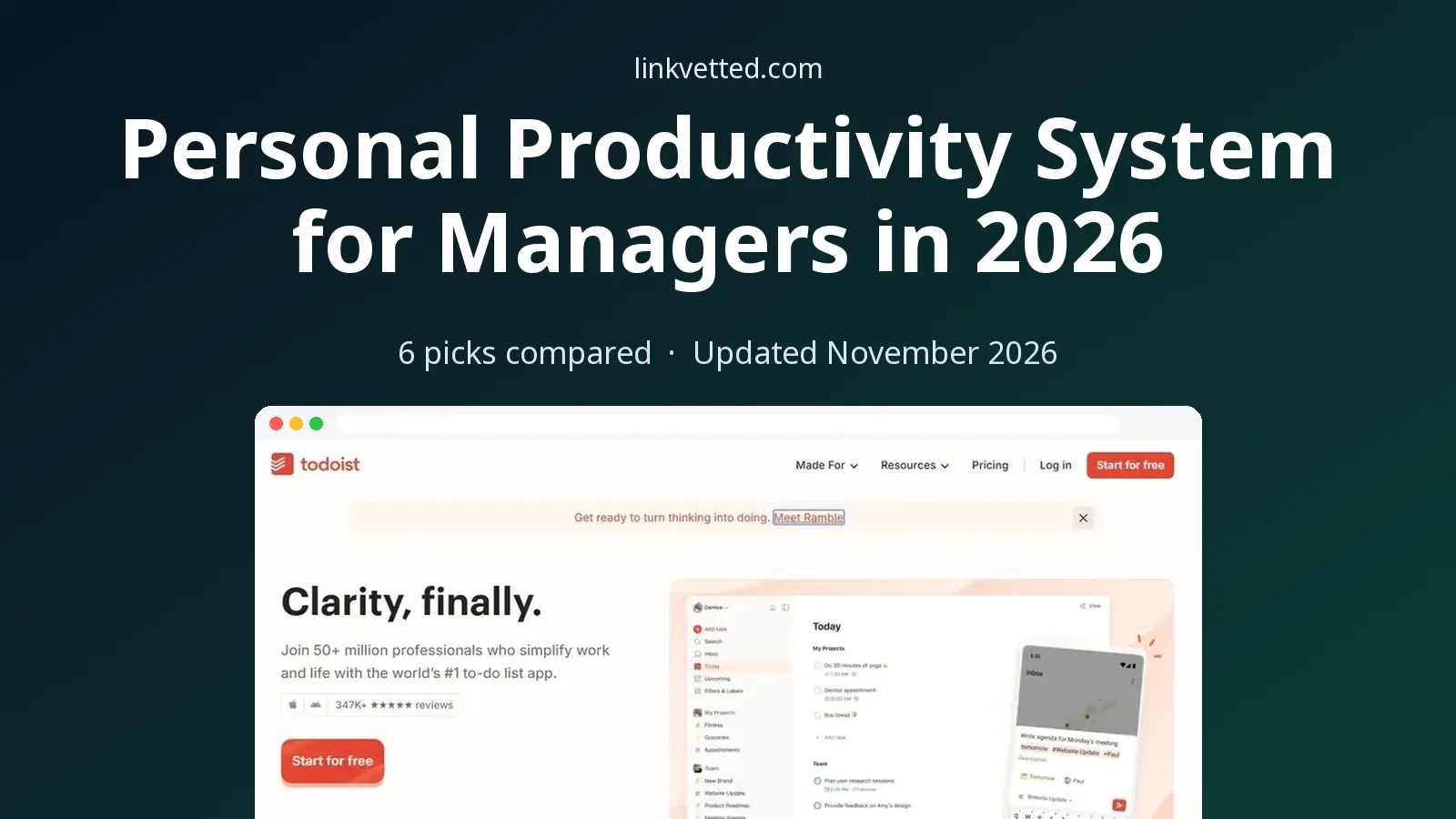
- Editor's choice
 Todoist
Quick personal task capture and prioritization
Starts at$5 per monthVisit todoist.comFull review - Great alternative
 Trello
Visual boards that are simple to adopt
Starts at$5 per user a monthVisit trello.comFull review - Also consider
 monday.com
Operating teams and agents in one workspace
Starts at$9 per seat a monthVisit monday.comFull review
Direct answer
Todoist comes first here, mainly for quick personal task capture and prioritization. Listed starting prices: Todoist from $5 per month, Trello from $5 per user a month and monday.com from $9 per seat a month. Trello fits visual boards that are simple to adopt; monday.com fits operating teams and agents in one workspace. Details, prices and limits for the rest of the 6 tools are below.
TL;DR:
- Todoist takes the first slot, best suited to quick personal task capture and prioritization.
- Free plans are common here: 6 of 6 tools have one, including Todoist, Trello, monday.com and Evernote.
- For consolidating tasks, docs and goals, ClickUp is worth a look.
- Trello comes with a trade-off: restricted for complicated dependencies.
Last checked November 2026. Prices and plan details were read from the vendors' own pages in November 2026; vendors change plans often, so confirm the current price on the vendor site before you buy.
Quick comparison
| Tool | Best for | Starts at | Free plan? | |
|---|---|---|---|---|
| Todoist | Quick personal task capture and prioritization | $5 per month | Yes | Visit |
| Trello | Visual boards that are simple to adopt | $5 per user a month | Yes | Visit |
| monday.com | Operating teams and agents in one workspace | $9 per seat a month | Yes | Visit |
 Evernote | Capturing notes and ideas in one place | See website | Yes | Visit |
 Notion | Adaptable workspace for notes and tasks | $10 per member per month | Yes | Visit |
 ClickUp | Consolidating tasks, docs and goals | $9 per user a month | Yes | Visit |
The full personal productivity system for managers list
Short on time? The summary and table above give the quick view of 6 personal productivity system for managers, and the profiles that follow give the detail behind each entry.
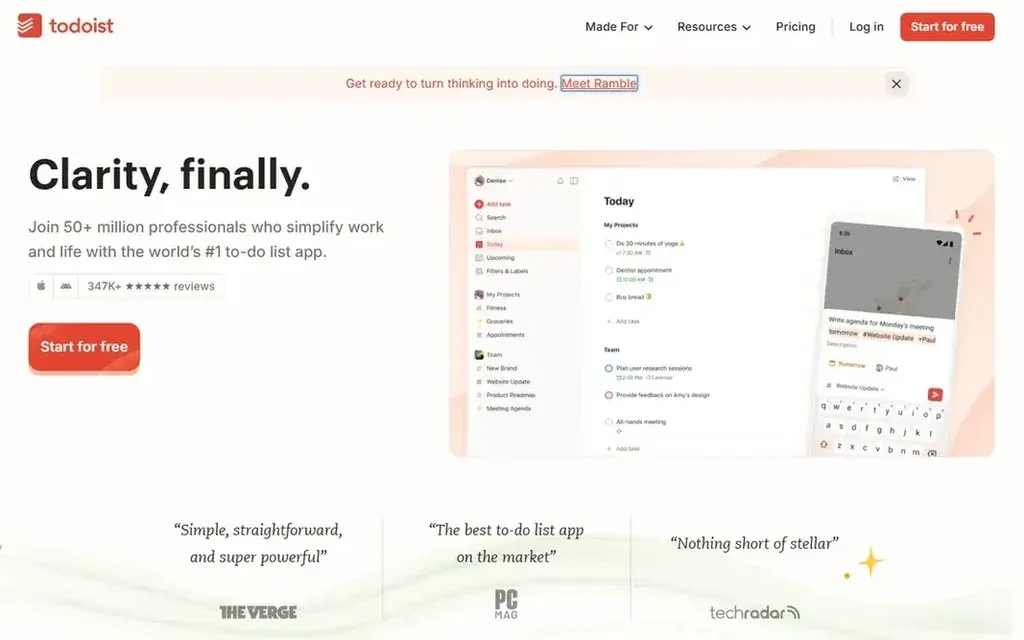
Think of Todoist for quick personal task capture and prioritization. Todoist is a to-do list app for organizing work and life, built around capturing tasks and keeping them prioritized. Also, Todoist is not designed as a document hub or a full project management suite.
So teams needing shared docs, goals and in-depth workflows will likely outgrow it for that purpose. Pick it when personal task clarity is the priority, and pair it with a separate tool if your team needs broader work management. Entry price for Todoist: $5 per month. Todoist offers a free plan.
The main drawbacks: Limited for rich project documentation.
- Straightforward to-do list structure
- Works across work and personal life
- Team workflows are secondary
Trello serves visual boards that are simple to adopt. Trello organizes to-dos on boards and helps users capture, organize and tackle work from anywhere, including mobile.
Points against: Restricted for complicated dependencies.
Managers running large programs may need a more structured system. Trello starts at: $5 per user per month. Trello has a free plan.
- Low ramp-up time
- Accessible from mobile
- Documentation features are light
monday.com was built for operating teams and agents in one workspace. monday.com presents itself as an AI workspace for people and agents, positioning AI agents to work side by side with teams on execution and management.
The main drawbacks: Configuration takes time.
As a wide workspace system, it needs thoughtful configuration before it reflects how your team actually works, and solo managers may find it more than they need. monday.com cost at the entry level: $9 per seat per month. monday.com has a free plan.
- Supports execution and management together
- AI agents alongside people
- Can be more product than a solo manager needs
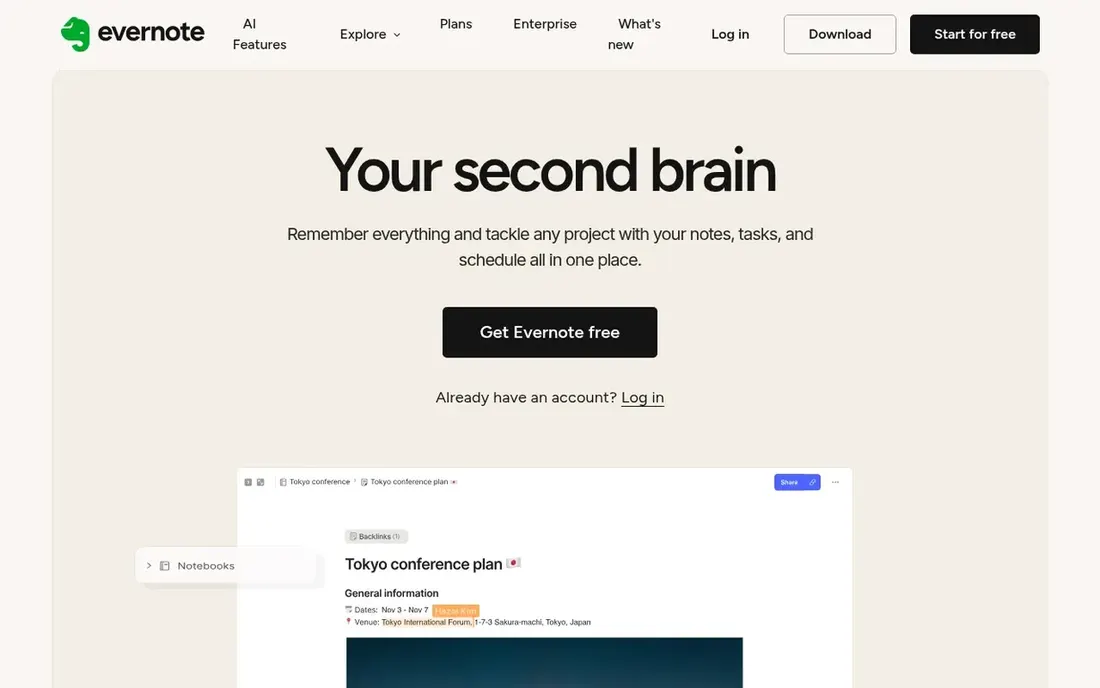
Evernote is a good fit for capturing notes and ideas in one place. Evernote is a note taking app that helps capture and prioritize ideas, projects and to-do lists so nothing falls through the cracks.
Managers who think in notes, meeting minutes and reference material may find it a natural home for the information side of their productivity system, with tasks attached to the context they belong to. No starting price is listed for Evernote here; confirm pricing on the vendor site. Evernote has a free plan.
The main drawbacks: Task features are entry-level compared to dedicated apps.
- Supports projects and to-do lists
- Note capture and organization
- Less suited to complicated workflows
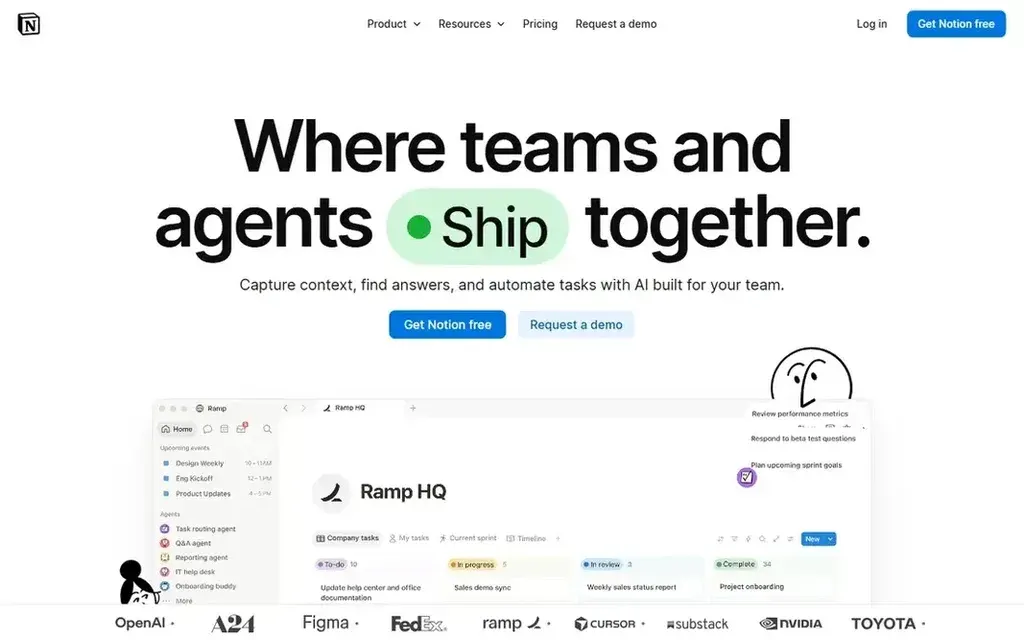
Where Notion fits: adaptable workspace for notes and tasks. Notion is an AI workspace where teams build custom agents, search across connected apps and automate busywork.
Points against: Can feel open-ended at first.
Choose Notion when adaptability matters more than a guided setup. On cost, Notion starts like this: $10 per member per month. Notion includes a free tier.
- AI search across connected apps
- Custom pages and databases
- Setup takes deliberate planning
For consolidating tasks, docs and goals, ClickUp is a natural candidate. The breadth is a real trade-off: new users can feel overwhelmed by the number of options.
A poorly configured workspace gets messy rapidly. What you pay to start with ClickUp: $9 per user per month. ClickUp offers a free plan.
Best features of ClickUp: goals and chat together.
Honest limits: Feature depth can overwhelm new users.
- Tasks, docs
- AI features built into the system
- Needs setup discipline
How these tools were picked
For each of the 6 tools we noted price, free plan or trial, fit for personal productivity system for managers and the main limit, using vendor pages and documentation. Treat prices as a snapshot: vendors change plans often, so check the vendor site for the figure that applies today. Tools are placed by general fit for personal productivity system for managers, with price clarity and free access as tie-breakers. A different team can reasonably rank them differently.
Before you commit
- Ask Evernote for a written quote, since no starting price is shown.
- Look at free plan limits closely: Todoist, Trello, monday.com and others have one, and the caps decide whether it is usable for real work.
- Before choosing Todoist, weigh its main limit: restricted for rich project documentation.
- Check the support hours and onboarding help monday.com offers; smaller vendors vary a lot here.
- Check the integration list for ClickUp against the tools you run today, and note which ones need a higher plan.
FAQ
How do I get a team to adopt a new system?
Start with a small, visible workflow and keep structure straightforward. Tools with low learning curves, like board-based choices, tend to spread quicker, whereas richer systems need clear conventions so the workspace stays organized.
How are the personal productivity system for managers ordered?
Todoist sits first and ClickUp last because the order follows typical fit for personal productivity system for managers, then price clarity and free access. It is a judgement call, so read each profile for fit and limits.
Which personal productivity system for managers have a free plan?
6 of the 6 tools have a free plan, including Todoist, Trello, monday.com and Evernote. Free plans usually cap users, projects or features, so check the limits on the vendor page.
What is the cheapest option for personal productivity system for managers in this list?
On published monthly entry prices, Todoist is the lowest here at $5 per month. Entry price is only part of the cost, because seats, add-ons and billing terms can change the total.
Do these tools publish their prices?
Not all of them. Evernote publishes no starting price, so expect a quote request for it. The rest, Todoist included, show a starting price, though seats and billing terms still change the final cost.
Sources
- https://todoist.com
- https://trello.com
- https://monday.com
- https://evernote.com
- https://www.notion.so
- https://clickup.com