Best App to Track Mileage for Work in 2026: 8 Apps Compared
Compare the best app to track mileage for work in 2026, from automatic drive detection to team reimbursement, with prices, free limits and tax-ready logs.
- Editor's choice
 MileIQ
Automatic drive detection, solo drivers
Starts at$13.99 per monthVisit mileiq.comFull review - Great alternative
 Everlance
Mileage plus expenses, freelancers
Starts at$10.99 per monthVisit everlance.comFull review - Also consider
 TripLog
Team reimbursement
Starts at$8 per user per monthVisit triplogmileage.comFull review
TL;DR:
- MileIQ offers 40 free drives per month, while Everlance offers 30 free automatic trips, so count your monthly drives before choosing.
- Everlance and Hurdlr suit self-employed workers who also want expenses and tax estimates in the same app.
- TripLog and Zoho Expense suit teams that reimburse staff, with admin controls and approval workflows.
- Automatic tracking only helps if you classify drives promptly, so build a daily swipe habit into your routine.
Quick comparison
| Tool | Best for | Starts at | Free plan? | |
|---|---|---|---|---|
| MileIQ | Automatic drive detection, solo drivers | $13.99 per month | Yes | Visit |
| Everlance | Mileage plus expenses, freelancers | $10.99 per month | Yes | Visit |
| TripLog | Team reimbursement | $8 per user per month | Yes | Visit |
 Hurdlr | Mileage plus tax estimates | $9.99 per month | Yes | Visit |
 Driversnote | Simple, compliant logs | $11 per month | Yes | Visit |
 Stride | Free tracking, gig workers | Free | Yes | Visit |
 MileageWise | Rebuilding past logs | $6.99 per month | Free trial (14 days) | Visit |
 Zoho Expense | Mileage inside Zoho expenses | $3 per user per month | Yes | Visit |
The best app to track mileage for work
A mileage app should detect drives, let you classify business and personal trips fast, and export a clean log for taxes or reimbursement. We compared official pricing pages, free trip limits, automatic detection, app store listings and public reviews for the apps below.
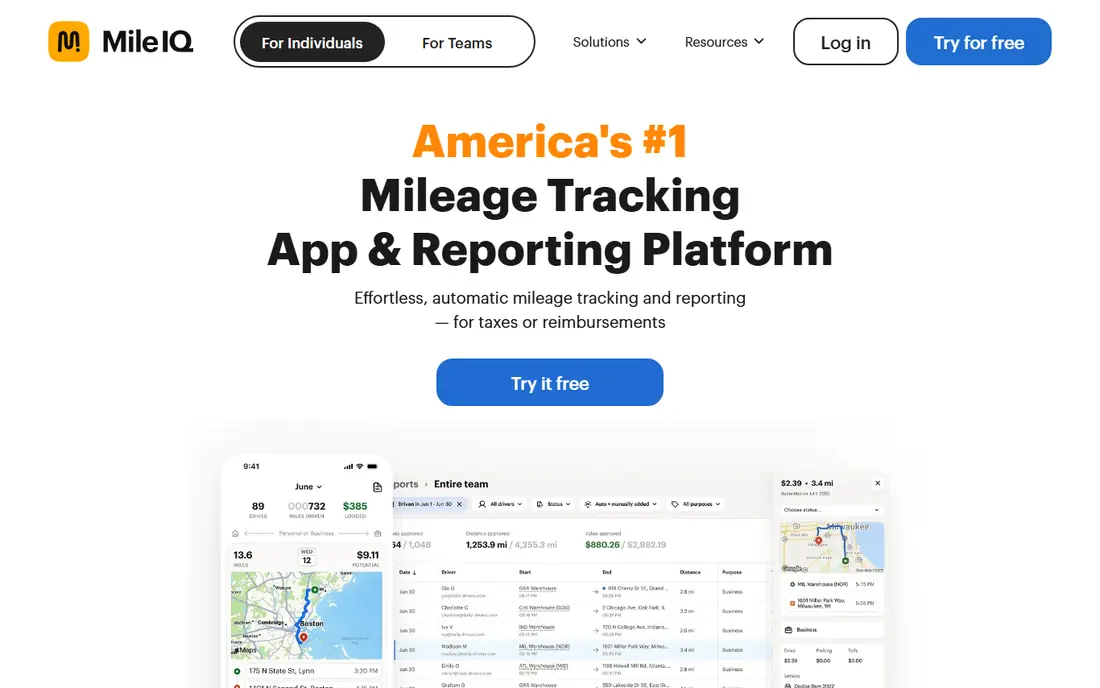
MileIQ is the simplest hands-off pick for a solo driver. It detects drives in the background, and you swipe left or right to mark each drive as business or personal. Reports are clean, with dates, distances and purposes ready for a tax return or an expense claim. The free plan covers 40 drives per month, which suits part-time drivers.
Full-time drivers will need Unlimited at $13.99 per month or $11.66 per month billed annually. That price is high for mileage alone, since MileIQ does not track expenses or receipts. If you drive daily for work and want the least effort, MileIQ still earns its place. If you also need expenses, Everlance or Hurdlr give you more for less.
- Automatic drive detection
- Simple swipe to classify
- 40 free drives per month
- Clean reports
- Unlimited costs $13.99 per month or $139.92 per year
- No expense tracking
- Price rose sharply in recent years
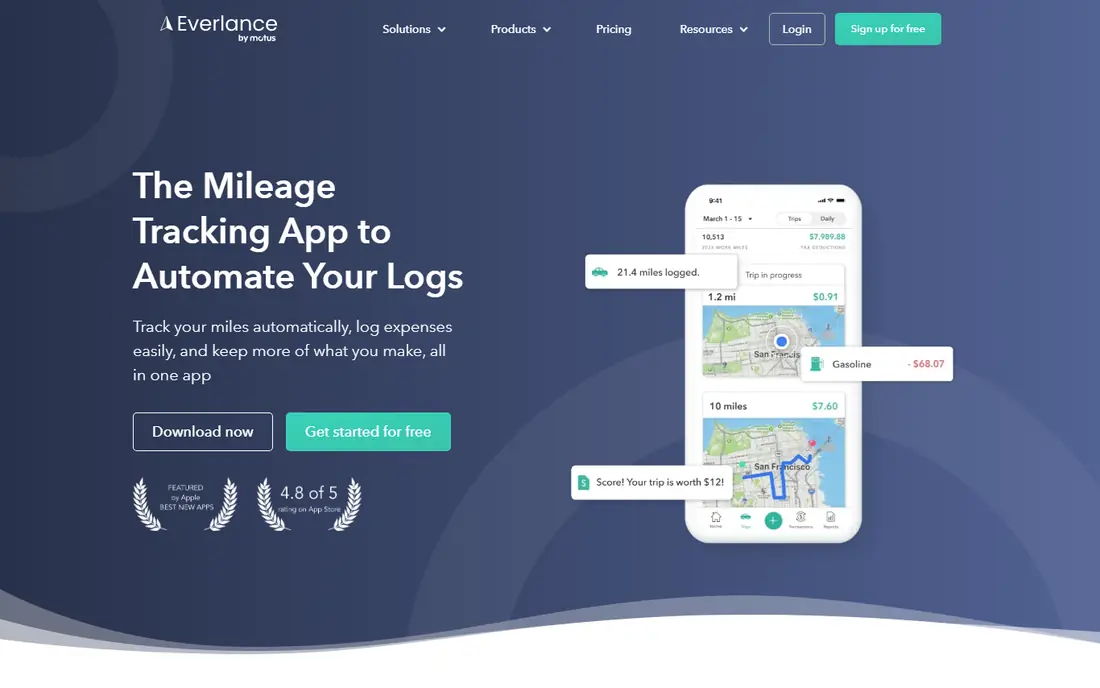
Everlance suits freelancers who want mileage and expenses in one app. It detects trips automatically, lets you add receipts and expenses, and exports mileage and expense reports for taxes. The free Basic plan includes 30 automatic trips per month plus unlimited manual trips, which is enough for many part-time drivers.
Paid plans start with Starter at $10.99 per month or $89.99 per year, which is cheaper than MileIQ Unlimited for unlimited automatic tracking. Professional at $19.99 per month or $119.99 per year adds tax filing help and audit support in some listings. For a self-employed worker who tracks both miles and costs, Everlance is the better value pick.
- Automatic trips plus expense and receipt tracking
- 30 free automatic trips per month
- Excel and CSV exports
- Starter at $10.99 per month or $89.99 per year
- Professional at $19.99 per month for tax features
- Trial needs a card in some listings
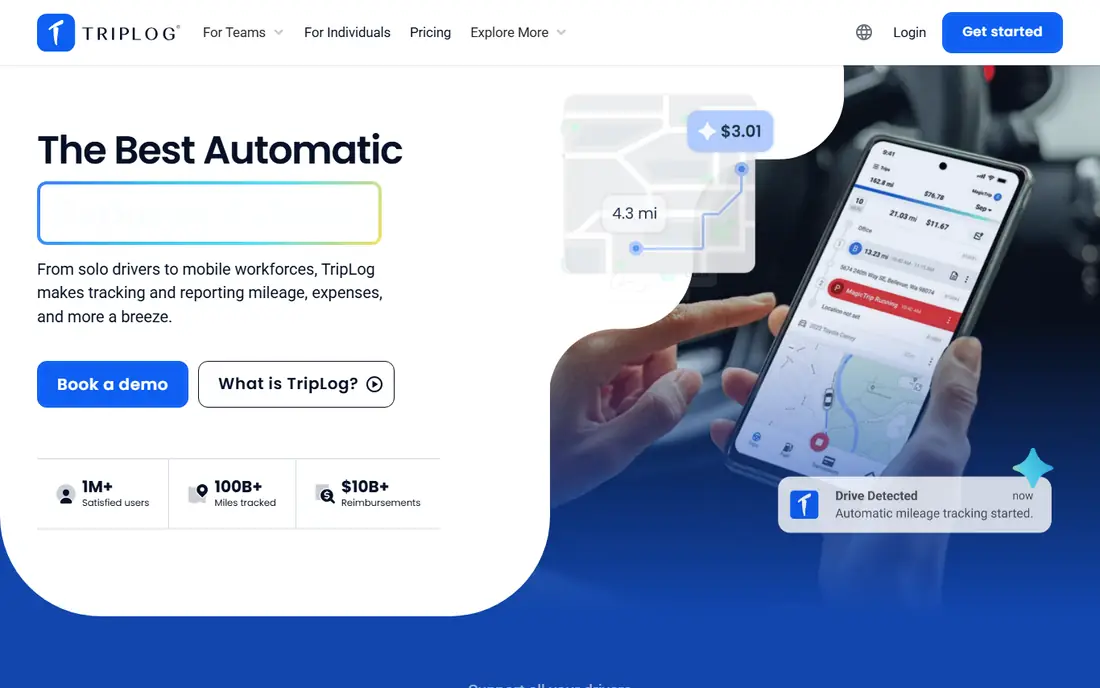
TripLog is built for companies that reimburse employee mileage. Managers can set rates, approve trips and run reimbursement reports, while drivers get automatic tracking on their phones. The app also supports FAVR and cents-per-mile programs for larger employers, which solo apps do not handle well.
The free version is limited, and full team features need the Teams plan from $8 per user per month. Solo drivers will find MileIQ or Everlance simpler. For a business with several drivers, TripLog's admin controls and reimbursement workflow can save more manager time than its per-user price suggests.
- Automatic tracking with team controls
- Reimbursement workflows
- Receipt scanning on paid plans
- Free version is limited, with reports only during a yearly pass in some listings
- Teams plan from $8 per user per month
Hurdlr suits self-employed workers who want a running tax picture, not just a mileage log. Link bank accounts, track income and expenses, log mileage, and see an estimated tax amount as the year progresses. The free plan offers unlimited manual mileage tracking, which suits drivers who remember to start trips by hand.
Automatic tracking needs Premium at $9.99 per month or $99.99 per year, with Pro at a higher price in some listings. Tax estimates are helpful for planning quarterly payments, but they are not a filed return, so check figures with an accountant. For gig workers and freelancers with varied income, Hurdlr's combined view is a real advantage.
- Automatic mileage on Premium
- Income, expense and tax estimates in one app
- Free manual mileage tracking
- Premium at $9.99 per month or $99.99 per year
- Automatic tracking needs a paid plan
- Tax estimates are estimates, not filed returns
Driversnote is a mileage-only app that focuses on accurate, compliant logs. It detects trips by GPS, with an optional iBeacon device in the car to improve detection, and it produces reports that meet tax rules in several countries, including the United States. That international focus helps drivers who work across borders or move countries.
The free plan covers 15 trips per month, which is low for daily drivers, and paid plans cost about $11 per month. There is no expense tracking, so it suits drivers who only need mileage. If you want a simple, accurate log and you drive in more than one country, Driversnote is worth testing against MileIQ.
- Automatic GPS logging
- Compliant logs for several countries
- Simple classification
- IBeacon option for car detection
- About $11 per month with no annual discount in some listings
- Free plan limited to 15 trips per month
- No expense tracking
Stride is the best free mileage app for gig and 1099 workers. It logs miles and expenses, builds tax summaries, and costs nothing, with no paid tier to choose. That makes it ideal for a new driver, a part-time courier or a freelancer testing whether mileage tracking is worth the habit.
The trade-off is automation and support. Tracking may need a manual start or reminders, depending on version, and there are no team admin tools. For a solo driver who drives a few days a week and wants a free log, Stride is hard to beat. For a daily driver who forgets to start trips, an automatic app like MileIQ or Everlance will capture more miles.
- Completely free
- Mileage and expense logging
- Tax summaries for 1099 workers
- No paid tier to manage
- Tracking needs manual start or reminders in some versions
- Fewer team features
- Support is lighter than paid rivals
MileageWise is the pick for drivers who need to rebuild a past log, for example before a tax deadline. It offers reconstruction tools that use calendar, location and past trip data to fill gaps, plus automatic tracking for current drives and vehicle expense tracking. Reports are built with audits in mind, which helps if a log is ever questioned.
There is no free plan beyond a 14-day trial, and pricing from $6.99 per month or $69.99 per year varies by store listing. The interface is practical rather than elegant. For a driver with a complete current log, MileIQ or Everlance is simpler. For a driver facing a gap in past records, MileageWise is the specialist tool to try first.
- Tools to rebuild past mileage logs
- Automatic tracking
- Vehicle expense tracking
- Audit-focused reports
- No free plan after a 14-day trial
- Pricing from $6.99 per month or $69.99 per year
- Interface is functional rather than polished
Zoho Expense suits businesses already running on Zoho. Mileage sits inside a full expense system, with approvals, policy controls, receipt scanning and reports, so a trip, a hotel and a meal can sit in one claim. The free plan covers up to 3 users, and Standard starts at $3 per user per month in United States pricing.
For a solo driver, Zoho Expense is more system than needed, and setup takes longer than MileIQ. For a small business that already uses Zoho Books, Zoho CRM or other Zoho apps, the integration saves time and keeps expenses in one place. Check that your mileage rates and approval rules fit Zoho's workflow before switching.
- Mileage tracking inside a full expense system
- Free plan for up to 3 users
- Approvals and policy controls
- Integrations with Zoho apps
- Standard plan at $3 per user per month in United States pricing
- Mileage alone is overkill if you do not use Zoho
- Setup takes longer than a solo app
How we picked these
We compared official pricing pages, free trip limits, automatic detection, export formats, team features and public reviews, and we kept only apps active in the United States in October 2026 with a clear mileage log export. We favored a mix of solo, freelance and team tools, because a gig driver and a company with ten field staff need different controls. Mileage rates and tax rules change, so confirm the current IRS standard rate and your employer's policy before filing.
How to build a log that holds up
Classify drives daily, not at month end. A five-minute daily swipe is more accurate than a Sunday recall of 40 trips. Add a purpose for each business drive, such as client name or job site, and keep the log with receipts and calendars for the tax year. If you use two cars, set a default vehicle per trip and check the log monthly for gaps.
Automatic versus manual tracking
Automatic tracking captures more miles, but it also captures personal drives you must then exclude. Manual tracking is cheaper and more private, but it misses trips you forget to start. Most drivers do best with automatic tracking plus a daily classification habit, and with location permissions set to while using the app where the app allows it.
FAQ
What is the best app to track mileage for work?
MileIQ is best for simple automatic tracking, Everlance is best for mileage plus expenses, and TripLog is best for team reimbursement. The right pick depends on how often you drive and whether you need expenses too.
Is there a free mileage tracker app?
Yes. Stride is completely free, MileIQ offers 40 free drives per month, Everlance offers 30 free automatic trips, and Driversnote offers 15 free trips. Check the free limit against your monthly drive count.
How many free trips does MileIQ offer?
MileIQ offers 40 free drives per month on its free plan. Unlimited automatic tracking costs $13.99 per month or $139.92 per year in recent listings.
Can mileage apps help with taxes?
Yes, they produce logs with dates, distances and purposes that support a mileage deduction or reimbursement claim. They do not file your return, and tax rules vary, so check the current IRS rate and talk to a tax professional for your situation.
Do mileage apps track location all the time?
Automatic apps use location to detect drives, which can mean background location access. Check privacy settings, limit permissions where possible, and classify personal drives promptly so they are not included in a business log.
What is the best mileage app for teams?
TripLog and Zoho Expense suit teams, with admin controls, approvals and reimbursement workflows. For small field teams, also check Timeero and other field tools if you need GPS time tracking alongside mileage.