The 5 Best Calendar Tool for Cross-Timezone Teams in 2026, Ranked
Shortlisting the best calendar tool for Cross-Timezone teams? 5 products compared on cost, free access and ideal buyer. Concise write-ups of every option.
- Editor's choiceCron
Quick keyboard-driven calendar use
Starts atSee websiteVisit cron.comFull review - Great alternativeClockwise
Teams exploring scheduling changes
Starts atSee websiteVisit getclockwise.comFull review - Also consider
 Reclaim.ai
AI scheduling of focus time
Starts at$10 per seat per monthVisit reclaim.aiFull review
Direct answer
For quick keyboard-driven calendar use, Cron is where this list starts. Listed starting prices: Reclaim.ai from $10 per seat per month. For a different need, Clockwise covers teams exploring scheduling changes and Reclaim.ai covers AI scheduling of focus time. Prices, free plans and limits for all 5 tools follow.
TL;DR:
- Number one here is Cron, a fit for quick keyboard-driven calendar use.
- A free plan is available from 2 of the 5 tools: Reclaim.ai, Fantastical.
- Cron comes with a trade-off: less centred on team scheduling workflows.
- Fantastical suits natural language calendar entry.
- For the cheapest start, look at Reclaim.ai: $10 per seat per month.
Last checked November 2026. Prices and plan details were read from the vendors' own pages in November 2026; vendors change plans often, so confirm the current price on the vendor site before you buy.
Quick comparison
| Tool | Best for | Starts at | Free plan? | |
|---|---|---|---|---|
| Cron | Quick keyboard-driven calendar use | See website | Not stated | Visit |
| Clockwise | Teams exploring scheduling changes | See website | Not stated | Visit |
| Reclaim.ai | AI scheduling of focus time | $10 per seat per month | Yes | Visit |
 Google Calendar | Shared calendars inside Google Workspace | See website | Not stated | Visit |
 Fantastical | Natural language calendar entry | See website | Yes | Visit |
The best calendar tool for Cross-Timezone teams
LinkVetted compared 5 calendar tool for Cross-Timezone teams. The goal is a practical shortlist: published prices, free plan facts, best-fit use cases and honest limits for every entry.
Cron
Best for: Quick keyboard-driven calendar use
Cron serves quick keyboard-driven calendar use. Cron is a calendar application known for a quick, keyboard-friendly approach to managing events and daily schedules.
For individuals on cross-timezone teams, that speed can make it simpler to move between days and check what colleagues in other zones are doing. Cron is primarily a calendar client, so team-level scheduling automation and booking links are not its central focus. Check the vendor site for Cron pricing; none is listed in this comparison. On free options: Not stated.
What to check first: Less concentrated on team scheduling workflows.
- Calendar app designed for fast navigation
- Designed around efficient daily use
- Cross-timezone features should be checked
Clockwise
Best for: Teams exploring scheduling changes
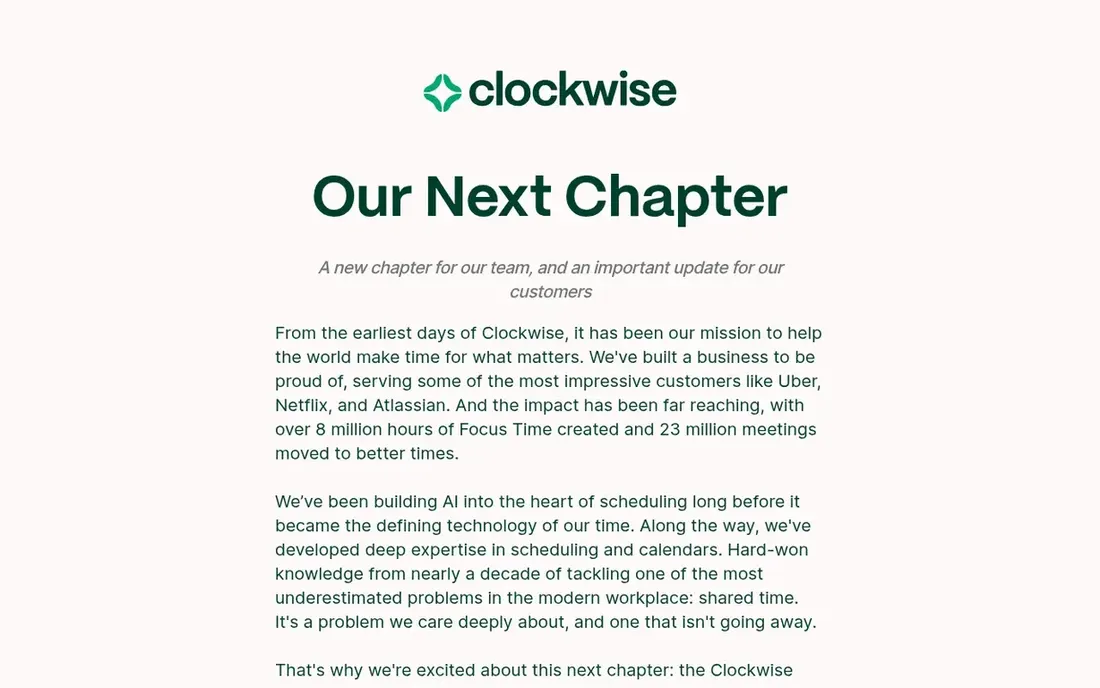
Clockwise works best for teams exploring scheduling changes. Clockwise has been known as a calendar tool that helps teams find better meeting times and run scheduling friction. Its homepage now presents a new chapter and an important update for customers, so the product direction is in transition.
Teams that require a stable, well-documented scheduling setup for cross-timezone work should shortlist other tools here and check Clockwise straight if they are interested. From a buyer's view, since the vendor page emphasizes a transition instead of a feature list, it is hard to confirm current capabilities from the homepage alone. Check the vendor site for Clockwise pricing; none is listed in this comparison. Free plan details: Not stated.
Where it falls short: Homepage currently signals a transition.
- Centred on calendar scheduling for teams
- Targeted at reducing meeting friction
- Current feature set should be confirmed straight
Reclaim.ai serves AI scheduling of focus time. Reclaim.ai is an AI-powered app that automatically schedules tasks, habits, meetings and breaks. It works on top of Google Calendar and Outlook Calendar.
Teams that only need booking links or a simple shared calendar may find it more than necessary, and anyone outside Google Calendar or Outlook Calendar should confirm compatibility before committing. Worth adding: for cross-timezone teams, that means focus blocks and recurring habits can flex around meetings in different zones instead of being manually rebuilt. Reclaim.ai starts at: $10 per seat per month. Reclaim.ai includes a free tier.
Limits to weigh: Best value comes from consistent team habits.
- Aims to protect focus time for teams
- Works with Google Calendar and Outlook Calendar
- Layers on a layer on top of existing calendars
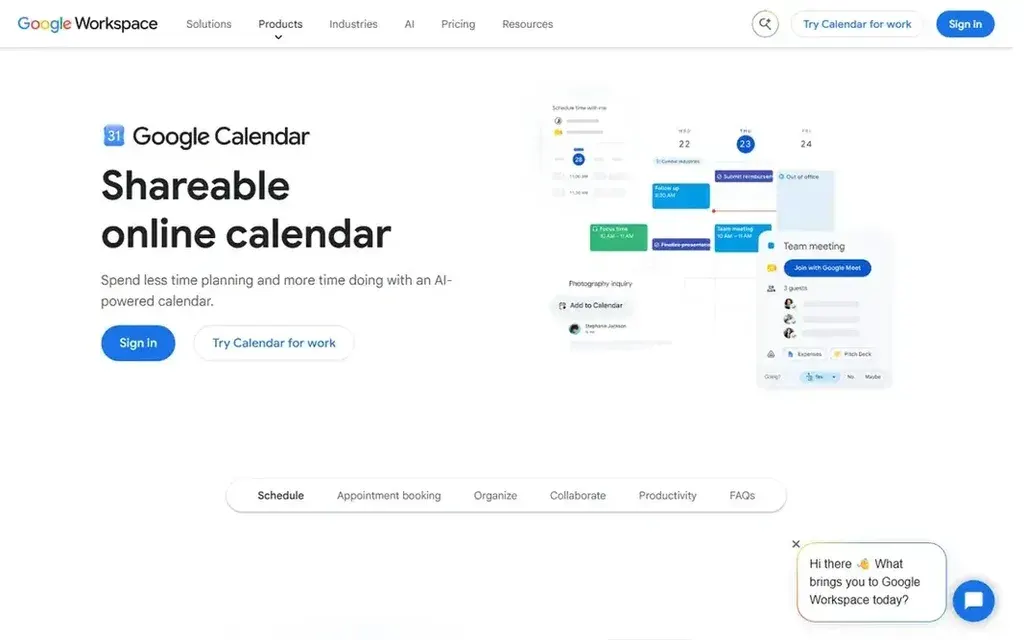
Google Calendar makes the most sense for shared calendars inside Google Workspace. The tradeoff is that deeper scheduling automation, for example routing bookings or auto-protecting focus time, usually comes from connected tools instead of the calendar itself.
Honest limits: Advanced automation needs extras.
For cross-timezone teams, its value comes from shared calendars that everyone can view and edit, plus event scheduling that respects each person's calendar. Google Calendar shows no starting price here, so confirm the cost on the vendor site. Free plan details: Not stated.
- Shared calendars and scheduling built in
- Familiar interface for most teams
- Timezone handling relies on how events are set up
Fantastical was built for natural language calendar entry. Fantastical is a calendar and tasks app from Flexibits, built around fast event creation with natural language input and reminders in one place.
Fantastical centers on the personal calendar experience, so shared booking pages, team scheduling automation and AI time blocking are not its core strengths. As for the details, for people coordinating with colleagues in other timezones, quick entry and a clear daily view cut the friction of logging meetings and follow-ups. Fantastical shows no starting price here, so confirm the cost on the vendor site. Free access exists with Fantastical.
Limits to weigh: Individual-focused instead of team scheduling.
- Natural language input for events and reminders
- Merges calendar and tasks
- Advanced team workflows need other tools
How the list was put together
Selection started from tools commonly considered for calendar tool for Cross-Timezone teams, then narrowed to 5 that have clear pricing information or a clear quote process. Treat prices as a snapshot: vendors change plans often, so check the vendor site for the figure that applies today. The ranking is editorial: typical fit first, then clear pricing, then free access. If your needs are unusual, read the profiles rather than relying on position.
A buyer's checklist
- Get a written quote from Cron, Clockwise, Google Calendar and Fantastical; the list shows no starting price for them.
- Check what the free option really includes: Reclaim.ai and Fantastical offer a free plan, and usage caps differ.
- Before choosing Cron, weigh its main limit: less focused on team scheduling workflows.
- Verify that exporting from Fantastical is possible on your plan and covers all your records.
- See whether Google Calendar offers onboarding or training, and whether it is included in the price.
FAQ
What is the cheapest option for calendar tool for Cross-Timezone teams in this list?
On published monthly entry prices, Reclaim.ai is the lowest here at $10 per seat per month. Entry price is only part of the cost, because seats, add-ons and billing terms can change the total. Each of the 5 options in this calendar tool for Cross-Timezone teams guide has its own card above with the price, free plan and limits.
Is Cron the right pick for everyone comparing calendar tool for Cross-Timezone teams?
No single tool suits every team. Cron comes first because it fits fast keyboard-driven calendar use, while Clockwise suits teams exploring scheduling changes and Reclaim.ai suits AI scheduling of focus time. Match the tool to your own size, budget and workflow before deciding.
How are the tools for calendar tool for Cross-Timezone teams ordered?
Cron sits first and Fantastical last because the order follows typical fit for calendar tool for Cross-Timezone teams, then price clarity and free access. It is a judgement call, so read each profile for fit and limits.
Can I try these tools before paying?
Often, yes. Reclaim.ai and Fantastical have a free plan. Use your own data and a real task during the test, and check what the free tier or trial limits before you rely on it.
Sources
- https://cron.com
- https://www.getclockwise.com
- https://reclaim.ai
- https://calendar.google.com
- https://flexibits.com/fantastical