Best Note-Taking App for Researchers (2026): 6 Picks Checked on Vendor Pages
Searching for the best note-taking app for researchers? Here are 6 options with prices and free plans. Each listing flags where it falls short. Numbers first.
- Editor's choice
 Zotero
Collecting, organizing and citing sources
Starts atSee websiteVisit zotero.orgFull review - Great alternative
 Logseq
Privacy-first outliner for linked research notes
Starts atSee websiteVisit logseq.comFull review - Also consider
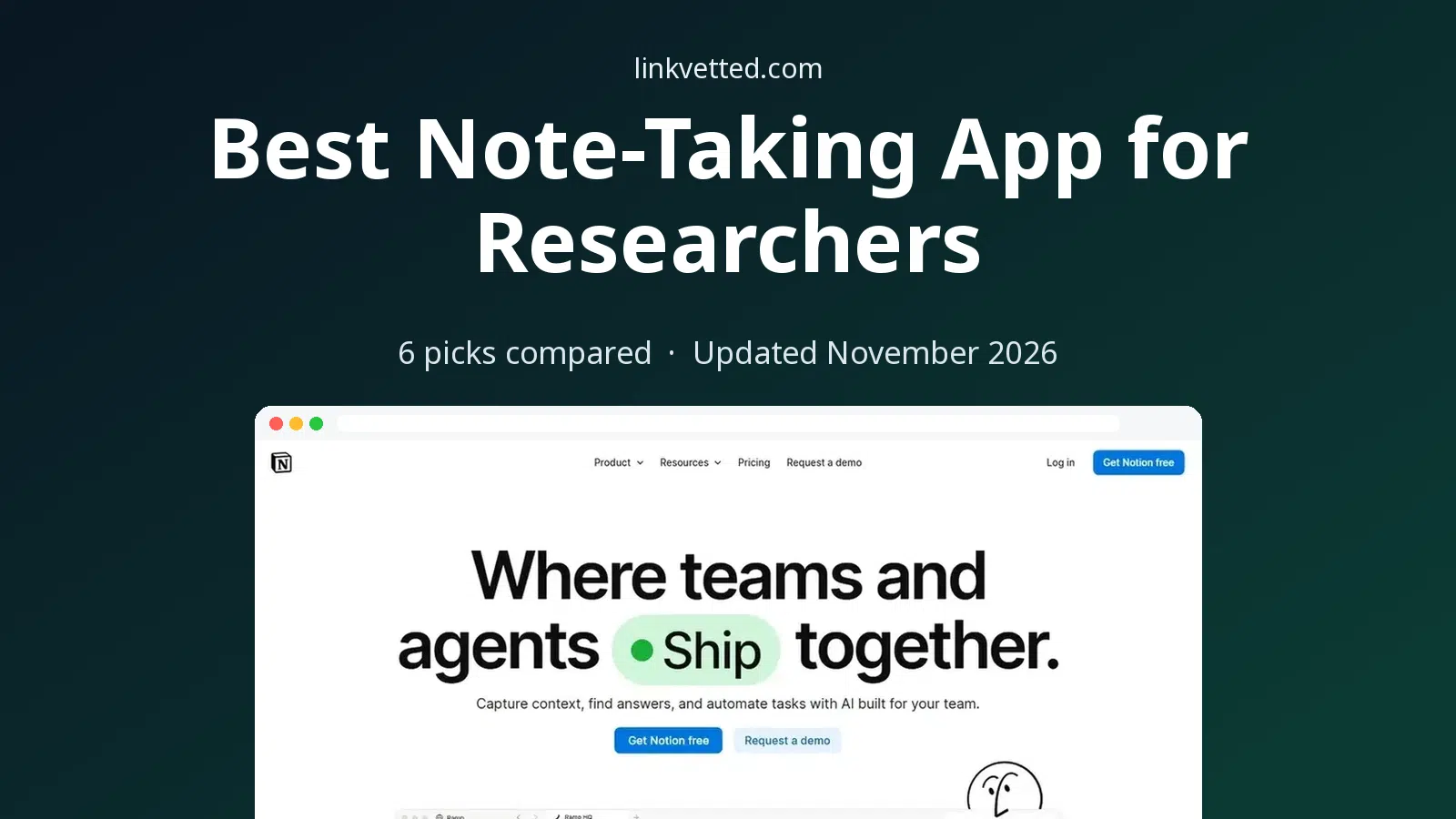
 Notion
Collaborative research project workspaces
Starts at$10 per member a monthVisit notion.soFull review
Direct answer
This list puts Zotero first for Collecting, organizing and citing sources. Listed starting prices: Notion from $10 per member a month and Obsidian from $4 per user a month. If your case is different, Logseq suits privacy-first outliner for linked research notes and Notion suits collaborative research project workspaces. The remaining 3 options are covered below with prices and limits.
TL;DR:
- This list starts with Zotero, which is built for Collecting, organizing and citing sources.
- What to know about Notion first: can get cluttered without a clear structure.
- For networked thought and graph-style note linking, Roam Research is worth a look.
- Obsidian is the lowest-priced starter here at $4 per user per month.
- 3 of 6 tools offer a free plan: Notion, Evernote, Obsidian.
Last checked November 2026. Prices and plan details were read from the vendors' own pages in November 2026; vendors change plans often, so confirm the current price on the vendor site before you buy.
Quick comparison
| Tool | Best for | Starts at | Free plan? | |
|---|---|---|---|---|
| Zotero | Collecting, organizing and citing sources | See website | Not stated | Visit |
| Logseq | Privacy-first outliner for linked research notes | See website | Not stated | Visit |
| Notion | Collaborative research project workspaces | $10 per member a month | Yes | Visit |
 Evernote | Capturing and prioritizing everyday research notes | See website | Yes | Visit |
 Obsidian | Private linked notes in local files | $4 per user a month | Yes | Visit |
| Roam Research | Networked thought and graph-style note linking | See website | Not stated | Visit |
Note-Taking App for Researchers compared in detail
Short on time? The summary and table above give the quick view of 6 note-taking app for researchers, and the profiles that follow give the detail behind each entry.
Zotero makes the most sense for Collecting, organizing and citing sources. Zotero is a reference manager first, so freeform note-taking and idea linking are secondary. Zotero calls itself a personal research assistant, concentrated on helping users collect, organize, cite and share research.
It is the natural home for source metadata, PDFs and citations that feed a paper or thesis. Beyond that, for drafting connected notes around those sources, pair it with Obsidian, Logseq or Roam Research instead of relying on it alone. Pricing for Zotero is not stated here, so ask the vendor for current figures. As for free access: Not stated.
Honest limits: Note features are secondary to references.
- Made for citation and reference work
- Collect
- Not a general long-form writing space
Logseq targets privacy-first outliner for linked research notes. The outlining approach and smaller ecosystem can be a hurdle for people used to page-based notebooks, and citation handling is not its focus.
Researchers needing formal references should pair Logseq with Zotero, or choose a more straightforward tool if outlining feels unnatural. Pricing for Logseq is not stated here, so ask the vendor for current figures. Free access: Not stated.
Trade-offs to know: Outline model takes adjustment.
- Block-based structure encourages linking
- Open-source and privacy-focused
- Smaller ecosystem than mainstream apps
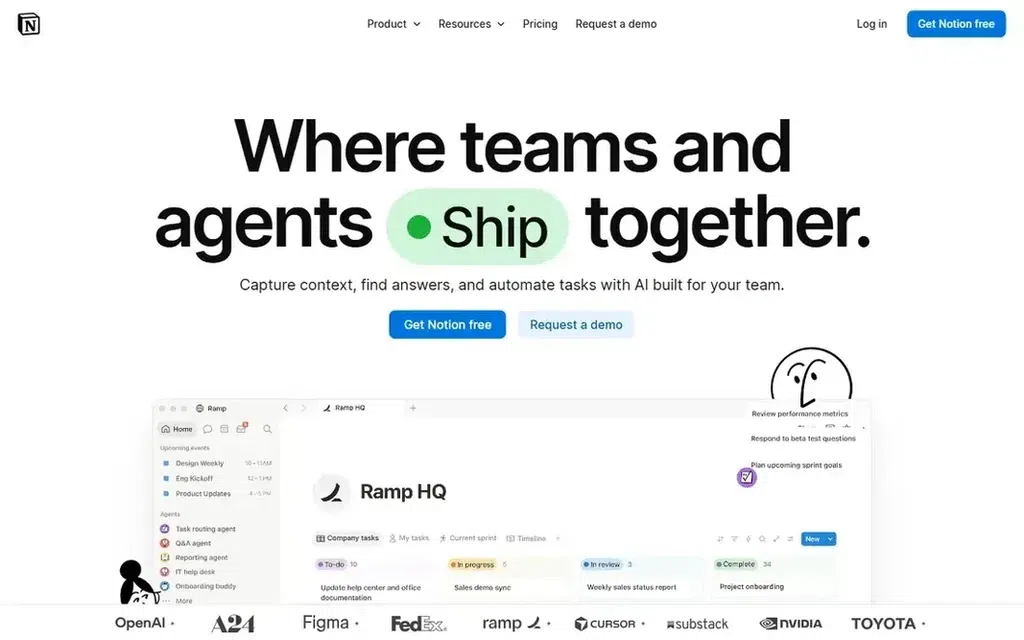
Notion is aimed squarely at collaborative research project workspaces. Notion presents itself as an AI workspace for teams, combining notes with databases, search across connected apps and automation.
For everyday use, Research groups that juggle meeting notes, reading lists and project tracking in one place commonly find the database approach handy. On cost, Notion starts like this: $10 per member per month. You can start on Notion without paying.
The main drawbacks: Less concentrated on citation workflows.
- Databases and tasks in one place
- Built-in search and automation features
- Can get cluttered without a clear structure
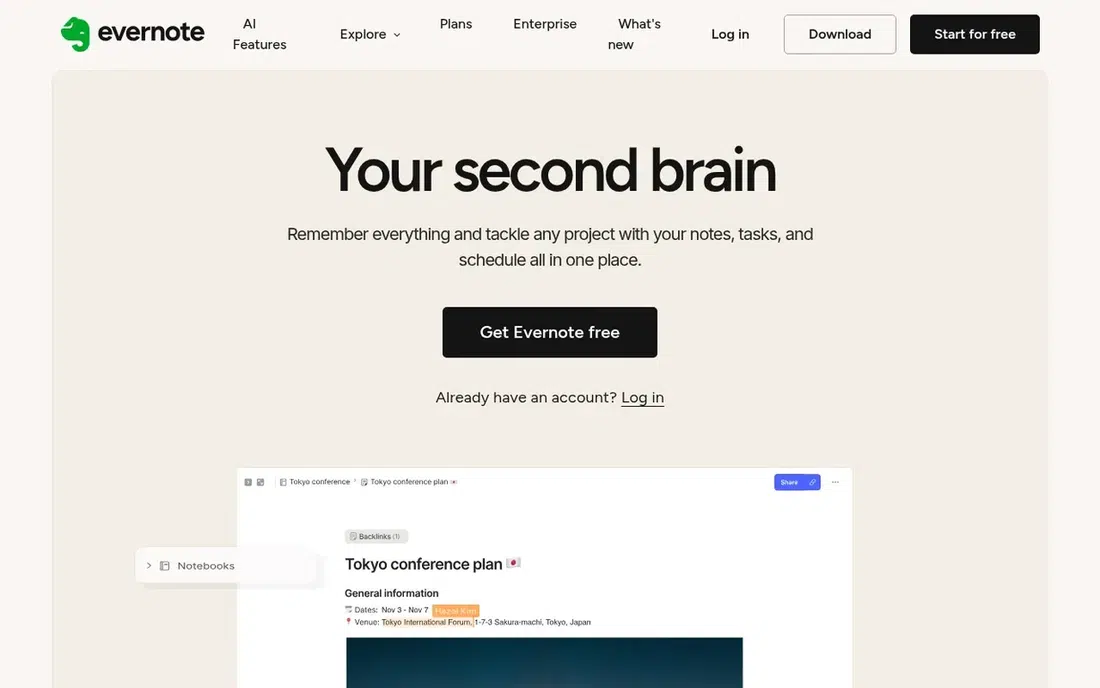
Evernote targets capturing and prioritizing everyday research notes. Evernote describes itself as a note-taking app for capturing and prioritizing ideas, projects and to-do lists so nothing slips through.
As for the details, for researchers who primarily need quick capture, clipping and straightforward organization across devices, it remains a familiar choice. Those building a long-term linked knowledge base should consider Obsidian, Logseq or Roam Research. Evernote does not show a starting price in this comparison, so check the vendor site for current pricing. Evernote includes a free tier.
Watch-outs: Less suited to linked knowledge graphs.
- Fast capture of ideas and to-do lists
- Organization tools for projects and notes
- Citation support is minimal

Obsidian serves private linked notes in local files. Obsidian is an adaptable app for private thinking, built around notes stored locally and connected through links.
Users who require structured databases, shared team pages or automatic reference formatting should pair it with a dedicated tool or choose something else. Also, the trade-off is that Obsidian is not a citation manager and its collaboration story is restricted compared to workspace tools. On cost, Obsidian starts like this: $4 per user per month. Free access exists with Obsidian.
Where it is weaker: Plain interface can feel sparse at first.
- Notes live as plain local files
- Solid internal linking and graph view
- Sync and collaboration need additional setup
Roam Research
Best for: Networked thought and graph-style note linking
Choose Roam Research for networked thought and graph-style note linking. Roam Research describes itself as a note-taking tool for networked thought, as simple as a bulleted list yet able to link related ideas like a graph database.
It supports live collaboration or local storage. No starting price is listed for Roam Research here; confirm pricing on the vendor site. Trial and free access: Not stated.
Honest limits: Not pitched at citation management.
- Real-time collaboration or local storage
- Designed for connecting related ideas
- Graph approach has a ramp-up time
How we compared the tools
Selection started from tools commonly considered for note-taking app for researchers, then narrowed to 6 that have clear pricing information or a clear quote process. Treat prices as a snapshot: vendors change plans often, so check the vendor site for the figure that applies today. Order on the page follows fit for the typical buyer first, then price transparency and free access. Your own requirements should decide the final pick.
Questions to settle before buying
- Ask Zotero, Logseq, Evernote and Roam Research for a written quote, since no starting price is shown.
- Look at free plan limits closely: Notion, Evernote and Obsidian have one, and the caps decide whether it is usable for real work.
- Read the limits listed for Zotero first: not a general long-form writing space.
- Test how quickly Zotero answers a pre-sales question; it hints at how support will feel later.
- Look at which plan of Logseq unlocks the features you need; entry tiers are often cut down.
FAQ
Is Zotero the right pick for everyone comparing note-taking app for researchers?
No single tool suits every team. Zotero comes first because it fits Collecting, organizing and citing sources, while Logseq suits privacy-first outliner for linked research notes and Notion suits collaborative research project workspaces. Match the tool to your own size, budget and workflow before deciding.
Which note-taking app for researchers have a free plan?
On this list, Notion, Evernote and Obsidian include a free plan. Caps on seats, usage or features are common, so test the free plan against your real workload.
How are the note-taking app for researchers ordered?
Zotero sits first and Roam Research last because the order follows typical fit for note-taking app for researchers, then price clarity and free access. It is a judgement call, so read each profile for fit and limits.
Which app is best for managing citations whereas taking notes?
For most readers this guide would start with Zotero, built for Collecting, organizing and citing sources. Logseq is the alternative for privacy-first outliner for linked research notes, and Notion for collaborative research project workspaces. The right answer depends on budget and workflow.
Can I try these tools before paying?
Often, yes. Notion, Evernote and Obsidian have a free plan. Use your own data and a real task during the test, and check what the free tier or trial limits before you rely on it.
Sources
- https://www.zotero.org
- https://logseq.com
- https://www.notion.so
- https://evernote.com
- https://obsidian.md
- https://roamresearch.com