Top 5 Meeting Notes Software for Managers for 2026 (Prices and Free Plans)
Shortlisting the best meeting notes software for managers? 5 products compared on cost, free access and ideal buyer. Real limits included. Reviewed this month.
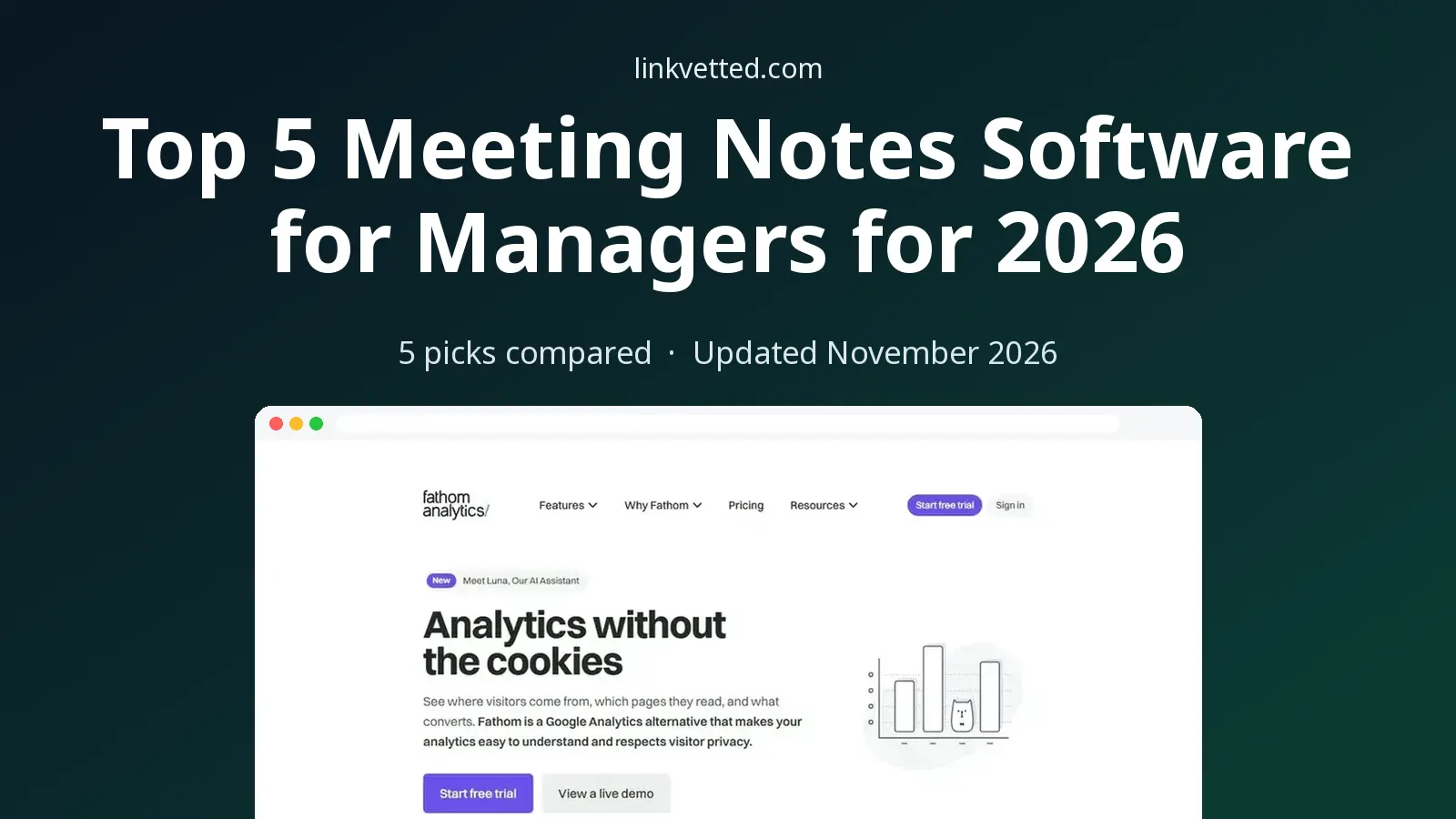
- Editor's choice
 Fathom
Individual managers with CRM-minded teams
Starts at$15 per user per monthVisit fathom.videoFull review - Great alternative
 Chorus by ZoomInfo
Sales conversation intelligence with B2B data
Starts atSee websiteVisit zoominfo.comFull review - Also consider
 Otter.ai
Live transcription with automatic follow-ups
Starts at$8.33 per user a monthVisit otter.aiFull review
Direct answer
Our first pick is Fathom, best for individual managers with CRM-minded teams. Listed starting prices: Fathom from $15 per user per month, Otter.ai from $8.33 per user a month and Fireflies.ai from $10 per seat a month, billed yearly. Alternatives: Chorus by ZoomInfo for sales conversation intelligence with B2B data, and Otter.ai for live transcription with automatic follow-ups. All 5 tools are compared below on price, free plan and limits.
TL;DR:
- Fathom takes the first slot, best suited to individual managers with CRM-minded teams.
- Fathom, Otter.ai, Fireflies.ai, Granola: these are the 4 tools out of 5 that offer a free plan.
- Starting prices begin at $8.33 per user per month with Otter.ai.
- What to know about Fathom first: concentrated on the three major video products.
Last checked November 2026. Prices and plan details were read from the vendors' own pages in November 2026; vendors change plans often, so confirm the current price on the vendor site before you buy.
Quick comparison
| Tool | Best for | Starts at | Free plan? | |
|---|---|---|---|---|
| Fathom | Individual managers with CRM-minded teams | $15 per user per month | Yes | Visit |
| Chorus by ZoomInfo | Sales conversation intelligence with B2B data | See website | Not stated | Visit |
| Otter.ai | Live transcription with automatic follow-ups | $8.33 per user a month | Yes | Visit |
 Fireflies.ai | Cross-platform transcription and smart summaries | $10 per seat a month, billed yearly | Yes | Visit |
 Granola | Back-to-back meetings without a bot | $14 per user a month | Yes | Visit |
The best meeting notes software for managers
Short on time? The summary and table above give the quick view of 5 meeting notes software for managers, and the profiles that follow give the detail behind each entry.
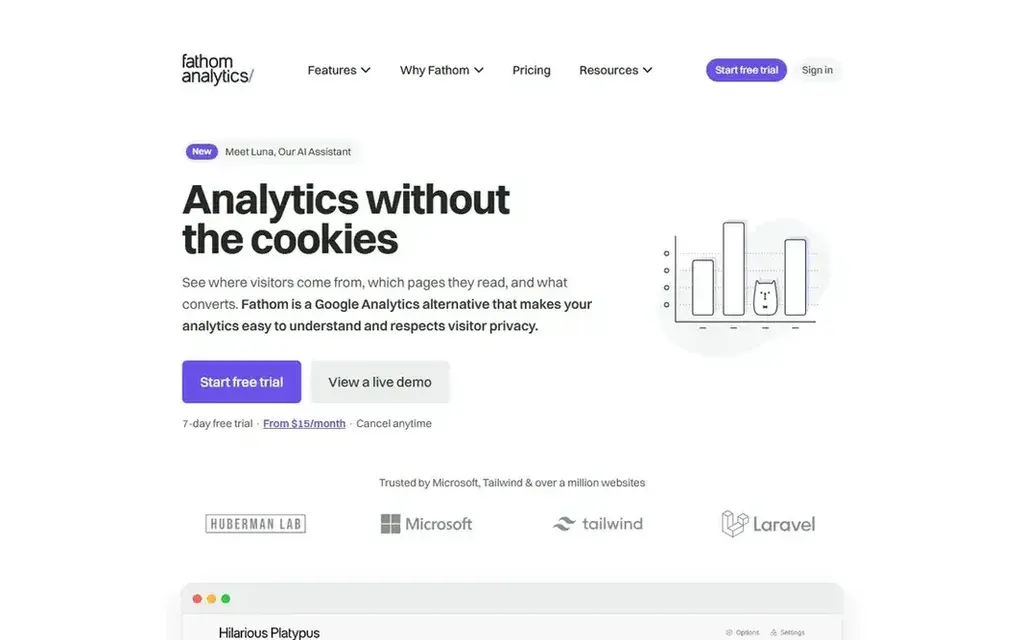
Choose Fathom for individual managers with CRM-minded teams. Fathom records, transcribes and summarizes calls on Zoom, Google Meet and Microsoft Teams, positioning itself around never taking notes again.
Coverage is concentrated on the three major products, so teams using other conferencing tools should check compatibility first. For everyday use, the homepage notes AI-powered CRM updates for teams, which helps managers who want call notes flowing into customer records. Fathom pricing: $15 per user per month. You can start on Fathom without paying.
Where it falls short: Centred on the three major video systems.
- AI-powered CRM updates for teams
- Google Meet and Microsoft Teams
- CRM features geared toward team workflows
Pick Chorus by ZoomInfo if this describes you: sales conversation intelligence with B2B data. Confirm how insights surface in your existing workflows on the vendor site.
Watch-outs: Sales-centric orientation.
Chorus by ZoomInfo does not show a starting price in this comparison, so check the vendor site for current pricing. As for free access: Not stated.
- Backed by ZoomInfo B2B data
- Conversation intelligence for sales calls
- Not a general-purpose notepad
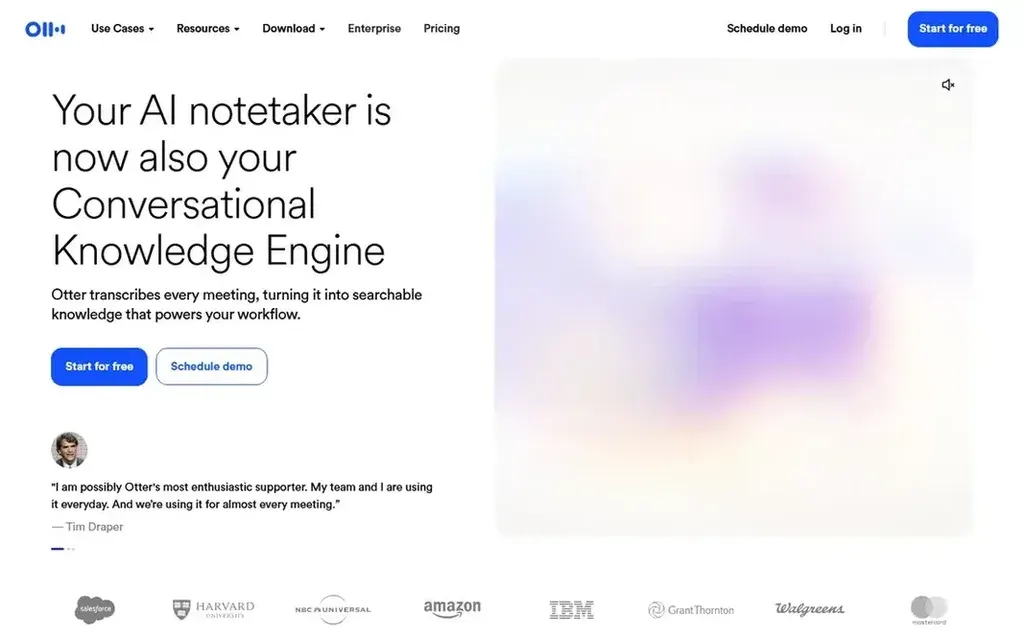
Otter.ai targets live transcription with automatic follow-ups. Review how summaries and action items are organized before committing, and confirm current capabilities on the vendor site.
Beyond that, since the homepage frames Otter around its meeting agent, managers with specialized needs for example CRM-driven revenue insights may find narrower sales tools a better match. Otter.ai cost at the entry level: $8.33 per user per month. Free access exists with Otter.ai.
What Otter.ai does well: Live transcription during meetings. Honest limits: Feature depth varies by plan.
- Automatic summaries
- Live chat alongside the transcript
- Best value for teams that meet commonly
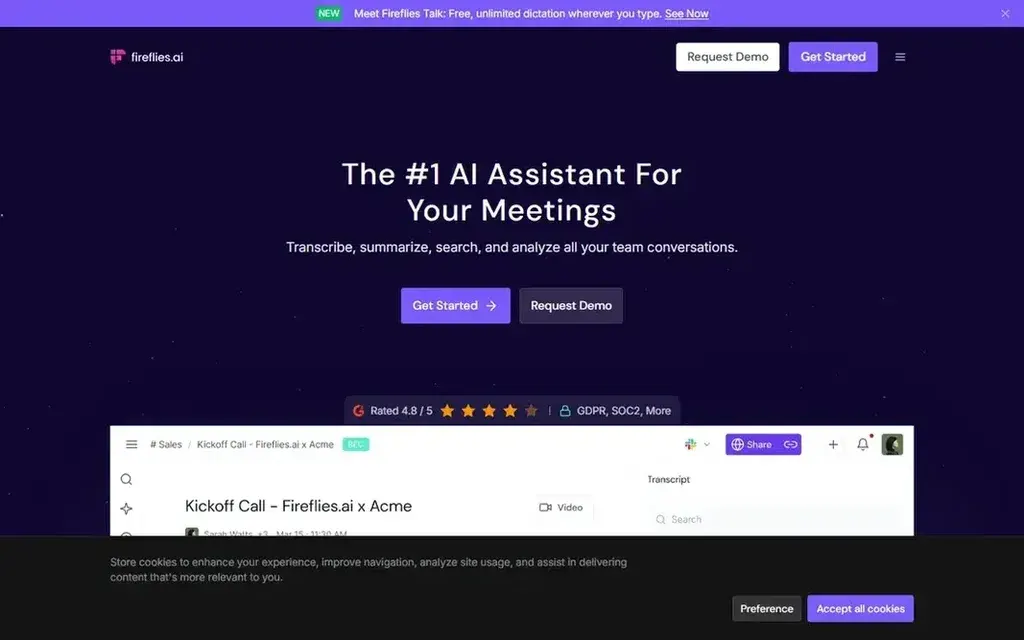
Fireflies.ai is designed for cross-platform transcription and smart summaries. If your priority is a bot-free notepad experience, consider a different choice, and verify product support details on the vendor page. Fireflies.ai describes itself as an AI teammate that transcribes, summarizes and examines meetings, using generative AI to create transcripts and smart summaries.
Upsides: Works across Zoom.
Drawbacks to consider: Plenty of features tied to account setup.
From a buyer's view, the value relies on clean audio and consistent meeting habits, so scattered or informal calls may produce weaker notes. From a buyer's view, managers whose teams meet across multiple video products benefit from the broad coverage, which includes Zoom, Google Meet, Microsoft Teams and Webex. Fireflies.ai starts at: $10 per seat per month, billed annually. Fireflies.ai includes a free tier.
- Wide product coverage for mixed meeting stacks
- Webex and more
- Summary quality relies on audio clarity
Think of Granola for back-to-back meetings without a bot. Since it leans on a notepad approach instead of deep CRM automation, teams expecting automatic record updates may need a different tool.
Granola is an AI notepad for back-to-back meetings, combining notes, actions and memory without a meeting bot. More specifically, confirm how memory and actions behave across meetings on the vendor site before standardizing on it. Price to start with Granola: $14 per user per month. You can start on Granola without paying.
Downsides: Depends on your own note-taking rhythm. Best features of Granola: actions and memory in one notepad.
- Notes
- Made for consecutive meetings
- Less emphasis on CRM automation
Our selection method
The comparison looks at four things: starting price, free access, how well the feature set matches meeting notes software for managers, and the main limit of each tool. Where a vendor does not publish a price, the entry says quote. Where a price depends on seats or billing term, the entry says so. Tools are placed by general fit for meeting notes software for managers, with price clarity and free access as tie-breakers. A different team can reasonably rank them differently.
Things to verify first
- Confirm the entry price on the vendor page. For Chorus by ZoomInfo that means a quote rather than a fixed price.
- Read the fine print on the free plans from Fathom, Otter.ai, Fireflies.ai and Granola; seat, project and feature caps differ.
- Read the limits listed for Fathom first: centred on the three major video products.
- Make sure Fireflies.ai lets you export your data in a format another tool can read.
- Compare total cost, not headline price: for Fathom, add extra seats, add-ons and any usage-based charges.
FAQ
Do these tools publish their prices?
Not all of them. Chorus by ZoomInfo publishes no starting price, so expect a quote request for it. The rest, Fathom included, show a starting price, though seats and billing terms still change the final cost.
How can I evaluate these tools before rolling them out?
Confirm system support, summary quality on your usual audio conditions and how notes flow to other systems. Check vendor documentation for data retention and sharing controls, then pilot with a small group before standardizing.
How are the tools for meeting notes software for managers ordered?
The order follows typical fit for meeting notes software for managers, with Fathom first and Granola last, then price clarity and free access. It is editorial judgement, not a score, so another team could rank the tools differently.
What should managers look for in meeting notes software?
Start with the systems your team meets on and whether you want automatic capture or an assisted notepad. Then check how summaries and action items are organized, since follow-up tracking is typically the real reason managers adopt these tools.
What is the cheapest option for meeting notes software for managers in this list?
On published monthly entry prices, Otter.ai is the lowest here at $8.33 per user per month. Entry price is only part of the cost, because seats, add-ons and billing terms can change the total. Each of the 5 options in this meeting notes software for managers guide has its own card above with the price, free plan and limits.
Do these tools need a bot in the meeting?
Most notetakers here depend on a meeting bot or product integration to capture audio, whereas Granola explicitly positions itself as a notepad without a meeting bot. The right choice relies on whether participants are comfortable with a visible recorder.
Sources
- https://fathom.video
- https://www.zoominfo.com/products/chorus
- https://otter.ai
- https://fireflies.ai
- https://granola.ai