App for Taking Handwritten Notes in 2026: The 5 Best Options Side by Side
5 products for the best app for taking handwritten notes, ranked by fit, with starting costs and free tiers. Plain-spoken summaries throughout. Clear verdicts.
- Editor's choiceSamsung Notes
Handwriting on Samsung devices
Starts atSee websiteVisit samsung.comFull review - Great alternative
 Microsoft OneNote
Cross-device notes in Microsoft ecosystem
Starts atSee websiteVisit onenote.comFull review - Also consider
 Notability
Handwriting with audio and study aids
Starts at$11.99 a yearVisit gingerlabs.comFull review
Direct answer
Samsung Notes leads the list, best for handwriting on Samsung devices. Listed starting prices: Notability from $11.99 a year, Notion from $10 per member a month and GoodNotes from $11.99 per year. If your case is different, Microsoft OneNote suits cross-device notes in Microsoft ecosystem and Notability suits handwriting with audio and study aids. The other 2 tools in the list cover narrower or pricier cases.
TL;DR:
- Samsung Notes is the opening pick, best for handwriting on Samsung devices.
- Starting prices begin at $10 per member per month with Notion.
- A fair warning about Notability: study features may be unnecessary for casual notes.
- GoodNotes is the one to check for shared handwriting, whiteboards and documents.
- 3 of 5 tools offer a free plan: Notability, Notion, GoodNotes.
Last checked November 2026. Prices and plan details were read from the vendors' own pages in November 2026; vendors change plans often, so confirm the current price on the vendor site before you buy.
Quick comparison
| Tool | Best for | Starts at | Free plan? | |
|---|---|---|---|---|
| Samsung Notes | Handwriting on Samsung devices | See website | Not stated | Visit |
| Microsoft OneNote | Cross-device notes in Microsoft ecosystem | See website | Not stated | Visit |
| Notability | Handwriting with audio and study aids | $11.99 a year | Yes | Visit |
 Notion | Notes inside an adaptable workspace | $10 per member a month | Yes | Visit |
 GoodNotes | Shared handwriting, whiteboards and documents | $11.99 per year | Yes | Visit |
App for Taking Handwritten Notes compared in detail
This LinkVetted guide covers 5 app for taking handwritten notes. Each profile lists a starting price, free plan details, strengths and drawbacks, so you can drop poor fits quickly.
Samsung Notes
Best for: Handwriting on Samsung devices
Samsung Notes is aimed squarely at handwriting on Samsung devices. It suits Galaxy tablet and phone owners who want handwriting and notes without adding another app.
If you switch devices commonly or need notes synced across mixed products, a cross-platform app is the safer pick. This comparison lists no price for Samsung Notes; ask the vendor. Free options: Not stated.
Watch-outs: Tied closely to Samsung hardware.
- Built into Samsung's device ecosystem
- No separate app search for entry-level notes
- Fewer cross-platform choices
Microsoft OneNote works best for cross-device notes in Microsoft ecosystem. The free web version lowers the barrier for trying it.
What to check first: Best experience assumes a Microsoft account.
Upsides: Capture notes anywhere. Worth adding: if your priority is pen feel and page design, a dedicated handwriting app may suit you better; OneNote shines when organization and cross-device access matter most. This comparison lists no price for Microsoft OneNote; ask the vendor. Free access: Not stated.
- Collaborate with others across devices
- Including the web
- Interface can feel busy for handwriting-first users
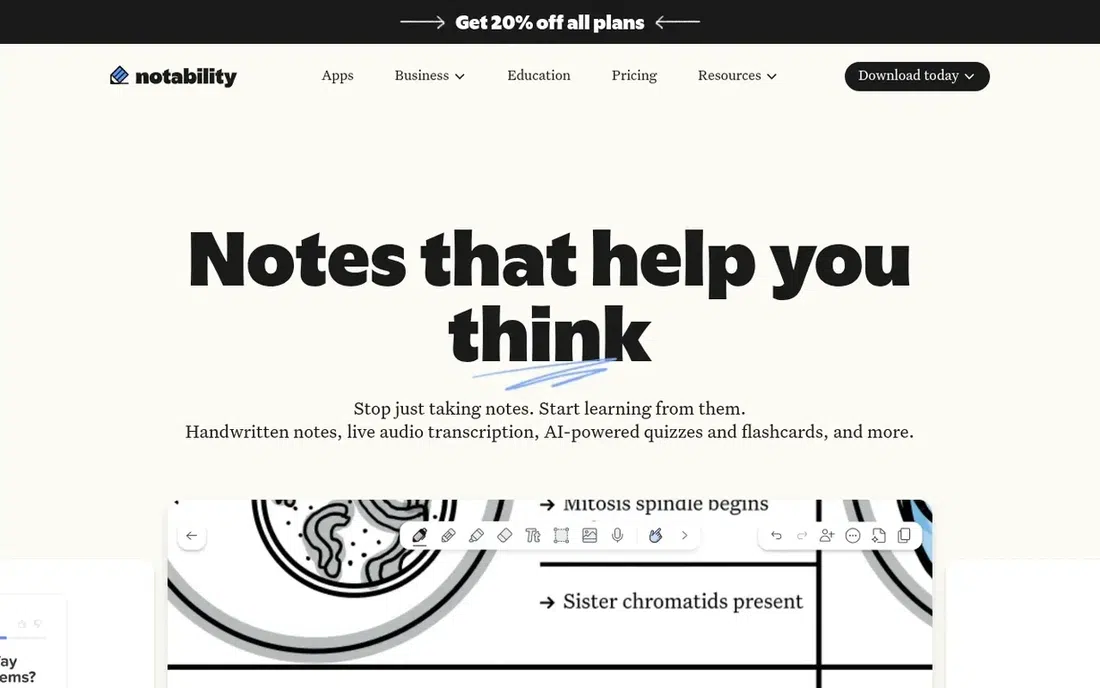
Notability works best for handwriting with audio and study aids. Notability turns handwritten notes, audio and documents into AI-powered summaries, flashcards and quizzes.
Upsides: Handy for lecture and meeting capture.
Honest limits: Study features may be unnecessary for casual notes. Pick something more straightforward for pure handwriting, or a broader workspace if notes must feed into projects. As for the details, the study-oriented features add complexity if you just want to write and organize pages, and people who never record audio will not use a core part of the app. Starting cost for Notability: $11.99 per year. You can start on Notability without paying.
- Audio and documents
- Merges handwritten notes
- Audio capture is not everyone's workflow
Notion serves Notes inside an adaptable workspace. Handwritten material can be part of that workspace, but the workspace is the point.
More specifically, Notion describes itself as the AI workspace that works for you, with custom agents, cross-app search and automation of busywork. Notion starts at: $10 per member per month. You can start on Notion without paying.
Points against: Setup effort can be significant.
- Custom agents and automation for busywork
- Adaptable workspace for teams
- Handwriting is not the primary design focus
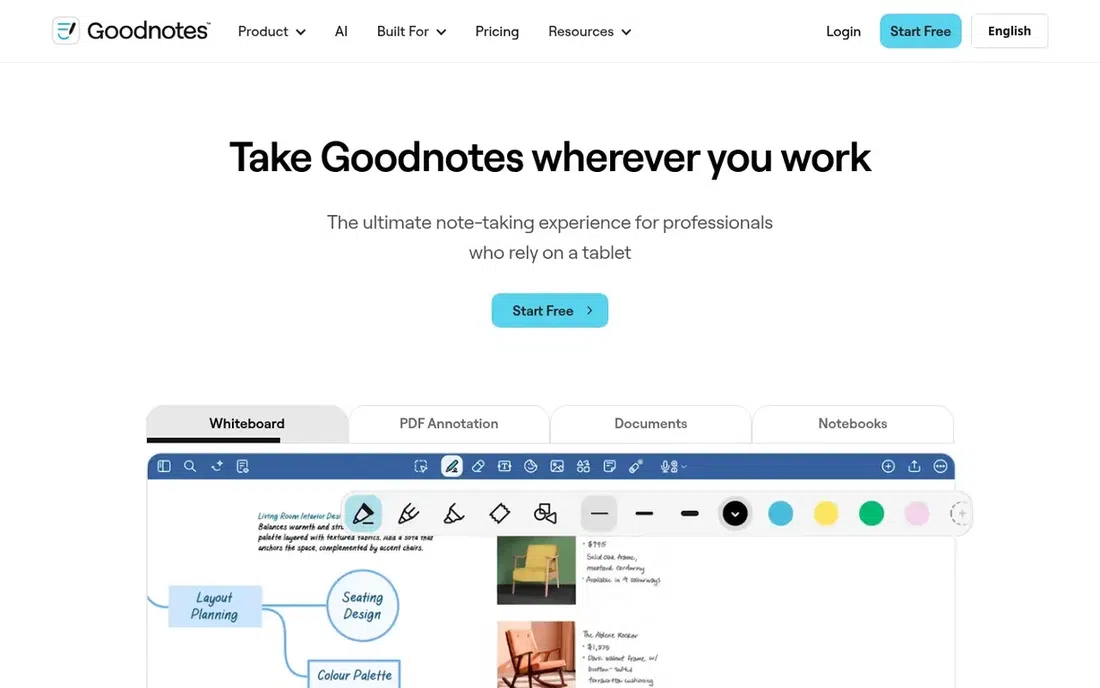
For shared handwriting, whiteboards and documents, GoodNotes is a natural candidate. GoodNotes is a note-taking app built around bringing your thinking to life, with shared notes, whiteboards and text documents in a single workspace. As for the details, consider a lighter app if you chiefly annotate documents, or a workspace tool if your notes have to link to tasks and databases.
The breadth of features can feel heavy if you only want a straightforward handwriting pad. The collaboration tools go unused by solo note takers. Entry price for GoodNotes: $11.99 per year. A free plan is available with GoodNotes.
Points against: Collaboration features may be more than solo users need.
Highlights: whiteboards and text documents in one place.
- Live collaboration on shared notes
- Handwriting
- Feature depth can take time to learn
Selection criteria
For each of the 5 tools we noted price, free plan or trial, fit for app for taking handwritten notes and the main limit, using vendor pages and documentation. Where a price is missing, the vendor does not list one publicly or ties it to a quote. Always confirm before budgeting. The sequence is a judgement call: typical use case first, then pricing transparency, then free access. Use the profiles to check fit.
Before you commit
- Ask Samsung Notes and Microsoft OneNote for a written quote, since no starting price is shown.
- Check what the free option really includes: Notability, Notion and GoodNotes offer a free plan, and usage caps differ.
- Before choosing Samsung Notes, weigh its main limit: tied closely to Samsung hardware.
- Map your must-have features to a specific Notability plan before you compare prices.
- Check how data leaves GoodNotes: formats, limits and whether exports are available on every plan.
FAQ
Do these tools publish their prices?
Not all of them. Samsung Notes and Microsoft OneNote publish no starting price, so expect a quote request for those. The rest, Notability included, show a starting price, though seats and billing terms still change the final cost.
Which app is a good match for handwriting with audio recording?
The first pick on this list is Samsung Notes, because it suits handwriting on Samsung devices. Microsoft OneNote is better for cross-device notes in Microsoft ecosystem, and Notability for handwriting with audio and study aids. Check price and limits against your own needs before choosing.
Is Samsung Notes the right pick for everyone comparing app for taking handwritten notes?
No single tool suits every team. Samsung Notes comes first because it fits handwriting on Samsung devices, while Microsoft OneNote suits cross-device notes in Microsoft ecosystem and Notability suits handwriting with audio and study aids. Match the tool to your own size, budget and workflow before deciding.
How are the app for taking handwritten notes ordered?
Samsung Notes sits first and GoodNotes last because the order follows typical fit for app for taking handwritten notes, then price clarity and free access. It is a judgement call, so read each profile for fit and limits.
Which app for taking handwritten notes have a free plan?
On this list, Notability, Notion and GoodNotes include a free plan. Caps on seats, usage or features are common, so test the free plan against your real workload.
Sources
- https://www.samsung.com
- https://www.onenote.com
- https://www.gingerlabs.com
- https://www.notion.so
- https://www.goodnotes.com