Best Meeting Booking Software for Coaches in 2026: Prices, Free Plans and 5 Picks
Best meeting booking software for coaches in 2026: 5 tools with starting prices, free plans and limits. Every profile names its biggest catch. Updated for 2026.
- Editor's choice
 SavvyCal
Invitee-friendly scheduling with control
Starts at$10 per user a monthVisit savvycal.comFull review - Great alternative
 Cal.com
Adaptable open scheduling for online bookings
Starts at$12 per user per monthVisit cal.comFull review - Also consider
 Calendly
All-in-one scheduling and meeting workflow
Starts at$10 per seat per monthVisit calendly.comFull review
Direct answer
This list puts SavvyCal first for Invitee-friendly scheduling with control. Listed starting prices: SavvyCal from $10 per user a month, Cal.com from $12 per user per month and Calendly from $10 per seat per month. Cal.com fits adaptable open scheduling for online bookings; Calendly fits all-in-one scheduling and meeting workflow. All 5 tools are compared below on price, free plan and limits.
TL;DR:
- The list opens with SavvyCal, aimed at Invitee-friendly scheduling with control.
- SavvyCal is the lowest-priced starter here at $10 per user per month.
- What to know about Calendly first: wide feature set may feel heavy.
- Microsoft Bookings is the one to check for teams and organizations already on Microsoft 365.
Last checked November 2026. Prices and plan details were read from the vendors' own pages in November 2026; vendors change plans often, so confirm the current price on the vendor site before you buy.
Quick comparison
| Tool | Best for | Starts at | Free plan? | |
|---|---|---|---|---|
| SavvyCal | Invitee-friendly scheduling with control | $10 per user a month | Free trial | Visit |
| Cal.com | Adaptable open scheduling for online bookings | $12 per user per month | Yes | Visit |
| Calendly | All-in-one scheduling and meeting workflow | $10 per seat per month | Yes | Visit |
 Acuity Scheduling | Configurable appointment booking and automation | $16 a month | Free trial | Visit |
| Microsoft Bookings | Teams and organizations already on Microsoft 365 | See website | Not stated | Visit |
Every option for meeting booking software for coaches explained
LinkVetted put together this guide to meeting booking software for coaches for readers who want a clear shortlist without reading every vendor page. It compares 5 tools on starting price, free plans, who each one suits and where each one falls short.
SavvyCal is aimed squarely at Invitee-friendly scheduling with control. SavvyCal is a scheduling tool for sharing booking links, letting invitees overlay their own calendar to find a time whereas you control buffers, limits and preferred times.
Its scope stays close to scheduling, so payments, intake and follow-up are not the focus. Starting cost for SavvyCal: $10 per user per month. Free plan details: Free trial.
What to check first: Fewer surrounding meeting features.
- Preferred times can be set
- You control buffers and limits
- Narrower scope beyond scheduling
Choose Cal.com for flexible open scheduling for online bookings. Setup effort is part of getting it right. Coaches who want a dedicated scheduling system and are comfortable configuring it to match their availability can use it as the booking layer of their practice.
Points against: Less emphasis on meeting follow-up.
It centers on scheduling instead of the surrounding work of payments, prep and follow-up, so you may need other tools for those steps. Coaches wanting an all-in-one meeting workflow may prefer a broader system. Cal.com is scheduling software for online bookings, pitched at helping firms find time and grow. Cal.com cost at the entry level: $12 per user per month. Cal.com offers a free plan.
- Scheduling-focused feature set
- Aimed at online bookings
- Requires setup to match your flow
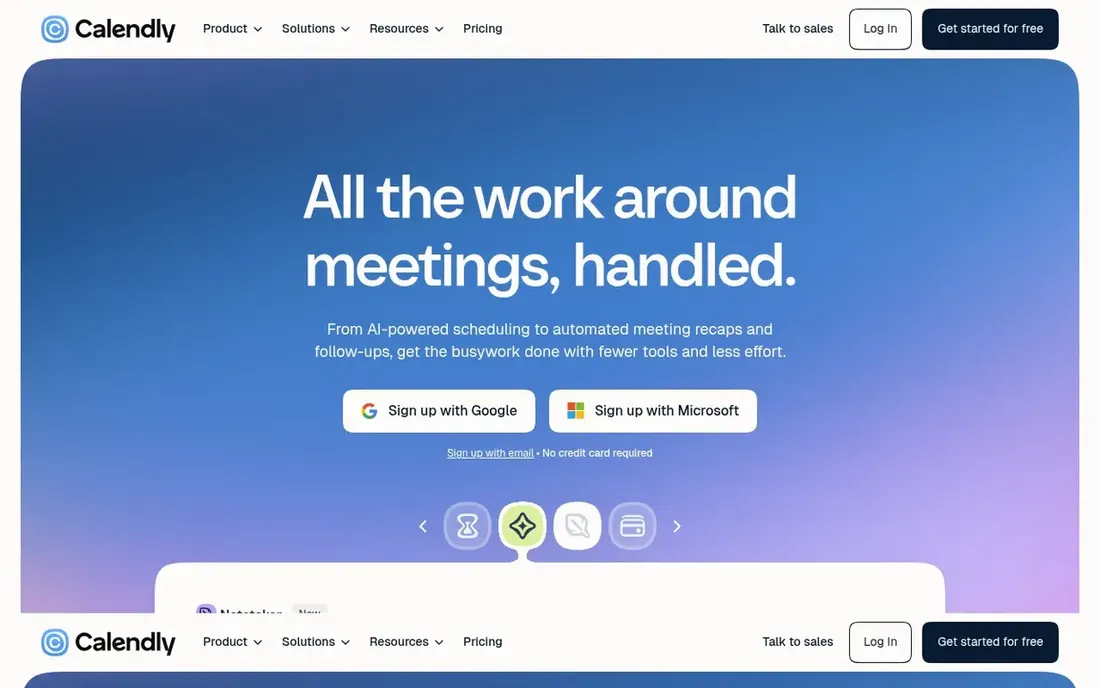
Calendly serves all-in-one scheduling and meeting workflow. For coaches running discovery calls and premium sessions, that breadth means fewer separate tools to handle.
Where it falls short: Wide feature set may feel heavy.
Worth adding: otherwise, Calendly is a sensible default starting point. In practice, coaches who prioritize heavily customized intake forms or a very specific invitee flow may prefer a tool built around those details. What you pay to start with Calendly: $10 per seat per month. Free access exists with Calendly.
- Brings notetaking and follow-up support
- Takes care of scheduling
- Less emphasis on deep form customization
Acuity Scheduling
Best for: Configurable appointment booking and automation
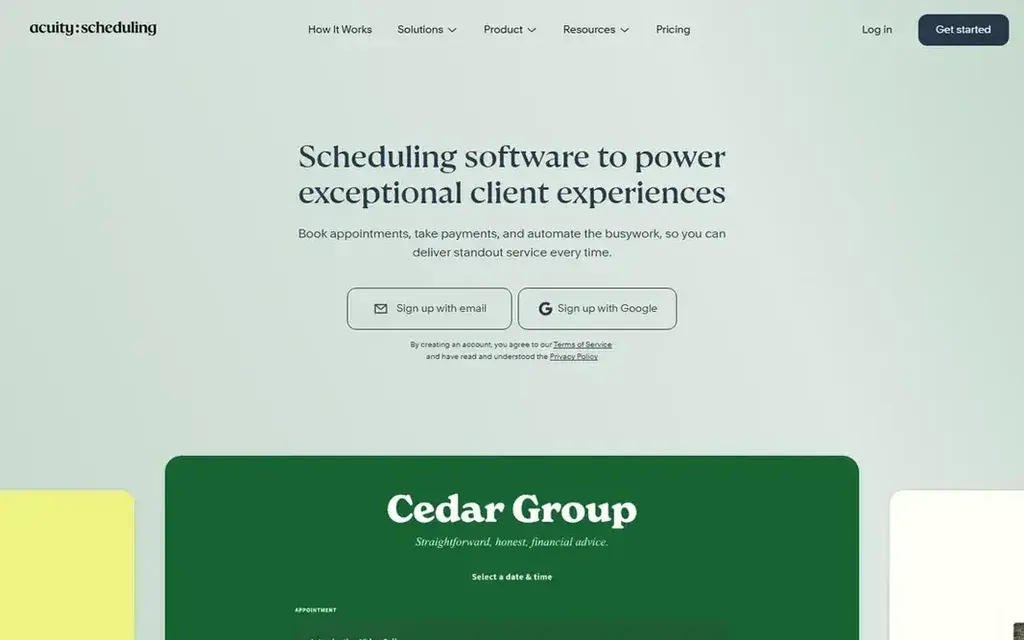
Acuity Scheduling is a good fit for configurable appointment booking and automation. Acuity Scheduling is an appointment booking and scheduling app built around automation and full customization. From a buyer's view, if you want a lighter, quicker start, a more straightforward scheduler may serve better.
In daily use, coaches who offer different session types, intake questions or availability rules can shape the booking experience closely. Its focus stays on appointments instead of the broader meeting workflow of prep and follow-up. Acuity Scheduling starts at: $16 per month. Free options: Free trial.
What to check first: Narrower meeting workflow beyond booking.
- Full customization of booking flow
- Scheduling automation included
- Customization takes setup time
Microsoft Bookings
Best for: Teams and organizations already on Microsoft 365
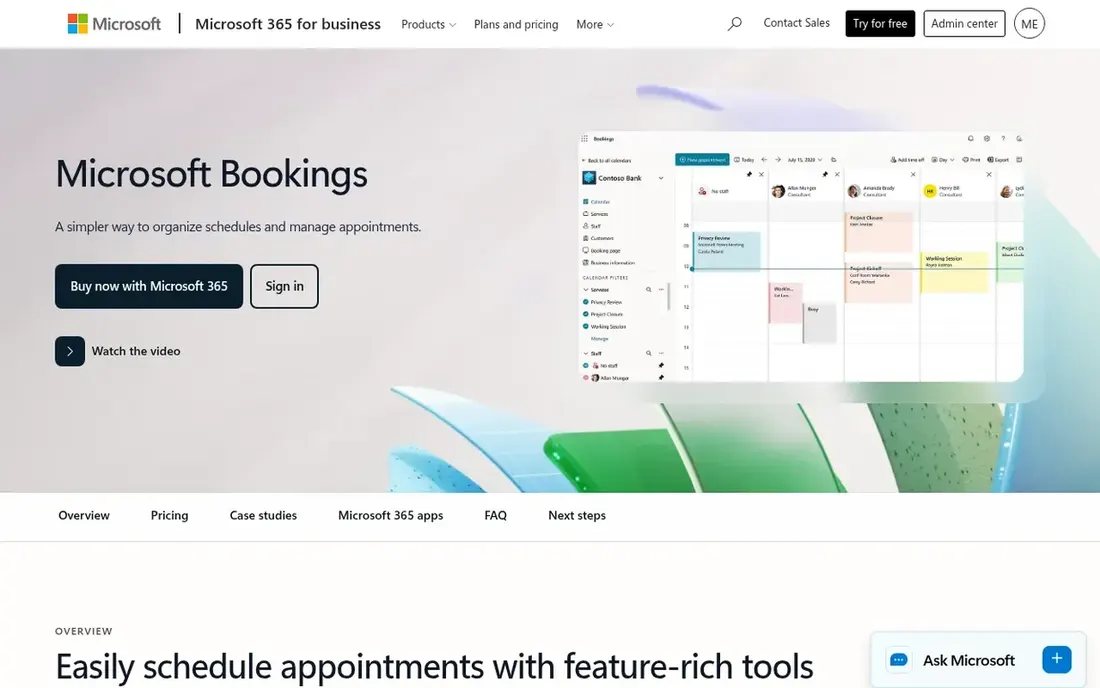
Microsoft Bookings was built for teams and organizations already on Microsoft 365. Microsoft Bookings is an online booking and appointment scheduling tool within Microsoft 365, offering adaptability and customization across departments, individuals and appointment types. Coaches who already work inside Microsoft tools, or who run a small practice with staff, can keep booking alongside their existing setup.
For everyday use, the experience is most comfortable when your calendar and email already live in Microsoft 365, so coaches on other products may find it less convenient. Solo coaches wanting minimal configuration may prefer a dedicated booking tool. Check the vendor site for Microsoft Bookings pricing; none is listed in this comparison. Free plan details: Not stated.
What to check first: Setup assumes some admin knowledge.
- Adaptable customization choices
- Works across departments and individuals
- Most natural inside the Microsoft ecosystem
Selection criteria
Selection started from tools commonly considered for meeting booking software for coaches, then narrowed to 5 that have clear pricing information or a clear quote process. Figures are shown as the vendors publish them. Billing terms, seat minimums and add-ons can change the real cost. The sequence is a judgement call: typical use case first, then pricing transparency, then free access. Use the profiles to check fit.
Before you commit
- Ask Microsoft Bookings for a written quote, since no starting price is shown.
- Look at free plan limits closely: Cal.com and Calendly have one, and the caps decide whether it is usable for real work.
- Use real work to test the free trial from SavvyCal and Acuity Scheduling, rather than a demo project.
- Before choosing SavvyCal, weigh its main limit: narrower scope beyond scheduling.
- Get the contract term, renewal terms and any onboarding fees from Acuity Scheduling in writing.
- Ask Calendly which support channels and response times come with the plan you would buy.
FAQ
What should coaches look for in meeting booking software?
Start with how clients book and what happens afterward. From a buyer's view, then check whether confirmations, reminders and any intake steps are handled in the same tool or need a separate one.
What is the cheapest option for meeting booking software for coaches in this list?
On published monthly entry prices, SavvyCal is the lowest here at $10 per user per month. Entry price is only part of the cost, because seats, add-ons and billing terms can change the total. Each of the 5 options in this meeting booking software for Coaches guide has its own card above with the price, free plan and limits.
Can I try these tools before paying?
Often, yes. Cal.com and Calendly have a free plan and SavvyCal and Acuity Scheduling offer a free trial. Use your own data and a real task during the test, and check what the free tier or trial limits before you rely on it.
Which options for meeting booking software for coaches have a free plan?
Cal.com and Calendly offer a free plan in this list. Free plans usually cap users, projects or features, so check the limits on the vendor page. Several others offer a trial instead.
Is SavvyCal the right pick for everyone comparing meeting booking software for coaches?
No single tool suits every team. SavvyCal comes first because it fits Invitee-friendly scheduling with control, while Cal.com suits flexible open scheduling for online bookings and Calendly suits all-in-one scheduling and meeting workflow. Match the tool to your own size, budget and workflow before deciding.
Sources
- https://savvycal.com
- https://cal.com
- https://calendly.com
- https://acuityscheduling.com
- https://www.microsoft.com/en-us/microsoft-365/business/scheduling-and-booking-app