Intranet Software for Educational Institutions in 2026: The 6 Best Options Side by Side
Compare 6 best intranet software for educational institutions, with prices, free plans and who each fits. Fit, price and catches for every tool. No hype.
- Editor's choice
 Unily
Enterprise employee experience
Starts atPricing on requestVisit unily.comFull review - Great alternative
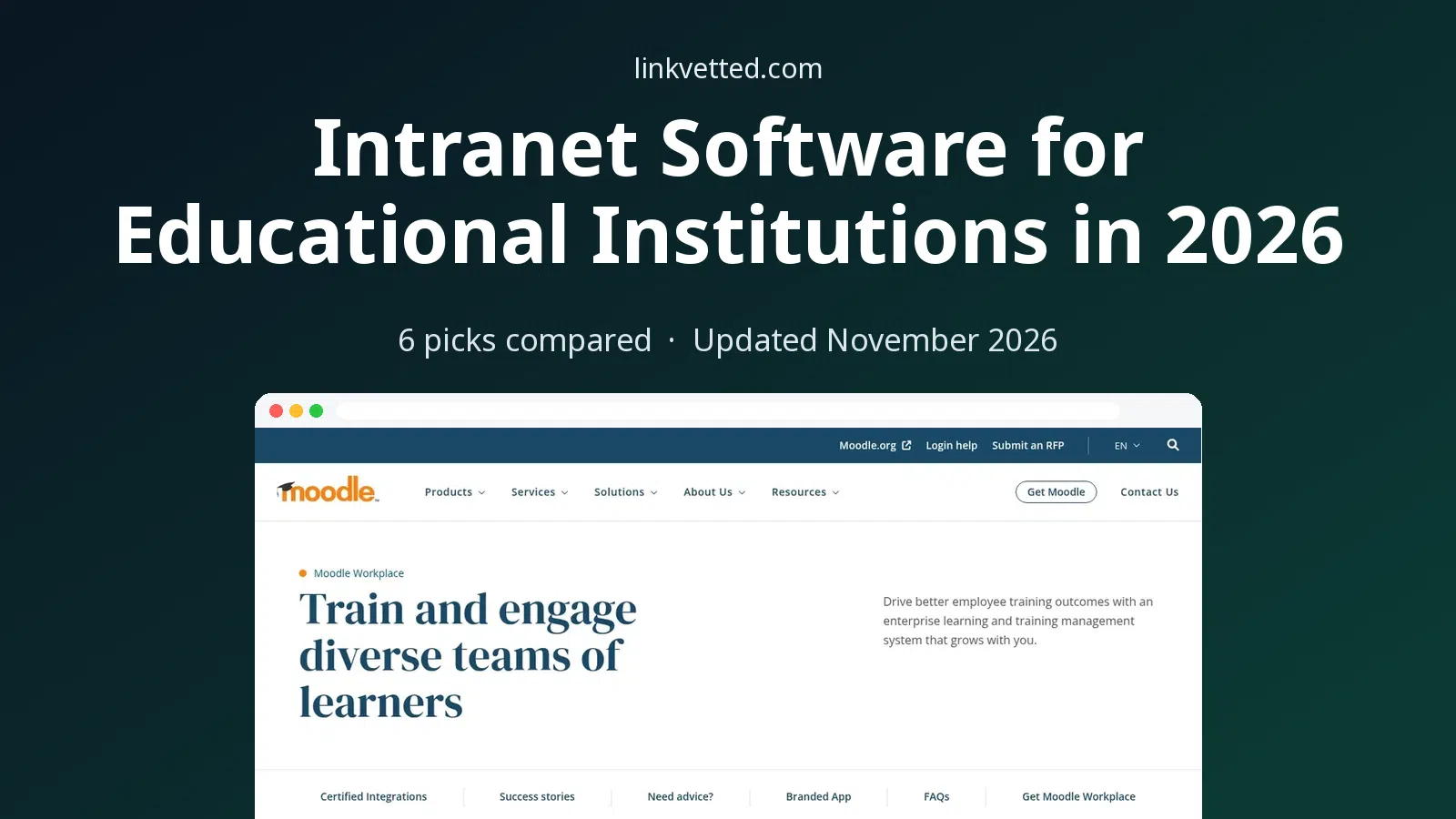
 Moodle Workplace
Corporate learning and employee onboarding
Starts atPricing on requestVisit moodle.comFull review - Also consider
 Microsoft SharePoint
Document collaboration and Microsoft 365 integration
Starts atPricing on requestVisit microsoft.comFull review
Direct answer
Our first pick is Unily, best for enterprise employee experience. Alternatives: Moodle Workplace for corporate learning and employee onboarding, and Microsoft SharePoint for document collaboration and Microsoft 365 integration. Free plan facts and limits for all 6 tools follow. None of these vendors publish plan prices, so pricing is on request for every option.
TL;DR:
- Unily is the opening pick, best for enterprise employee experience.
- Check the limits for Moodle Workplace before you commit: geared more toward corporate than educational settings.
- A permanent free plan is missing from all 6 tools, Unily and Canvas LMS included; plan for a trial or a premium start.
- Every tool from Unily to Canvas LMS works by quote, with no list price shown.
- For Teaching and learning management, Canvas LMS is worth a look.
Last checked November 2026. Pricing on request: vendors did not publish plan prices when this guide was last checked (November 2026), so ask each vendor for a written quote.
Quick comparison
| Tool | Best for | Starts at | Free plan? | |
|---|---|---|---|---|
| Unily | Enterprise employee experience | Pricing on request | No | Visit |
| Moodle Workplace | Corporate learning and employee onboarding | Pricing on request | Not stated | Visit |
| Microsoft SharePoint | Document collaboration and Microsoft 365 integration | Pricing on request | Not stated | Visit |
 Simpplr | AI-powered employee experience and communications | Pricing on request | Free trial | Visit |
 D2L Brightspace | Higher education and K-12 learning | Pricing on request | Not stated | Visit |
 Canvas LMS | Teaching and learning management | Pricing on request | Not stated | Visit |
The best intranet software for educational institutions
Choosing intranet software for educational institutions usually comes down to price, fit and limits. This LinkVetted guide sets 6 tools side by side on those three points, with the facts kept short and checkable.
Unily was built for enterprise employee experience. Unily is an enterprise employee experience system that gives organizational velocity for the world's leading businesses.
Unily shows no starting price here, so confirm the cost on the vendor site. Unily has no permanent free option.
Where it falls short: May be complicated for smaller institutions.
- Focus on organizational velocity
- Full communication tools
- Geared toward large enterprises
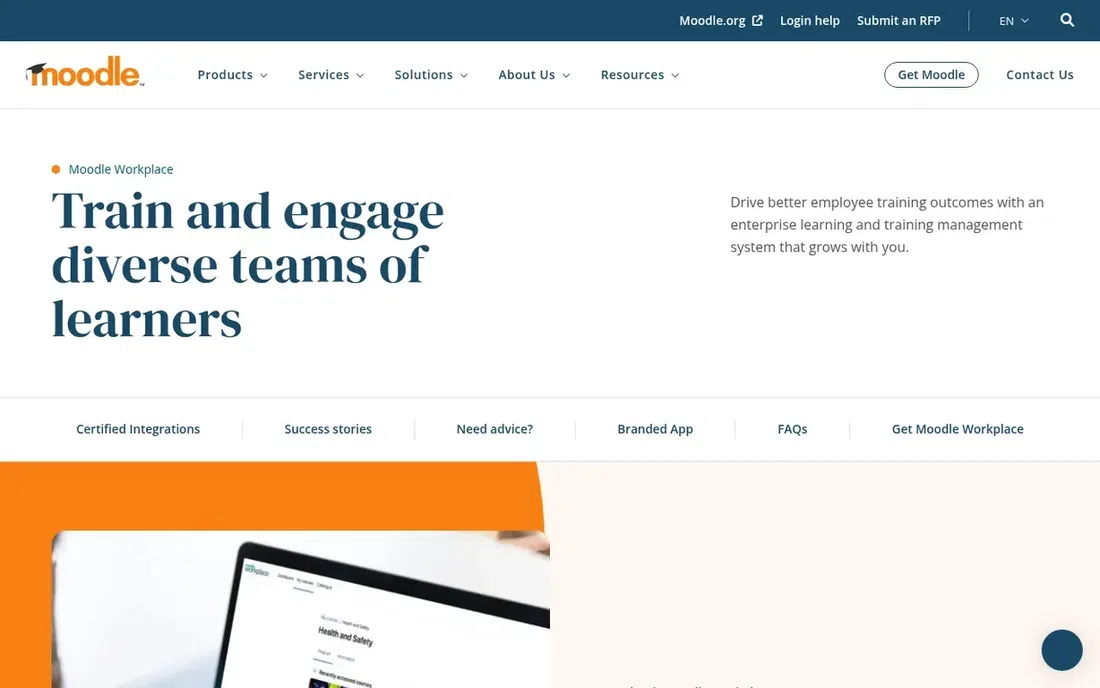
Moodle Workplace is designed for corporate learning and employee onboarding. Moodle Workplace is a corporate LMS option meant to bring employee training and onboarding online. It provides a structured learning environment with tools for creating courses, tracking progress, and managing compliance, making it a good match for institutions that also supply professional development.
Points against: Geared more toward corporate than educational settings.
Even so, Moodle Workplace is primarily aimed at corporate learning and may not completely address the broader intranet needs of educational institutions. For a more education-focused LMS, consider Canvas or D2L Brightspace. Moodle Workplace does not show a starting price in this comparison, so check the vendor site for current pricing. Free options: Not stated.
- Open-source adaptability
- Supports employee training and onboarding
- May need technical expertise to customize
Microsoft SharePoint
Best for: Document collaboration and Microsoft 365 integration
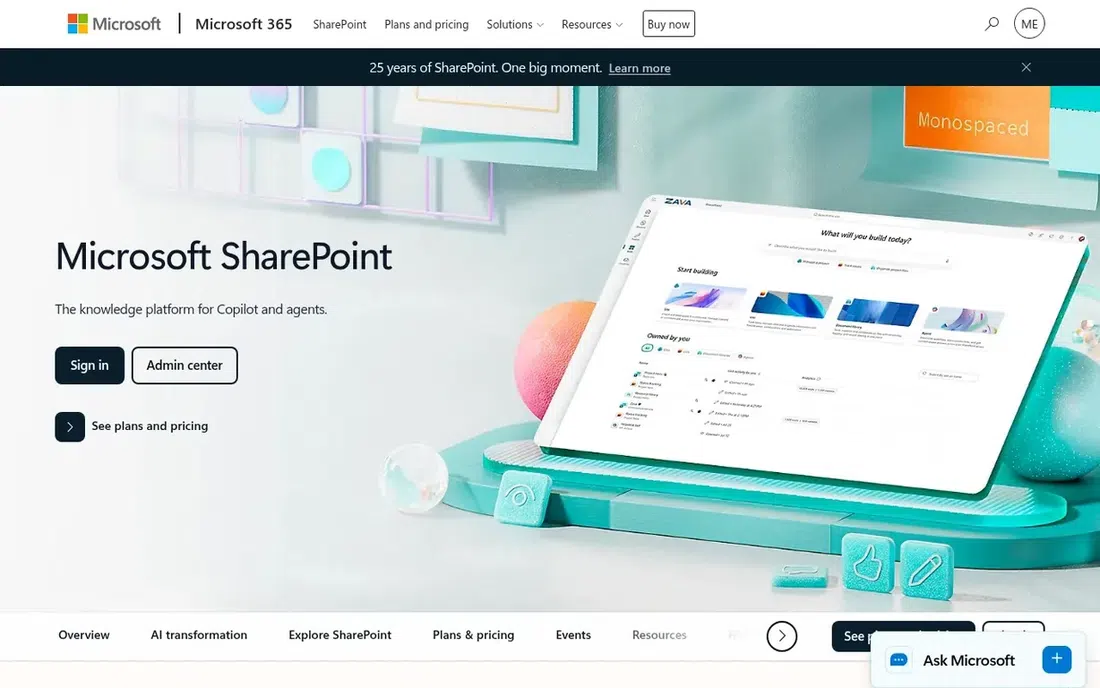
Microsoft SharePoint targets document collaboration and Microsoft 365 integration. Microsoft SharePoint is a collaborative content management product that makes it possible for secure file sharing, communication, and automation across Microsoft 365.
For everyday use, for institutions seeking a more straightforward, out-of-the-box intranet, other choices might be more suitable. Microsoft SharePoint does not show a starting price in this comparison, so check the vendor site for current pricing. Free options: Not stated.
The main drawbacks: Can be complicated to set up and customize.
- AI-powered experiences for content creation
- Capable document management and governance
- May need extra licensing for full features
Simpplr makes the most sense for AI-powered employee experience and communications. Simpplr is an AI-powered intranet product with specialized EX agents that help employees stay informed, find what they need, get support, and move everyday needs forward.
Also, institutions needing both intranet and LMS capabilities should consider integrating Simpplr with a dedicated LMS. Simpplr does not show a starting price in this comparison, so check the vendor site for current pricing. Free options: Free trial.
Trade-offs to know: Restricted learning management features.
- Modern
- AI-driven intranet with EX agents
- May be overkill for small institutions
Whereas Brightspace gives you solid learning tools, it may be more than small institutions need and could need significant setup. More specifically, for more straightforward intranet needs, a dedicated intranet system might be more appropriate. No starting price is listed for D2L Brightspace here; confirm pricing on the vendor site. Free access: Not stated.
The main drawbacks: Pricing not transparent.
- Thorough learning system for several educational levels
- Advanced analytics with Performance+
- May be complicated for small institutions D2L Brightspace if this describes you: higher education and K-12 learning. D2L Brightspace is a learning system built for higher education, K-12, associations, and business. It comes with features like D2L Lumi AI, Creator+ authoring, and Performance+ analytics to support engaging learning experiences and data-driven decisions.
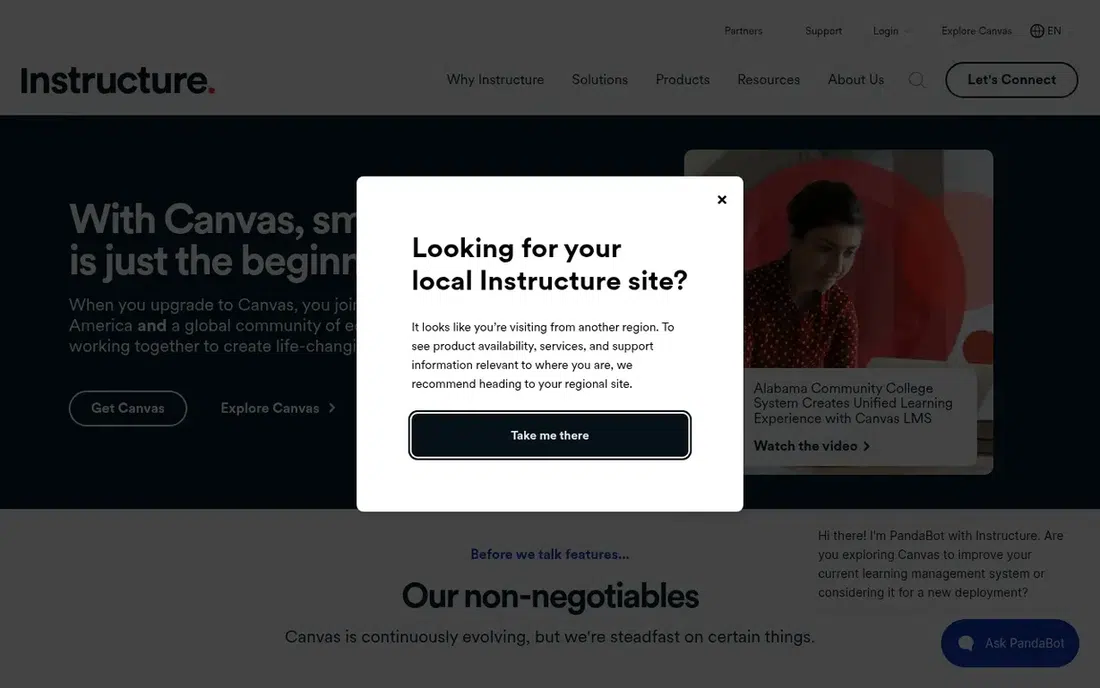
Canvas LMS works best for Teaching and learning management. Canvas LMS by Instructure is a learning management system built to ease teaching and enhance student learning. It offers an approachable product for course delivery, assessments, and communication, making it a capable choice for educational institutions centred on academic delivery.
Where it falls short: May need extras for full intranet functionality.
Whereas Canvas excels in teaching and learning, it is not a full intranet option and may lack advanced internal communication tools. In practice, institutions needing a thorough intranet should consider pairing it with a dedicated intranet product. This comparison lists no price for Canvas LMS; ask the vendor. Free options: Not stated.
- Full learning management features
- Approachable interface for educators and students
- Restricted intranet and internal communication features
How we chose
Things to verify first
- Confirm the entry price with every vendor: no tool from Unily to Canvas LMS shows a fixed starting price.
- Take the trial from Simpplr and push a live task through it before you pay.
- Before choosing Unily, weigh its main limit: geared toward large enterprises.
- Ask D2L Brightspace how an export works before you move any records in; an easy exit lowers the risk.
- Look at which plan of Microsoft SharePoint unlocks the features you need; entry tiers are often cut down.
FAQ
Can I try these tools before paying?
Often, yes. Simpplr offers a free trial. Use your own data and a real task during the test, and check what the free tier or trial limits before you rely on it. For the full picture, the cards above cover all 6 entries of this intranet software for Educational institutions list, including price, free plan and limits.
Do these tools publish their prices?
No. None of the tools, from Unily to Canvas LMS, shows a fixed starting price here, so budget time for quotes.
How are the tools for intranet software for educational institutions ordered?
The order follows typical fit for intranet software for educational institutions, with Unily first and Canvas LMS last, then price clarity and free access. It is editorial judgement, not a score, so another team could rank the tools differently.
Does any tool for intranet software for educational institutions here have a free plan?
A permanent free plan is not offered by Unily, Canvas LMS or the other tools here. Simpplr offer a trial. Plan a short evaluation period instead.
What should we consider for data security and privacy?
Educational institutions manage sensitive student and staff data, so look for tools with solid security features like encryption, access controls, and compliance with regulations for example FERPA.
What is the difference between an intranet and a LMS for education?
An intranet centres on internal communication, collaboration, and document management, whereas a LMS is built for course delivery, assessments, and tracking learning progress. Some systems offer both, but numerous institutions use separate systems for each purpose.
Sources
- https://www.unily.com
- https://moodle.com/workplace
- https://www.microsoft.com/en-us/microsoft-365/sharepoint/collaboration
- https://www.simpplr.com
- https://www.d2l.com/brightspace
- https://www.instructure.com/canvas