6 Intranet Platforms for Remote Teams Worth Shortlisting in 2026
6 products for the best intranet platforms for remote teams, ranked by fit, with starting costs and free tiers. Weak spots flagged for every entry. No hype.
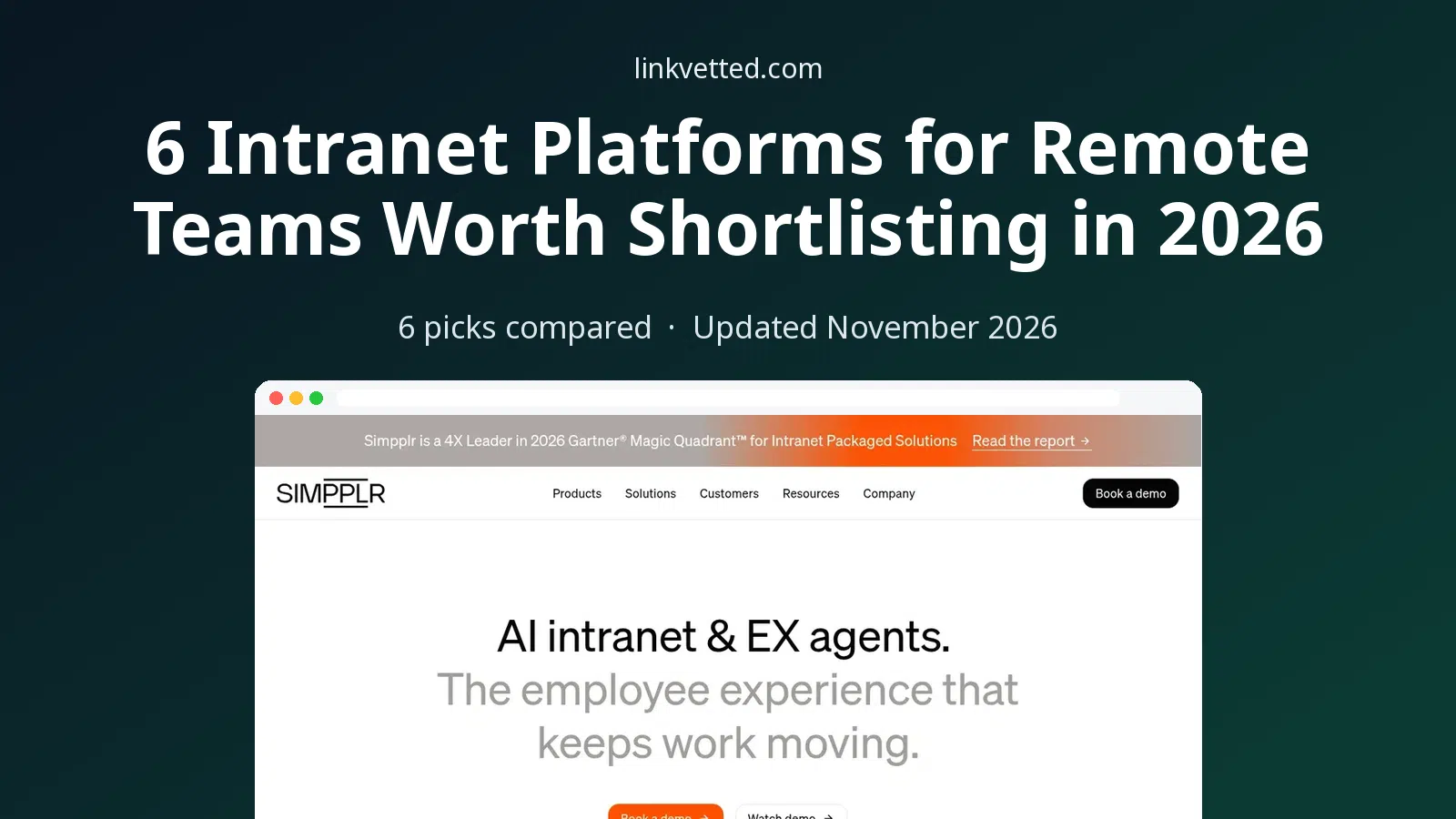
- Editor's choice
 Simpplr
AI-assisted employee experience intranet
Starts atSee websiteVisit simpplr.comFull review - Great alternative
 Haiilo
Communication and analytics with AI
Starts at$15 per seat per monthVisit haiilo.comFull review - Also consider
 Workvivo
Connection-focused employee experience
Starts atSee websiteVisit workvivo.comFull review
Direct answer
If you need AI-assisted employee experience intranet, Simpplr is the first tool to look at here. Listed starting prices: Haiilo from $15 per seat per month. Alternatives: Haiilo for communication and analytics with AI, and Workvivo for connection-focused employee experience. The other 3 tools in the list cover narrower or pricier cases.
TL;DR:
- The list opens with Simpplr, aimed at AI-assisted employee experience intranet.
- Microsoft SharePoint is the one to check for teams already inside Microsoft 365.
- Simpplr, Microsoft SharePoint and the 4 others all need a premium plan or a trial, since no free plan is listed.
- Starting prices begin at $15 per seat per month with Haiilo.
- LumApps comes with a trade-off: wide scope can mean longer setup.
Last checked November 2026. Prices and plan details were read from the vendors' own pages in November 2026; vendors change plans often, so confirm the current price on the vendor site before you buy.
Quick comparison
| Tool | Best for | Starts at | Free plan? | |
|---|---|---|---|---|
| Simpplr | AI-assisted employee experience intranet | See website | Free trial | Visit |
| Haiilo | Communication and analytics with AI | $15 per seat per month | No | Visit |
| Workvivo | Connection-focused employee experience | See website | No | Visit |
 LumApps | Adaptable, scalable enterprise intranet | See website | Not stated | Visit |
 Unily | Large enterprise employee experience | See website | No | Visit |
 Microsoft SharePoint | Teams already inside Microsoft 365 | See website | Not stated | Visit |
Every option for intranet platforms for remote teams explained
LinkVetted compared 6 intranet platforms for remote teams. The goal is a practical shortlist: published prices, free plan facts, best-fit use cases and honest limits for every entry.
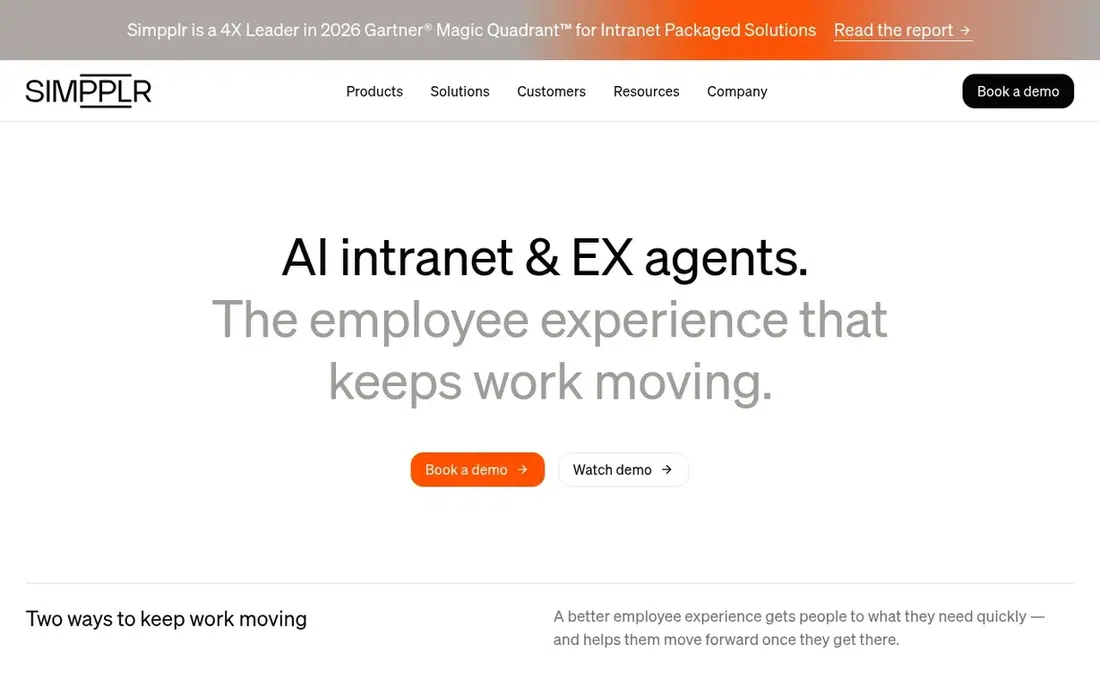
Simpplr makes the most sense for AI-assisted employee experience intranet. It suits remote organizations that want a modern front door where distributed staff can catch up on company news and resolve typical questions without chasing people across time zones.
Communication and HR teams commonly lead adoption. Simpplr shows no starting price here, so confirm the cost on the vendor site. Trial and free access: Free trial.
Trade-offs to know: Less suited to deep technical documentation.
- Focus on keeping employees informed
- AI agents for everyday employee needs
- May overlap with existing collaboration suites
Haiilo serves communication and analytics with AI. If you chiefly need a documentation workspace instead of a communication hub, a knowledge-centric tool may be more straightforward.
What works well: Communication.
Watch-outs: Feature breadth needs clear priorities.
Worth adding: Haiilo is an employee experience product for communication, knowledge, analytics and everyday tools, with AI support built in and a focus on productive, engaged teams. In practice, communication teams that value feedback and analytics tend to get the most from it. Price to start with Haiilo: $15 per seat per month. Haiilo does not include a free plan.
- AI support built in
- Knowledge and analytics together
- Adoption relies on content quality
Workvivo targets connection-focused employee experience. Workvivo is an AI-native employee experience product that aims to enable people, unlock knowledge and deepen understanding.
Drawbacks to consider: Success relies on active participation.
It fits remote teams that want to strengthen connection and culture while still giving staff a place to find and share information. Check the vendor site for Workvivo pricing; none is listed in this comparison. Workvivo does not include a free plan.
- AI-native employee experience approach
- Emphasis on connection and understanding
- Engagement focus may not handle deep documentation
In short, LumApps is for adaptable, scalable enterprise intranet. Remote teams spread across regions can use it as a central hub that adapts as the organization grows. In practice, a wide system can take more planning to configure well, and without clear ownership content can become uneven.
Points against: Wide scope can mean longer setup.
LumApps describes itself as an adaptable, scalable, future-ready intranet built to produce a brighter, connected way to work and boost communication, productivity and learning. On top of that, if you need something straightforward and quick to launch for a small remote team, a lighter choice may be simpler to run. LumApps does not show a starting price in this comparison, so check the vendor site for current pricing. Free options: Not stated. Reasons to shortlist it: productivity and learning.
- Merges communication
- Aims at connected employee experience
- Needs clear ownership to stay organized
Unily works best for large enterprise employee experience. If your organization is compact and wants a fast, focused intranet, a simpler system may be a better match. In daily use, remote teams inside a larger enterprise benefit from a consistent home for news, tools and culture, notably when internal communication must scale across departments.
That enterprise orientation can be more than a small remote team needs, and running it well takes administrative attention. Worth adding: Unily presents itself as an enterprise employee experience product delivering organizational velocity for organizations around the world. Unily does not show a starting price in this comparison, so check the vendor site for current pricing. Unily has no free plan.
What to check first: Needs governance and admin effort.
- Enterprise-focused employee experience
- Made for organizational velocity
- Enterprise scope can feel heavy for small teams
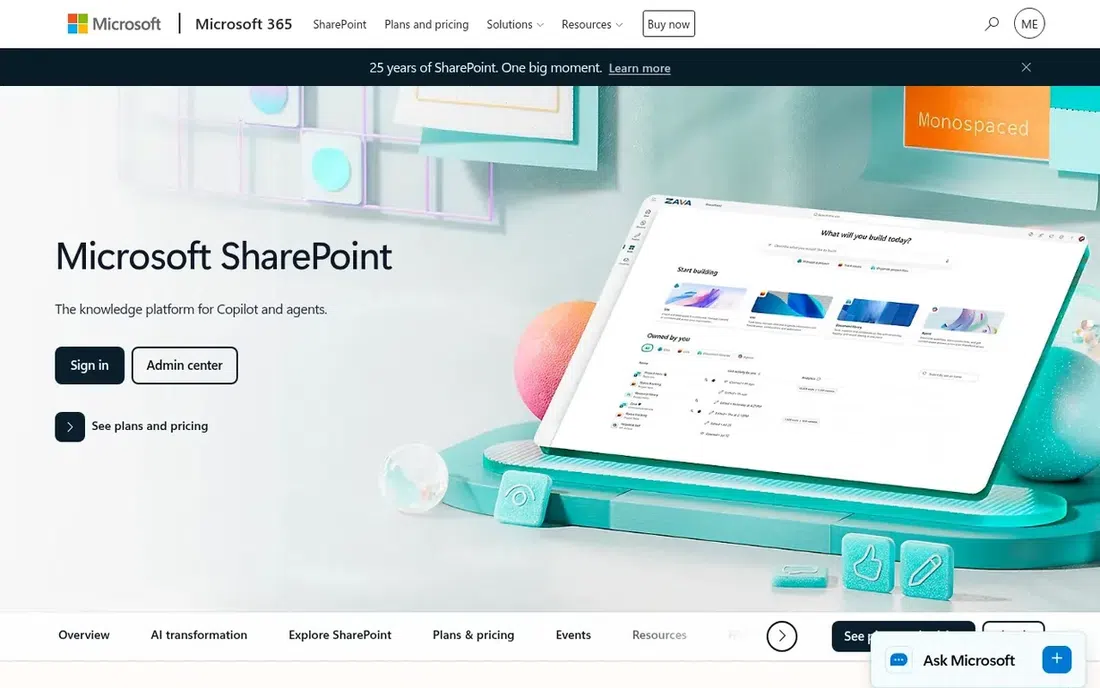
Pick Microsoft SharePoint if this describes you: teams already inside Microsoft 365. It suits organizations that value governance and want intranet content to live alongside their daily collaboration tools.
No starting price is listed for Microsoft SharePoint here; confirm pricing on the vendor site. As for free access: Not stated.
Downsides: Design adaptability may need expertise.
- Solid content governance and file sharing
- Supports automation and AI experiences
- Setup and governance can feel complicated
How these tools were picked
For each of the 6 tools we noted price, free plan or trial, fit for intranet platforms for remote teams and the main limit, using vendor pages and documentation. Where a price is missing, the vendor does not list one publicly or ties it to a quote. Always confirm before budgeting. The sequence is a judgement call: typical use case first, then pricing transparency, then free access. Use the profiles to check fit.
What to confirm before you sign up
- Confirm the entry price on the vendor page. For Simpplr, Workvivo, LumApps and others that means a quote rather than a fixed price.
- Take the trial from Simpplr and push a live task through it before you pay.
- Before choosing Simpplr, weigh its main limit: less suited to deep technical documentation.
- Price Haiilo for your actual team size; headline prices rarely include add-ons or overage.
- Test how quickly LumApps answers a pre-sales question; it hints at how support will feel later.
FAQ
How are the tools for intranet platforms for remote teams ordered?
Simpplr sits first and Microsoft SharePoint last because the order follows typical fit for intranet platforms for remote teams, then price clarity and free access. It is a judgement call, so read each profile for fit and limits.
Which intranet is a good match for a remote team on Microsoft 365?
This list starts with Simpplr, which fits AI-assisted employee experience intranet. For other needs, Haiilo is aimed at communication and analytics with AI, and Workvivo at connection-focused employee experience. Check each tool's price and main limit first.
Is Simpplr the right pick for everyone comparing intranet platforms for remote teams?
No single tool suits every team. Simpplr comes first because it fits AI-assisted employee experience intranet, while Haiilo suits communication and analytics with AI and Workvivo suits connection-focused employee experience. Match the tool to your own size, budget and workflow before deciding.
Can I try these tools before paying?
Often, yes. Simpplr offers a free trial. Use your own data and a real task during the test, and check what the free tier or trial limits before you rely on it. All 6 picks in this intranet platforms for remote teams comparison list a starting price, free plan details and the main limits on their cards above.
What is the cheapest option for intranet platforms for remote teams in this list?
On published monthly entry prices, Haiilo is the lowest here at $15 per seat per month. Entry price is only part of the cost, because seats, add-ons and billing terms can change the total. For the full picture, the cards above cover all 6 entries of this intranet platforms for remote teams list, including price, free plan and limits.
Sources
- https://www.simpplr.com
- https://www.haiilo.com
- https://www.workvivo.com
- https://www.lumapps.com
- https://www.unily.com
- https://www.microsoft.com/en-us/microsoft-365/sharepoint/collaboration