Best Intranet Software in 2026: 9 Platforms Compared
Compare the best intranet software for 2026, including SharePoint, Staffbase, and Simpplr, on features, ease of use, mobile access, and pricing here today.

- Editor's choice
 Microsoft SharePoint
Companies already using Microsoft 365
Starts atSee websiteVisit microsoft.comFull review - Great alternative
 Confluence
Teams that document work in one place
Starts atSee websiteVisit atlassian.comFull review - Also consider
 Staffbase
Reaching frontline and deskless staff
Starts atSee websiteVisit staffbase.comFull review
TL;DR:
- SharePoint and Confluence suit companies already using Microsoft 365 or Atlassian tools, since they build on systems staff already know.
- Staffbase, Simpplr, Workvivo, and LumApps focus more on employee communication, news, and frontline access, which matters for deskless teams.
- Happeo, Igloo, and Unily offer a middle path, with intranet pages, search, and integrations for Google Workspace or Microsoft shops.
- Pricing is often quote-based, so shortlist two or three platforms and ask for a total price that includes implementation, migration, and support.
- The best company intranet is the one employees can actually find and use on a phone, not just the one with the longest feature list.
Quick comparison
| Tool | Best for | Starts at | Free plan? | |
|---|---|---|---|---|
| Microsoft SharePoint | Companies already using Microsoft 365 | See website | No | Visit |
| Confluence | Teams that document work in one place | See website | Yes | Visit |
| Staffbase | Reaching frontline and deskless staff | See website | No | Visit |
 Simpplr | A modern, easy-to-use employee experience | See website | No | Visit |
 Workvivo | Social-style engagement and culture | See website | No | Visit |
 LumApps | Google Workspace and Microsoft workplaces | See website | No | Visit |
 Happeo | Google Workspace teams that want a social intranet | See website | Free trial | Visit |
 Igloo | Customisable intranet sites for varied teams | See website | Free trial | Visit |
 Unily | Large enterprise intranets | See website | No | Visit |
The best intranet software
We compared intranet platforms on communication, knowledge sharing, search, mobile access, integrations, and admin control, with attention to how each one fits small teams and large companies.

SharePoint is the default intranet choice for many Microsoft shops, and that familiarity is its strength. Documents, sites, news, and permissions live inside the same Microsoft 365 system as email, Teams, and OneDrive, so IT teams can manage access in one place. For document-heavy companies, its libraries, version history, and search are hard to match. The weakness is polish out of the box. A good-looking, easy-to-use SharePoint intranet usually needs design work, governance, and ongoing ownership. Companies that treat it as a one-time IT project often end up with a site nobody visits. With a clear owner and a simple homepage, though, SharePoint can serve a company intranet for years.
- Deep Microsoft 365 and Teams integration
- Strong document management and permissions
- Familiar tools for many office staff
- Setup and design take real effort
- Frontline access needs extra planning
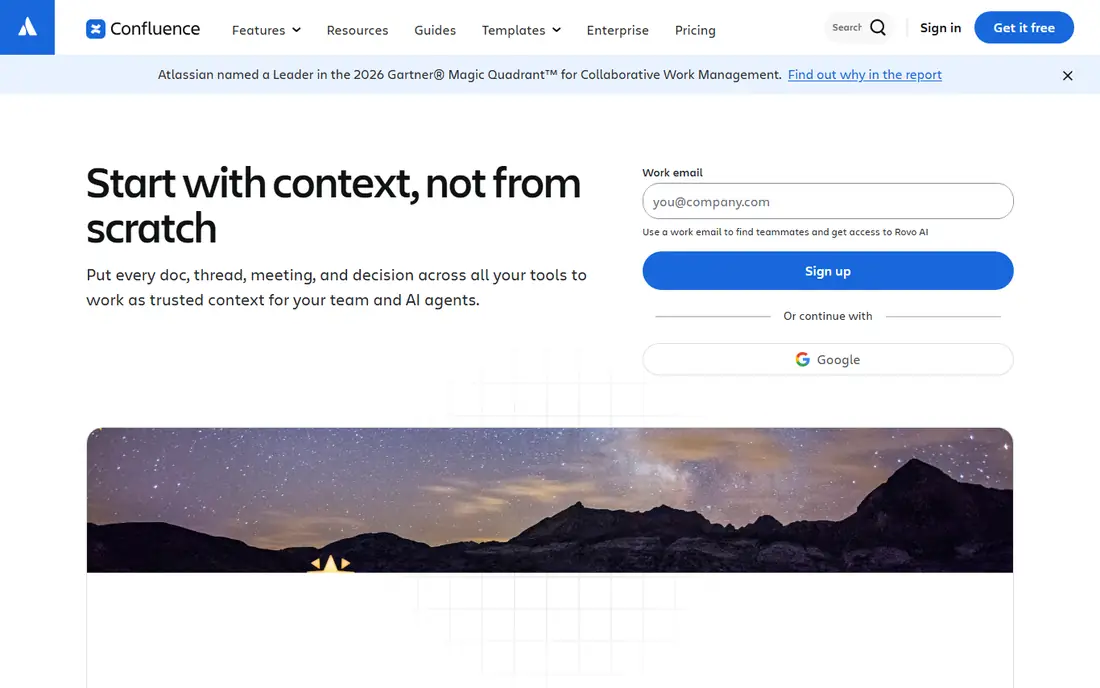
Confluence works best as a knowledge home. Teams create spaces for projects, policies, and how-to guides, and the page history makes it easy to see what changed and why. For software and product teams already using Jira, the link between tasks and documents is a genuine time saver. As a company-wide intranet, Confluence is less news-led than Staffbase or Workvivo. It can still host a homepage, announcements, and directories, but employee engagement features are thinner. Pick Confluence when your main intranet job is finding trusted documents, not running internal campaigns.
- Clear page and space structure
- Strong Jira integration
- Free plan for small teams
- Feels more like a wiki than a news-led intranet
- Design options are limited without add-ons

Staffbase is built around a simple problem: many employees do not sit at a desk or have a company email address. Its mobile app, targeted news, and notifications reach retail, factory, logistics, and care staff directly, and managers can see which messages were actually read. That reach data helps communication teams improve, rather than guess. Smaller office-only companies may find Staffbase more than they need, and pricing requires a sales conversation. For companies with a large frontline workforce, though, it is one of the best intranet platforms because it solves reach first and design second.
- Mobile app for staff without company email
- Targeted news and push notifications
- Analytics on reach and reading
- Quote-based pricing
- Can be more than small teams need
Simpplr aims to feel like an app employees want to open, not a portal they must open. Personalised feeds, search, and clean site design make news, people, and documents easier to find. Admin tools help communication teams manage sites, audiences, and content without constant IT help. No platform fixes weak content on its own. Simpplr still needs someone to own the homepage, retire old pages, and keep news fresh. Companies that give it that ownership tend to get the best result, especially mid-size firms that want a polished intranet without building one from scratch.
- Clean, consumer-style design
- Personalised feeds and search
- Strong analytics and governance tools
- Quote-based pricing
- Implementation still needs content planning
Workvivo, part of Zoom, leans into the social side of work. Feeds, communities, shout-outs, and events help distributed teams feel connected, and the mobile app makes it easy for frontline staff to join in. Companies that struggle with culture across sites often like this approach more than a static homepage. If your main need is a structured document library with strict permissions, SharePoint or Confluence may fit better. Workvivo can host pages and documents, but its strength is conversation and recognition. For engagement-led intranets, it is a strong pick.
- Social feed, shout-outs, and communities
- Strong mobile experience
- Good for recognition and culture
- Less suited as a pure document library
- Pricing is quote-based
LumApps sits between a classic intranet and an employee experience platform. It connects to Google Workspace or Microsoft 365, pulls in documents and apps, and presents personalised news and shortcuts for each employee. That integration reduces the number of tabs staff need to check each morning. As with other enterprise intranets, the first version matters. A clear homepage, a small set of trusted sources, and a plan for old content will matter more than any single feature. LumApps suits mid-size and large companies that want one front door to both Google and Microsoft tools.
- Works with Google Workspace and Microsoft 365
- Personalised portals and news
- AI-assisted search and content tools
- Quote-based pricing
- Setup benefits from a clear content plan
Happeo is a natural fit for companies that live in Gmail, Drive, and Calendar. Pages, channels, and a people directory sit on top of Google content, so staff can search documents without leaving the intranet. The social features, including posts and comments, give it a livelier feel than a plain document site. Companies centred on Microsoft 365 may get a smoother result from SharePoint or LumApps. For Google-first teams, Happeo is one of the best intranet apps for daily use, because it meets staff where their work already lives.
- Tight Google Workspace integration
- Pages, channels, and people directory
- Search across Google Drive content
- Microsoft shops may prefer a native option
- Some advanced features sit on higher plans
Igloo gives admins a flexible toolkit for building intranet sites, team spaces, and even partner portals. Widgets, blogs, forums, and calendars let each department shape its own space while keeping a shared company homepage. That flexibility suits companies with varied teams and use cases. Flexibility can also become clutter if every team builds its own layout with no shared rules. A simple template, a naming guide, and regular clean-ups keep Igloo tidy. For companies that want control over design without heavy development, it is a practical choice.
- Flexible site design and widgets
- Blogs, forums, and calendars
- Good for partner and member sites too
- Design flexibility needs governance
- Pricing is quote-based
Unily targets large, global companies that need a polished, personalised intranet across regions and languages. Its design service and Microsoft 365 integration help big firms launch a consistent homepage, news system, and app directory without building everything in-house. Multilingual and audience targeting features matter at that scale. Small companies should look elsewhere. Unily is built for complexity, and its price and implementation reflect that. For large enterprises replacing an ageing intranet, it is one of the top intranet software options to shortlist.
- Enterprise-grade design and personalisation
- Broad Microsoft 365 integration
- Strong support for global, multilingual workplaces
- Enterprise scope and price
- Overkill for small teams
How we picked these
We compared official feature pages, pricing pages, integration lists, and public reviews for intranet platforms used by small, mid-size, and large companies. We favoured platforms with a clear mobile experience, search, news, and directory features, and we noted where pricing is quote-based rather than published. We did not treat a long feature list as proof of value, since adoption depends on design, ownership, and content.
How to choose the right intranet platform
Start with who must use it, not with a feature checklist. Office staff, frontline staff, and remote staff have different access, devices, and needs, and a platform that works for one group may fail another. Ask each group how they find news, policies, and people today, and where that process breaks.
Test mobile access early
If a large share of staff work away from a desk, test the mobile app with real users before you sign. Check login without a company email address, push notifications, and offline reading if that matters. A desktop-only intranet will not reach those staff, no matter how good the homepage looks.
Plan ownership and content
Assign an owner for the homepage, a process for retiring old pages, and a simple template for news and policy pages. Budget time for migration and training, and ask vendors for a total price that includes those steps. The best platform for intranet use is the one your team can maintain after launch week.
Shortlist and trial
Pick two or three platforms, run a short pilot with one department, and measure visits, search success, and questions to HR or IT. A pilot reveals search problems, login friction, and content gaps faster than a demo. Use that evidence to choose, and to negotiate price and support.
FAQ
What is the best intranet software for small businesses?
Small teams often do well with Confluence, Happeo, or SharePoint, depending on whether they use Atlassian, Google Workspace, or Microsoft 365. The key is to start with a simple homepage, a people directory, and a few trusted policy pages, rather than buying an enterprise platform. Add engagement features only when staff actually use the basics.
What are the best intranet platforms for frontline workers?
Staffbase and Workvivo are strong for frontline workers because they offer mobile apps, targeted news, and access without a company email address in many setups. Simpplr and LumApps also offer mobile experiences, but frontline reach should be tested with real staff before purchase. Ask vendors how login, notifications, and language options work for deskless teams.
Is there a best free intranet software option?
Confluence offers a free plan for small teams, which can work as a knowledge base and simple intranet. Most full intranet platforms, including Staffbase, Simpplr, and Unily, are paid and quote-based. A free plan is a good way to test structure and habits, but expect to pay for advanced design, analytics, and support as you grow.
What is the best platform for intranet use in a Microsoft company?
SharePoint is the natural fit for Microsoft 365 companies, since it shares permissions, documents, and Teams integration. LumApps and Unily also integrate well with Microsoft 365 and add a more polished employee experience layer. Choose SharePoint for document control, and consider LumApps or Unily if design and personalisation matter more.
What is the best employee intranet software for engagement?
Workvivo and Staffbase lead on engagement, with social feeds, recognition, targeted news, and mobile access. Simpplr also offers personalised feeds and analytics that help communication teams see what staff read. Engagement still depends on fresh content and clear ownership, so pick a platform your team can update weekly.
How much does intranet software cost?
Costs vary widely, from free small-team plans to quote-based enterprise contracts. Many vendors do not publish prices, so ask for a total that includes licences, implementation, migration, training, and support. A cheaper licence can cost more overall if setup, design, or add-ons are billed separately.