Alternatives to SharePoint for Intranet in 2026: 8 Products Compared
We compared alternatives to sharepoint for intranet on news, search and mobile access, so you can replace a heavy portal with a hub staff use every day.

- Editor's choice
 Confluence
Documentation-led intranets for technical and product teams
Starts atFreeVisit atlassian.comFull review - Great alternative
 Notion
Flexible wiki-style intranets for small and mid-sized teams
Starts atFreeVisit notion.soFull review - Also consider
 Simpplr
Large enterprises that want a modern, personalised intranet
Starts atSee websiteVisit simpplr.comFull review
TL;DR:
- SharePoint intranet alternatives range from simple wiki-style hubs to full employee experience platforms.
- The best replacement depends on whether you need documents, news, frontline communication or social engagement most.
- Many enterprise intranet platforms are quote-based, so budget for a sales process, not just a subscription.
- Free and low-cost options suit small teams, while large, dispersed workforces need mobile apps and targeted news.
- Migration success depends on search, permissions and content ownership, not just design.
Quick comparison
| Tool | Best for | Starts at | Free plan? | |
|---|---|---|---|---|
| Confluence | Documentation-led intranets for technical and product teams | Free | Yes | Visit |
| Notion | Flexible wiki-style intranets for small and mid-sized teams | Free | Yes | Visit |
| Simpplr | Large enterprises that want a modern, personalised intranet | See website | No | Visit |
 Workvivo | Social intranets and frontline culture building | See website | No | Visit |
 Staffbase | Frontline intranets with employee app, email and signage | See website | No | Visit |
 LumApps | Employee hubs integrated with Google Workspace or Microsoft 365 | See website | No | Visit |
 Igloo | Community-style intranets for mid-sized organisations | See website | No | Visit |
 Jostle | Simple, people-focused intranets for small and mid-sized teams | See website | No | Visit |
The best alternatives to sharepoint for intranet
We compared official feature pages, pricing pages, app store listings and public reviews for intranet platforms that replace SharePoint. These eight cover documentation, collaboration, frontline communication and enterprise employee experience.
Confluence
Best for: Documentation-led intranets for technical and product teams
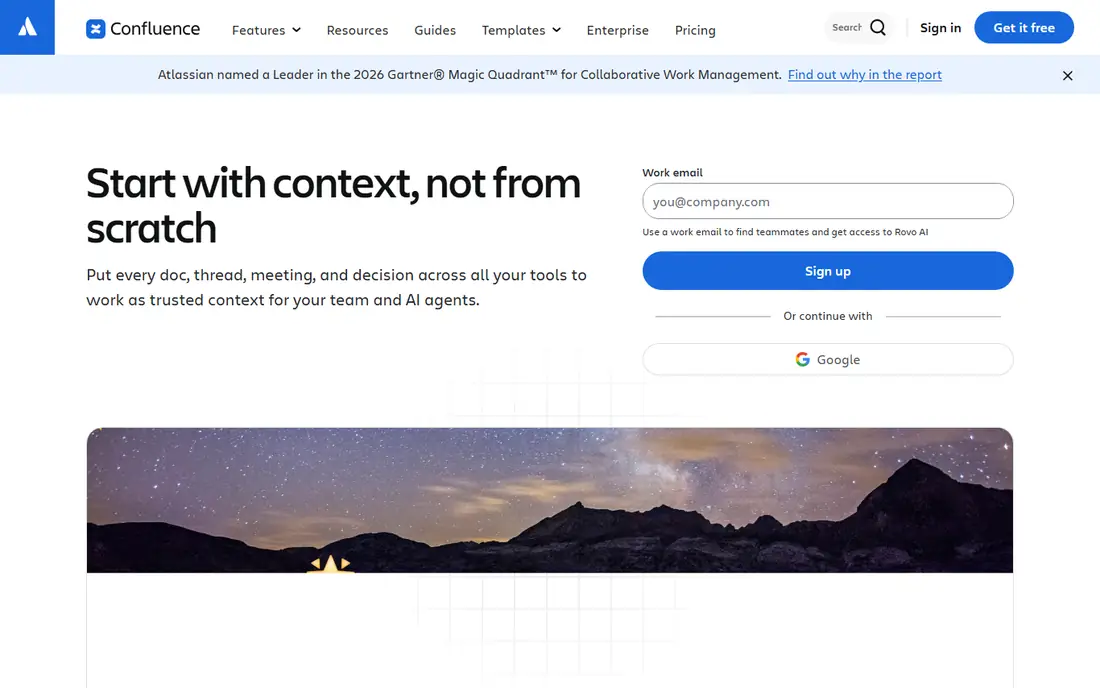
Confluence suits organisations that treat the intranet mainly as a knowledge hub. Teams create spaces for departments, projects and policies, with permissions, page history and search across the whole site. Integration with Jira keeps project documentation close to the work it describes, which helps technical and product teams. The trade-off is experience. Confluence is less social and less visually flexible than a dedicated intranet platform, so company news and culture content can feel secondary. For teams that prioritise structured documentation over a glossy homepage, Confluence is a practical and low-cost SharePoint alternative.
- Spaces, permissions and page trees, free plan for up to 10 users, strong Jira integration
- News and social engagement features are lighter than dedicated intranet platforms, and design control is limited
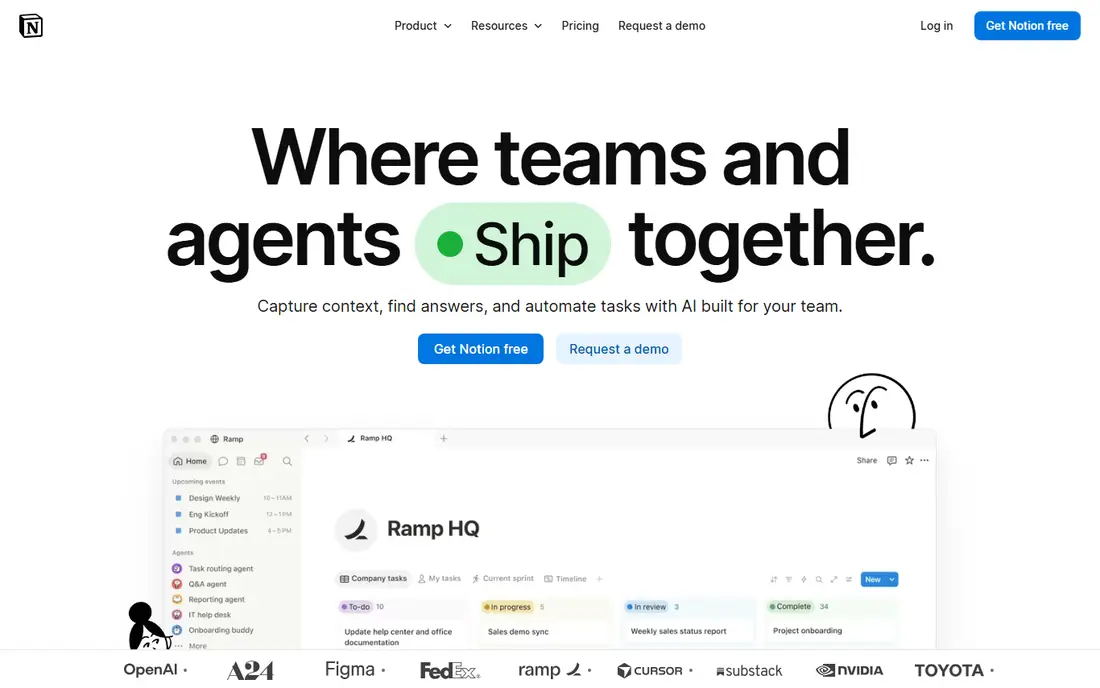
Notion works well as a company hub for teams that want to build an intranet without a heavy platform. Pages, databases, wikis and dashboards combine into a handbook, policy library and team hub that anyone can edit. The free plan suits small teams, while paid plans add collaboration, permissions and admin controls. Larger organisations may find governance, frontline mobile access and targeted news weaker than in a dedicated intranet. Notion also needs an owner to keep structure tidy as content grows. For startups and mid-sized teams that value flexibility and speed, Notion is an appealing SharePoint alternative.
- Free plan, flexible pages and databases, easy editing, good for wikis, handbooks and hubs
- Permissions and enterprise controls are lighter than dedicated intranets, and large workspaces need careful structure
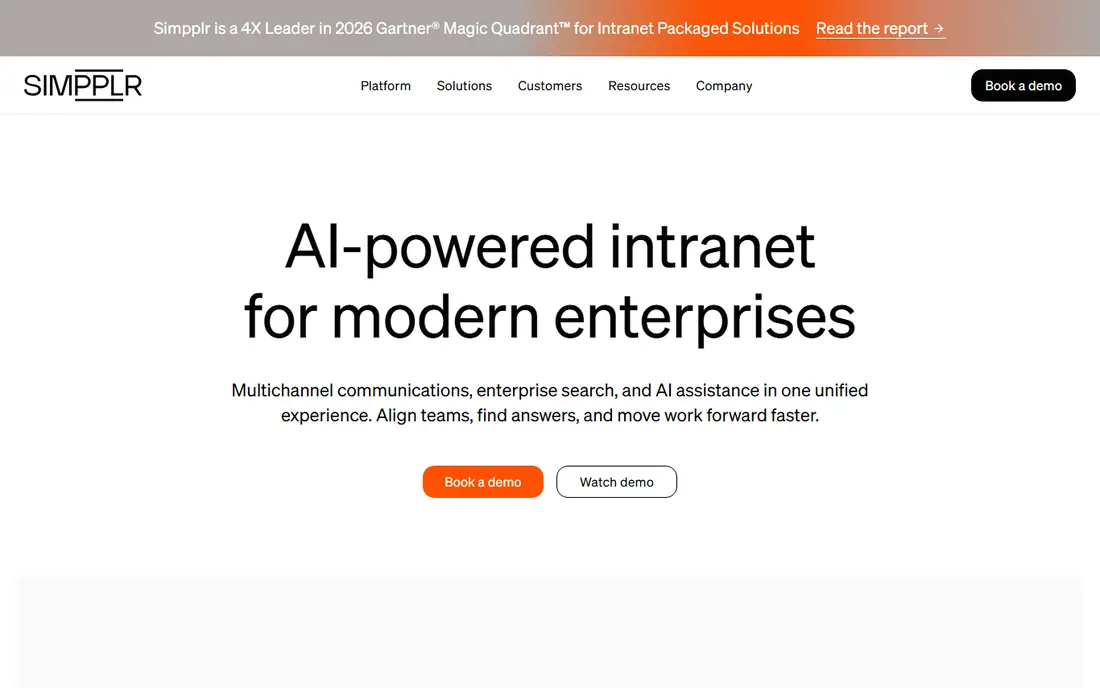
Simpplr positions itself directly as a SharePoint intranet replacement, with a focus on personalised content, intelligent search and employee engagement. News, recognition, surveys and analytics help internal communications teams reach the right audience, rather than publishing to a single homepage that everyone ignores. The cost and rollout reflect that enterprise focus. Pricing is quoted, and implementation typically needs a launch team and content migration plan. For large, dispersed organisations that need a modern intranet with strong personalisation, Simpplr is a leading shortlist candidate.
- Personalised news and search, engagement features, recognition and surveys, built as a SharePoint replacement
- Quote-based pricing, implementation needs a dedicated launch effort, and costs suit larger budgets
Workvivo, owned by Zoom, focuses on engagement and community. Activity feeds, recognition, shout-outs and video updates create a social feel that encourages frontline and dispersed staff to check in regularly. Mobile access suits workers without a desk or corporate email, which is a common gap in SharePoint intranets. The social strength is also the limit. Document management, structured knowledge and complex permissions are lighter than in Confluence or a document-led intranet. Organisations that prioritise culture, recognition and frontline reach over document control will find Workvivo a strong fit.
- Activity feeds, recognition and video updates, strong frontline mobile access, engaging social interface
- Document management and structured permissions are lighter than document-led intranets, and pricing is quoted
Staffbase suits enterprises that need to reach deskless workers through several channels at once. An intranet, employee app, targeted email and digital signage can run from one platform, with news segmented by role, location or shift. That multi-channel approach helps frontline teams that rarely open a desktop portal. Small teams should look elsewhere, because Staffbase is priced by quote and rollout takes planning. For large organisations with a significant frontline workforce, the ability to reach every employee through app, email or signage is the main reason to shortlist it.
- Intranet, employee app, email and signage in one suite, targeted news, frontline access without corporate email in many cases
- Quote-based pricing, enterprise-length rollout, and more than a small team needs
LumApps builds an employee hub around the tools a company already uses. Personalised homepages, communities, news and knowledge sit alongside Google Workspace or Microsoft 365, so staff do not need to learn a separate document system. Frontline access options help reach workers without a standard corporate account. As with other enterprise intranets, pricing is quoted and success depends on content ownership. A hub without owners, search tuning and regular clean-up will drift into the same clutter as an old SharePoint site. For organisations that want a modern hub layered over Google or Microsoft, LumApps is a strong option.
- Personalised hubs, news and communities, integration with Google and Microsoft tools, frontline access options
- Pricing is quoted, and the platform needs content governance to stay useful at scale
Igloo offers a community-style intranet with blogs, forums, wikis, calendars and file sharing. That mix suits mid-sized organisations that want a central hub for news, discussion and documents without building a custom portal. Design and layout options help teams create a branded homepage that feels like a company site, not a file store. The platform is less well known than Simpplr or Staffbase, so integration depth and ecosystem should be checked during a trial. For teams that want a balanced hub for communication, community and documents, Igloo offers a practical middle ground between a wiki and a full employee experience platform.
- Blogs, forums, wikis and file sharing in one hub, flexible design, community features
- Pricing is quoted, and enterprise features vary by plan, so check current plan details
Jostle suits organisations that want a straightforward intranet without enterprise complexity. A people directory, news, discussions and a document library cover the core intranet needs, with an interface that staff can learn quickly. Tiered pricing, published in several markets, makes budgeting easier than quote-only platforms. The trade-off is depth. Advanced campaign tools, detailed analytics and complex integrations are lighter than in enterprise intranets. For small and mid-sized teams that need a clean, people-focused hub, Jostle is a practical SharePoint alternative.
- Published tiered pricing in many markets, people directory, news and library features, approachable interface
- Campaign and analytics tools are lighter than enterprise platforms, and very small teams pay more per user
How we picked these
We compared official feature pages, pricing pages, app store listings and public reviews, focusing on news, search, mobile access, permissions, frontline reach and ease of setup. Tools that only offered document storage, without intranet news, search or employee communication features, were left out. Pricing was checked against vendor pages and recent published comparisons, and many enterprise prices are quoted.
What to check before you buy
Start with content, not design. Audit your current SharePoint content, decide what migrates, what archives and who owns each section. A new intranet with old, unowned content will fail no matter how good the platform looks.
Test search and mobile access
Search is the most used intranet feature after news. Test search with real employee questions, including policy, benefits and IT help topics. Also test the mobile experience for frontline staff, including access without a corporate email where relevant. If staff cannot find answers or open the hub on a phone, adoption will suffer.
Check permissions and governance
Intranets hold sensitive policy, HR and leadership content. Check permissions by audience, approval workflows for news, and analytics for content use. Agree on owners for each section and a regular review cycle before launch, so content stays current.
Plan migration in phases
Do not migrate everything at once. Start with the most used content: news, policies, IT help and team hubs. Launch to a pilot group, gather feedback, fix search and navigation, then roll out wider. A phased launch reveals problems early and builds confidence among staff.
FAQ
Q: What are sharepoint intranet alternatives for small teams? A: Notion and Confluence suit small teams, thanks to free plans and easy setup. Jostle suits small and mid-sized teams that want a dedicated intranet without enterprise complexity. Enterprise platforms such as Simpplr, Workvivo and Staffbase suit larger organisations with bigger budgets and frontline needs. Q: What are intranet sharepoint alternatives for frontline workers? A: Workvivo and Staffbase are strong for frontline workers, thanks to mobile apps, social feeds and access options that do not rely on a desk or corporate email. LumApps also offers frontline access options. Test mobile access with real frontline staff during a trial, since desk-based demos can hide mobile gaps. Q: Can I replace SharePoint with Notion or Confluence? A: Yes, for many teams. Notion suits flexible wikis and company hubs, while Confluence suits structured documentation and knowledge bases. Both are weaker than dedicated intranets for targeted news, social engagement and frontline communication, so check those needs before switching. Q: How much do SharePoint alternatives cost? A: Costs range from free for small teams on Notion or Confluence, to quoted enterprise pricing for Simpplr, Workvivo, Staffbase, LumApps and Igloo. Jostle publishes tiered pricing in many markets. Budget for implementation and migration as well as subscription cost, especially for enterprise platforms. Q: Is migration from SharePoint difficult? A: Migration difficulty depends on content volume and structure. A small, well-organised site migrates quickly, while a large site with years of unowned content takes longer. Audit content first, migrate high-use sections in phases, and assign owners to each section to keep the new intranet current.