Top 5 Network Automation Tools for Remote Teams for 2026 (Prices and Free Plans)
Searching for the best network automation tools for remote teams? Here are 5 options with prices and free plans. Details on cost, catches and fit. No filler.
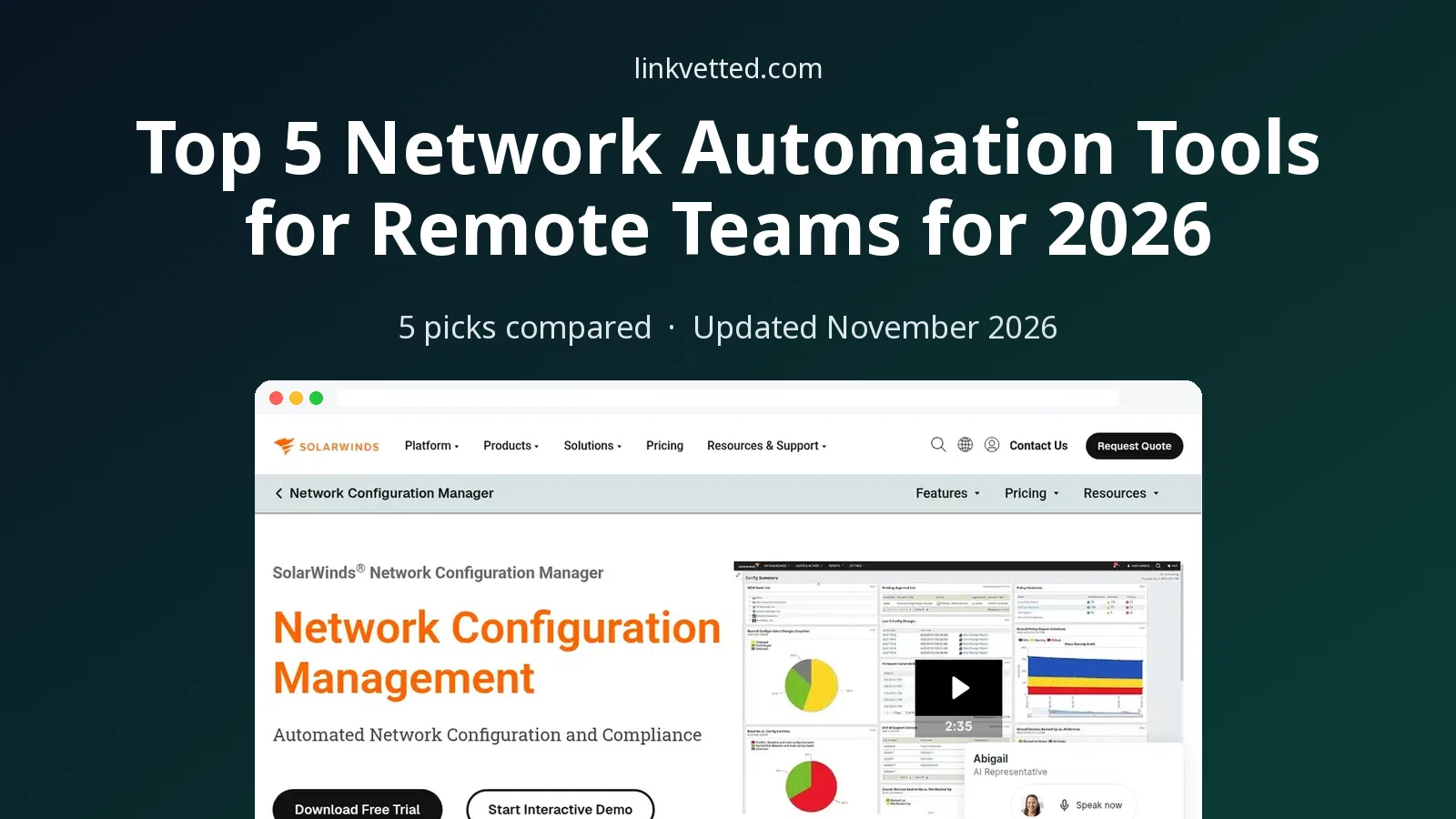
- Editor's choicePalo Alto Networks Panorama
Centralized firewall management
Starts atSee websiteVisit paloaltonetworks.comFull review - Great alternative
 Auvik
Cloud-based network visibility and control
Starts atSee websiteVisit auvik.comFull review - Also considerSolarWinds Network Configuration Manager
Automatic configuration backup and compliance
Starts at$2 per node a monthVisit solarwinds.comFull review
Direct answer
Palo Alto Networks Panorama leads the list, best for centralized firewall management. Listed starting prices: SolarWinds Network Configuration Manager from $2 per node a month. Auvik fits cloud-based network visibility and control; SolarWinds Network Configuration Manager fits automatic configuration backup and compliance. The other 2 tools in the list cover narrower or pricier cases.
TL;DR:
- Top of the list is Palo Alto Networks Panorama, which targets centralized firewall management.
- What to know about Auvik first: visibility focus may not include deep configuration automation.
- None of the 5 tools, from Palo Alto Networks Panorama to Cisco DNA Center, has a free plan, so budget for a subscription or use a trial.
- The lowest published monthly entry price here is $2 per node per month, from SolarWinds Network Configuration Manager.
Last checked November 2026. Prices and plan details were read from the vendors' own pages in November 2026; vendors change plans often, so confirm the current price on the vendor site before you buy.
Quick comparison
| Tool | Best for | Starts at | Free plan? | |
|---|---|---|---|---|
| Palo Alto Networks Panorama | Centralized firewall management | See website | Not stated | Visit |
| Auvik | Cloud-based network visibility and control | See website | Free trial | Visit |
| SolarWinds Network Configuration Manager | Automatic configuration backup and compliance | $2 per node a month | Free trial | Visit |
| ManageEngine Network Configuration Manager | Multi-vendor configuration change management | See website | Not stated | Visit |
| Cisco DNA Center | Centralized campus and branch automation | See website | Not stated | Visit |
Network Automation Tools for Remote Teams profiles
Short on time? The summary and table above give the quick view of 5 network automation tools for remote teams, and the profiles that follow give the detail behind each entry.
Palo Alto Networks Panorama
Best for: Centralized firewall management
For centralized firewall management, Palo Alto Networks Panorama is a natural candidate. Teams with heterogeneous security vendors may need extra tools. Consider it when firewall policy centralization is the main requirement.
The main drawbacks: Concentrated on Palo Alto Networks security devices.
Palo Alto Networks Panorama saves time and cuts complexity with centralized firewall management for Next-Generation Firewalls and Prisma Access. On top of that, Panorama is purpose-built for Palo Alto Networks devices. So it is not a general network automation system for switches and routers. Palo Alto Networks Panorama shows no starting price here, so confirm the cost on the vendor site. Trial and free access: Not stated.
- Supports Next-Generation Firewalls and Prisma Access
- Centralized firewall management
- Not a general network automation product
Auvik makes the most sense for cloud-based network visibility and control. Remote teams can monitor distributed networks from a browser without on-site hardware.
The main drawbacks: Visibility focus may not include deep configuration automation.
Pricing for Auvik is not stated here, so ask the vendor for current figures. Trial and free access: Free trial.
- Offers visibility and control
- Built for changing workforces
- Cloud dependency for management
SolarWinds Network Configuration Manager
Best for: Automatic configuration backup and compliance
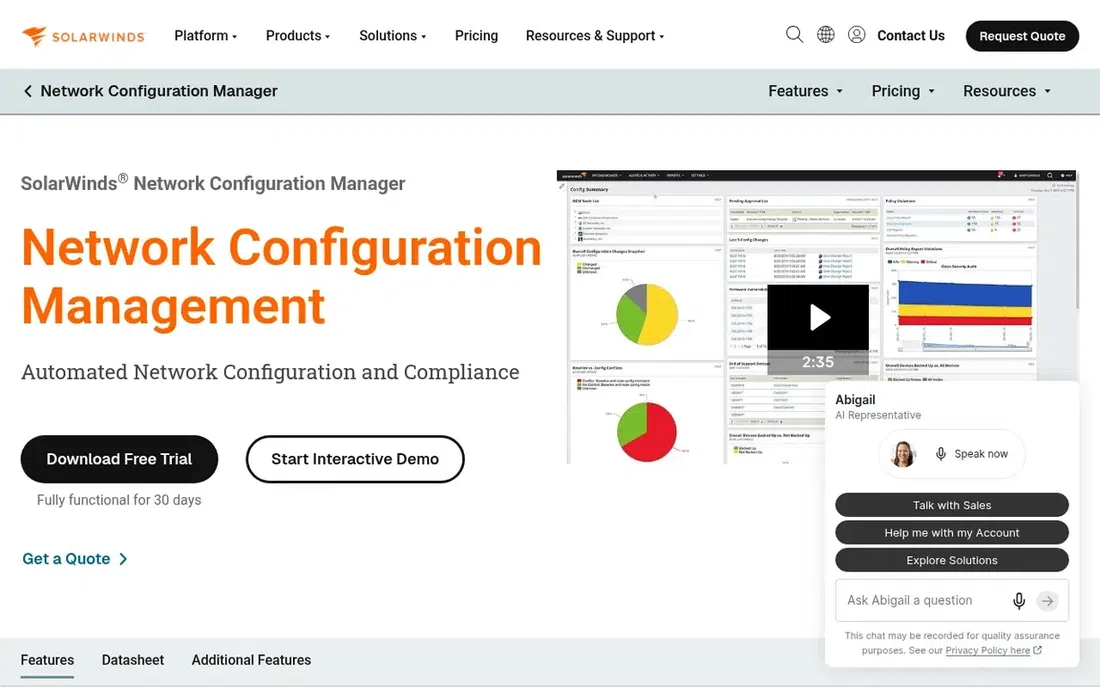
Think of SolarWinds Network Configuration Manager for automatic configuration backup and compliance. It automates backups, monitors compliance, and helps identify vulnerabilities and configuration problems.
For everyday use, remote teams that require disciplined change control across network devices will find it handy for keeping configurations consistent without manual checks. In practice, evaluate whether its configuration focus spans your broader automation needs before committing. Price to start with SolarWinds Network Configuration Manager: $2 per node per month. As for free access: Free trial.
Trade-offs to know: May need infrastructure to host.
- Watches network compliance
- Automates configuration backups
- Self-hosted observability focus
ManageEngine Network Configuration Manager
Best for: Multi-vendor configuration change management
ManageEngine Network Configuration Manager serves multi-vendor configuration change management. Remote teams can track changes and enforce configuration standards across mixed device estates.
Its strength is configuration management instead of full network orchestration or assurance. ManageEngine Network Configuration Manager is multi-vendor network change and configuration management software for switches, routers, and firewalls. Check the vendor site for ManageEngine Network Configuration Manager pricing; none is listed in this comparison. As for free access: Not stated.
What to check first: Configuration focus instead of full orchestration.
- Multi-vendor support
- Change and configuration management
- May need add-on modules for broader monitoring
Cisco DNA Center
Best for: Centralized campus and branch automation
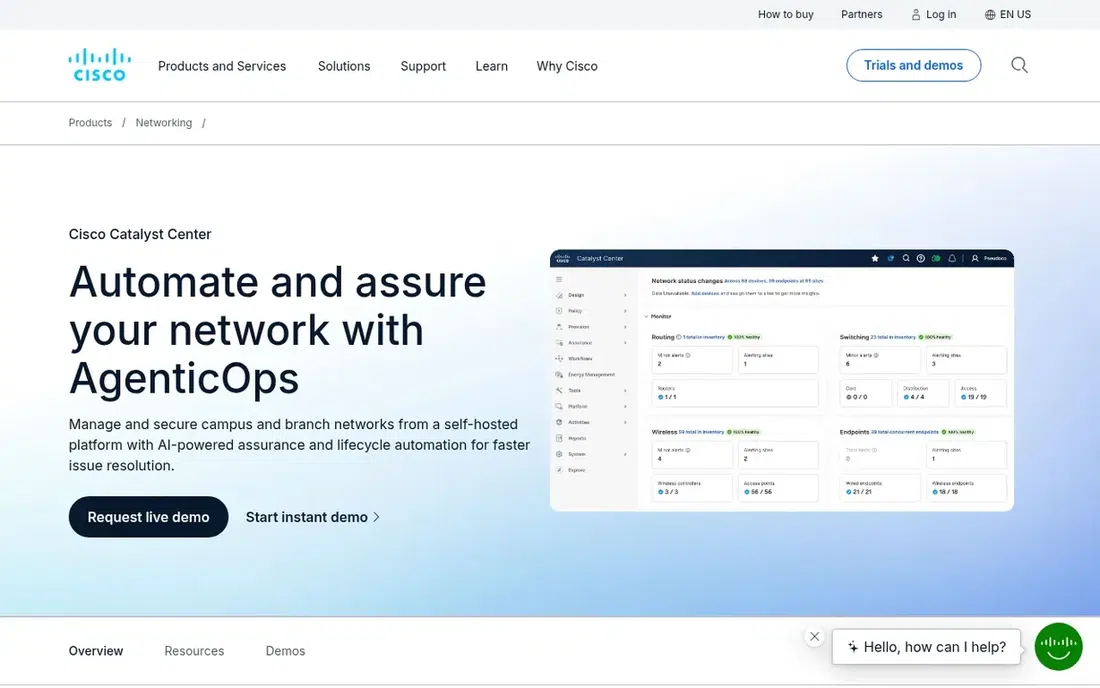
Choose Cisco DNA Center for centralized campus and branch automation. It automates and assures the network with AI, making it a fit for organizations running Cisco infrastructure that want a single control point. Remote teams benefit from centralized visibility and automatic assurance without needing to be on site for every change.
Its scope is most solid within Cisco environments, so mixed-vendor networks may need extra tools. Confirm integration and deployment requirements on the vendor site. Pricing for Cisco DNA Center is not stated here, so ask the vendor for current figures. On free options: Not stated.
Where it is weaker: Concentrated on Cisco-centric networks.
- AI-driven automation and assurance
- Suited to Cisco campus and branch environments
- Needs careful planning for remote deployment
Our selection method
Pre-purchase checklist
- Confirm the entry price on the vendor page. For Palo Alto Networks Panorama, Auvik, ManageEngine Network Configuration Manager and Cisco DNA Center that means a quote rather than a fixed price.
- Run a trial of Auvik and SolarWinds Network Configuration Manager with real work before paying for a year; your own workflow is the best test.
- Before choosing Palo Alto Networks Panorama, weigh its main limit: centred on Palo Alto Networks security devices.
- Before rolling out Auvik, verify the integrations your workflow depends on.
- Add up seats, add-ons and usage charges for Cisco DNA Center before comparing it with cheaper entries.
FAQ
Can I try these tools before paying?
Often, yes. Auvik and SolarWinds Network Configuration Manager offer a free trial. Use your own data and a real task during the test, and check what the free tier or trial limits before you rely on it.
Do these tools publish their prices?
Not all of them. Palo Alto Networks Panorama, Auvik, ManageEngine Network Configuration Manager and Cisco DNA Center publish no starting price, so expect a quote request for those. The rest, SolarWinds Network Configuration Manager included, show a starting price, though seats and billing terms still change the final cost.
How are the tools for network automation tools for remote teams ordered?
Palo Alto Networks Panorama sits first and Cisco DNA Center last because the order follows typical fit for network automation tools for remote teams, then price clarity and free access. It is a judgement call, so read each profile for fit and limits.
What is the cheapest option for network automation tools for remote teams in this list?
On published monthly entry prices, SolarWinds Network Configuration Manager is the lowest here at $2 per node per month. Entry price is only part of the cost, because seats, add-ons and billing terms can change the total. For the full picture, the cards above cover all 5 entries of this network automation tools for remote teams list, including price, free plan and limits.
Sources
- https://www.paloaltonetworks.com/network-security/panorama
- https://www.auvik.com
- https://www.solarwinds.com/network-configuration-manager
- https://www.manageengine.com/network-configuration-manager
- https://www.cisco.com/c/en/us/products/cloud-systems-management/dna-center/index.html