Graphic Design Software for Nonprofit Organizations in 2026: The 5 Best Options Side by Side
Comparing the best graphic design software for nonprofit organizations? 5 contenders, each with entry cost, free tier and best-fit buyer. Numbers first.
- Editor's choiceAdobe Creative Cloud
Professional multi-format creative work
Starts atSee websiteVisit adobe.comFull review - Great alternative
 Affinity Photo
In-depth photo editing for campaigns
Starts atSee websiteVisit affinity.serif.comFull review - Also consider
 Figma
Collaborative design and prototyping
Starts at$3 per monthVisit figma.comFull review
Direct answer
This list puts Adobe Creative Cloud first for professional multi-format creative work. Listed starting prices: Figma from $3 per month and Sketch from $12 per editor a month. Alternatives: Affinity Photo for in-depth photo editing for campaigns, and Figma for collaborative design and prototyping. Details, prices and limits for the rest of the 5 tools are below.
TL;DR:
- Adobe Creative Cloud sits first on this list: professional multi-format creative work.
- For the cheapest start, look at Figma: $3 per month.
- None of the 5 tools, from Adobe Creative Cloud to Canva, has a free plan, so budget for a subscription or use a trial.
- Check the limits for Adobe Creative Cloud before you commit: plenty of apps to learn.
Last checked November 2026. Prices and plan details were read from the vendors' own pages in November 2026; vendors change plans often, so confirm the current price on the vendor site before you buy.
Quick comparison
| Tool | Best for | Starts at | Free plan? | |
|---|---|---|---|---|
| Adobe Creative Cloud | Professional multi-format creative work | See website | Not stated | Visit |
| Affinity Photo | In-depth photo editing for campaigns | See website | Not stated | Visit |
| Figma | Collaborative design and prototyping | $3 per month | Not stated | Visit |
 Sketch | Interface and product design teams | $12 per editor a month | Free trial | Visit |
 Canva | Quick everyday nonprofit visuals | See website | Not stated | Visit |
The 5 tools in detail
Choosing graphic design software for nonprofit organizations usually comes down to price, fit and limits. This LinkVetted guide sets 5 tools side by side on those three points, with the facts kept short and checkable.
Adobe Creative Cloud
Best for: Professional multi-format creative work
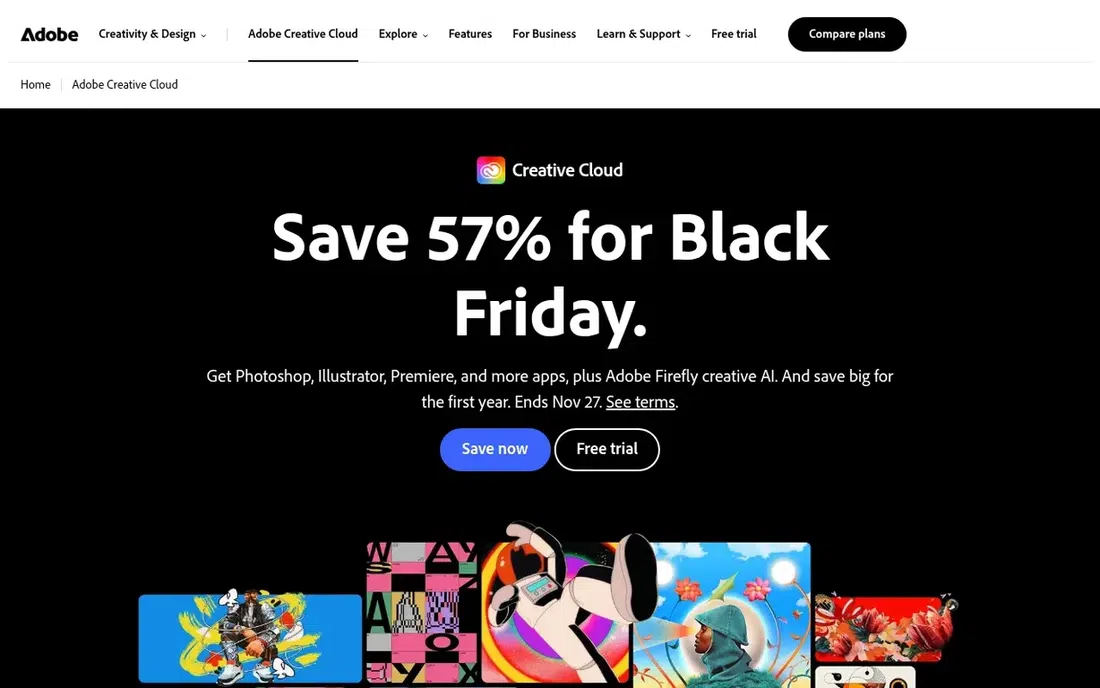
Adobe Creative Cloud makes the most sense for professional multi-format creative work. Adobe Creative Cloud is a collection of professional creative software including Photoshop, Illustrator, Premiere and more, available on desktop, mobile and web.
Where it is weaker: Heavier setup than straightforward editors.
What users get: Illustrator and Premiere; mobile and web.
Choose Creative Cloud when professional depth and cross-format production are central to your communications work. No starting price is listed for Adobe Creative Cloud here; confirm pricing on the vendor site. On free options: Not stated.
- Vector and video
- Available on desktop
- Plenty of apps to learn
Affinity Photo serves in-depth photo editing for campaigns. Affinity Photo is a professional photo editor aimed at precision, speed and creative freedom.
Where it is weaker: Photo-focused, not layout design.
Reasons to shortlist it: capable editing controls. It does not replace layout or vector design tools, so poster and logo work belongs elsewhere. Staff without photo editing experience may find Canva more straightforward for entry-level image adjustments. No starting price is listed for Affinity Photo here; confirm pricing on the vendor site. On free options: Not stated.
- Aimed at speed in retouching
- Complements vector design work
- Needs editing knowledge
Choose Figma for collaborative design and prototyping. Figma is a collaborative canvas where design, code and AI come together, taking teams from concept to production in one place.
Where it shines: Strong for prototypes and handoff.
For everyday use, small teams making straightforward social graphics may find Canva quicker to start. Pick Figma when collaboration across roles and a shared design-to-development workflow are the priority. What you pay to start with Figma: $3 per month. As for free access: Not stated.
Points against: Not designed for print production.
- Code and AI in one place
- Shared canvas for entire teams
- Browser reliance for some workflows
Sketch serves interface and product design teams. Sketch is design software for prototyping, collaboration and handoff, made by designers for designers. It keeps the focus on the work itself instead of on wide multimedia production.
Limits to weigh: Not targeted at print collateral.
Worth adding: teams wanting live collaborative canvases may also look at Figma. Choose Sketch when interface design and developer handoff are the core tasks for your digital projects. Sketch starts at: $12 per editor per month. Trial and free access: Free trial.
- Prototype and handoff in one
- Suited to digital product work
- Mac-centered workflow
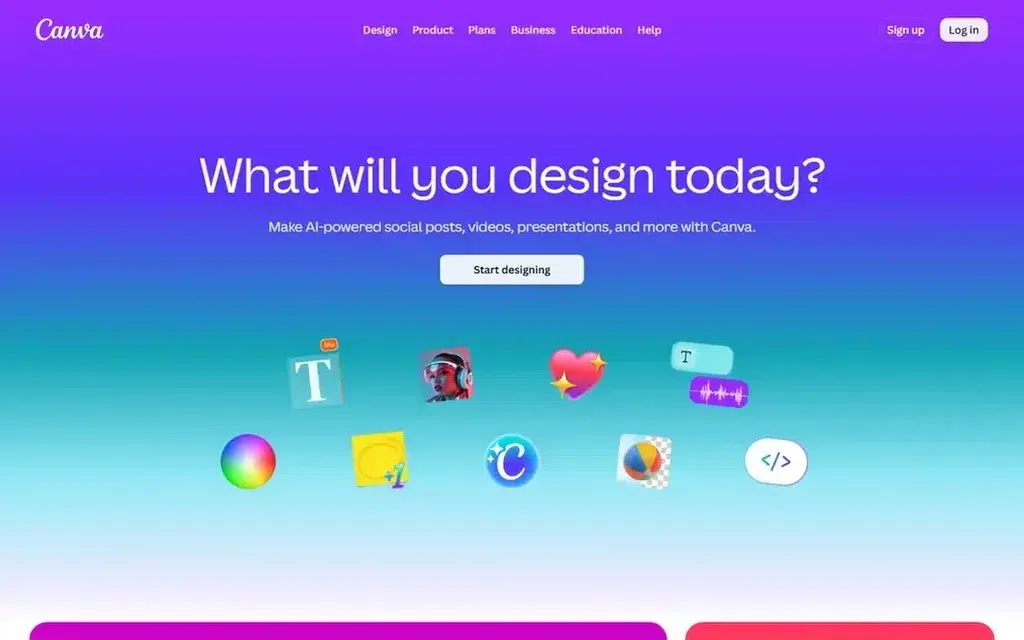
Canva serves fast everyday nonprofit visuals. Teams with dedicated designers may prefer Adobe Creative Cloud or Affinity tools, whereas Canva remains the practical choice for fast, consistent communications across a small team.
No starting price is listed for Canva here; confirm pricing on the vendor site. Free options: Not stated.
Drawbacks to consider: Less precise control for advanced work. Best features of Canva: Templates accelerate routine work.
- Handles posts
- Posters and presentations
- Restricted depth for complicated print production
How we built this list
For each of the 5 tools we noted price, free plan or trial, fit for graphic design software for nonprofit organizations and the main limit, using vendor pages and documentation. Where a vendor does not publish a price, the entry says quote. Where a price depends on seats or billing term, the entry says so. Tools are placed by general fit for graphic design software for nonprofit organizations, with price clarity and free access as tie-breakers. A different team can reasonably rank them differently.
What to check before you buy
- Confirm the entry price on the vendor page. For Adobe Creative Cloud, Affinity Photo and Canva that means a quote rather than a fixed price.
- Take the trial from Sketch and push a live task through it before you pay.
- Before choosing Adobe Creative Cloud, weigh its main limit: numerous apps to learn.
- Check whether Adobe Creative Cloud bills monthly or annually, and what cancelling early costs.
- Make sure Canva lets you export your data in a format another tool can read.
FAQ
How are the graphic design software for nonprofit organizations ordered?
Adobe Creative Cloud sits first and Canva last because the order follows typical fit for graphic design software for nonprofit organizations, then price clarity and free access. It is a judgement call, so read each profile for fit and limits.
Does any tool for graphic design software for nonprofit organizations here have a free plan?
No tool in this list, Adobe Creative Cloud and Canva included, has a permanent free plan. Sketch offer a trial. Trials and quotes are the usual route, so plan a short evaluation period.
Can I try these tools before paying?
Often, yes. Sketch offers a free trial. Use your own data and a real task during the test, and check what the free tier or trial limits before you rely on it. For the full picture, the cards above cover all 5 entries of this Graphic design software for nonprofit organizations list, including price, free plan and limits.
Is Adobe Creative Cloud the right pick for everyone comparing graphic design software for nonprofit organizations?
No single tool suits every team. Adobe Creative Cloud comes first because it fits professional multi-format creative work, while Affinity Photo suits detailed photo editing for campaigns and Figma suits collaborative design and prototyping. Match the tool to your own size, budget and workflow before deciding.
Sources
- https://www.adobe.com/creativecloud.html
- https://affinity.serif.com/photo
- https://www.figma.com
- https://www.sketch.com
- https://www.canva.com
Related guides
- Best Graphic Design Software Brands (2026): 5 Picks Checked on Vendor Pages
- Best Graphic Design Software for Branding Agencies in 2026: Prices, Free Plans and 5 Picks
- Choosing Graphic Design Software for Enterprise in 2026: 5 Options Compared
- The 5 Best Graphic Design Software for Freelancers in 2026, Ranked