Graphic Design Software for Remote Teams in 2026: The 5 Best Options Side by Side
Weighing the best graphic design software for remote teams? We lined up 5 products by cost, free access and fit. Real limits included. Straight answers.
- Editor's choice
 Sketch
Designer-centric UI design and handoff
Starts at$12 per editor a monthVisit sketch.comFull review - Great alternative
 CorelDRAW
Vector illustration and technical design
Starts atSee websiteVisit coreldraw.comFull review - Also consider
 Miro
Visual collaboration and ideation workshops
Starts at$8 per member a monthVisit miro.comFull review
Direct answer
This list puts Sketch first for Designer-centric UI design and handoff. Listed starting prices: Sketch from $12 per editor a month, Miro from $8 per member a month and Figma from $3 per month. CorelDRAW is the stronger choice for vector illustration and technical design, while Miro suits visual collaboration and ideation workshops. The other 2 tools in the list cover narrower or pricier cases.
TL;DR:
- Sketch sits first on this list: Designer-centric UI design and handoff.
- Miro is the only tool of the 5 with a free plan.
- The lowest published monthly entry price here is $3 per month, from Figma.
- Figma suits live collaborative interface and product design.
Last checked November 2026. Prices and plan details were read from the vendors' own pages in November 2026; vendors change plans often, so confirm the current price on the vendor site before you buy.
Quick comparison
| Tool | Best for | Starts at | Free plan? | |
|---|---|---|---|---|
| Sketch | Designer-centric UI design and handoff | $12 per editor a month | Free trial | Visit |
| CorelDRAW | Vector illustration and technical design | See website | Not stated | Visit |
| Miro | Visual collaboration and ideation workshops | $8 per member a month | Yes | Visit |
 Canva | Fast visual content and social media graphics | See website | Not stated | Visit |
 Figma | Live collaborative interface and product design | $3 per month | Not stated | Visit |
Every option for graphic design software for remote teams explained
LinkVetted compared 5 graphic design software for remote teams. The goal is a practical shortlist: published prices, free plan facts, best-fit use cases and honest limits for every entry.
Sketch is built with Designer-centric UI design and handoff in mind. Sketch is a design, prototype, collaborate, and handoff tool made by designers for designers, based on its homepage. It puts focus on the work itself.
Sketch is primarily associated with macOS, which can be a barrier for remote teams with mixed operating systems. Its collaboration features may not match browser-first tools for live editing. Remote design teams that value a dedicated Mac-native workflow for interface design, prototyping, and developer handoff may find it a solid fit. Entry price for Sketch: $12 per editor per month. Free options: Free trial.
What to check first: Collaboration may need extra setup.
- Built by designers for design workflows
- Contains prototyping and collaboration features
- Primarily Mac-based, limiting cross-platform teams
CorelDRAW is designed for vector illustration and technical design. CorelDRAW provides professional graphic design software with vector, technical illustration, and CAD choices to design logos, posters, drafting, prototypes, and more, based on its homepage. CorelDRAW is not built around live multiplayer collaboration, so remote teams may have to pair it with shared storage and review workflows.
Where it is weaker: Collaboration features are less central.
Its Windows-centric background can also be a consideration for mixed-OS teams. Select it when vector precision and technical drawing are central to your work. Pricing for CorelDRAW is not stated here, so ask the vendor for current figures. Trial and free access: Not stated.
- Choices for technical illustration and CAD
- Professional vector and illustration tools
- Windows-centric heritage may limit Mac teams
Miro is a good fit for visual collaboration and ideation workshops. Miro is an AI innovation workspace that accelerates product development from ideation to launch, helping teams align and break tool silos in one visual system, per its homepage.
Miro is not a replacement for graphic design software, so teams still need a dedicated tool for vector editing, layout, and production. In daily use, choose Miro when visual collaboration and alignment are the missing pieces in your remote workflow. Price to start with Miro: $8 per member per month. Free access exists with Miro.
Downsides: Not a dedicated graphic design tool.
- AI-powered visual workspace for team alignment
- Breaks down tool silos across teams
- Best used alongside design software
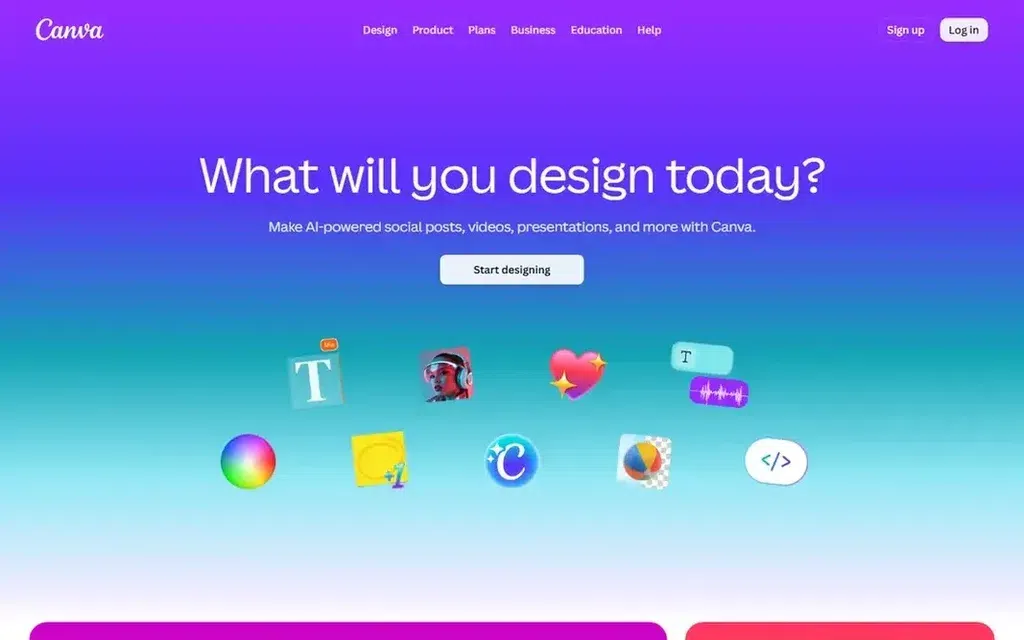
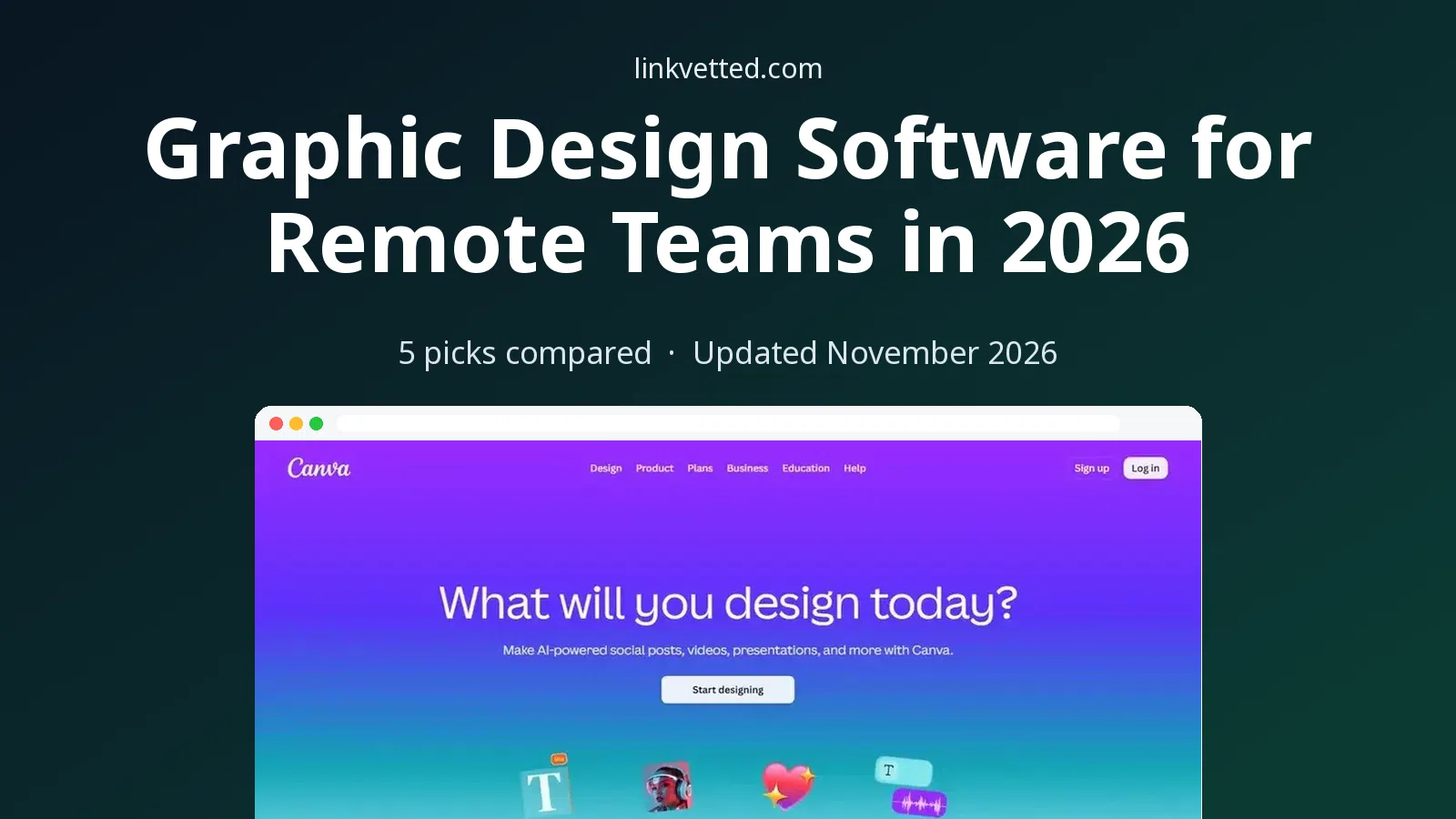
Canva is designed for quick visual content and social media graphics. Canva prioritizes simplicity over granular design control, so teams doing in-depth vector illustration or prepress work may outgrow it.
Honest limits: Less precise control for complicated vector work.
From a buyer's view, Canva is a free-to-use online graphic design tool for creating social media posts, presentations, posters, videos, logos, and more, per its homepage. Choose Canva when speed and accessibility for non-designers matter more than professional precision. Canva shows no starting price here, so confirm the cost on the vendor site. Free options: Not stated.
- Templates for posts, presentations, posters, videos
- Browser-based with straightforward sharing
- May not match professional print requirements
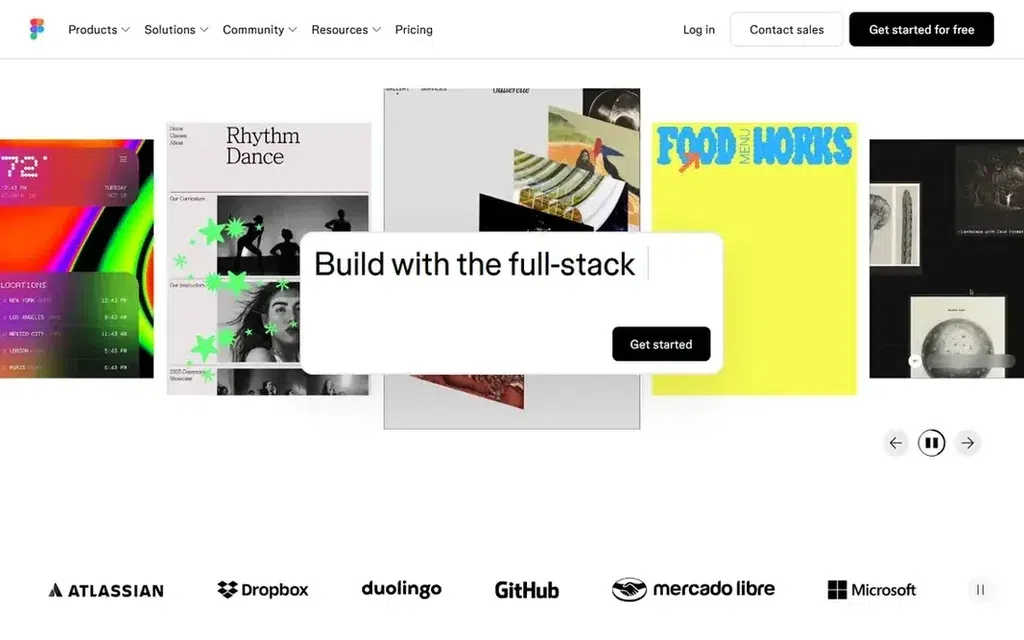
Figma is a good fit for live collaborative interface and product design. Figma relies on browser performance and connectivity, so teams with offline or low-bandwidth needs may find it limiting.
Drawbacks to consider: Advanced prototyping may need a ramp-up time.
This makes it a solid fit for remote product teams that require simultaneous editing, shared libraries, and design-to-development handoff without switching tools. The starting price for Figma: $3 per month. As for free access: Not stated.
- Merges design, code
- Supports concept-to-production workflows
- Needs stable internet for full functionality
How the list was put together
For each of the 5 tools we noted price, free plan or trial, fit for graphic design software for remote teams and the main limit, using vendor pages and documentation. Seat minimums, billing terms and add-ons can move the real cost, so the starting prices here are a guide and not a quote. Position on the page reflects fit for a typical buyer first, with price clarity and free access breaking ties. Treat it as a guide, not a ruling.
Questions to settle before buying
- Confirm the entry price on the vendor page. For CorelDRAW and Canva that means a quote rather than a fixed price.
- Test the free plan from Miro against your real workload before relying on it.
- Run a trial of Sketch with real work before paying for a year; your own workflow is the best test.
- Read the limits listed for Sketch first: primarily Mac-based, limiting cross-platform teams.
- Test the integrations you rely on with Sketch before committing; some connectors sit on upper tiers.
- Run a one or two week pilot of Canva with the people who will use it every day.
FAQ
Can I try these tools before paying?
Often, yes. Miro has a free plan and Sketch offers a free trial. Use your own data and a real task during the test, and check what the free tier or trial limits before you rely on it.
Do these tools publish their prices?
Not all of them. CorelDRAW and Canva publish no starting price, so expect a quote request for those. The rest, Sketch included, show a starting price, though seats and billing terms still change the final cost.
How are the tools for graphic design software for remote teams ordered?
Sketch sits first and Figma last because the order follows typical fit for graphic design software for remote teams, then price clarity and free access. It is a judgement call, so read each profile for fit and limits.
What is the cheapest option for graphic design software for remote teams in this list?
On published monthly entry prices, Figma is the lowest here at $3 per month. Entry price is only part of the cost, because seats, add-ons and billing terms can change the total. Prices, free plan details and limits for all 5 tools in this Graphic design software for remote teams roundup sit on the individual cards above.
Sources
- https://www.sketch.com
- https://www.coreldraw.com
- https://miro.com
- https://www.canva.com
- https://www.figma.com