Top 5 Video File Converter Software for 2026 (Prices and Free Plans)
Weighing the best video file Converter software? We lined up 5 products by cost, free access and fit. Caveats come with every verdict. Updated November 2026.
- Editor's choice
 Wondershare UniConverter
Quick conversion and AI enhancement
Starts atSee websiteVisit uniconverter.wondershare.comFull review - Great alternativeAiseesoft Video Converter Ultimate
AI-powered conversion and editing
Starts atSee websiteVisit aiseesoft.comFull review - Also consider
 Adobe Premiere Pro
Professional editing and export
Starts atSee websiteVisit adobe.comFull review
Direct answer
This list puts Wondershare UniConverter first for quick conversion and AI enhancement. Listed starting prices: Any Video Converter from $14.95. Look at Aiseesoft Video Converter Ultimate for AI-powered conversion and editing, and at Adobe Premiere Pro for professional editing and export. All 5 tools are compared below on price, free plan and limits.
TL;DR:
- Top of the list is Wondershare UniConverter, which targets quick conversion and AI enhancement.
- HandBrake suits open-source batch transcoding.
- For Wondershare UniConverter, Aiseesoft Video Converter Ultimate, Adobe Premiere Pro and HandBrake, you have to request a quote because no starting price is shown.
- Check the limits for Any Video Converter before you commit: interface may feel dated.
- Only Any Video Converter offers a free plan among these 5 tools.
Last checked November 2026. Prices and plan details were read from the vendors' own pages in November 2026; vendors change plans often, so confirm the current price on the vendor site before you buy.
Quick comparison
| Tool | Best for | Starts at | Free plan? | |
|---|---|---|---|---|
| Wondershare UniConverter | Quick conversion and AI enhancement | See website | Not stated | Visit |
| Aiseesoft Video Converter Ultimate | AI-powered conversion and editing | See website | Not stated | Visit |
| Adobe Premiere Pro | Professional editing and export | See website | Not stated | Visit |
 Any Video Converter | Free conversion with AI tools | $14.95 | Yes | Visit |
 HandBrake | Open-source batch transcoding | See website | Not stated | Visit |
Video File Converter Software profiles
Choosing video file Converter software usually comes down to price, fit and limits. This LinkVetted guide sets 5 tools side by side on those three points, with the facts kept short and checkable.
Wondershare UniConverter
Best for: Quick conversion and AI enhancement
Wondershare UniConverter is designed for quick conversion and AI enhancement. Wondershare UniConverter is described as an all-in-one AI video option offering ultra-fast conversion, enhancement, compression, and recording for 4K and 8K HDR videos.
Consider a lighter converter if you only need entry-level conversion. Wondershare UniConverter shows no starting price here, so confirm the cost on the vendor site. As for free access: Not stated.
What to check first: Feature set may overwhelm beginners.
- AI enhancement tools
- Ultra-fast conversion claims
- Commercial product
Aiseesoft Video Converter Ultimate
Best for: AI-powered conversion and editing
Where Aiseesoft Video Converter Ultimate fits: AI-powered conversion and editing. Aiseesoft Video Converter Ultimate is powered by AI and described as a quick video converter to convert, enhance, edit, and compress videos and audio at high speed with the highest quality.
What to check first: Commercial product.
No starting price is listed for Aiseesoft Video Converter Ultimate here; confirm pricing on the vendor site. Trial and free access: Not stated.
- AI enhancement
- Editing and compression tools
- May be overkill for entry-level needs
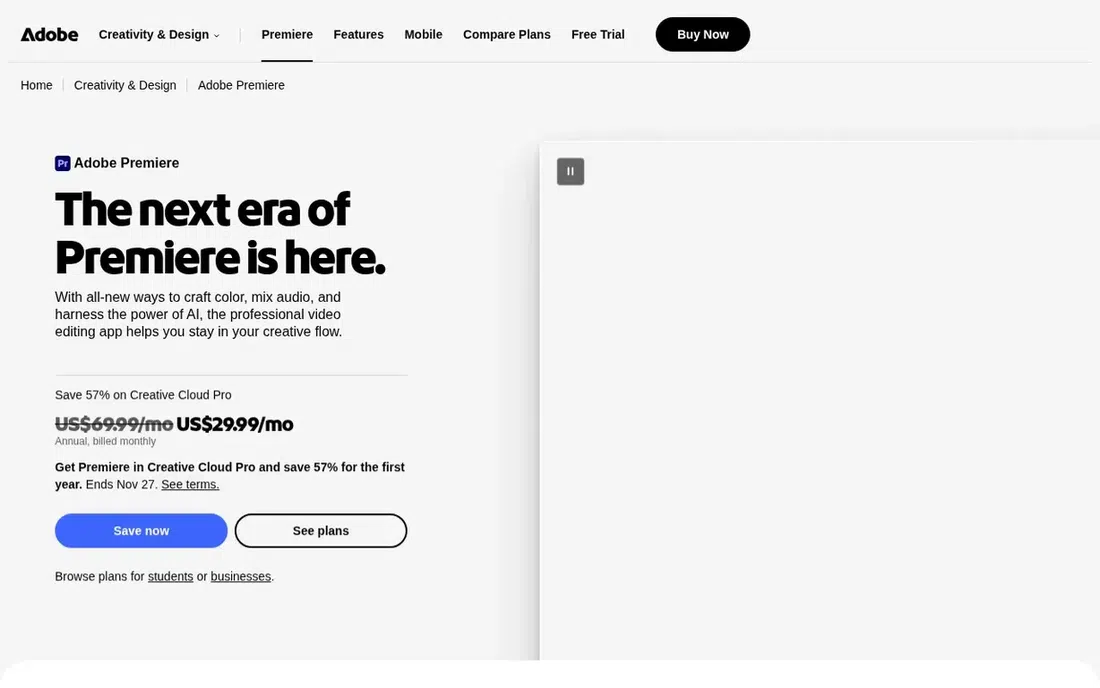
Pick Adobe Premiere Pro if this describes you: professional editing and export. Choose Premiere Pro when conversion is part of a bigger editing workflow.
Points against: Subscription required.
In practice, Adobe Premiere Pro is professional video editing software that also deals with conversion through its export choices. If you only have to change a file format, a more straightforward converter may be more efficient. Adobe Premiere Pro does not show a starting price in this comparison, so check the vendor site for current pricing. Free options: Not stated.
- Connects with Adobe workflows
- Wide format support
- Steep ramp-up time
Think of Any Video Converter for free conversion with AI tools. The free nature may come with limitations in speed or output choices compared to commercial tools.
Trade-offs to know: Interface may feel dated.
In daily use, pick Any Video Converter for cost-free conversion with some AI extras. Any Video Converter starts at: $14.95. You can start on Any Video Converter without paying.
- Bundles AI tools
- Free converter available
- Advanced features restricted
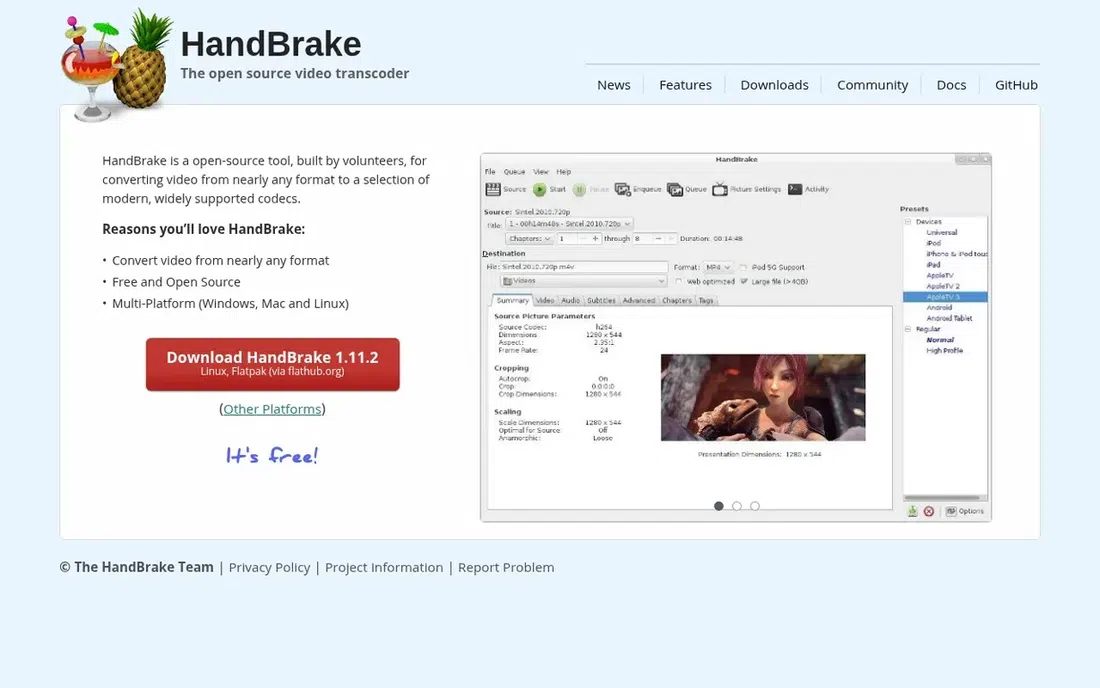
For open-source batch transcoding, HandBrake is a natural candidate. HandBrake is an open-source, GPL-licensed, multiplatform, multithreaded video transcoder. Worth adding: HandBrake concentrates on transcoding and does not offer advanced editing or AI enhancement.
Beyond that, pick HandBrake for efficient, no-cost transcoding on several systems. Users who require a refined interface or additional tools may prefer a commercial converter. This comparison lists no price for HandBrake; ask the vendor. Free access: Not stated.
What to check first: Restricted editing features.
- Preset-based conversion
- Multithreaded performance
- Interface can feel technical
How we compared the tools
Selection started from tools commonly considered for video file Converter software, then narrowed to 5 that have clear pricing information or a clear quote process. Treat prices as a snapshot: vendors change plans often, so check the vendor site for the figure that applies today. We ordered the tools by general fit, then by how clearly pricing is shown, then by free access. A buyer with unusual needs may reorder them.
Pre-purchase checklist
- Ask Wondershare UniConverter, Aiseesoft Video Converter Ultimate, Adobe Premiere Pro and HandBrake for a written quote, since no starting price is shown.
- Test the free plan from Any Video Converter against your real workload before relying on it.
- Before choosing Wondershare UniConverter, weigh its main limit: commercial product.
- Ask whether Adobe Premiere Pro integrates with your current software, and whether that comes standard or as an add-on.
- Ask Aiseesoft Video Converter Ultimate which support channels and response times come with the plan you would buy.
FAQ
What is the best free video converter?
For most readers this guide would start with Wondershare UniConverter, built for fast conversion and AI enhancement. Aiseesoft Video Converter Ultimate is the alternative for AI-powered conversion and editing, and Adobe Premiere Pro for professional editing and export. The right answer depends on budget and workflow.
Which options for video file Converter software have a free plan?
Any Video Converter is the only tool in this list with a free plan. Free plans usually cap users, projects or features, so check the limits on the vendor page.
How are the tools for video file Converter software ordered?
The order follows typical fit for video file Converter software, with Wondershare UniConverter first and HandBrake last, then price clarity and free access. It is editorial judgement, not a score, so another team could rank the tools differently.
Is Wondershare UniConverter the right pick for everyone comparing video file Converter software?
No single tool suits every team. Wondershare UniConverter comes first because it fits fast conversion and AI enhancement, while Aiseesoft Video Converter Ultimate suits AI-powered conversion and editing and Adobe Premiere Pro suits professional editing and export. Match the tool to your own size, budget and workflow before deciding.
Do these tools publish their prices?
Not all of them. Wondershare UniConverter, Aiseesoft Video Converter Ultimate, Adobe Premiere Pro and HandBrake publish no starting price, so expect a quote request for those. The rest, Any Video Converter included, show a starting price, though seats and billing terms still change the final cost.
Sources
- https://uniconverter.wondershare.com
- https://www.aiseesoft.com/video-converter-ultimate
- https://www.adobe.com/products/premiere.html
- https://www.any-video-converter.com
- https://handbrake.fr