Best Team File Sharing Software for Video Editors in 2026: Prices, Free Plans and 6 Picks
6 best team file sharing software for video editors, compared on pricing, free plans and best-fit use. Costs and caveats sit beside each pick. Decide faster.
- Editor's choice
 Egnyte
Large files and enterprise governance
Starts at$22 per user a monthVisit egnyte.comFull review - Great alternative
 Box
Governed content and automatic workflows
Starts atSee websiteVisit box.comFull review - Also consider
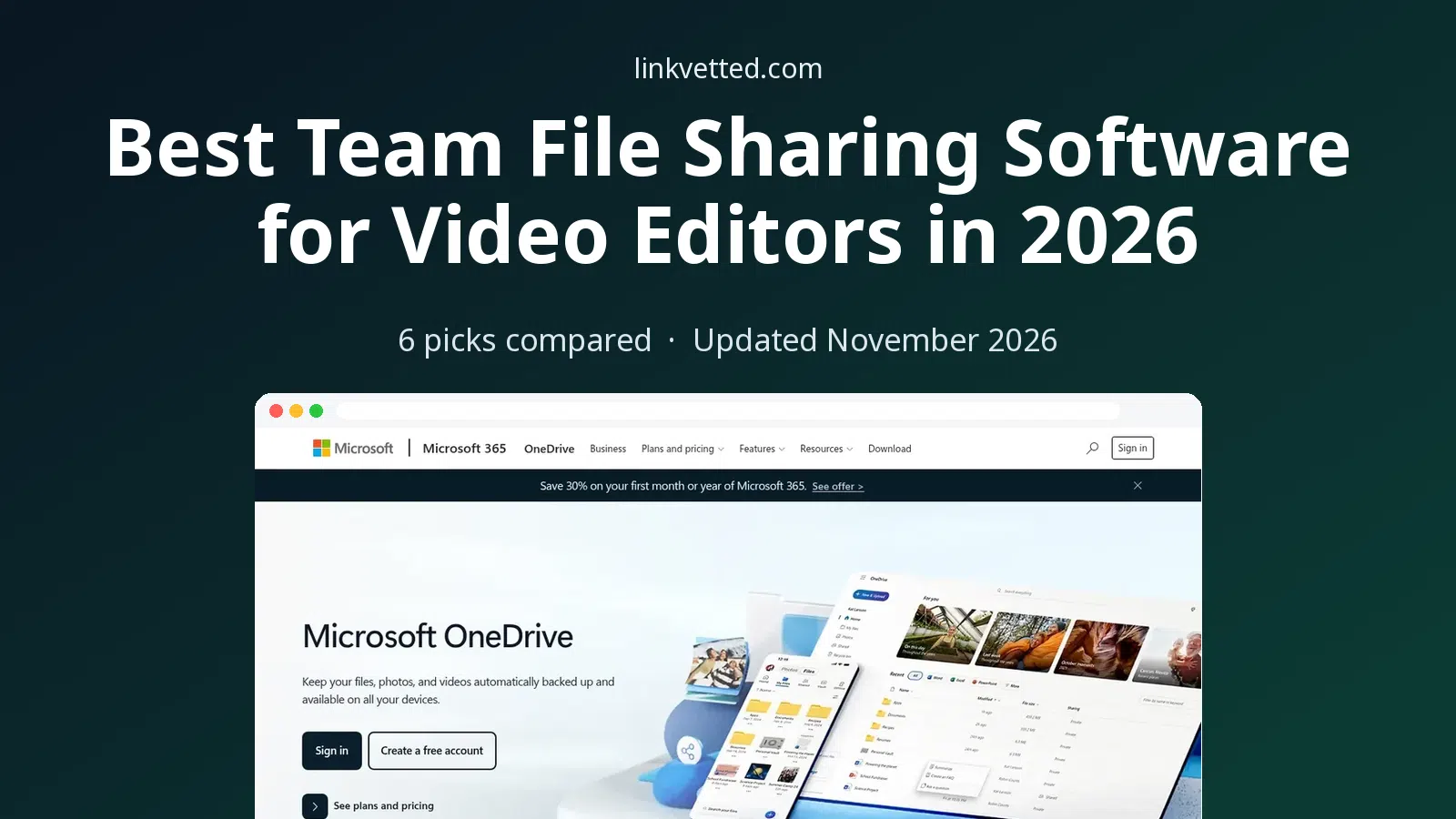
 Microsoft OneDrive
Sharing within Microsoft environments
Starts atSee websiteVisit microsoft.comFull review
Direct answer
Egnyte leads the list, best for large files and enterprise governance. Listed starting prices: Egnyte from $22 per user a month. Look at Box for governed content and automatic workflows, and at Microsoft OneDrive for sharing within Microsoft environments. Prices, free plans and limits for all 6 tools follow.
TL;DR:
- This list starts with Egnyte, which is built for large files and enterprise governance.
- Adobe Creative Cloud fits editors already in Adobe apps.
- Egnyte, Adobe Creative Cloud and the 4 others all need a premium plan or a trial, since no free plan is listed.
- The lowest published monthly entry price here is $22 per user per month, from Egnyte.
Last checked November 2026. Prices and plan details were read from the vendors' own pages in November 2026; vendors change plans often, so confirm the current price on the vendor site before you buy.
Quick comparison
| Tool | Best for | Starts at | Free plan? | |
|---|---|---|---|---|
| Egnyte | Large files and enterprise governance | $22 per user a month | Free trial | Visit |
| Box | Governed content and automatic workflows | See website | Not stated | Visit |
| Microsoft OneDrive | Sharing within Microsoft environments | See website | Not stated | Visit |
 Dropbox Business | Everyday team storage and sharing | See website | Not stated | Visit |
 Frame.io | Video review and creative feedback | See website | Not stated | Visit |
| Adobe Creative Cloud | Editors already in Adobe apps | See website | Not stated | Visit |
Team File Sharing Software for Video Editors compared in detail
LinkVetted put together this guide to team file sharing software for video editors for readers who want a clear shortlist without reading every vendor page. It compares 6 tools on starting price, free plans, who each one suits and where each one falls short.
Egnyte serves large files and enterprise governance. Egnyte describes itself as a content cloud and AI context layer for enterprises. Its homepage says firms use it to collaborate on massive files and govern sensitive content on one secure product.
Where it falls short: Enterprise focus may be heavy for small teams.
That makes it relevant for post-production houses and media teams that move large footage and need control over who can access what. From a buyer's view, the product is positioned for enterprise content governance, so smaller editing shops may find it more than they need. Entry price for Egnyte: $22 per user per month. As for free access: Free trial.
- Made for collaborating on massive files
- Governance for sensitive content
- Review features are not the core pitch
Box is designed for governed content and automatic workflows. Editing teams whose primary need is review and approval on cuts may find a creative review tool more direct, and should confirm storage and sharing specifics with the vendor.
The main drawbacks: Not centred on creative review.
- Protection for sensitive data
- Content management with workflow automation
- Setup can feel enterprise oriented
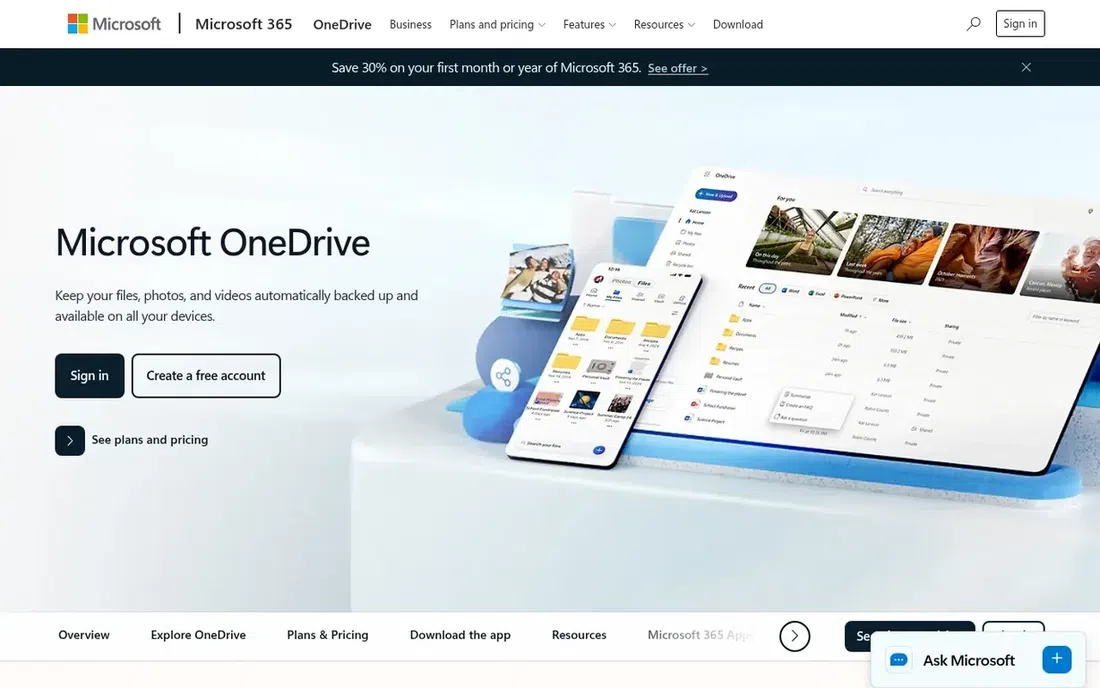
For sharing within Microsoft environments, Microsoft OneDrive is a natural candidate. Microsoft OneDrive is a personal cloud storage and file sharing service from Microsoft.
As for the details, OneDrive is geared toward general file sharing instead of creative review, so timecoded comments are not part of its core pitch. This comparison lists no price for Microsoft OneDrive; ask the vendor. As for free access: Not stated.
Where it is weaker: Large media handling needs planning.
- Suits Microsoft 365 workflows
- Straightforward sharing with colleagues
- Restricted video review features

Dropbox Business is designed for everyday team storage and sharing. It suits editing teams that want one familiar place to store and share work without adding plenty of separate tools.
In practice, the service is general purpose, so frame-accurate video review and annotation are not its focus. This comparison lists no price for Dropbox Business; ask the vendor. On free options: Not stated.
Points against: Review features are lighter than dedicated video tools.
- Cloud storage and sharing in one place
- Document tracking and eSignature support
- Large media libraries can get expensive to store
For video review and creative feedback, Frame.io is a natural candidate. Teams that require a full storage and office file system may pair it with a general cloud service, and should check current capabilities and limits on the vendor site.
Points against: Not a general document storage suite.
Pricing for Frame.io is not stated here, so ask the vendor for current figures. Trial and free access: Not stated.
- Built around creative review
- Feedback and people
- Best value when review is the central need
Adobe Creative Cloud
Best for: Editors already in Adobe apps
Where Adobe Creative Cloud fits: editors already in Adobe apps. For video editors, it is the home of the editing tools themselves.
Its cloud services support sharing assets and project files across the suite, which helps teams that already standardize on Adobe applications. Pricing for Adobe Creative Cloud is not stated here, so ask the vendor for current figures. Free options: Not stated.
What to check first: Not a standalone file sharing service.
- Suits Adobe-centered editing workflows
- Includes Premiere and other creative apps
- Storage and sharing rely on the wider suite
How we chose
A buyer's checklist
- Confirm the entry price on the vendor page. For Box, Microsoft OneDrive, Dropbox Business and others that means a quote rather than a fixed price.
- Run a trial of Egnyte with real work before paying for a year; your own workflow is the best test.
- Before choosing Egnyte, weigh its main limit: enterprise focus may be heavy for small teams.
- Work out what Microsoft OneDrive costs with your real seat count, add-ons and usage, not just the entry price.
- A short pilot of Box with your real workflow tells you more than a feature table.
FAQ
Does any tool for team file sharing software for video editors here have a free plan?
No tool in this list, Egnyte and Adobe Creative Cloud included, has a permanent free plan. Egnyte offer a trial. Trials and quotes are the usual route, so plan a short evaluation period.
What should video editors look for in team file sharing software?
Look for dependable handling of large media files, clear sharing and permission controls, and some way to collect feedback on cuts. Teams that collaborate with clients should also check external sharing and review features before choosing.
Is Egnyte the right pick for everyone comparing team file sharing software for video editors?
No single tool suits every team. Egnyte comes first because it fits large files and enterprise governance, while Box suits governed content and automated workflows and Microsoft OneDrive suits sharing within Microsoft environments. Match the tool to your own size, budget and workflow before deciding.
Can I try these tools before paying?
Often, yes. Egnyte offers a free trial. Use your own data and a real task during the test, and check what the free tier or trial limits before you rely on it. All 6 picks in this team file sharing software for video editors comparison list a starting price, free plan details and the main limits on their cards above.
How are the tools for team file sharing software for video editors ordered?
Egnyte sits first and Adobe Creative Cloud last because the order follows typical fit for team file sharing software for video editors, then price clarity and free access. It is a judgement call, so read each profile for fit and limits.
Sources
- https://www.egnyte.com
- https://www.box.com
- https://www.microsoft.com/en-us/microsoft-365/onedrive/online-cloud-storage
- https://www.dropbox.com/business
- https://frame.io
- https://www.adobe.com/creativecloud.html