Best Team Collaboration Software in 2026: 9 Tools Compared
Compare the best team collaboration software in 2026, from chat and meetings to tasks, docs, and whiteboards, with free plans, pricing, and team fit guide.
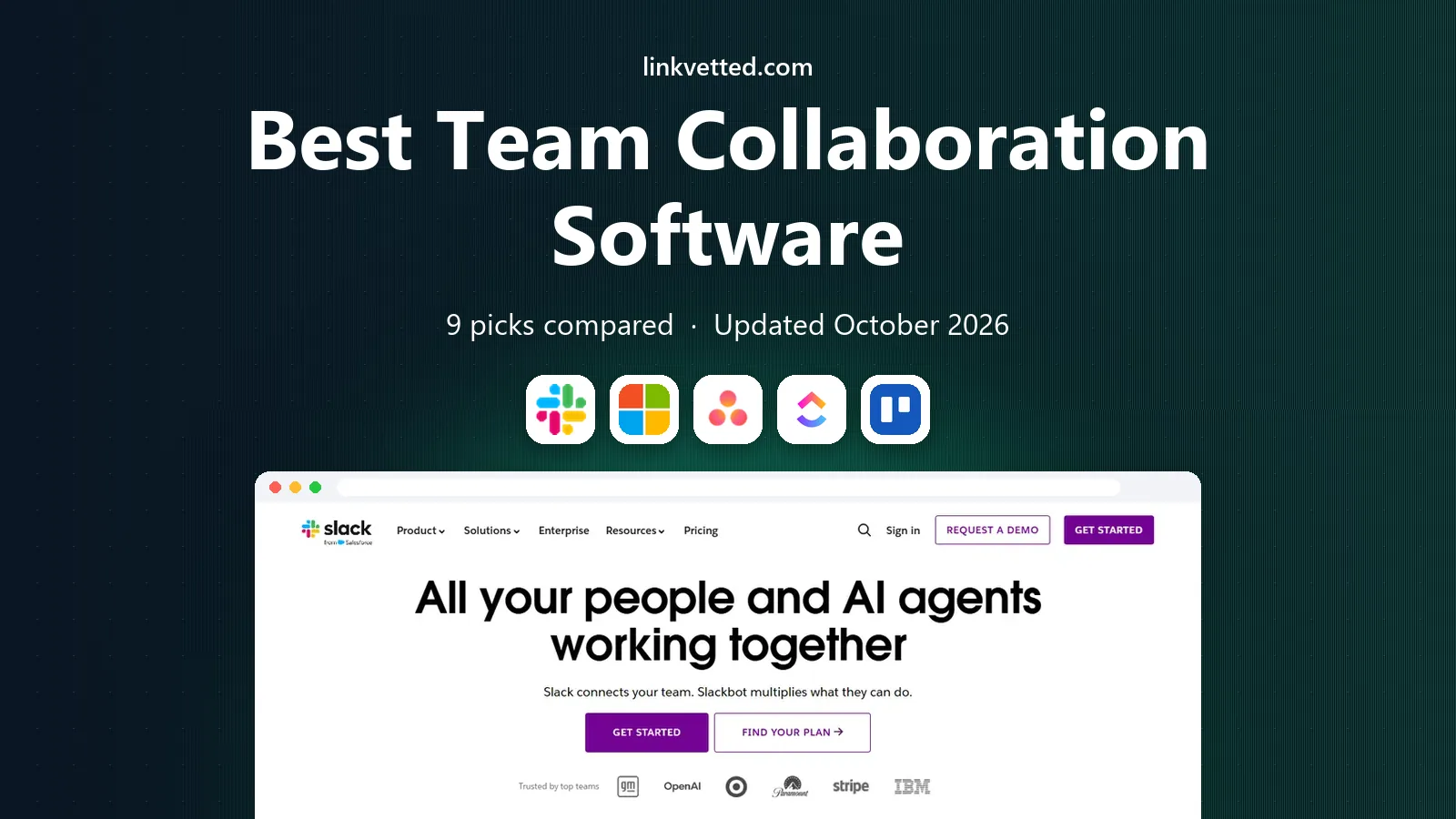
- Editor's choice
 Slack
fast team chat
Starts atFreeVisit slack.comFull review - Great alternative
 Microsoft Teams
Microsoft 365 teams
Starts atFreeVisit microsoft.comFull review - Also consider
 Asana
task and project coordination
Starts atFreeVisit asana.comFull review
TL;DR:
- Chat, tasks, and docs are three different jobs, and most teams end up with one tool for each rather than a single app for all three.
- The cheapest plan is rarely the real cost, since message history, guest access, and admin controls often sit in paid tiers.
- If your firm already pays for Microsoft 365 or Google Workspace, start with the collaboration tools included there before adding another subscription.
- Free plans are useful for trials, but check user limits and history limits before you move a whole team onto one.
Quick comparison
| Tool | Best for | Starts at | Free plan? | |
|---|---|---|---|---|
| Slack | fast team chat | Free | Yes | Visit |
| Microsoft Teams | Microsoft 365 teams | Free | Yes | Visit |
| Asana | task and project coordination | Free | Yes | Visit |
 ClickUp | all-in-one work management | Free | Yes | Visit |
 Trello | simple visual boards | Free | Yes | Visit |
 Monday.com | visual planning and dashboards | See website | Free trial | Visit |
 Notion | docs, wikis, and databases | Free | Yes | Visit |
 Miro | visual brainstorming and planning | Free | Yes | Visit |
 Zoom Workplace | meetings plus team chat | Free | Yes | Visit |
The best team collaboration software
The best team collaboration software depends on whether your team struggles most with chat, with task ownership, or with shared knowledge. The tools below cover each of those jobs, and we note where a free plan is genuinely usable for a small team.
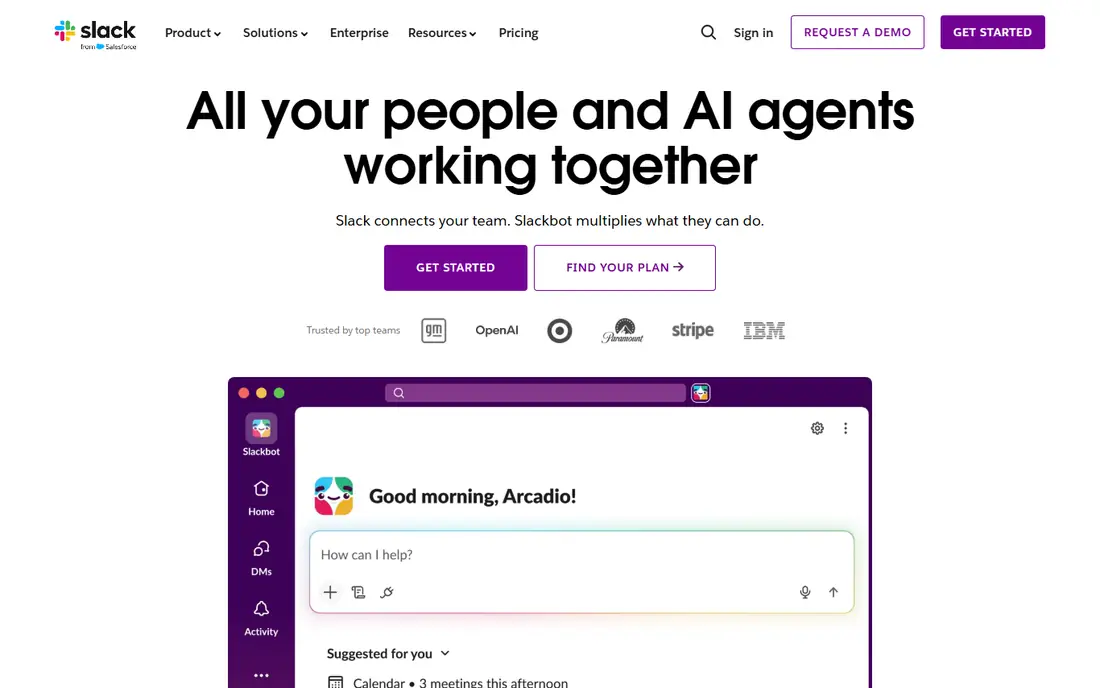
Slack remains the default team chat app for many remote and hybrid teams because channels, threads, and search make day-to-day talk easy to follow. A team can split work by project, client, or topic, share files in context, and connect tools such as calendars and task apps so updates land where people already talk. Huddles add quick voice chats without booking a formal meeting.
The free plan is a fair trial, but its message history limit means older decisions can slip out of reach, which pushes growing teams to a paid plan. Per-user pricing also adds up for large or part-time teams. Still, if chat is your main gap and your team talks all day, Slack is our pick for most people, provided you budget for the paid tier once history matters.
- Channels keep topics tidy
- Huge integration range
- Slack Connect works well with outside firms
- Free plan limits message history
- Costs rise per user as teams grow
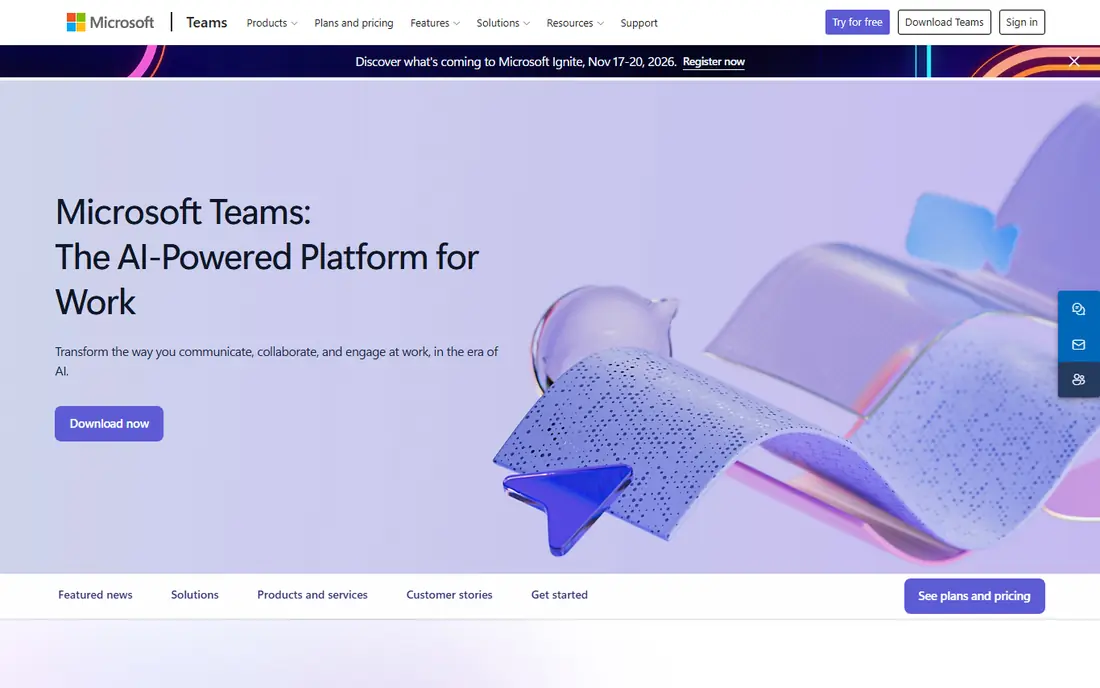
Microsoft Teams suits firms already using Outlook, Word, Excel, and SharePoint, since chat, video meetings, and file co-authoring sit in one app. A team can move from a chat message to a meeting to a shared document without switching tools, and admins get controls for compliance, guest access, and retention that larger firms need. For firms that already pay for Microsoft 365, Teams may already be included, which changes the cost comparison entirely.
The downside is density. Teams packs a lot into one window, and smaller teams that only need chat may find it heavier than Slack. It also rewards firms that commit to the Microsoft stack, while firms on Google Workspace may prefer a lighter pairing. If Microsoft 365 is already your home, Teams is the obvious first choice.
- Chat, meetings, and files in one place
- Deep Microsoft 365 fit
- Strong admin controls for larger firms
- Interface can feel busy
- Best value depends on Microsoft licensing

Asana turns shared work into assigned tasks with owners, due dates, and dependencies, so it is clear who owns what and what is late. Teams can view work as a list, board, calendar, or timeline, and managers can track progress across projects without chasing updates in chat. Forms, custom fields, and automations on paid plans help repeatable work run with less manual follow-up.
The free plan has tightened over time, so a team larger than a couple of people should expect to pay for the Starter plan. That is still reasonable for a team that needs real project coordination, but a team that only needs a simple shared list may find Trello enough. For cross-team launches with deadlines and handoffs, Asana is a strong, proven pick.
- Clear task ownership and due dates
- Timeline and board views
- Good reporting on paid plans
- Free plan now suits very small teams
- Advanced reporting sits in higher tiers
ClickUp tries to replace several tools at once, with tasks, docs, whiteboards, dashboards, and goals in a single workspace. Its free plan is more generous than many rivals, which makes it a good trial for a small team that wants to test an all-in-one setup without paying first. Teams that like to shape their own workflows can build custom views, statuses, and automations to match how they actually work.
That flexibility is also the risk. New users can face a long list of options before they log a first task, so a team should start with a simple template and add features only as needed. Firms that want one tool for tasks and docs, and that are willing to spend a week setting it up well, will get good value from ClickUp.
- Generous free plan
- Tasks, docs, whiteboards, and goals in one app
- Highly customisable views
- Breadth can overwhelm new users
- Setup takes time to get right
Trello keeps collaboration simple with boards, lists, and cards that anyone can learn in minutes. A small team can track a launch, a content calendar, or a hiring pipeline by moving cards across stages, adding checklists, due dates, and attachments as needed. Automation rules on paid plans handle routine moves, such as shifting a card when a checklist is complete.
The limit appears when work gets complex. Trello lacks the deep reporting, workload views, and portfolio tools that Asana or Monday.com offer, and a board with hundreds of cards can become hard to scan. For a small team that wants a shared visual list without a steep learning curve, Trello remains a sensible, low-cost choice.
- Boards are easy to learn
- Drag-and-drop cards suit small projects
- Low cost to start
- Weak for complex reporting
- Large projects can outgrow boards
Monday.com suits teams that plan visually and want dashboards that show status at a glance. Boards can track projects, campaigns, or pipelines, and dashboards pull progress, deadlines, and workload into one view for managers. Templates for marketing, sales, product, and operations help a team start quickly instead of building a system from scratch.
Pricing is the main watch point, since it is charged per user and the most useful dashboard and automation features sit above the entry tier. A team that only needs a task list will pay more than it needs to here. For a growing team that lives by dashboards and cross-team plans, Monday.com is worth a trial against Asana and ClickUp.
- Colourful, visual boards and dashboards
- Strong templates
- Good for cross-team planning
- Pricing is per user and can rise fast
- Simpler needs may not justify the cost
Notion is best for shared knowledge: team wikis, meeting notes, project docs, and lightweight databases that link together. A team can build a handbook, a content calendar, and a task database in one workspace, and templates make it easy to copy a proven setup. For remote teams that keep losing decisions in chat, a Notion wiki gives those decisions a permanent home.
It is less strong as a strict project tracker, since it lacks some of the workload, timeline, and reporting depth of Asana or Monday.com. A large Notion workspace can also sprawl without an owner to keep its structure tidy. Pair Notion with Slack or Teams for chat, and it covers the knowledge half of collaboration very well.
- Flexible docs, wikis, and databases in one workspace
- Good templates
- Free plan suits individuals and small teams
- Weaker as a strict task tracker
- Large workspaces need care to stay organised
Miro gives remote teams a shared whiteboard for brainstorming, mapping user journeys, planning sprints, and running workshops. Participants can add sticky notes, diagrams, and comments at the same time, which recreates much of the energy of an in-person wall. Templates for retros, roadmaps, and org charts help a session start quickly.
Miro is not a replacement for a task app, since boards are for thinking and planning rather than tracking ownership and deadlines. The free plan also limits the number of editable boards, so active teams should expect to pay. For teams that plan visually or run regular remote workshops, Miro is a useful addition alongside a chat and task tool.
- Shared whiteboards for brainstorming and planning
- Templates for workshops and retros
- Works well for remote teams
- Free plan limits boards
- Not a task tracker on its own
Zoom Workplace is best known for video meetings, and it now adds team chat, whiteboard, and scheduling around that core. For teams that meet often with clients, partners, or large groups, Zoom remains a safe choice because guests rarely need training to join a call. Meeting quality and controls for hosts, waiting rooms, and breakout rooms are well tested at scale.
The free plan limits group meetings to 40 minutes, so regular team meetings need a paid plan. Zoom also does not replace a task tracker or a wiki, so it works best paired with Asana, Notion, or a similar tool. If meetings are your main collaboration bottleneck, Zoom Workplace is a solid, low-friction pick.
- Dependable video meetings
- Team chat and whiteboard included
- Familiar to clients and guests
- Free meetings have a time limit for groups
- Collaboration depth is less than dedicated task tools
How we picked these
We compared official feature pages, pricing pages, free plan terms, and public reviews, and we favoured tools with a current, widely used product that fits a clear job. We looked for a mix of chat, task, knowledge, visual, and meeting tools, rather than listing nine versions of the same chat app. We also checked free plan limits, since a free plan that only suits one person is not the same as one a small team can run on.
We did not claim hands-on testing that did not happen. Our comparison rests on published features, pricing, and review patterns, plus the practical question of which tool a team is most likely to keep using after the first month.
How to choose for your team
Start by naming the gap. If decisions vanish in email and chat, you need a wiki or task tool more than another chat app. If no one knows who owns a task, you need Asana, ClickUp, or Monday.com. If remote workshops feel flat, Miro may help more than a new chat tool. Buying the wrong category is the most common waste in this space, and it happens when a team buys a famous name without naming its own problem.
Then count seats honestly, including part-time staff, contractors, and guests, since per-user pricing punishes a large, loose team. Trial two tools for two weeks with real work, not demo data, and watch which one people open without being reminded. Check message history, storage, guest access, and admin controls in the tier you would actually buy, not the top tier in a demo. A tool that fits your budget and your habits will beat a more powerful tool that your team avoids.
FAQ
What is the best team collaboration software for remote teams?
Slack or Microsoft Teams for daily chat, plus Notion for shared docs and Asana or ClickUp for tasks, is a common remote stack. The exact chat pick should follow your existing suite, with Teams for Microsoft 365 firms and Slack for most others.
What are the best free online collaboration tools?
Slack, Trello, ClickUp, Notion, and Miro all offer free plans that a small team can use for real work, with limits on history, boards, or users. Check those limits before you commit, since the limit that bites first is usually message history or guest access.
What is the best team collaboration platform for a small business?
For a small business, ClickUp or Asana covers tasks well, Notion covers docs, and Slack covers chat, and the free tiers let you trial that stack cheaply. If you already pay for Microsoft 365, Teams plus Planner or a similar included tool may cover most needs without a new bill.
What are the best tools for team collaboration in one app?
ClickUp comes closest to one app for tasks, docs, and goals, while Monday.com covers planning and dashboards well. Even so, most teams still pair an all-in-one tool with a dedicated chat app, since chat and task tracking reward different designs.
What is the best team collaboration system software for large teams?
Microsoft Teams suits large firms on Microsoft 365, thanks to admin controls, compliance options, and bundled licensing. Larger firms that are not Microsoft-centred often pair Slack with Asana or Monday.com for tasks and Notion or a similar wiki for knowledge.
Do we need both a chat app and a project tool?
Most teams do, since chat handles conversation and project tools handle ownership, deadlines, and visibility. Running projects only in chat leads to lost decisions and unclear ownership, while running conversation only in a task tool feels slow and formal.