5 Best MOV to MP4 Converter Software for 2026, Vetted and Compared
Shortlisting the best MOV to MP4 Converter software? 5 products compared on cost, free access and ideal buyer. With pricing notes and limits. Details below.
- Editor's choice
 HandBrake
Open-source batch transcoding with presets
Starts atPricing on requestVisit handbrake.frFull review - Great alternative
 Wondershare UniConverter
All-in-one AI video conversion and enhancement
Starts atPricing on requestVisit uniconverter.wondershare.comFull review - Also consider
 Adobe Media Encoder
Adobe Creative Cloud users needing precise exports
Starts atPricing on requestVisit adobe.comFull review
Direct answer
Start with HandBrake if you need open-source batch transcoding with presets. Wondershare UniConverter is better for all-in-one AI video conversion and enhancement, and Adobe Media Encoder is better for Adobe Creative Cloud users needing precise exports. The full list of 5 tools follows, with free plan facts. None of these vendors publish plan prices, so pricing is on request for every option.
TL;DR:
- This list starts with HandBrake, which is built for open-source batch transcoding with presets.
- None of the 5 tools, from HandBrake to Aiseesoft Video Converter Ultimate, has a free plan, so budget for a subscription or use a trial.
- HandBrake, Aiseesoft Video Converter Ultimate and the 3 others all sell by quote; expect sales conversations before you see a price.
- A fair warning about Movavi Video Converter: premium upgrade for full features.
Last checked November 2026. Pricing on request: vendors did not publish plan prices when this guide was last checked (November 2026), so ask each vendor for a written quote.
Quick comparison
| Tool | Best for | Starts at | Free plan? | |
|---|---|---|---|---|
| HandBrake | Open-source batch transcoding with presets | Pricing on request | Not stated | Visit |
| Wondershare UniConverter | All-in-one AI video conversion and enhancement | Pricing on request | Not stated | Visit |
| Adobe Media Encoder | Adobe Creative Cloud users needing precise exports | Pricing on request | Not stated | Visit |
 Movavi Video Converter | Fast and simple format conversion | Pricing on request | Not stated | Visit |
| Aiseesoft Video Converter Ultimate | AI-powered conversion and editing | Pricing on request | Not stated | Visit |
MOV to MP4 Converter Software profiles
Short on time? The summary and table above give the quick view of 5 tools for MOV to MP4 Converter software, and the profiles that follow give the detail behind each entry.
In short, HandBrake is for open-source batch transcoding with presets. HandBrake concentrates on transcoding and does not bundle editing or enhancement features. Its interface may be overwhelming for beginners, but it remains a capable free choice for those willing to learn.
Worth adding: HandBrake is an open-source, multiplatform video transcoder that excels at converting video between formats, including MOV to MP4. It supplies a set of presets for typical devices and supports batch processing, making it a favorite among users who want free, steady transcoding with consistent results. HandBrake does not show a starting price in this comparison, so check the vendor site for current pricing. On free options: Not stated.
The main drawbacks: Interface can be intimidating.
- Batch processing support
- Capable preset library
- No built-in editor
Wondershare UniConverter
Best for: All-in-one AI video conversion and enhancement
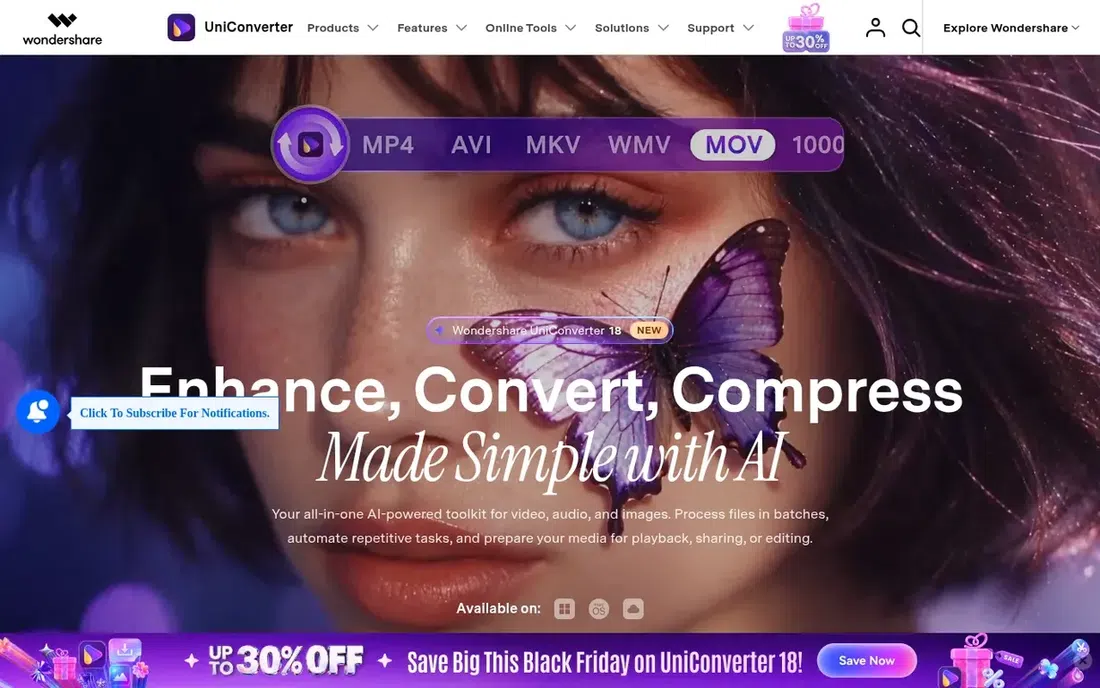
Wondershare UniConverter is aimed squarely at all-in-one AI video conversion and enhancement. Wondershare UniConverter is an all-in-one video option that merges conversion, enhancement, compression, and recording. It supports ultra-fast conversion of MOV to MP4 and deals with high-resolution formats like 4K and 8K HDR, making it right for users who want a single application for several video tasks.
Honest limits: premium software with restricted free version.
If you need only entry-level MOV to MP4 conversion, a lighter free tool could suffice. From a buyer's view, UniConverter is commercial software, and the free version may have restrictions. Pricing for Wondershare UniConverter is not stated here, so ask the vendor for current figures. Free access: Not stated.
- Quick conversion for 4K and 8K HDR
- AI enhancement and compression tools
- Interface can feel busy
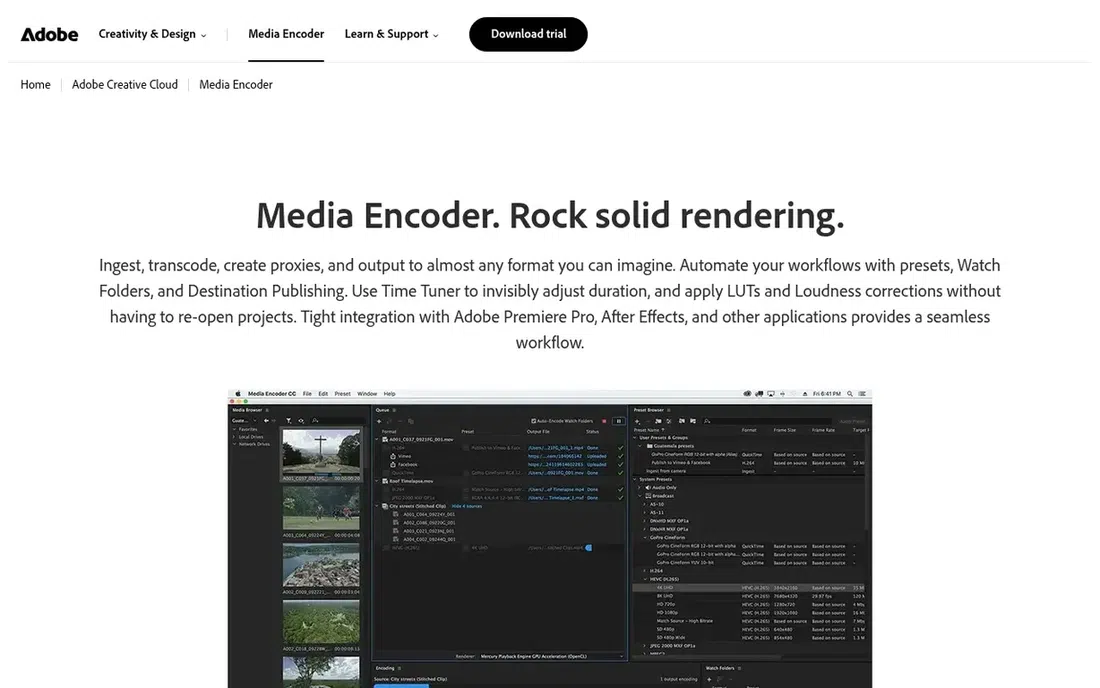
Adobe Media Encoder is designed for Adobe Creative Cloud users needing precise exports. Adobe Media Encoder is a professional encoding tool available only through Adobe Creative Cloud. It excels at converting MOV to MP4 with fine control over resolution, bitrate, and other settings, making it a good fit for editors already working within Adobe's ecosystem who require consistent, high-quality exports.
Limits to weigh: Steeper ramp-up time.
Beyond that, if you only occasionally convert MOV to MP4 and do not use other Adobe software, a more straightforward or free tool may be more appropriate. In daily use, the central limitation is its subscription requirement and complexity for straightforward tasks. This comparison lists no price for Adobe Media Encoder; ask the vendor. On free options: Not stated.
- Batch processing support
- Broad export presets
- Needs Creative Cloud subscription
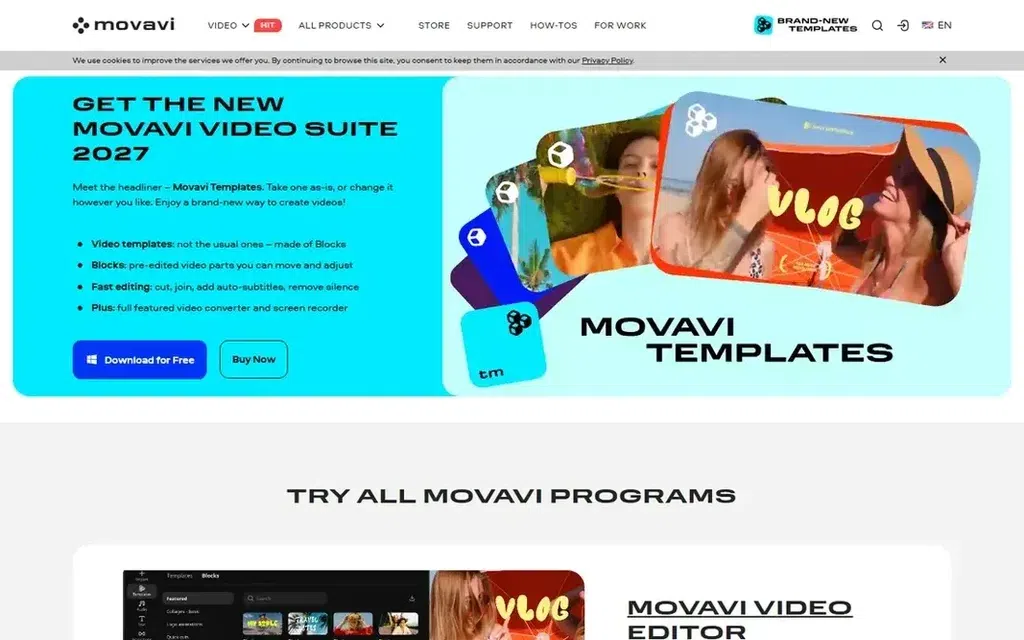
Think of Movavi Video Converter for fast and simple format conversion. Movavi Video Converter is made for straightforward format conversion, including MOV to MP4.
Points against: Restricted advanced controls.
Whereas it manages typical conversions well, Movavi supplies fewer advanced encoding choices than professional tools. No starting price is listed for Movavi Video Converter here; confirm pricing on the vendor site. Free access: Not stated.
- Straightforward
- Supports plenty of formats
- Premium upgrade for full features
Aiseesoft Video Converter Ultimate
Best for: AI-powered conversion and editing
Aiseesoft Video Converter Ultimate is aimed squarely at AI-powered conversion and editing. Aiseesoft Video Converter Ultimate positions itself as a quick, AI-powered tool for converting, enhancing, editing, and compressing video and audio.
What to check first: May contain unnecessary extras.
It can convert MOV to MP4 and contains features like AI upscaling and compression, making it a fit for users who want conversion plus extra editing capabilities in one package. Pricing for Aiseesoft Video Converter Ultimate is not stated here, so ask the vendor for current figures. On free options: Not stated.
- Supports high-quality output
- AI enhancement and editing features
- Premium software with restricted trial
Our selection method
The comparison looks at four things: starting price, free access, how well the feature set matches MOV to MP4 Converter software, and the main limit of each tool. Where a vendor does not publish a price, the entry says quote. Where a price depends on seats or billing term, the entry says so. The order reflects how well each tool fits the most common buying scenario for MOV to MP4 Converter software, then price clarity, then free plan access. It is a starting point, not a verdict.
Before you commit
- Request quotes from HandBrake, Aiseesoft Video Converter Ultimate and the others; the list shows no fixed prices.
- Before choosing HandBrake, weigh its main limit: no built-in editor.
- Price Wondershare UniConverter for your actual team size; headline prices rarely include add-ons or overage.
- Check how data leaves Movavi Video Converter: formats, limits and whether exports are available on every plan.
- Run a one or two week pilot of HandBrake with the people who will use it every day.
FAQ
What is the best free tool to convert MOV to MP4?
This list starts with HandBrake, which fits open-source batch transcoding with presets. For other needs, Wondershare UniConverter is aimed at all-in-one AI video conversion and enhancement, and Adobe Media Encoder at Adobe Creative Cloud users needing precise exports. Check each tool's price and main limit first.
Do these tools publish their prices?
No. None of the tools, from HandBrake to Aiseesoft Video Converter Ultimate, shows a fixed starting price here, so budget time for quotes.
Can I try these options before paying?
Not by default. None of the tools, from HandBrake to Aiseesoft Video Converter Ultimate, lists a free plan or a free trial here, so ask each vendor for a demo before committing.
How are the tools for MOV to MP4 Converter software ordered?
The order follows typical fit for MOV to MP4 Converter software, with HandBrake first and Aiseesoft Video Converter Ultimate last, then price clarity and free access. It is editorial judgement, not a score, so another team could rank the tools differently.
Is HandBrake the right pick for everyone comparing MOV to MP4 Converter software?
No single tool suits every team. HandBrake comes first because it fits open-source batch transcoding with presets, while Wondershare UniConverter suits all-in-one AI video conversion and enhancement and Adobe Media Encoder suits Adobe Creative Cloud users needing precise exports. Match the tool to your own size, budget and workflow before deciding.
Sources
- https://handbrake.fr
- https://uniconverter.wondershare.com
- https://www.adobe.com/products/media-encoder.html
- https://www.movavi.com/video-converter
- https://www.aiseesoft.com/video-converter-ultimate