Top 5 Tip Management Platform for 2026 (Prices and Free Plans)
5 options for the best tip management platform, with entry costs, free tiers and the buyer each one serves. Read the caveats before you buy. Straight answers.
- Editor's choiceHotSchedules
Teams comparing choices in this category
Starts atSee websiteVisit hotschedules.comFull review - Great alternative
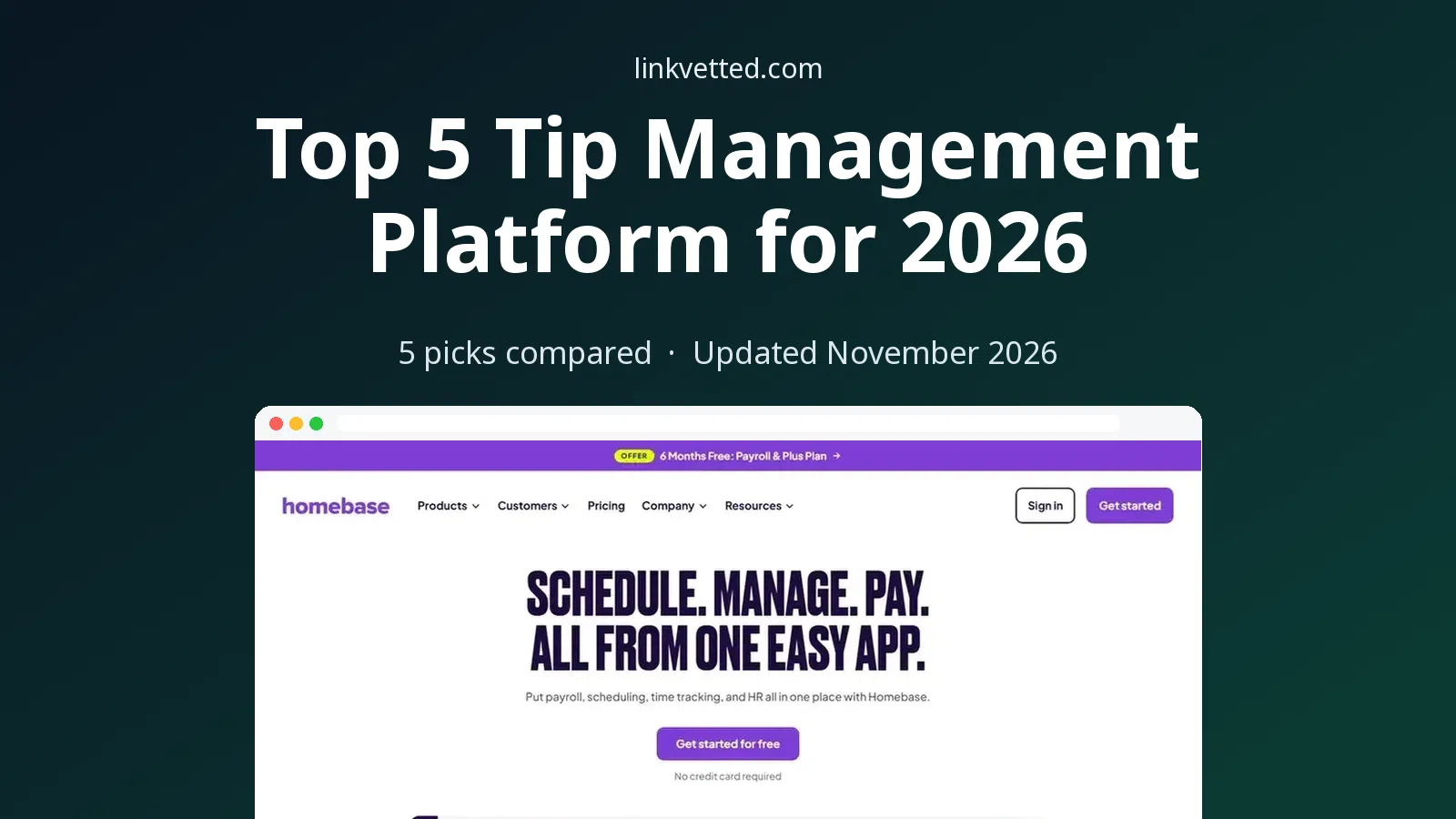
 Homebase
Hourly teams needing scheduling plus payroll
Starts at$30 per location a monthVisit joinhomebase.comFull review - Also consider
 Square
Tips inside a broader business product
Starts atSee websiteVisit squareup.comFull review
Direct answer
For teams comparing choices in this category, HotSchedules is where this list starts. Listed starting prices: Homebase from $30 per location a month and Push Operations from $200 a month per location. Homebase fits hourly teams needing scheduling plus payroll; Square fits tips inside a broader business system. The other 2 tools in the list cover narrower or pricier cases.
TL;DR:
- The list opens with HotSchedules, aimed at teams comparing choices in this category.
- HotSchedules comes with a trade-off: tip management is secondary.
- Starting prices begin at $30 per location per month with Homebase.
- Homebase is the only tool of the 5 with a free plan.
Last checked November 2026. Prices and plan details were read from the vendors' own pages in November 2026; vendors change plans often, so confirm the current price on the vendor site before you buy.
Quick comparison
| Tool | Best for | Starts at | Free plan? | |
|---|---|---|---|---|
| HotSchedules | Teams comparing choices in this category | See website | Not stated | Visit |
| Homebase | Hourly teams needing scheduling plus payroll | $30 per location a month | Yes | Visit |
| Square | Tips inside a broader business product | See website | Not stated | Visit |
| TipHaus | Automatic tip pooling and payouts | See website | Not stated | Visit |
| Push Operations | Restaurants wanting HR and payroll together | $200 a month per location | Not stated | Visit |
Tip Management Platform, one by one
LinkVetted compared 5 tools for tip management platform. The goal is a practical shortlist: published prices, free plan facts, best-fit use cases and honest limits for every entry.
HotSchedules
Best for: Teams comparing choices in this category
HotSchedules serves teams comparing choices in this category. If automatic tip pooling and distribution are the central requirement, a specialized product will typically be more direct.
Points against: Narrower than full workforce suites.
Pricing for HotSchedules is not stated here, so ask the vendor for current figures. Free options: Not stated.
- Scheduling and engagement focus
- Online employee scheduling
- Tip management is secondary
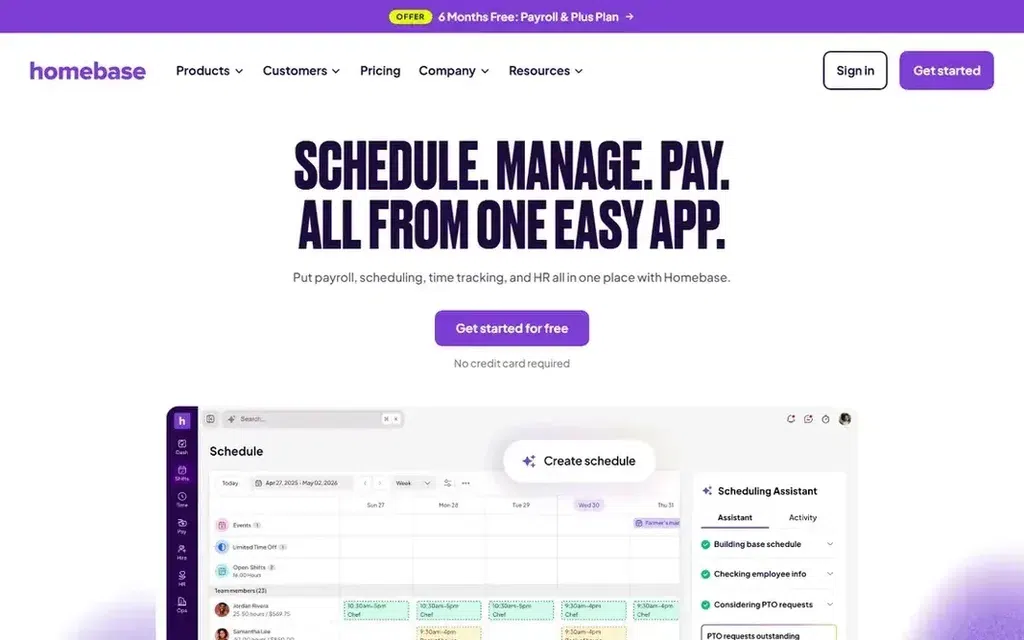
Homebase targets hourly teams needing scheduling plus payroll. Teams value having one place for hourly staff administration.
In daily use, pick Homebase when scheduling and payroll are the core needs and tip handling can sit within that broader app. The starting price for Homebase: $30 per location per month. Homebase includes a free tier.
Where it falls short: Tip management is not the headline feature.
- Scheduling
- Time clocks and payroll in one app
- Best fit is smaller hourly operations

Where Square fits: tips inside a broader business product. Since Square is a wide product, teams wanting deep, hospitality-specific tip pooling rules may find a dedicated tool more direct.
Where it is weaker: May be more than a tip-only team needs.
Choose Square when consolidating operations is the priority and tips are one piece of a bigger setup. Check the vendor site for Square pricing; none is listed in this comparison. Free access: Not stated.
- Staffing and operations together
- Manages selling
- Tip logic is one part of a large suite
TipHaus
Best for: Automatic tip pooling and payouts
Think of TipHaus for automatic tip pooling and payouts. Since tipping is the core focus instead of an add-on, teams get a purpose-built workflow for pooled and distributed tips. Its focused scope means it does not replace a full scheduling or payroll suite on its own.
Downsides: Only relevant to tipped workforces.
As for the details, choose TipHaus when tip accuracy and automation are the priority, and pair it with your existing workforce tools where needed. From a buyer's view, TipHaus is tip management software for restaurants and hospitality, built to automate tip pooling, distribution and payouts for staff. This comparison lists no price for TipHaus; ask the vendor. On free options: Not stated.
- Centred on hospitality tip management
- Automates tip pooling and distribution
- Narrow scope compared to full suites
Push Operations
Best for: Restaurants wanting HR and payroll together
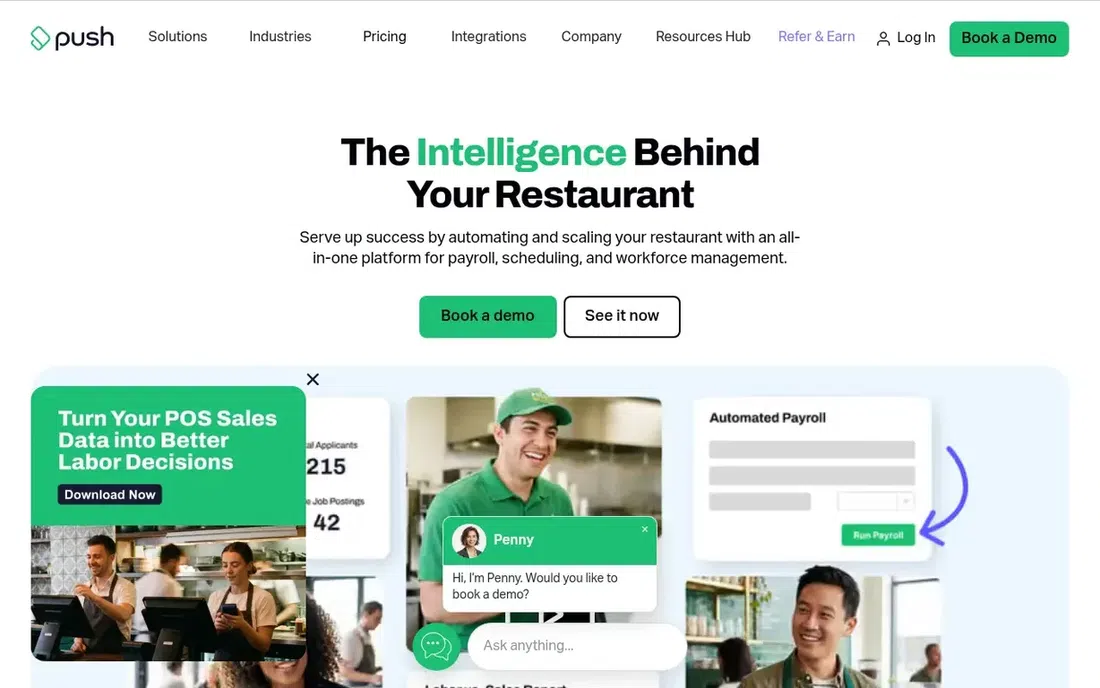
Push Operations works best for restaurants wanting HR and payroll together. Push Operations markets all-in-one restaurant management software including HR, payroll, time tracking and scheduling in one place.
Where it falls short: Tip logic sits within a wider suite.
For everyday use, if you only need tip pooling and payouts, a dedicated tip product is a more straightforward starting point than a full workforce suite. Also, expanding restaurant groups looking to scale their back-office processes are the natural audience. Push Operations starts at: $200 per month per location. Free access: Not stated.
- Built to help firms scale
- Made for restaurant operations
- Restaurant-specific focus may not suit other sectors
How the list was put together
Selection started from tools commonly considered for tip management platform, then narrowed to 5 that have clear pricing information or a clear quote process. Treat prices as a snapshot: vendors change plans often, so check the vendor site for the figure that applies today. The ranking is editorial: typical fit first, then clear pricing, then free access. If your needs are unusual, read the profiles rather than relying on position.
Pre-purchase checklist
- Get a written quote from HotSchedules, Square and TipHaus; the list shows no starting price for them.
- Look at the free plan from Homebase closely: its caps decide whether it is usable for real work.
- Before choosing HotSchedules, weigh its main limit: tip management is secondary.
- Ask HotSchedules how an export works before you move any records in; an easy exit lowers the risk.
- Involve the people who will use TipHaus daily; a short pilot beats a long feature checklist.
FAQ
What should a tip management platform do first?
The core job is calculating pooled tips accurately and distributing them based on your rules. Look for clear configuration of pooling groups and a dependable payout method before considering extras.
How do real-time tip payouts change operations?
Paying tips straight to employees' own bank accounts can cut cash handling and manual math. Confirm how your team prefers to receive funds and how records are kept for payroll.
Do these tools publish their prices?
Not all of them. HotSchedules, Square and TipHaus publish no starting price, so expect a quote request for those. The rest, Homebase included, show a starting price, though seats and billing terms still change the final cost.
How are the tools for tip management platform ordered?
HotSchedules sits first and Push Operations last because the order follows typical fit for tip management platform, then price clarity and free access. It is a judgement call, so read each profile for fit and limits.
Do I need a dedicated tip tool if I already use a workforce suite?
Wide suites can deal with tips as part of payroll and scheduling, but complicated pooling rules frequently favor a specialized product. Plenty of teams combine both.
What is the cheapest option for tip management platform in this list?
On published monthly entry prices, Homebase is the lowest here at $30 per location per month. Entry price is only part of the cost, because seats, add-ons and billing terms can change the total. Prices, free plan details and limits for all 5 tools in this tip management platform roundup sit on the individual cards above.
Sources
- https://www.hotschedules.com
- https://joinhomebase.com
- https://squareup.com
- https://tiphaus.com
- https://www.pushoperations.com