Top 5 Team Wiki Software for Startups for 2026 (Prices and Free Plans)
Need the best team wiki software for startups? We compare 5 tools on cost, free access and who each suits. Concise write-ups of every option. Numbers first.
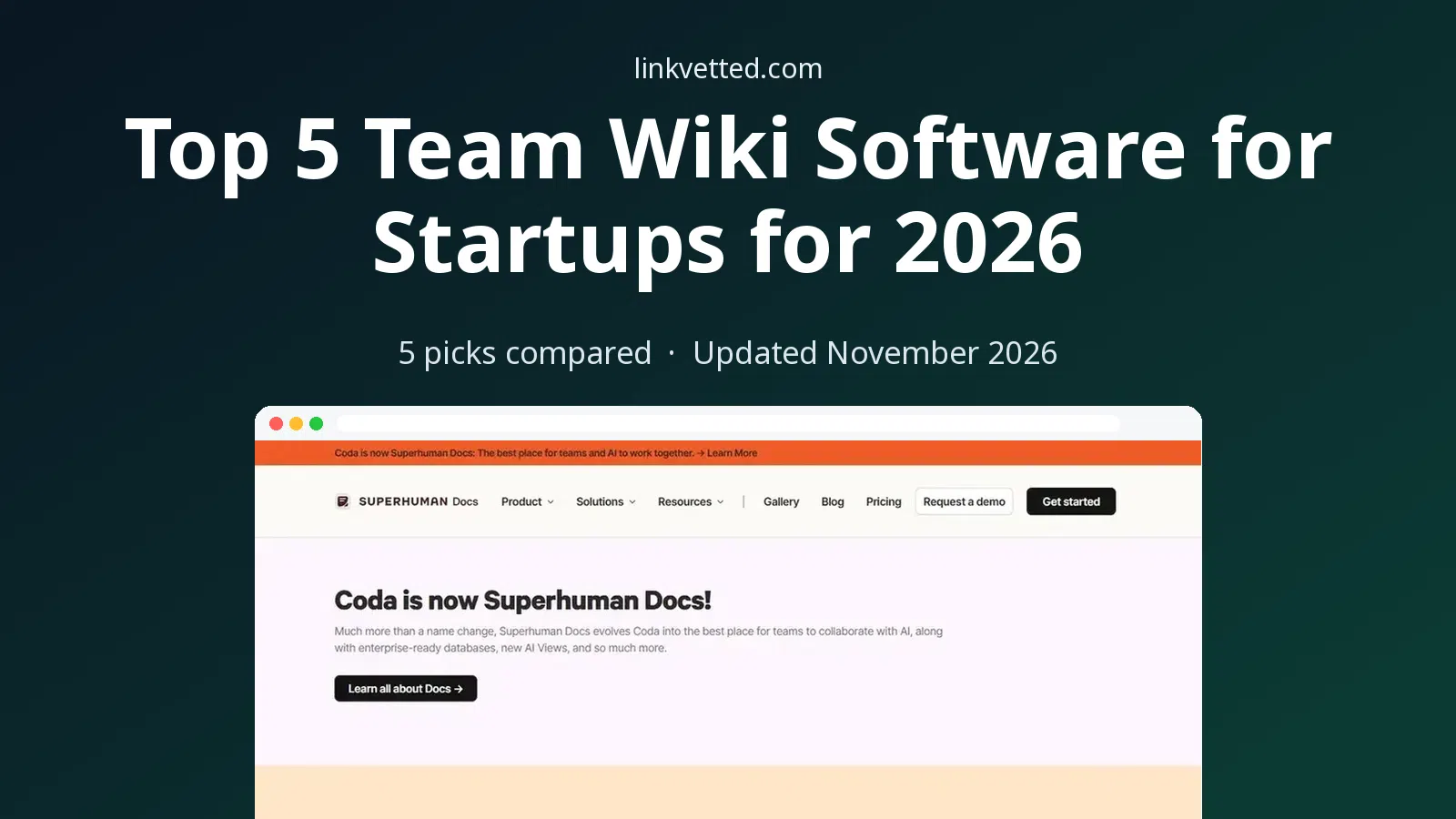
- Editor's choice
 Coda
Blending docs with structured data
Starts atSee websiteVisit coda.ioFull review - Great alternative
 Confluence
Structured knowledge and collaboration
Starts atSee websiteVisit atlassian.comFull review - Also consider
 Notion
All-in-one workspace and wiki
Starts at$10 per member a monthVisit notion.soFull review
Direct answer
Our first pick is Coda, best for blending docs with structured data. Listed starting prices: Notion from $10 per member a month and GitBook from $65 per site a month. Look at Confluence for structured knowledge and collaboration, and at Notion for all-in-one workspace and wiki. The remaining 2 options are covered below with prices and limits.
TL;DR:
- Coda takes the first slot, best suited to blending docs with structured data.
- Confluence comes with a trade-off: can be complicated for small teams.
- Slab suits easy-to-use dedicated wiki.
- Notion is the lowest-priced starter here at $10 per member per month.
Last checked November 2026. Prices and plan details were read from the vendors' own pages in November 2026; vendors change plans often, so confirm the current price on the vendor site before you buy.
Quick comparison
| Tool | Best for | Starts at | Free plan? | |
|---|---|---|---|---|
| Coda | Blending docs with structured data | See website | Not stated | Visit |
| Confluence | Structured knowledge and collaboration | See website | Not stated | Visit |
| Notion | All-in-one workspace and wiki | $10 per member a month | Yes | Visit |
 GitBook | Documentation for humans and AI | $65 per site a month | Yes | Visit |
 Slab | Easy-to-use dedicated wiki | See website | Not stated | Visit |
The full team wiki software for startups list
If you are comparing team wiki software for startups, this page covers 5 tools in one place: what each is best for, what it costs to start, whether it has a free plan, and the main limit to know about.
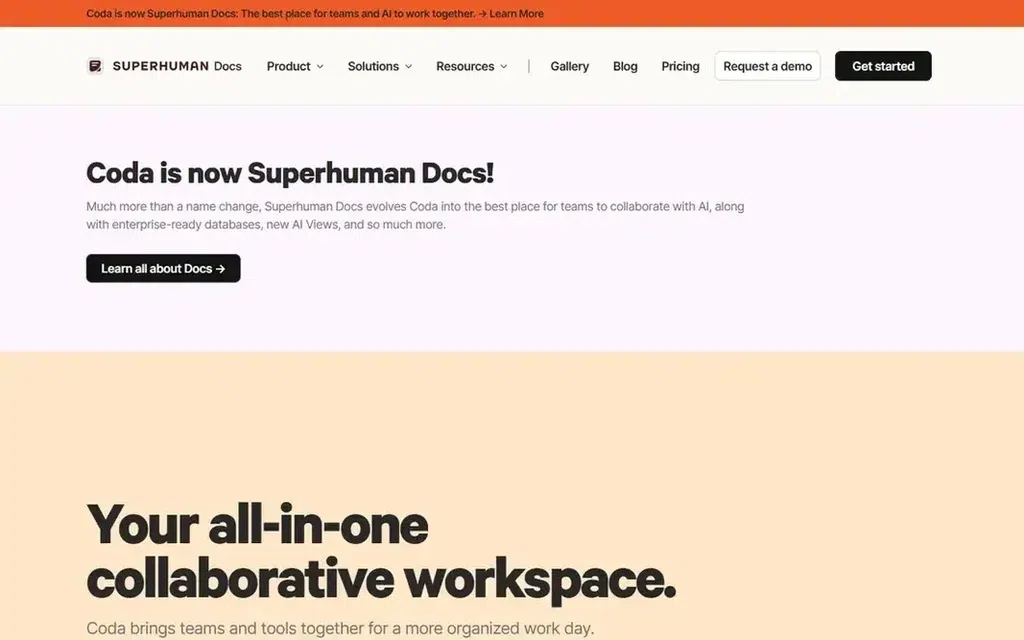
Choose Coda for blending docs with structured data. It works as a wiki but also lets teams build lightweight tools and trackers. Coda's power includes complexity, and teams may need time to learn its building blocks.
Where Coda stands out: Merges docs, spreadsheets, apps.
On top of that, startups that want a wiki with built-in databases and workflows may find Coda appealing. Worth adding: for a more straightforward wiki experience, Slab or Notion might be simpler to adopt. Pricing for Coda is not stated here, so ask the vendor for current figures. Trial and free access: Not stated.
Where it falls short: Steeper ramp-up time.
- Adaptable building blocks
- AI features for automation
- Can become complicated without planning
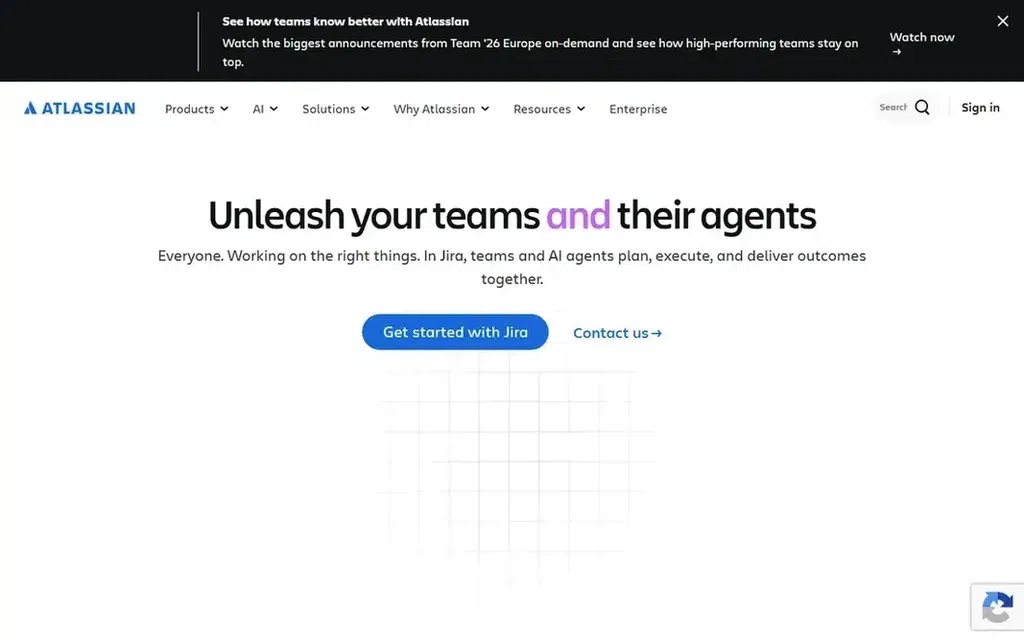
Confluence makes the most sense for structured knowledge and collaboration. Confluence is a team workspace for creating and sharing knowledge, with AI to draft, summarize, and find answers.
What to check first: Can be complicated for small teams.
Worth adding: teams already using other Atlassian products may find it integrates well. If you prefer a lighter, more adaptable tool, consider Notion or Slab. Confluence shows no starting price here, so confirm the cost on the vendor site. As for free access: Not stated.
- Designed for team collaboration
- AI drafting and summarization
- Needs setup and administration
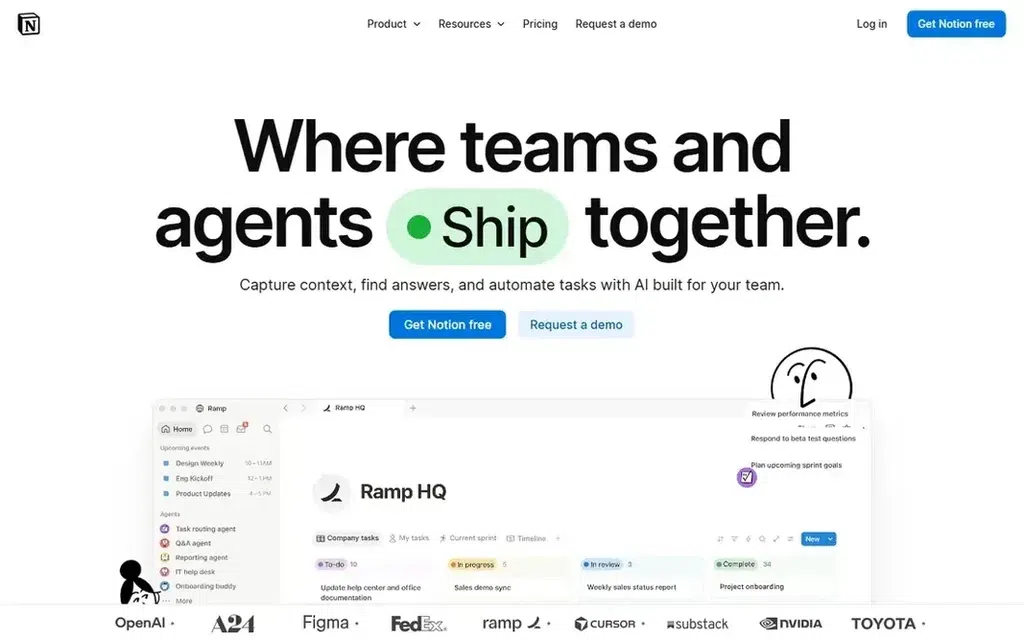
Notion makes the most sense for all-in-one workspace and wiki. Notion is an AI workspace that lets teams build custom agents, search across apps, and automate busywork.
Strengths: Custom agents and automation.
What to check first: Can feel overwhelming for new users.
From a buyer's view, the adaptability means teams must set up their own structure, which can result in messy workspaces without governance. Entry price for Notion: $10 per member per month. Notion includes a free tier.
- AI search across connected apps
- Project tools
- Advanced features need configuration
GitBook makes the most sense for documentation for humans and AI. GitBook is a documentation platform for humans and AI, with built-in MCP that links docs to AI agents and a GitBook Agent that keeps them accurate.
Trade-offs to know: Less suited to general wikis.
On top of that, GitBook is optimized for documentation instead of general team wikis. So it may lack some collaboration features found in Notion or Confluence. Price to start with GitBook: $65 per site per month. A free plan is available with GitBook.
- GitBook Agent keeps docs accurate
- Built-in MCP for AI agents
- May need technical familiarity
Pick Slab if this describes you: easy-to-use dedicated wiki. Slab is knowledge base and wiki software known for simple creation, organization, and numerous integrations.
It is meant to be approachable for both non-technical and tech-savvy teams. More specifically, Slab may not offer the same depth of AI or automation as broader workspaces like Notion or Coda. Pricing for Slab is not stated here, so ask the vendor for current figures. Trial and free access: Not stated.
Where it is weaker: Less emphasis on AI features.
- Suited to technical and non-technical teams
- Straightforward creation and organization
- May lack advanced customization
How we compared the tools
For each of the 5 tools we noted price, free plan or trial, fit for team wiki software for startups and the main limit, using vendor pages and documentation. Plan names, prices and limits change often. Treat the figures here as a starting point and verify them with the vendor. Tools are placed by general fit for team wiki software for startups, with price clarity and free access as tie-breakers. A different team can reasonably rank them differently.
What to confirm before you sign up
- Ask Coda, Confluence and Slab for a written quote, since no starting price is shown.
- Check what the free option really includes: Notion and GitBook offer a free plan, and usage caps differ.
- Before choosing Coda, weigh its main limit: steeper ramp-up time.
- Test how quickly Slab answers a pre-sales question; it hints at how support will feel later.
- Verify that exporting from GitBook is possible on your plan and covers all your records.
FAQ
Which options for team wiki software for startups have a free plan?
Notion and GitBook offer a free plan in this list. Free plans usually cap users, projects or features, so check the limits on the vendor page.
Is Coda the right pick for everyone comparing team wiki software for startups?
No single tool suits every team. Coda comes first because it fits blending docs with structured data, while Confluence suits structured knowledge and collaboration and Notion suits all-in-one workspace and wiki. Match the tool to your own size, budget and workflow before deciding.
What is the best team wiki software for a startup?
For most readers this guide would start with Coda, built for blending docs with structured data. Confluence is the alternative for structured knowledge and collaboration, and Notion for all-in-one workspace and wiki. The right answer depends on budget and workflow.
Do these tools publish their prices?
Not all of them. Coda, Confluence and Slab publish no starting price, so expect a quote request for those. The rest, Notion included, show a starting price, though seats and billing terms still change the final cost.
Can I try these tools before paying?
Often, yes. Notion and GitBook have a free plan. Use your own data and a real task during the test, and check what the free tier or trial limits before you rely on it. Prices, free plan details and limits for all 5 tools in this team wiki software for startups roundup sit on the individual cards above.
How do I choose between a general workspace and a dedicated wiki?
Dedicated wikis like Slab or Confluence offer structure from day one. Consider how much customization you need and whether you want to combine wiki with other tools.
Sources
- https://coda.io
- https://www.atlassian.com/software/confluence
- https://www.notion.so
- https://www.gitbook.com
- https://slab.com