Top 5 Software for Visual Remote Assistance for 2026 (Prices and Free Plans)
Best software for visual remote assistance: 5 tools compared on price, free plans and fit. Each pick comes with its main catch. Pricing and limits included.
- Editor's choice
 Zoho Assist
IT and support team troubleshooting
Starts atSee websiteVisit zoho.comFull review - Great alternativeHelpWire
Straightforward remote support sessions
Starts at$10 per monthVisit helpwire.appFull review - Also consider
 Splashtop
Remote work and support at value
Starts at$6 a monthVisit splashtop.comFull review
Direct answer
Zoho Assist comes first here, mainly for IT and support team troubleshooting. Listed starting prices: HelpWire from $10 per month, Splashtop from $6 a month and RustDesk from $11.88 per month. HelpWire is better for simple remote support sessions, and Splashtop is better for Remote work and support at value. The full list of 5 tools follows, with prices and free plan facts.
TL;DR:
- Top of the list is Zoho Assist, which targets IT and support team troubleshooting.
- TeamViewer Remote fits wide remote access and support.
- A free plan is available from 2 of the 5 tools: HelpWire, RustDesk.
- Starting prices begin at $6 per month with Splashtop.
- What to know about Zoho Assist first: positioned chiefly for IT and support teams.
Last checked November 2026. Prices and plan details were read from the vendors' own pages in November 2026; vendors change plans often, so confirm the current price on the vendor site before you buy.
Quick comparison
| Tool | Best for | Starts at | Free plan? | |
|---|---|---|---|---|
| Zoho Assist | IT and support team troubleshooting | See website | Not stated | Visit |
| HelpWire | Straightforward remote support sessions | $10 per month | Yes | Visit |
| Splashtop | Remote work and support at value | $6 a month | Free trial | Visit |
 RustDesk | Open-source self-hosted remote desktop | $11.88 per month | Yes | Visit |
| TeamViewer Remote | Wide remote access and support | See website | Free trial | Visit |
The best software for visual remote assistance
LinkVetted put together this guide to software for visual remote assistance for readers who want a clear shortlist without reading every vendor page. It compares 5 tools on starting price, free plans, who each one suits and where each one falls short.
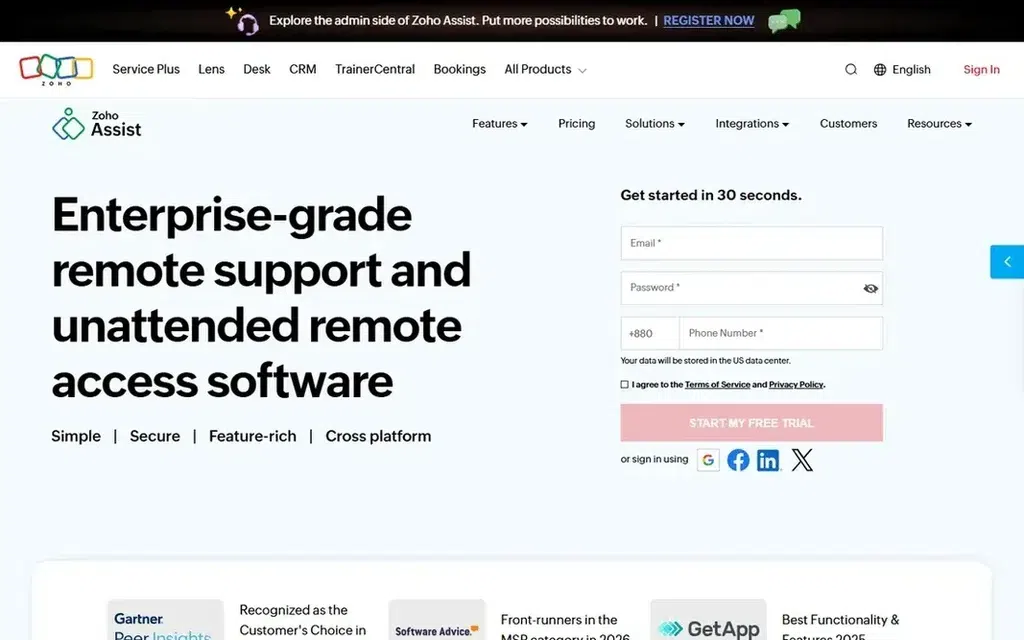
Zoho Assist was built for IT and support team troubleshooting. It lets technicians access, control, and troubleshoot devices from anywhere, which suits managed service providers, internal help desks.
Upsides: Secure.
Support organizations that resolve issues on machines they do not sit in front of. Features and administration depth vary by edition. Zoho Assist does not show a starting price in this comparison, so check the vendor site for current pricing. Free options: Not stated.
The main drawbacks: Fewer general collaboration features.
- Easy-to-use remote desktop
- Made for IT and support workflows
- Positioned chiefly for IT and support teams
HelpWire
Best for: Straightforward remote support sessions
Think of HelpWire for straightforward remote support sessions. It is a reasonable starting point for straightforward visual assistance.
For everyday use, organizations managing plenty of devices may outgrow it. HelpWire starts at: $10 per month. HelpWire has a free plan.
What works well: quick remote desktop support. Points against: Less suited to large-scale IT management.
- Straightforward
- Targeted at companies and home users
- Narrower feature set than platforms
Pick Splashtop if this describes you: Remote work and support at value. Splashtop supplies quick and secure options for remote work, remote support, remote learning, and more. As for the details, the vendor positions the product around value and satisfaction for remote access use.
Compare carefully against Zoho Assist if support workflows are the priority. On top of that, teams wanting a tightly focused visual support tool may find it broader than necessary. Splashtop pricing: $6 per month. Free plan details: Free trial.
Limits to weigh: Feature mix varies by product line.
- Markets itself on speed and security
- Includes work, support, learning
- Less centred on pure visual assistance
Pick RustDesk if this describes you: open-source self-hosted remote desktop. RustDesk is open-source remote desktop software made for use with your own self-hosted server.
Limits to weigh: Self-hosting needs technical effort.
For everyday use, running your own server demands technical knowledge and continuing maintenance, which can be a burden for small teams. RustDesk cost at the entry level: $11.88 per month. Free access exists with RustDesk.
- Open-source remote desktop software
- Supports your own self-hosted server
- Fewer managed support features
TeamViewer Remote
Best for: Wide remote access and support
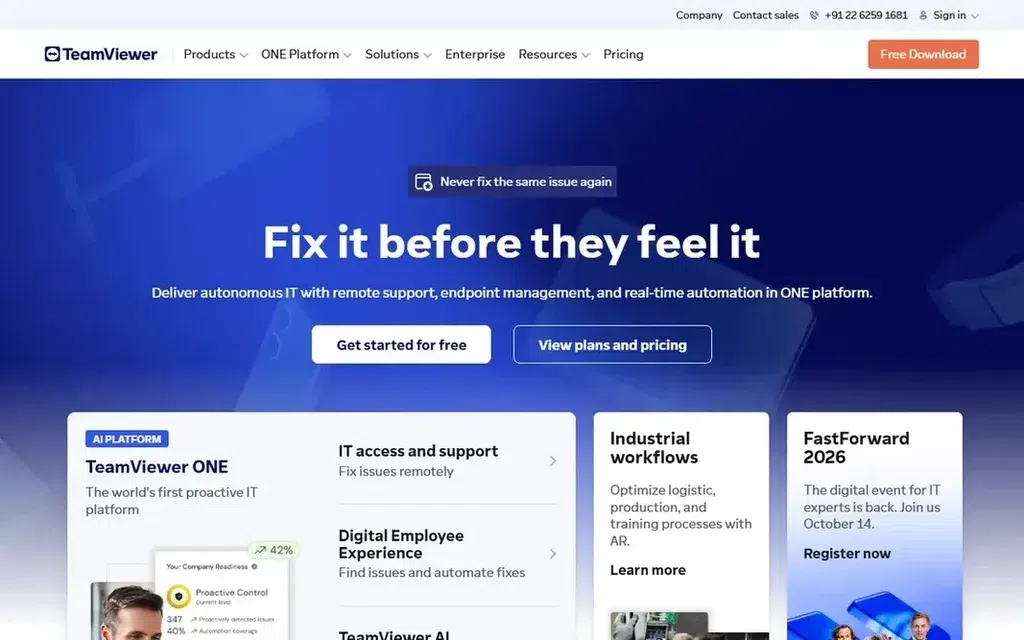
Where TeamViewer Remote fits: wide remote access and support. TeamViewer Remote is a digital workplace platform built around remote desktop access.
Since it aims at the digital workplace, the feature set is wide and may feel heavy for someone who only needs occasional screen sharing. Setup and administration can take more effort than lighter tools. This comparison lists no price for TeamViewer Remote; ask the vendor. On free options: Free trial.
What to check first: Some capabilities rely on the edition.
- Remote desktop access and control
- Works across typical desktop products
- Feature depth can overwhelm casual users
Selection criteria
Before you commit
- Ask Zoho Assist and TeamViewer Remote for a written quote, since no starting price is shown.
- Look at free plan limits closely: HelpWire and RustDesk have one, and the caps decide whether it is usable for real work.
- Use real work to test the free trial from Splashtop and TeamViewer Remote, rather than a demo project.
- Before choosing Zoho Assist, weigh its main limit: positioned primarily for IT and support teams.
- Confirm that RustDesk connects to the apps your team already uses, on the plan you would actually buy.
- Test how quickly TeamViewer Remote answers a pre-sales question; it hints at how support will feel later.
FAQ
Can I self-host a remote assistance tool?
RustDesk is open-source remote desktop software aimed at use with your own self-hosted server. That makes it a fit for organizations that want control over their connection infrastructure, though it needs technical effort to maintain.
Which options for software for visual remote assistance have a free plan?
On this list, HelpWire and RustDesk include a free plan. Caps on seats, usage or features are common, so test the free plan against your real workload. Several others offer a trial instead.
Is Zoho Assist the right pick for everyone comparing software for visual remote assistance?
No single tool suits every team. Zoho Assist comes first because it fits IT and support team troubleshooting, while HelpWire suits simple remote support sessions and Splashtop suits Remote work and support at value. Match the tool to your own size, budget and workflow before deciding.
What is the cheapest option for software for visual remote assistance in this list?
On published monthly entry prices, Splashtop is the lowest here at $6 per month. Entry price is only part of the cost, because seats, add-ons and billing terms can change the total. For the full picture, the cards above cover all 5 entries of this software for visual remote assistance list, including price, free plan and limits.
Is a straightforward tool enough for occasional support?
HelpWire centres on straightforward, quick remote desktop support for firms and home users on Windows, macOS, and Linux. On top of that, if you only help people occasionally, a straightforward tool like that may handle your needs without added complexity.
Can I try these tools before paying?
Often, yes. HelpWire and RustDesk have a free plan and Splashtop and TeamViewer Remote offer a free trial. Use your own data and a real task during the test, and check what the free tier or trial limits before you rely on it.
Sources
- https://www.zoho.com/assist
- https://www.helpwire.app
- https://www.splashtop.com
- https://rustdesk.com
- https://www.teamviewer.com