Top 5 Personal Wiki Software for Researchers for 2026 (Prices and Free Plans)
Best personal wiki software for researchers: 5 tools compared on price, free plans and fit. Costs and caveats sit beside each pick. Refreshed for 2026.
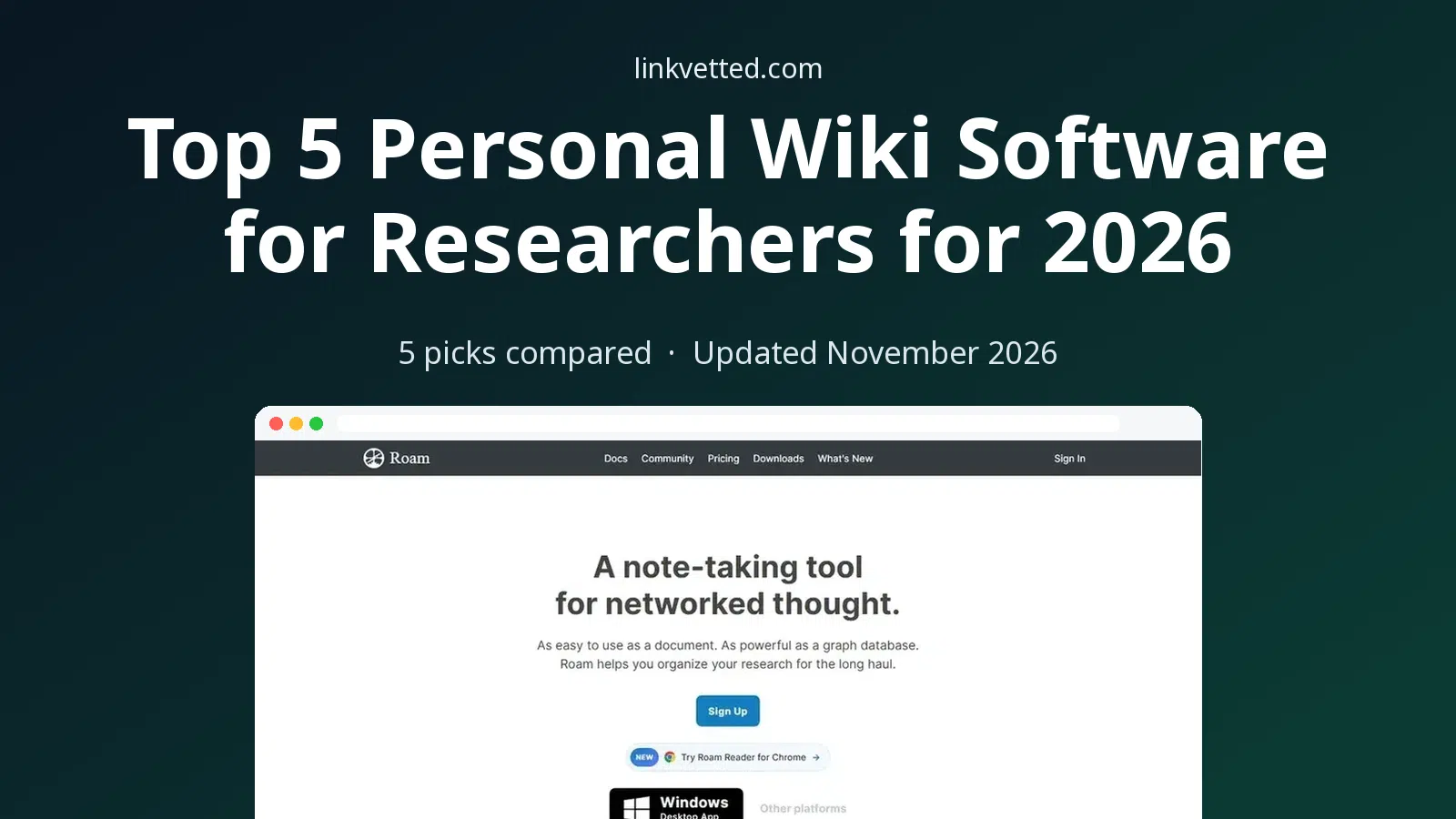
- Editor's choiceRoam Research
Networked thought and idea connection
Starts atSee websiteVisit roamresearch.comFull review - Great alternative
 Craft
Refined notes across devices
Starts at$4.8 per monthVisit craft.doFull review - Also consider
 Notion
All-in-one research workspace
Starts at$10 per member a monthVisit notion.soFull review
Direct answer
Roam Research comes first here, mainly for networked thought and idea connection. Listed starting prices: Craft from $4.8 per month, Notion from $10 per member a month and Obsidian from $4 per user per month. Craft is the stronger choice for refined notes across devices, while Notion suits all-in-one research workspace. Prices, free plans and limits for all 5 tools follow.
TL;DR:
- Roam Research is the opening pick, best for networked thought and idea connection.
- Obsidian fits private linked-notes knowledge base.
- Starting prices begin at $4 per user per month with Obsidian.
- 3 of 5 tools offer a free plan: Craft, Notion, Obsidian.
Last checked November 2026. Prices and plan details were read from the vendors' own pages in November 2026; vendors change plans often, so confirm the current price on the vendor site before you buy.
Quick comparison
| Tool | Best for | Starts at | Free plan? | |
|---|---|---|---|---|
| Roam Research | Networked thought and idea connection | See website | Not stated | Visit |
| Craft | Refined notes across devices | $4.8 per month | Yes | Visit |
| Notion | All-in-one research workspace | $10 per member a month | Yes | Visit |
 Logseq | Open-source, privacy-first knowledge base | See website | Not stated | Visit |
 Obsidian | Private linked-notes knowledge base | $4 per user per month | Yes | Visit |
Our 5 personal wiki software for researchers
LinkVetted compared 5 personal wiki software for researchers. The goal is a practical shortlist: published prices, free plan facts, best-fit use cases and honest limits for every entry.
Roam Research
Best for: Networked thought and idea connection
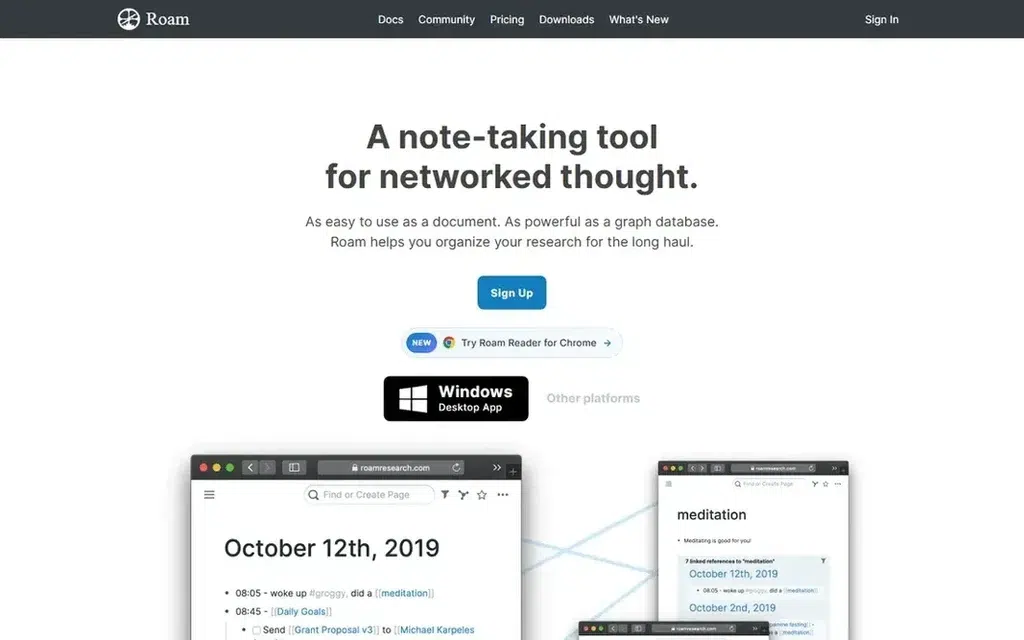
Choose Roam Research for networked thought and idea connection. Roam Research is a note taking tool for networked thought, meant to feel as simple as a word document whereas connecting related ideas like a graph database. Researchers who think in fragments and daily notes commonly find it natural for capturing observations and linking them later.
It also supports live collaboration or storing data locally. In practice, the networked model can confuse people who expect folders and page hierarchies, and heavy linking takes discipline to stay handy. Roam Research shows no starting price here, so confirm the cost on the vendor site. As for free access: Not stated.
Trade-offs to know: Unconventional structure for newcomers.
- Graph-style linking of related ideas
- Local storage choice for data
- Less suited to formal document drafting
For refined notes across devices, Craft is a natural candidate. Craft is a productivity app for notes, tasks and docs that follows you across all your devices, with premium features available.
Downsides: Less emphasis on graph-style linking.
Where it shines: Notes. In daily use, pick a graph-oriented or open-source tool if connecting many small ideas matters more than document presentation. Starting cost for Craft: $4.8 per month. Craft includes a free tier.
- Document-style note editing
- Clean
- Some features gated behind premium
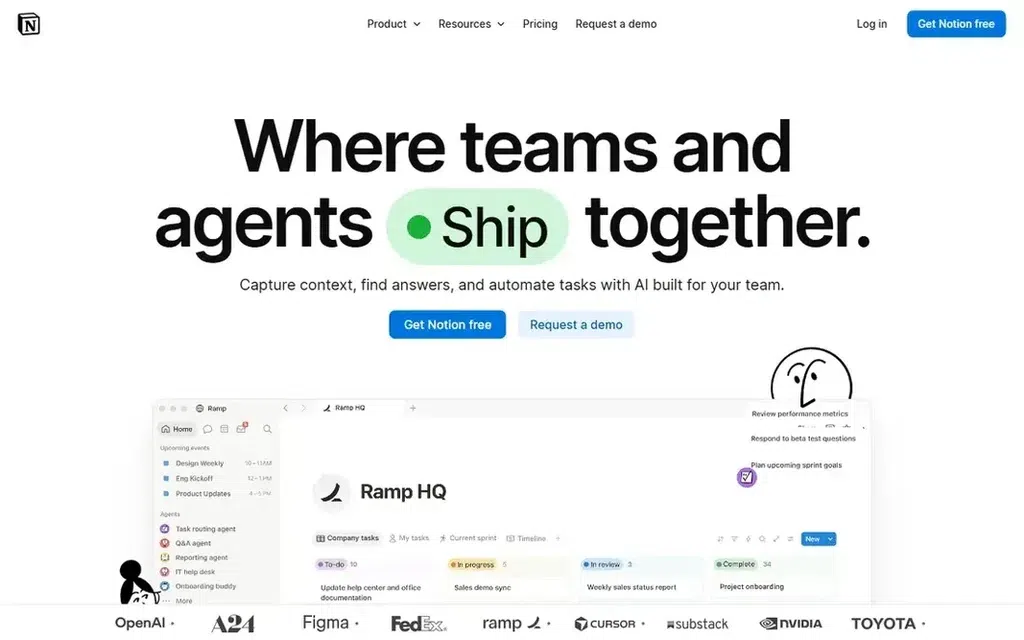
Pick Notion if this describes you: all-in-one research workspace. For researchers it works as a hub where literature notes, project pages and task lists live side by side.
Worth adding: the adaptability is also the limit: a blank workspace can stall anyone who wants a ready-made research method. The AI features rely on connected services. Notion starts at: $10 per member per month. Notion includes a free tier.
Strengths: Pages.
Watch-outs: Needs an account and connectivity.
- Databases and views in one place
- Custom agents and cross-app search
- Can feel heavy for straightforward note taking
Logseq makes the most sense for open-source, privacy-first knowledge base. Logseq is a privacy-first, open-source system for knowledge management and collaboration.
Limits to weigh: Interface may feel unfamiliar at first.
From a buyer's view, being open-source, it leans on community momentum instead of a large commercial feature set. The outliner approach is not for everyone. This comparison lists no price for Logseq; ask the vendor. Free access: Not stated.
- Outliner-style note structure
- Knowledge management and collaboration
- Fewer refined extras than commercial suites
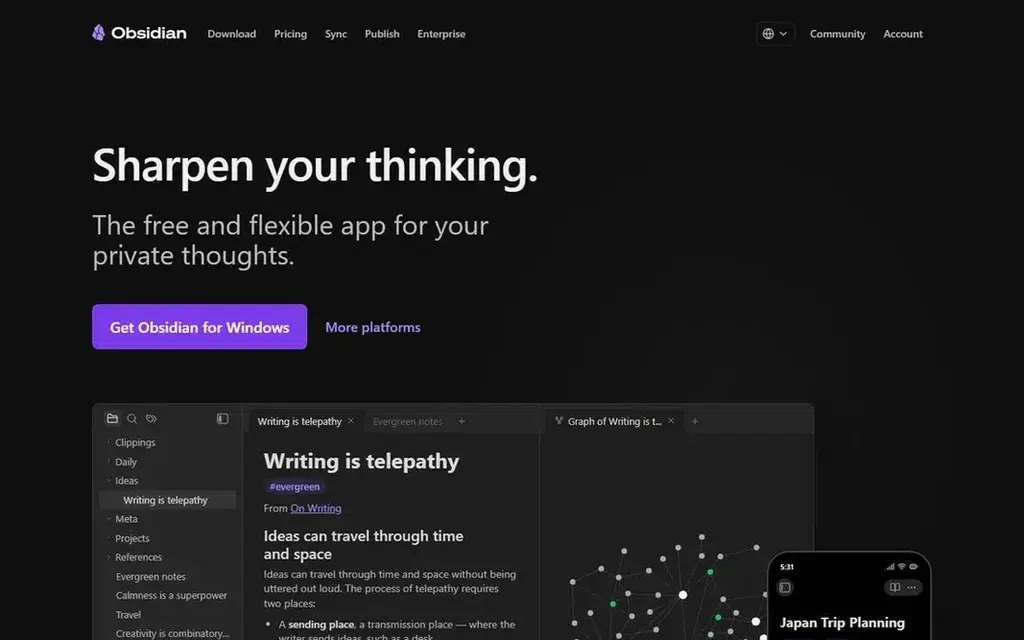
For private linked-notes knowledge base, Obsidian is a natural candidate. Obsidian describes itself as the free and adaptable app for your private thoughts. It appeals to anyone who prefers owning their files and shaping a personal knowledge base without a rigid structure.
Main advantages: Solid linking between notes.
In daily use, since adaptability is the selling point, new users may spend time deciding on folders, links and plugins before writing. More specifically, choose a more guided tool if you want built-in databases or collaboration from day one, or if you would rather not handle your own file organization. Entry price for Obsidian: $4 per user per month. A free plan is available with Obsidian. Limits to weigh: Advanced features need configuration.
- Notes stored as local files
- Plugin-driven setup
- Setup and structure are up to you
How we chose
For each of the 5 tools we noted price, free plan or trial, fit for personal wiki software for researchers and the main limit, using vendor pages and documentation. Figures are shown as the vendors publish them. Billing terms, seat minimums and add-ons can change the real cost. Position on the page reflects fit for a typical buyer first, with price clarity and free access breaking ties. Treat it as a guide, not a ruling.
Things to verify first
- Ask Roam Research and Logseq for a written quote, since no starting price is shown.
- Read the fine print on the free plans from Craft, Notion and Obsidian; seat, project and feature caps differ.
- Read the limits listed for Roam Research first: unconventional structure for newcomers.
- Get the contract term, renewal terms and any onboarding fees from Logseq in writing.
- Check the support hours and onboarding help Obsidian offers; smaller vendors vary a lot here.
FAQ
What should I check before committing to a wiki tool?
Look at where notes are stored, how export and backup work, and whether collaboration suits your team. Also confirm offline access and sync behavior, since these affect fieldwork and long-term archiving.
Can I try these tools before paying?
Often, yes. Craft, Notion and Obsidian have a free plan. Use your own data and a real task during the test, and check what the free tier or trial limits before you rely on it.
Is Roam Research the right pick for everyone comparing personal wiki software for researchers?
No single tool suits every team. Roam Research comes first because it fits networked thought and idea connection, while Craft suits polished notes across devices and Notion suits all-in-one research workspace. Match the tool to your own size, budget and workflow before deciding.
Do these tools publish their prices?
Not all of them. Roam Research and Logseq publish no starting price, so expect a quote request for those. The rest, Craft included, show a starting price, though seats and billing terms still change the final cost.
What is the cheapest option for personal wiki software for researchers in this list?
On published monthly entry prices, Obsidian is the lowest here at $4 per user per month. Entry price is only part of the cost, because seats, add-ons and billing terms can change the total. For the full picture, the cards above cover all 5 entries of this personal wiki software for researchers list, including price, free plan and limits.
Sources
- https://roamresearch.com
- https://www.craft.do
- https://www.notion.so
- https://logseq.com
- https://obsidian.md