Choosing Personal Wiki for Writers in 2026: 5 Options Compared
5 best personal wiki for writers, with entry costs, free tiers and the buyer each one serves. Concise write-ups of every option. Full profiles inside.
- Editor's choice
 Microsoft OneNote
Free-form notebooks across devices
Starts atSee websiteVisit onenote.comFull review - Great alternative
 Obsidian
Linked notes stored as local files
Starts at$4 per user per monthVisit obsidian.mdFull review - Also consider
 Craft
Refined notes and documents
Starts at$4.8 a monthVisit craft.doFull review
Direct answer
Microsoft OneNote is the first pick on this list for free-form notebooks across devices. Listed starting prices: Obsidian from $4 per user per month, Craft from $4.8 a month and Notion from $10 per member per month. Obsidian is better for linked notes stored as local files, and Craft is better for polished notes and documents. The full list of 5 tools follows, with prices and free plan facts.
TL;DR:
- Top of the list is Microsoft OneNote, which targets free-form notebooks across devices.
- Free plans exist at 4 of 5 tools (Obsidian, Craft, Evernote, Notion).
- For all-in-one wiki and writing workspace, Notion is worth a look.
- Obsidian is the lowest-priced starter here at $4 per user per month.
Last checked November 2026. Prices and plan details were read from the vendors' own pages in November 2026; vendors change plans often, so confirm the current price on the vendor site before you buy.
Quick comparison
| Tool | Best for | Starts at | Free plan? | |
|---|---|---|---|---|
| Microsoft OneNote | Free-form notebooks across devices | See website | Not stated | Visit |
| Obsidian | Linked notes stored as local files | $4 per user per month | Yes | Visit |
| Craft | Refined notes and documents | $4.8 a month | Yes | Visit |
 Evernote | Capturing and prioritizing ideas | See website | Yes | Visit |
 Notion | All-in-one wiki and writing workspace | $10 per member per month | Yes | Visit |
The best personal wiki for writers
Choosing personal wiki for writers usually comes down to price, fit and limits. This LinkVetted guide sets 5 tools side by side on those three points, with the facts kept short and checkable.
Microsoft OneNote serves free-form notebooks across devices. Microsoft OneNote lets you capture ideas, organize notes, clip web content and collaborate from any device.
Its notebook and section model hands writers a familiar place to file research, scene notes and outlines. Microsoft OneNote shows no starting price here, so confirm the cost on the vendor site. As for free access: Not stated.
Honest limits: Linking between notes is entry-level.
- Available on plenty of devices
- Notebook and section structure
- Layout control is restricted

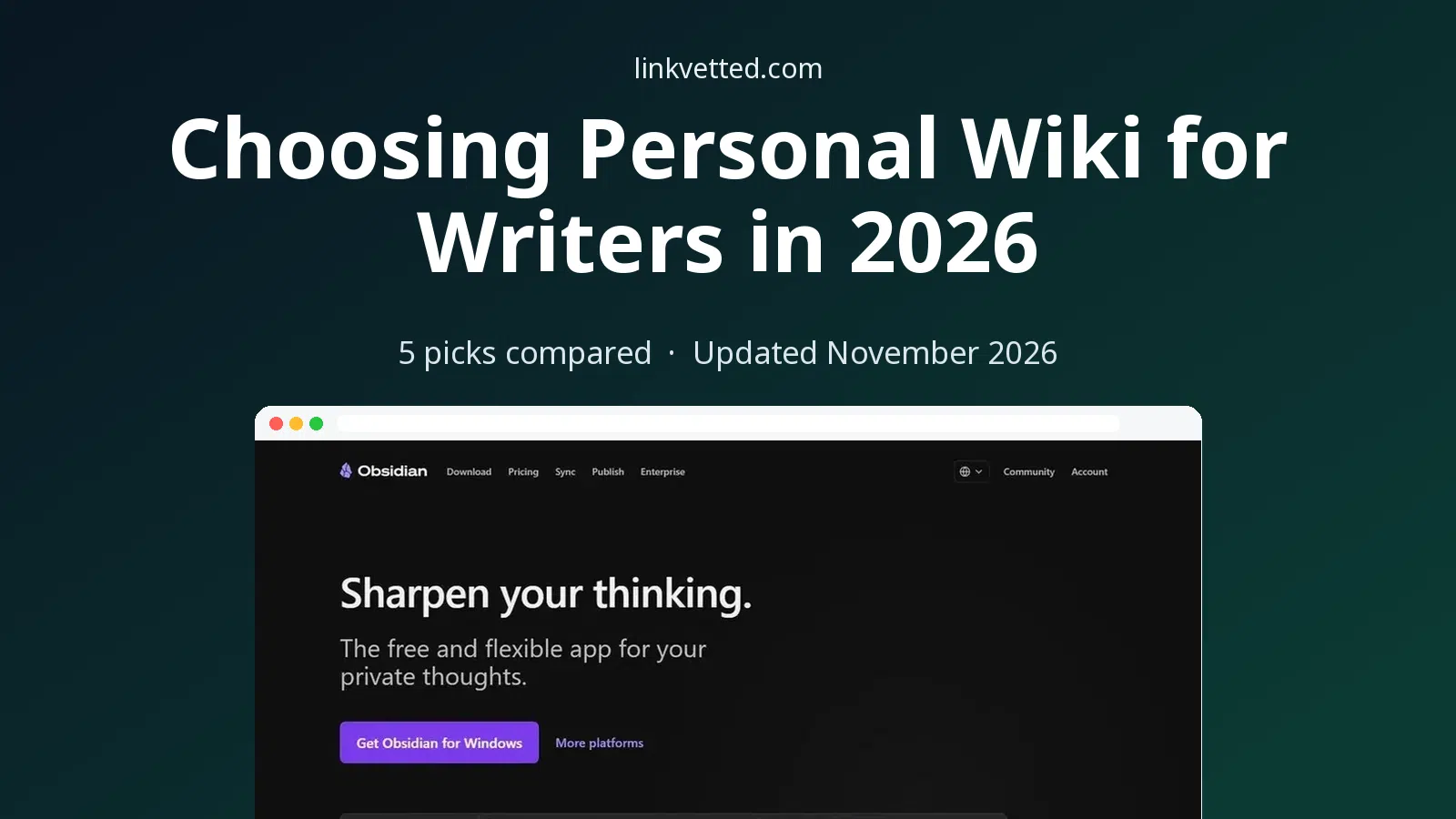
For linked notes stored as local files, Obsidian is a natural candidate. Writers can build a personal wiki where characters, sources and ideas link through links. More specifically, the linking model rewards consistent habits, and a wiki can become messy without some structure.
It is not designed for manuscript formatting or long-form layout. Pick Obsidian when connected notes matter more than publishing-ready output. Obsidian starts at: $4 per user per month. You can start on Obsidian without paying.
What to check first: Less suited to formal manuscript layout.
- Notes stored locally as plain files
- Private by design for personal thinking
- Linking takes deliberate setup
Choose Craft for refined notes and documents. Craft is a notes and productivity app for documents and tasks that follows you across devices. In daily use, Craft leans toward document-style notes instead of a deeply linked wiki, and some capabilities sit behind premium features.
What users get: Takes care of tasks alongside notes.
Downsides: Some features are premium. Beyond that, writers needing heavy cross-referencing may want a more graph-oriented tool. In daily use, pick Craft for refined, readable pages. Starting cost for Craft: $4.8 per month. You can start on Craft without paying.
- Clean
- Syncs across devices
- Less graph-style linking
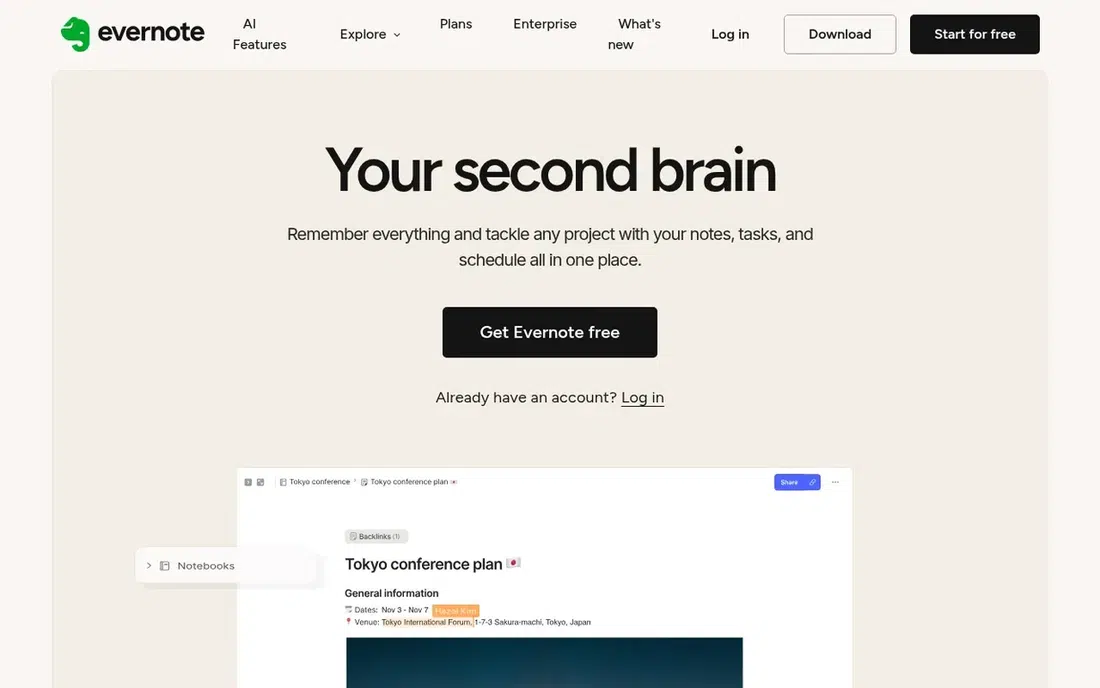
Evernote is aimed squarely at capturing and prioritizing ideas. For writers it does well as an inbox for fragments, interview notes and web clippings that later feed a draft. On top of that, choose it when fast capture and task tracking are the priority.
Long manuscript drafting is better handled elsewhere. Evernote is organized around notes and notebooks instead of a densely linked wiki, so deep cross-referencing is restricted. Pricing for Evernote is not stated here, so ask the vendor for current figures. You can start on Evernote without paying.
Trade-offs to know: Interface favors notes over long drafts.
- Web clipping for research
- Organizes projects and to-do lists
- Less adaptable as a linked wiki
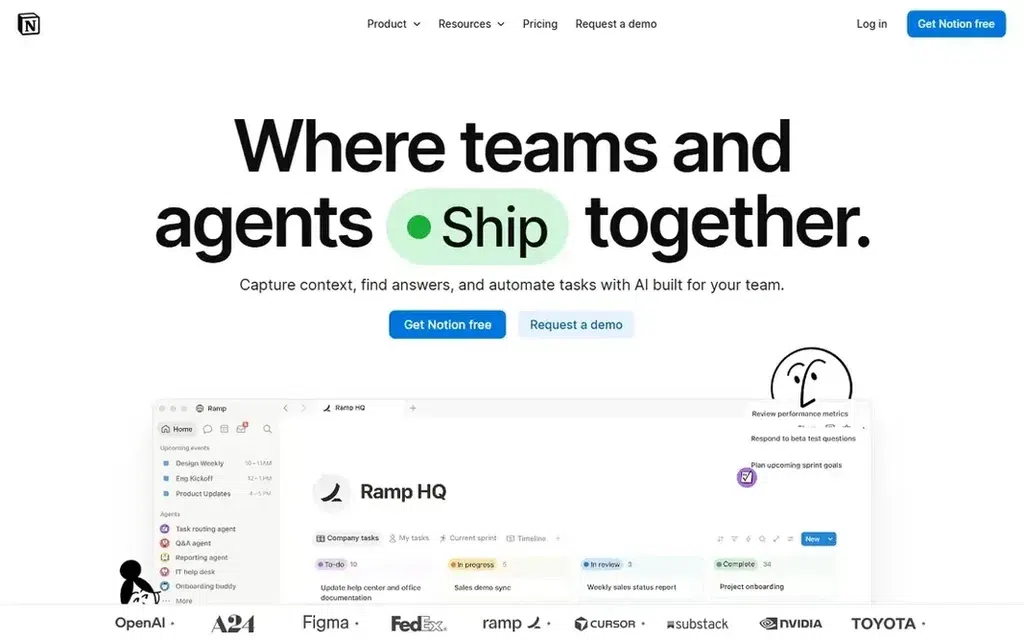
Notion is built with all-in-one wiki and writing workspace in mind. Notion is an AI workspace that merges notes, docs, databases and search across connected apps.
Watch-outs: Needs internet for full use.
As for the details, for writers it works as a hub: a wiki for research, a database for sources and outlines, and pages for drafts. Also, choose Notion when organizing research and notes matters as much as the drafting itself. What you pay to start with Notion: $10 per member per month. Free access exists with Notion.
Reasons to shortlist it: Pages.
- Adaptable structure for projects and research
- Databases and search in one place
- Can feel complicated to set up
How these tools were picked
LinkVetted looked at what each vendor publishes: pricing, plan limits, feature coverage for personal wiki for writers and stated drawbacks. No hands-on testing is claimed. Treat prices as a snapshot: vendors change plans often, so check the vendor site for the figure that applies today. The order reflects how well each tool fits the most common buying scenario for personal wiki for writers, then price clarity, then free plan access. It is a starting point, not a verdict.
What to confirm before you sign up
- Get a written quote from Microsoft OneNote and Evernote; the list shows no starting price for them.
- Look at free plan limits closely: Obsidian, Craft, Evernote and Notion have one, and the caps decide whether it is usable for real work.
- Read the limits listed for Microsoft OneNote first: linking between notes is entry-level.
- Ask Microsoft OneNote whether prices are locked for the first term and what happens at renewal.
- Run a one or two week pilot of Obsidian with the people who will use it every day.
FAQ
Can I try these tools before paying?
Often, yes. Obsidian, Craft, Evernote and Notion have a free plan. Use your own data and a real task during the test, and check what the free tier or trial limits before you rely on it.
Which options for personal wiki for writers have a free plan?
On this list, Obsidian, Craft, Evernote and Notion include a free plan. Caps on seats, usage or features are common, so test the free plan against your real workload.
Do these tools publish their prices?
Not all of them. Microsoft OneNote and Evernote publish no starting price, so expect a quote request for those. The rest, Obsidian included, show a starting price, though seats and billing terms still change the final cost. For the full picture, the cards above cover all 5 entries of this personal wiki for writers list, including price, free plan and limits.
How are the tools for personal wiki for writers ordered?
The order follows typical fit for personal wiki for writers, with Microsoft OneNote first and Notion last, then price clarity and free access. It is editorial judgement, not a score, so another team could rank the tools differently.
What makes a decent personal wiki for writers?
Look for dependable search, sensible linking and straightforward export so your work is not locked in. The best choice relies on whether you prioritize linked ideas or long-form drafting.
Sources
- https://www.onenote.com
- https://obsidian.md
- https://www.craft.do
- https://evernote.com
- https://www.notion.so