Top 5 Document Assembly Software Options for 2026, Compared
Weighing the best document assembly software? We lined up 5 products by cost, free access and fit. Each profile ends with a plain caveat. Straight answers.
- Editor's choice
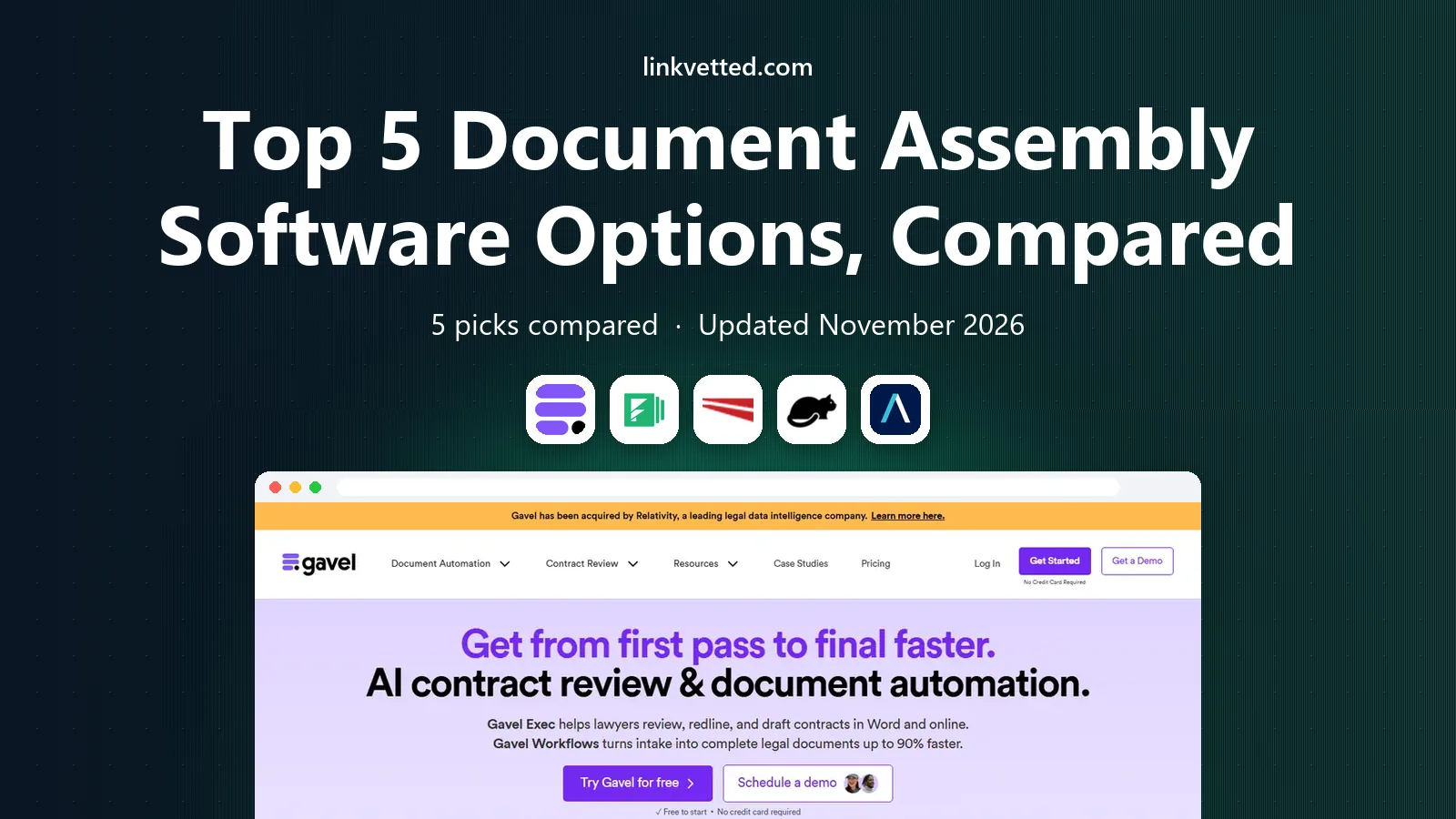
 Gavel
Law businesses that want no-code automation with client-facing interviews
Starts atSee website (from $83/month reported)Visit gavel.ioFull review - Great alternative
 Formstack Documents
Companies that want documents generated from forms and app data
Starts atSee website (from $29/month reported)Visit formstack.comFull review - Also consider
 Pathagoras
Solo lawyers who live in Microsoft Word and want a one-time purchase
Starts atSee website ($379 one-time per user reported)Visit pathagoras.comFull review
Direct answer
Gavel leads the list, best for law businesses that want no-code automation with client-facing interviews. If your case is different, Formstack Documents suits firms that want documents generated from forms and app data and Pathagoras suits solo lawyers who live in Microsoft Word and want a one-time purchase. All 5 tools are compared below on price, free plan and limits.
TL;DR:
- Gavel sits first on this list: law businesses that want no-code automation with client-facing interviews.
- Starting prices begin at See website with Formstack Documents.
- Docassemble is the only tool of the 5 with a free plan.
- One limit worth knowing about Gavel: legal-market focus limits general business use.
- HotDocs is the one to check for large law businesses and enterprises with complicated document needs.
Quick comparison
| Tool | Best for | Starts at | Free plan? | |
|---|---|---|---|---|
| Gavel | Law businesses that want no-code automation with client-facing interviews | See website (from $83/month reported) | Free trial | Visit |
| Formstack Documents | Companies that want documents generated from forms and app data | See website (from $29/month reported) | Free trial | Visit |
| Pathagoras | Solo lawyers who live in Microsoft Word and want a one-time purchase | See website ($379 one-time per user reported) | No | Visit |
 Docassemble | Technical teams and legal aid organizations that want free, open-source assembly | Free (open source, self-hosted) | Yes | Visit |
 HotDocs | Large law businesses and enterprises with complicated document needs | See website (enterprise pricing, quoted) | No | Visit |
Tool-by-tool breakdown
Short on time? The summary and table above give the quick view of 5 tools for document assembly software, and the profiles that follow give the detail behind each entry.
Gavel
Best for: Law businesses that want no-code automation with client-facing interviews

Think of Gavel for law businesses that want no-code automation with client-facing interviews. Gavel, formerly Documate, rebranded in 2023 to handle the full legal automation workflow. On top of that, the pitch is no-code: build a guided interview in the browser, let clients answer questions online, and get a finished document without touching Word fields.
Also, the trade is depth for speed: Gavel gets a working automation live quick. But the most intricate HotDocs-style logic is not its game. Integrations with Clio and DocuSign fit the modern small-firm stack. Businesses also use it to productize services, turning repeat work into automatic legal products clients can buy straight. This comparison lists no price for Gavel; ask the vendor. Free options: Free trial.
Where it falls short: Logic depth trails HotDocs.
- No-code browser builder
- Client-facing questionnaires and sellable legal products
- Legal-market focus limits general business use
Formstack Documents
Best for: Companies that want documents generated from forms and app data
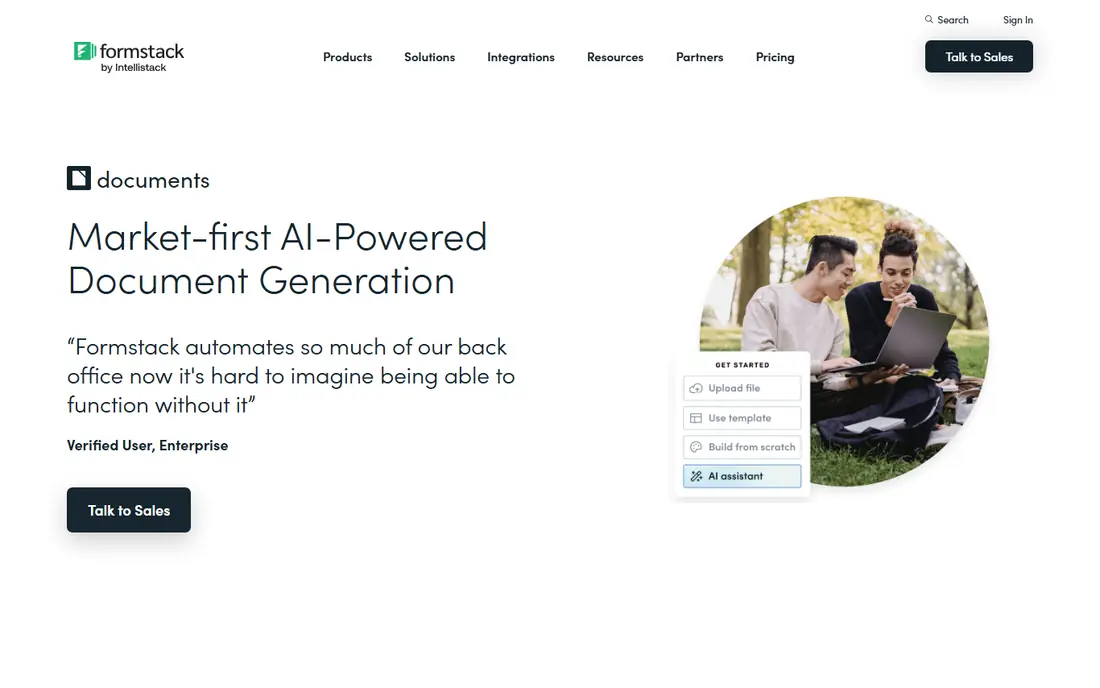
Think of Formstack Documents for companies that want documents generated from forms and app data. For ops teams instead of law businesses, it is the practical pick. Note the branding: Formstack now sits under Intellistack, so the name on the invoice may differ.
On top of that, with 100-plus integrations, it suits operations teams producing invoices, proposals, contracts and reports from systems they already use. From a buyer's view, link a form, a CRM or a spreadsheet, map the fields into a template, and finished PDFs or Word files create automatically. This comparison lists no price for Formstack Documents; ask the vendor. Free access: Free trial.
Trade-offs to know: Generation-focused, with lighter interview depth.
Best features of Formstack Documents: Merges data from forms.
- Part of the wider Formstack product
- CRMs and 100-plus integrations
- Document volume capped by level
Pathagoras
Best for: Solo lawyers who live in Microsoft Word and want a one-time purchase

Choose Pathagoras for solo lawyers who live in Microsoft Word and want a one-time purchase. Pathagoras takes the opposite approach from the cloud tools: it lives inside Microsoft Word.
Limits to weigh: One-time model means paying for major upgrades.
In practice, the trade is system: it is a Word add-in, so browser-first teams and Mac users are out of luck, and the interface presents its age. For everyday use, you mark up existing documents with plain-English variables, build clause libraries, and assemble by answering questions in a sidebar. No starting price is listed for Pathagoras here; confirm pricing on the vendor site. Pathagoras has no free plan.
- Plain-English variable system
- One-time license with no subscription
- Word on Windows only
Docassemble
Best for: Technical teams and legal aid organizations that want free, open-source assembly
Where Docassemble fits: technical teams and legal aid organizations that want free, open-source assembly. Free means self-hosted and self-supported.
Courts, legal aid organizations and law school clinics run real public services on it, which says plenty about its reliability. On cost, Docassemble starts like this: Free. Free access exists with Docassemble.
What to check first: No vendor support contract.
- Fully free to use
- Guided interviews defined in YAML with Python underneath
- Needs a developer to set up and maintain
HotDocs
Best for: Large law businesses and enterprises with complicated document needs
HotDocs makes the most sense for large law businesses and enterprises with complicated document needs. Templates carry serious conditional logic: nested conditions, computed variables, repeating sections, and data pulled from practice management systems. In practice, when a document has fifty branching paths and the wrong clause is a liability, this is the engine businesses trust.
Limits to weigh: Heavy for small teams.
It is enterprise software sold the enterprise way. For everyday use, pricing is quoted, implementation is a project, and a solo practice will find it heavy. No starting price is listed for HotDocs here; confirm pricing on the vendor site. HotDocs has no free plan.
- Deepest template logic on this list
- On-premise and cloud deployment
- Acquired by Mitratech in 2024, so confirm the roadmap
What went into this list
We compared the tools on published pricing, free plan or trial availability, feature coverage for document assembly software, and the limits each vendor documents. Prices and plan limits come from vendor pages and can change, so confirm them on the vendor site before you buy. The ranking is editorial: typical fit first, then clear pricing, then free access. If your needs are unusual, read the profiles rather than relying on position.
Questions to settle before buying
- Ask Gavel, Formstack Documents, Pathagoras and HotDocs for a written quote, since no starting price is shown.
- Test the free plan from Docassemble against your real workload before relying on it.
- Run a trial of Gavel and Formstack Documents with real work before paying for a year; your own workflow is the best test.
- Before choosing Gavel, weigh its main limit: legal-market focus limits general business use.
- Before you load data into Gavel, check what an export looks like and who can run it.
- A short pilot of Formstack Documents with your real workflow tells you more than a feature table.
FAQ
Which options for document assembly software have a free plan?
Docassemble is the only tool in this list with a free plan. Free plans usually cap users, projects or features, so check the limits on the vendor page. Several others offer a trial instead.
Is Gavel the right pick for everyone comparing document assembly software?
No single tool suits every team. Gavel comes first because it fits law firms that want no-code automation with client-facing interviews, while Formstack Documents suits businesses that want documents generated from forms and app data and Pathagoras suits solo lawyers who live in Microsoft Word and want a one-time purchase. Match the tool to your own size, budget and workflow before deciding.
Do these tools publish their prices?
Not all of them. Gavel, Formstack Documents, Pathagoras and HotDocs publish no starting price, so expect a quote request for those. The rest, Docassemble included, show a starting price, though seats and billing terms still change the final cost.
How are the tools for document assembly software ordered?
Gavel sits first and HotDocs last because the order follows typical fit for document assembly software, then price clarity and free access. It is a judgement call, so read each profile for fit and limits.