Top Workflow Automation Software Comparison in 2026: 8 Tools Compared
Our top workflow automation software comparison for 2026 covers Zapier, Make, n8n and more, with pricing, strengths and advice for teams of every size.
- Editor's choice
 Zapier
Widest app coverage with easy setup
Starts atFreeVisit zapier.comFull review - Great alternative
 Make
Visual workflows at low cost
Starts atFreeVisit make.comFull review - Also consider
 n8n
Self hosting and developer control
Starts at$24 per monthVisit n8n.ioFull review
TL;DR:
- Zapier wins on app coverage and ease, while Make wins on visual logic at lower cost per operation.
- n8n wins for technical teams that want self hosting, code nodes and control over data.
- Enterprise tools suit governed integrations, but they are overkill for simple cross app workflows.
- Price by task, operation or execution, not by plan name, since billing units differ across tools.
Quick comparison
| Tool | Best for | Starts at | Free plan? | |
|---|---|---|---|---|
| Zapier | Widest app coverage with easy setup | Free | Yes | Visit |
| Make | Visual workflows at low cost | Free | Yes | Visit |
| n8n | Self hosting and developer control | $24 per month | Yes | Visit |
 Microsoft Power Automate | Microsoft 365 organizations | $15 per user per month | No | Visit |
 Workato | Enterprise governed integrations | See website | No | Visit |
 Tray.ai | API heavy enterprise workflows | See website | No | Visit |
 Pabbly Connect | Budget high task workflows | $16 per month | Yes | Visit |
 IFTTT | Personal and smart home automations | Free | Yes | Visit |
The best workflow automation software tools compared
Workflow automation connects apps so work moves without manual copying, and the right tool depends on volume, complexity and governance needs. Simple tools move data between apps, while enterprise platforms govern integrations across whole companies. We compared official pricing and feature pages to show where each tool fits, and where its billing model changes the total cost.

Zapier remains the easiest way to connect apps, with thousands of integrations and a builder most non technical users learn in an afternoon. A trigger plus actions, called a Zap, moves data from one app to another with filters and formatting in between. AI features, Tables and Interfaces extend it beyond simple transfers into small apps and agents.
Per task billing is the catch. Every successful action step counts, so multi step workflows at volume get expensive fast. Teams with simple workflows under a few thousand tasks a month will find Zapier hard to beat. High volume teams should compare Make or n8n totals before committing.
- Largest app catalog
- Fast setup for non technical teams
- AI actions, Tables and Interfaces add depth
- Per task pricing punishes high volume
- Branching logic is less visual than Make or n8n
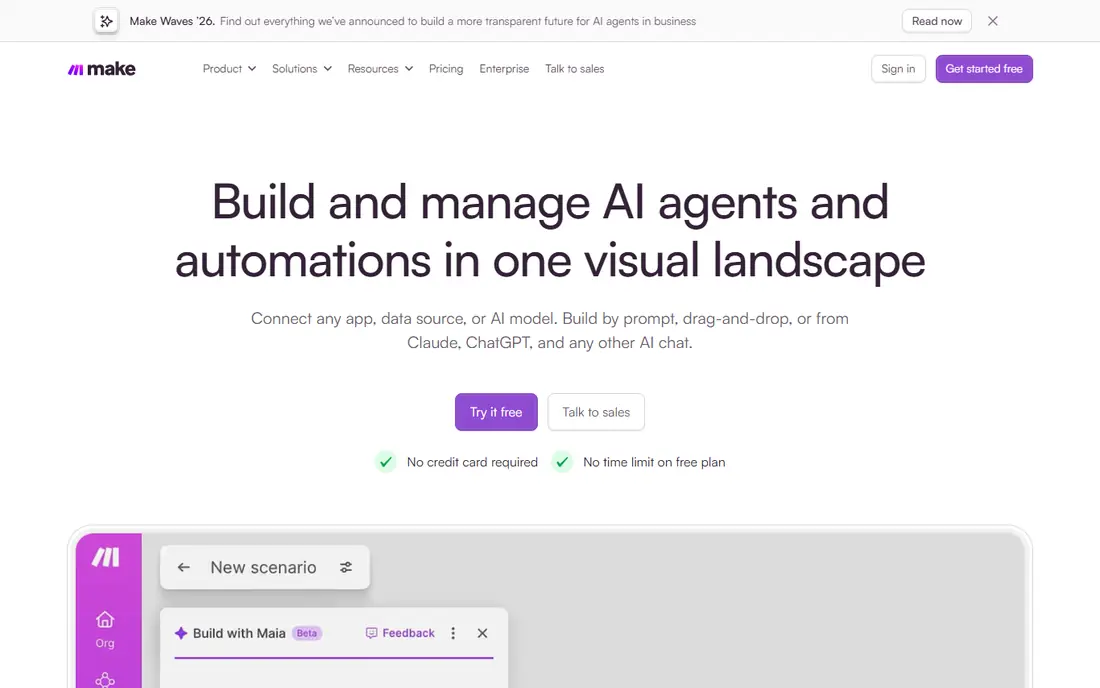
Make shows workflows as a visual canvas, with modules, routers, filters and iterators that make branching logic easy to see. That visual style suits power users who build complex scenarios with many paths. Pricing in credits, formerly operations, usually costs less per step than Zapier tasks, which matters at scale.
New users may need a day or two to learn the canvas, routers and data mapping. App coverage is broad but smaller than Zapier, so check niche apps before switching. For teams that outgrow Zapier pricing or logic limits, Make is the most common next step.
- Visual canvas with routers and iterators
- Lower cost per operation than Zapier
- Free plan with 1,000 credits
- Learning curve is steeper than Zapier
- Some niche apps have thinner integrations

n8n gives technical teams control that cloud only tools cannot match. Self hosting keeps workflow data inside your own infrastructure, and code nodes let engineers add JavaScript or Python where visual nodes fall short. AI and LLM nodes support agent style workflows alongside classic automation.
That control comes with work. Self hosted instances need updates, backups and monitoring, and the app catalog is smaller than Zapier. Cloud plans remove hosting work but cost more at scale. For teams with developers and data control needs, n8n is the flexible pick.
- Self hosting keeps data on your servers
- Code nodes plus AI and LLM nodes
- Fair code model with active community
- Self hosting needs maintenance
- Smaller app catalog than Zapier or Make
Power Automate is the default for organizations already standardized on Microsoft 365. Flows connect Outlook, Teams, SharePoint, Excel and Dynamics with little setup, and desktop flows automate legacy apps that lack APIs. AI Builder adds document processing and prediction on supported plans.
Licensing is the confusing part, with per user and per flow options plus Microsoft 365 bundles. Teams outside the Microsoft stack will find Zapier or Make more natural. Inside Microsoft 365, Power Automate saves time and keeps governance inside the tenant.
- Native Microsoft 365 and Dynamics integration
- Desktop flows for robotic process automation
- AI Builder on supported plans
- Pricing varies by license type
- Non Microsoft apps feel less central
Workato serves enterprise IT teams that need governed integrations across ERP, CRM, HR and finance systems. Recipes connect apps with logic, error handling and monitoring, while governance controls who can build, publish and change integrations. That combination suits companies where a broken integration affects revenue or compliance.
Pricing is by quote and sits at enterprise levels, so small teams should look elsewhere. Implementation also benefits from dedicated owners. For large organizations with complex systems, Workato balances business usability with IT control better than most rivals.
- Deep enterprise connectors
- Recipe builder is accessible for business users
- Strong governance, security and monitoring
- Quote based pricing
- Overkill and costly for small teams
Tray.ai, formerly Tray.io, targets teams that build API heavy workflows and AI agents alongside classic integrations. The builder handles complex data transforms, branching and API calls with more flexibility than simple automation tools. That power suits mid market and enterprise teams with integration engineers.
The learning curve is steeper than Zapier, and pricing is by quote. Teams with simple cross app needs will not use most of the platform. Teams with API complexity and scale will value the flexibility.
- Flexible low code builder for API workflows
- Strong for data and AI workflows
- Good for mid market to enterprise teams
- Quote based pricing
- Steeper learning curve than Zapier
Pabbly Connect appeals to budget conscious teams that need many tasks without Zapier prices. Multi step workflows run across a solid catalog of apps, and paid plans include task allowances that suit high volume small businesses. The free plan lets teams test basic workflows before paying.
App coverage trails Zapier, and the interface feels less polished than Make or Zapier. Support and documentation also feel lighter. For teams where task volume drives cost, Pabbly can cut the monthly bill sharply.
- Generous task allowances for the price
- Multi step workflows
- One time and lifetime style deals have appeared
- Smaller app catalog than Zapier
- Interface feels less polished
IFTTT, short for If This Then That, connects consumer apps and smart home devices with simple applets. A trigger in one service starts an action in another, such as saving photos, logging device events or sending notifications. Setup takes minutes, and the free plan covers a small number of applets.
Business workflows need more steps, branching and error handling than IFTTT offers. Paid plans raise applet limits but do not turn it into an enterprise tool. For personal use and smart home routines, it remains the simplest choice on this list.
- Very easy personal automations
- Strong smart home and consumer app support
- Low cost paid plans
- Limited to simple applets
- Not suited for business workflows
How we picked these
We compared official pricing and feature pages, and we favored tools that are actively sold and used for workflow automation in 2026. We weighed app coverage, visual logic, code support, self hosting, governance, AI features and billing models. We did not claim hands-on testing, and we left out tools that only schedule tasks or only connect one app pair.
How to compare workflow tools fairly
Count billing units, not just plan prices
Zapier bills tasks, Make bills credits, n8n cloud bills executions, and enterprise tools bill by quote or platform use. Map one real workflow to each billing unit, then price a month of real volume. A cheap plan with expensive units can cost more than a pricier plan with generous units.
Check branching and error handling
Simple transfers need little logic, but real workflows need branches, loops, retries and alerts when a step fails. Test a workflow with a failed step, a missing field and a duplicate record. The tool that handles those cases cleanly will save hours later.
Test the apps you actually use
Catalog size matters less than coverage for your stack. Check triggers and actions for each app you need, including custom fields and bulk actions. A missing trigger can force a workaround that eats the time automation was meant to save.
Decide who builds and who governs
Business teams need easy builders, while IT teams need permissions, logs and change control. Enterprise tools suit governed estates, while Zapier and Make suit business led automation. Pick the balance that matches your team, not just the feature list.
FAQ
What is the best workflow automation tools comparison for small teams?
Zapier suits small teams that want the widest app coverage with fast setup. Make suits small teams that need visual branching at lower cost. Start free on both, build one real workflow in each, and compare ease plus monthly cost at your volume.
Which workflow automation tool is best for developers?
n8n leads for developers, thanks to self hosting, code nodes and AI nodes. Power Automate leads inside Microsoft 365, while Tray.ai suits API heavy enterprise work. Developers who want cloud hosting without self hosting work should trial n8n Cloud and Make.
Is Zapier or Make cheaper?
Make is usually cheaper at higher volumes, since credits cost less per step than Zapier tasks in many cases. Zapier can be cheaper at very low volumes thanks to its free plan and simple setup. Price your actual workflows, not the starter plan, before deciding.
Do I need an enterprise tool like Workato?
Only if you need governed integrations across ERP, CRM and finance systems, with IT controls and monitoring. Most small and mid size teams do fine with Zapier, Make or n8n. Enterprise tools pay off when integration failures affect revenue, compliance or many departments.
Can workflow tools replace manual data entry completely?
For structured, repeatable transfers, yes, with good error handling and monitoring. For messy, judgment based work, automation should assist humans rather than replace them. Add approval steps and alerts for cases the workflow cannot resolve on its own.