Academic Scheduling Software for Startups in 2026: The 5 Best Options Side by Side
Best academic scheduling software for startups in 2026: 5 contenders with entry costs and free tiers. Short, factual notes on every option. No filler.
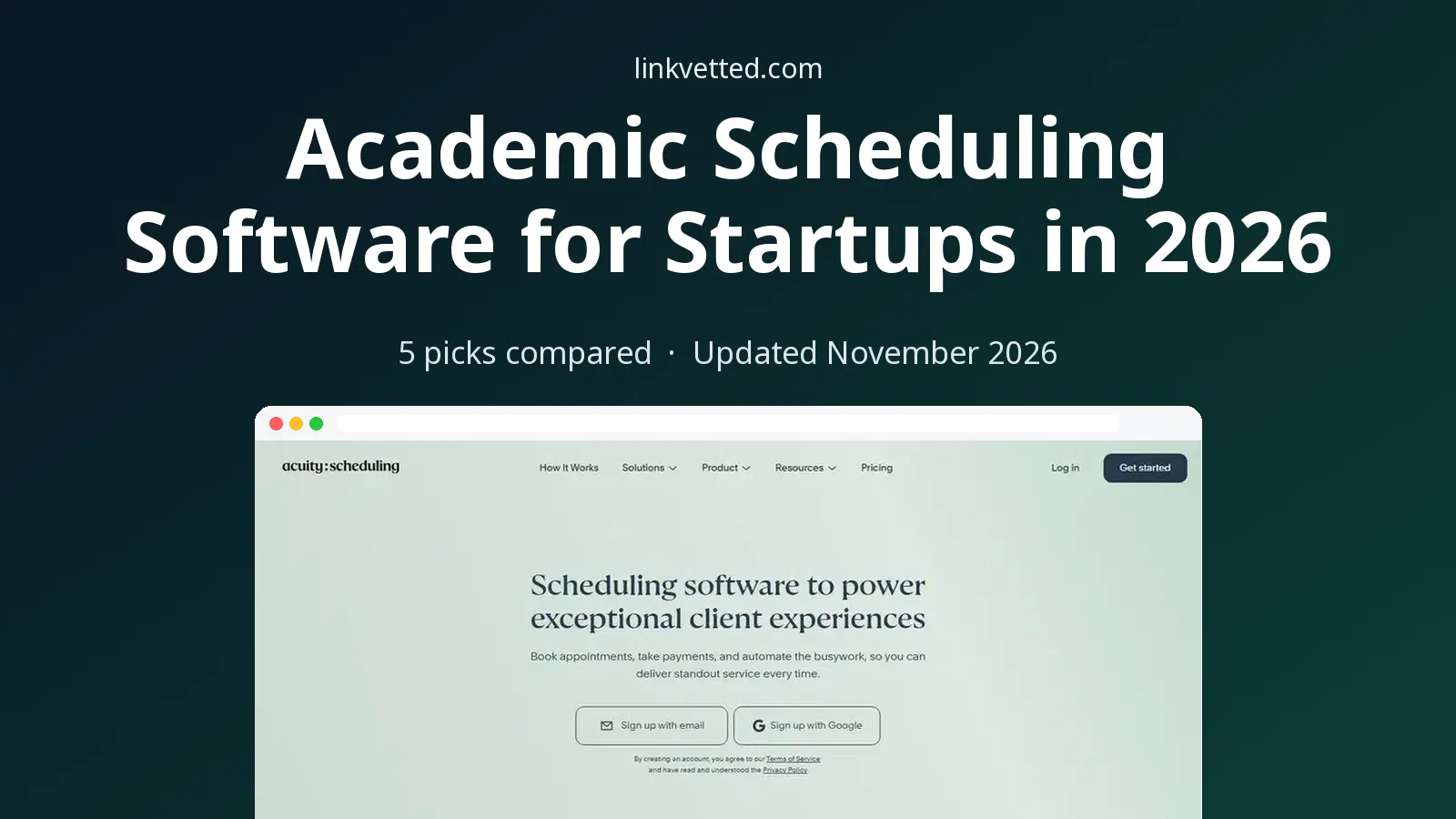
- Editor's choice
 Google Calendar
Shared calendars and appointment scheduling
Starts atSee websiteVisit calendar.google.comFull review - Great alternative
 SimplyBook.me
Client booking site with reminders
Starts at$11.9 a monthVisit simplybook.meFull review - Also considerCalendar.com
Team scheduling on a shared calendar
Starts at$20 a monthVisit calendar.comFull review
Direct answer
Google Calendar leads the list, best for shared calendars and appointment scheduling. Listed starting prices: SimplyBook.me from $11.9 a month, Calendar.com from $20 a month and Acuity Scheduling from $16 a month. Look at SimplyBook.me for client booking site with reminders, and at Calendar.com for team scheduling on a shared calendar. Prices, free plans and limits for all 5 tools follow.
TL;DR:
- The list opens with Google Calendar, aimed at shared calendars and appointment scheduling.
- A fair warning about SimplyBook.me: geared to service bookings.
- Calendly fits quick meeting scheduling with follow-up tools.
- Only 2 of the 5 tools have a free plan (SimplyBook.me, Calendly), so check the caps.
- The lowest published monthly entry price here is $10 per seat per month, from Calendly.
Last checked November 2026. Prices and plan details were read from the vendors' own pages in November 2026; vendors change plans often, so confirm the current price on the vendor site before you buy.
Quick comparison
| Tool | Best for | Starts at | Free plan? | |
|---|---|---|---|---|
| Google Calendar | Shared calendars and appointment scheduling | See website | Not stated | Visit |
| SimplyBook.me | Client booking site with reminders | $11.9 a month | Yes | Visit |
| Calendar.com | Team scheduling on a shared calendar | $20 a month | Free trial | Visit |
 Acuity Scheduling | Customized appointment booking with automation | $16 a month | Free trial | Visit |
 Calendly | Quick meeting scheduling with follow-up tools | $10 per seat a month | Yes | Visit |
Academic Scheduling Software for Startups, one by one
If you are comparing academic scheduling software for startups, this page covers 5 tools in one place: what each is best for, what it costs to start, whether it has a free plan, and the main limit to know about.
For shared calendars and appointment scheduling, Google Calendar is a natural candidate. For startups, it is frequently the scheduling backbone that keeps academic sessions, team meetings, and personal commitments visible in one shared place.
Watch-outs: Advanced booking needs extra setup.
Google Calendar is a calendar instead of a dedicated appointment booking product, so client-facing scheduling with intake and reminders may need extra tools. As for the details, teams that want booking pages and automation from day one may prefer a specialized scheduler. Pricing for Google Calendar is not stated here, so ask the vendor for current figures. Free access: Not stated.
- Works with Google Workspace
- Shareable online calendar
- Not a full booking system
SimplyBook.me is designed for client booking site with reminders. SimplyBook.me is an online booking system offering a booking website or widget for your own site, letting clients schedule appointments, receive reminders, and pay online around the clock. Worth adding: teams that only need internal meeting links may find it heavier than necessary.
Honest limits: Geared to service bookings.
Also, SimplyBook.me is oriented toward service appointment booking, so highly custom academic workflows may need additional configuration. From a buyer's view, choose it when a client-facing booking site with reminders and online payment is the goal. Entry price for SimplyBook.me: $11.9 per month. SimplyBook.me includes a free tier.
- Client reminders
- Booking website or widget
- More setup for custom academic flows
Calendar.com
Best for: Team scheduling on a shared calendar
Pick Calendar.com if this describes you: team scheduling on a shared calendar. Calendar.com presents itself as an online calendar and team scheduling app that makes it simple to schedule appointments.
Watch-outs: Less automation detail.
On top of that, startups coordinating several staff members, shared availability, and academic appointments can use it as a straightforward calendar layer. For everyday use, if you need deep intake forms or booking widgets, a dedicated scheduler may be a better fit. Starting cost for Calendar.com: $20 per month. Free options: Free trial.
- Team scheduling software
- Online calendar app
- Fewer booking-site features
Acuity Scheduling
Best for: Customized appointment booking with automation
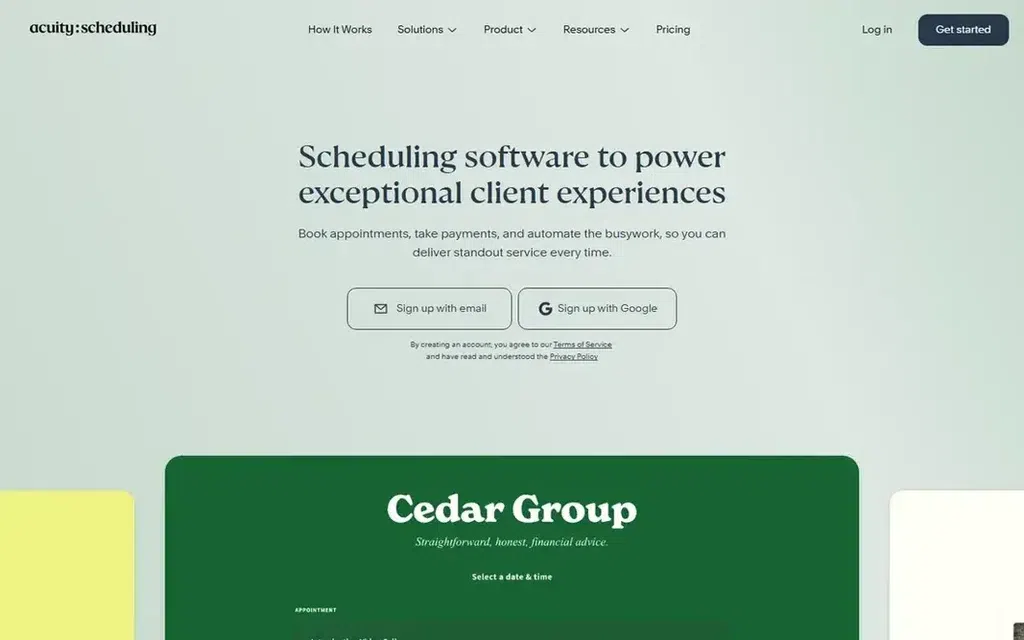
Think of Acuity Scheduling for customized appointment booking with automation. Acuity Scheduling is an online appointment booking and scheduling app built around automation and customization. Beyond that, teams that want booking rules and form-style intake tailored to their workflow tend to fit it well.
Trade-offs to know: Setup can take time.
If you primarily need fast one-to-one meeting links with minimal setup, a more straightforward scheduler may suit you better. Worth adding: the customization that makes Acuity adaptable can also mean more configuration before launch. Entry price for Acuity Scheduling: $16 per month. Free plan details: Free trial.
- Scheduling automation
- Online booking and appointment app
- Best fit for appointment-based work
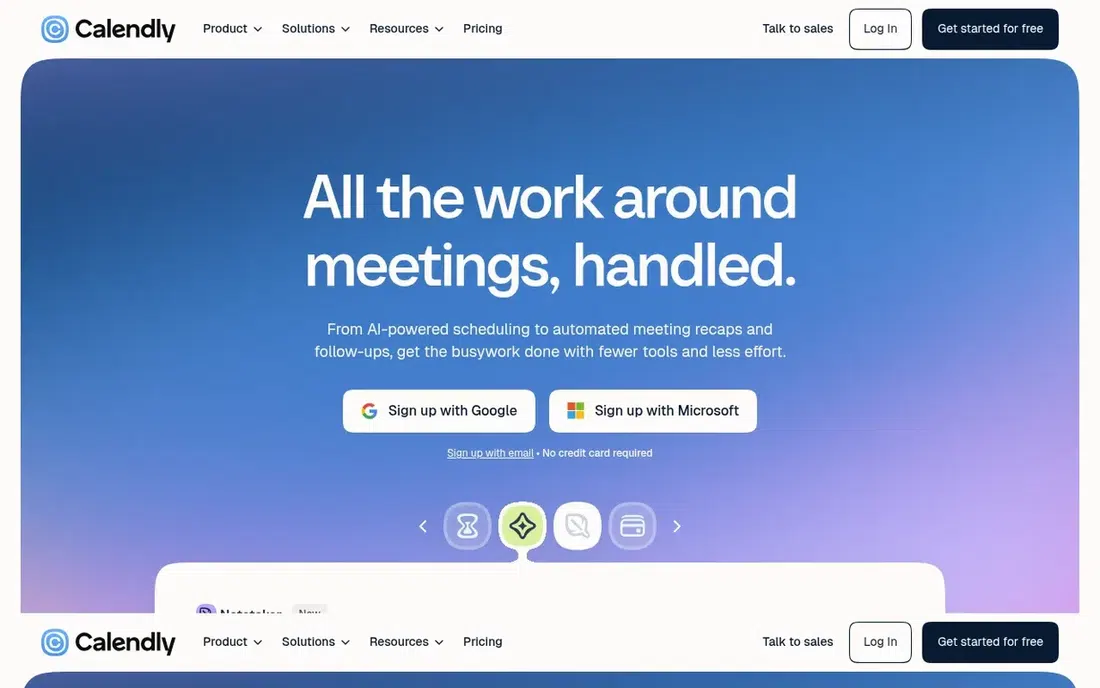
Calendly serves quick meeting scheduling with follow-up tools. Startups that book lots of one-to-one calls with students, mentors, or partners can use it to cut back-and-forth email and keep meeting context in one place.
Watch-outs: Light on custom booking sites.
Worth adding: Calendly describes itself as meeting scheduling software that links the work around meetings, including scheduling, payments, meeting prep, notetaking, contact management, and follow-up. Starting cost for Calendly: $10 per seat per month. You can start on Calendly without paying.
- Straightforward meeting scheduling
- AI meeting tools
- Less focus on academic intake
Our selection method
LinkVetted looked at what each vendor publishes: pricing, plan limits, feature coverage for academic scheduling software for startups and stated drawbacks. No hands-on testing is claimed. Seat minimums, billing terms and add-ons can move the real cost, so the starting prices here are a guide and not a quote. Tools are placed by general fit for academic scheduling software for startups, with price clarity and free access as tie-breakers. A different team can reasonably rank them differently.
Questions to settle before buying
- Confirm the entry price on the vendor page. For Google Calendar that means a quote rather than a fixed price.
- Look at free plan limits closely: SimplyBook.me and Calendly have one, and the caps decide whether it is usable for real work.
- Run a trial of Calendar.com and Acuity Scheduling with real work before paying for a year; your own workflow is the best test.
- Read the limits listed for Google Calendar first: not a full booking system.
- Before you load data into Google Calendar, check what an export looks like and who can run it.
- Check the integration list for Calendly against the tools you run today, and note which ones need a higher plan.
FAQ
Can I try these tools before paying?
Often, yes. SimplyBook.me and Calendly have a free plan and Calendar.com and Acuity Scheduling offer a free trial. Use your own data and a real task during the test, and check what the free tier or trial limits before you rely on it.
Is Google Calendar the right pick for everyone comparing academic scheduling software for startups?
No single tool suits every team. Google Calendar comes first because it fits shared calendars and appointment scheduling, while SimplyBook.me suits client booking site with reminders and Calendar.com suits team scheduling on a shared calendar. Match the tool to your own size, budget and workflow before deciding.
Do these tools publish their prices?
Not all of them. Google Calendar publishes no starting price, so expect a quote request for it. The rest, SimplyBook.me included, show a starting price, though seats and billing terms still change the final cost.
What is the cheapest option for academic scheduling software for startups in this list?
On published monthly entry prices, Calendly is the lowest here at $10 per seat per month. Entry price is only part of the cost, because seats, add-ons and billing terms can change the total. For the full picture, the cards above cover all 5 entries of this academic scheduling software for startups list, including price, free plan and limits.
Sources
- https://calendar.google.com
- https://simplybook.me
- https://www.calendar.com
- https://acuityscheduling.com
- https://calendly.com