Choosing Academic Scheduling Software for Remote Teams in 2026: 5 Options Compared
Searching for the best academic scheduling software for remote teams? Here are 5 options with prices and free plans. Short verdicts, no fluff. Details below.
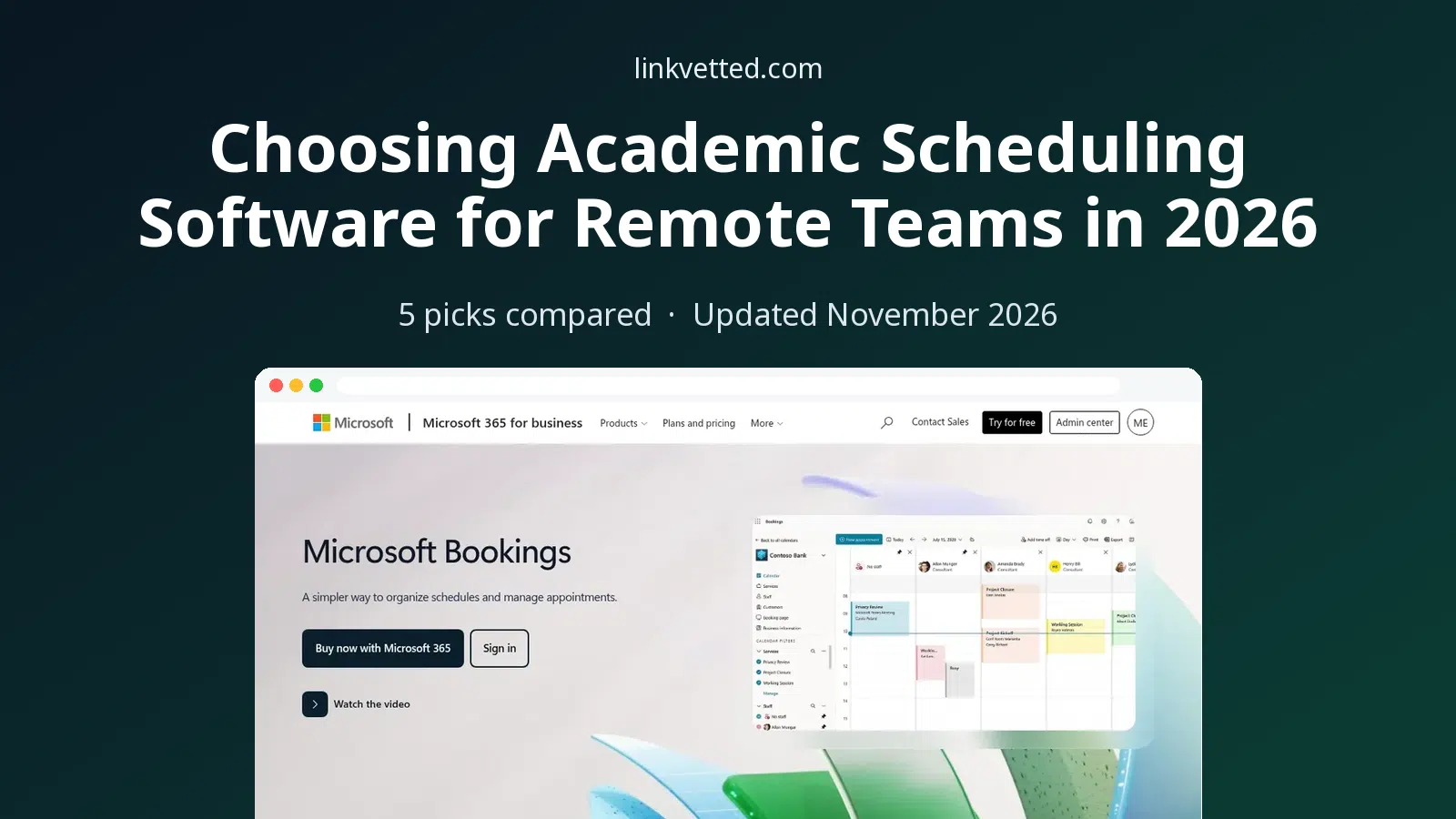
- Editor's choice
 Slack
Team chat and workflow coordination
Starts at$4.38 per user per monthVisit slack.comFull review - Great alternativeMicrosoft Bookings
Shared booking inside Microsoft 365
Starts atSee websiteVisit microsoft.comFull review - Also consider
 Calendly
Quick booking links for advising and office hours
Starts at$10 per seat per monthVisit calendly.comFull review
Direct answer
Our first pick is Slack, best for team chat and workflow coordination. Listed starting prices: Slack from $4.38 per user per month, Calendly from $10 per seat per month and Acuity Scheduling from $16 a month. For a different need, Microsoft Bookings covers shared booking inside Microsoft 365 and Calendly covers quick booking links for advising and office hours. All 5 tools are compared below on price, free plan and limits.
TL;DR:
- Slack is the opening pick, best for team chat and workflow coordination.
- Slack is the lowest-priced starter here at $4.38 per user per month.
- Microsoft Teams fits meetings and files in one Microsoft workspace.
- 2 of 5 tools offer a free plan: Slack, Calendly.
- The main caution on Microsoft Bookings: most handy within Microsoft 365.
Last checked November 2026. Prices and plan details were read from the vendors' own pages in November 2026; vendors change plans often, so confirm the current price on the vendor site before you buy.
Quick comparison
| Tool | Best for | Starts at | Free plan? | |
|---|---|---|---|---|
| Slack | Team chat and workflow coordination | $4.38 per user per month | Yes | Visit |
| Microsoft Bookings | Shared booking inside Microsoft 365 | See website | Not stated | Visit |
| Calendly | Quick booking links for advising and office hours | $10 per seat per month | Yes | Visit |
 Acuity Scheduling | Configurable appointment rules and automation | $16 a month | Free trial | Visit |
 Microsoft Teams | Meetings and files in one Microsoft workspace | See website | Not stated | Visit |
Academic Scheduling Software for Remote Teams profiles
Choosing academic scheduling software for remote teams usually comes down to price, fit and limits. This LinkVetted guide sets 5 tools side by side on those three points, with the facts kept short and checkable.
For team chat and workflow coordination, Slack is a natural candidate. Slack does not supply appointment booking or calendar management itself, so it complements instead of replaces a scheduler.
Limits to weigh: Coordination only, not scheduling.
Starting cost for Slack: $4.38 per user per month. A free plan is available with Slack.
- AI work system for projects
- Secure team connection
- No native appointment booking
Microsoft Bookings
Best for: Shared booking inside Microsoft 365
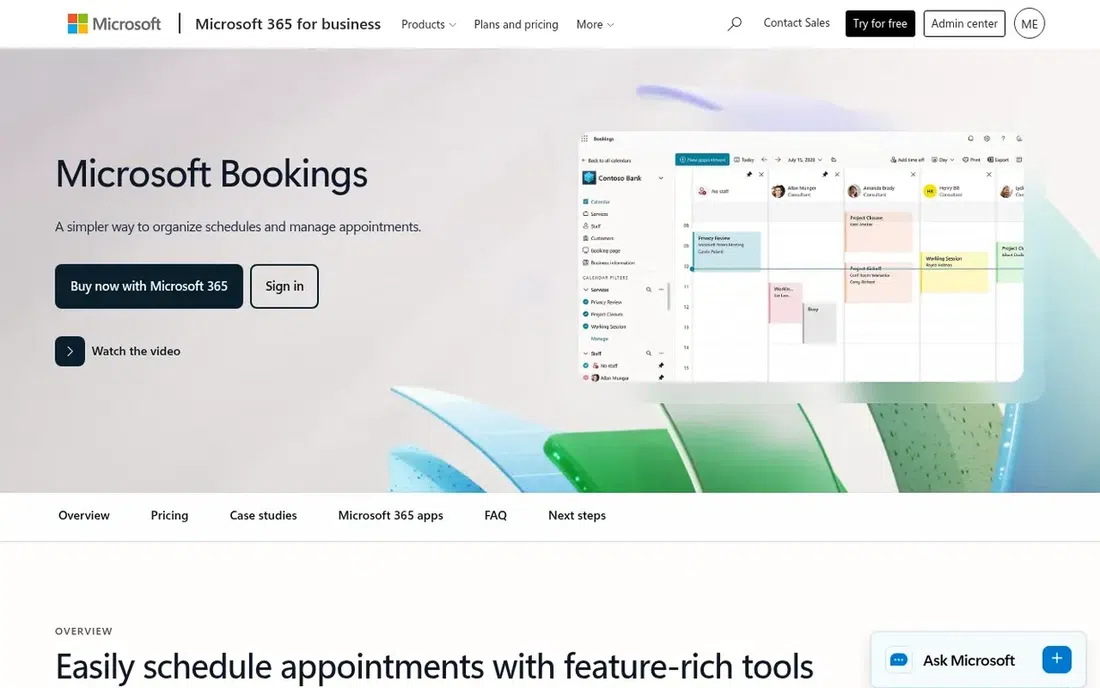
Pick Microsoft Bookings if this describes you: shared booking inside Microsoft 365. Microsoft Bookings is the scheduling and booking app within Microsoft 365. Its homepage flags adaptability and customization across departments, individuals and appointment types.
More specifically, for remote academic teams already using Microsoft tools, it keeps booking close to email, calendars and collaboration. Choose Microsoft Bookings when your team lives in Microsoft 365 and wants department-level scheduling under one roof. Microsoft Bookings does not show a starting price in this comparison, so check the vendor site for current pricing. On free options: Not stated.
What to check first: Less appealing to Google-based teams.
- Suits departments and individuals
- Supports varied appointment types
- Most handy within Microsoft 365
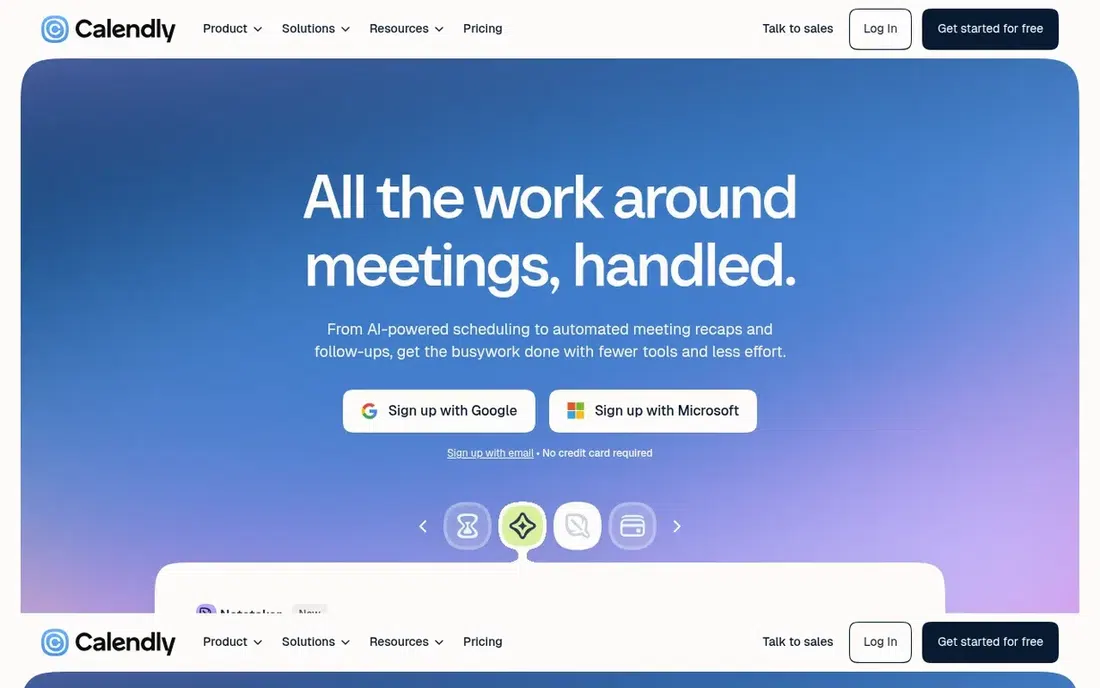
Calendly makes the most sense for fast booking links for advising and office hours. For remote academic teams, that means faculty and staff can publish availability and let students or collaborators pick slots without back-and-forth email.
What works well: prep and follow-up.
Calendly is a meeting scheduling product built around shareable booking links. Its homepage describes connecting and simplifying all the work around meetings, from scheduling and payments to meeting prep, notetaking, contact management and follow-up. Calendly cost at the entry level: $10 per seat per month. Calendly includes a free tier. Watch-outs: Less suited to deep calendar editing.
- Eases work around meetings
- Contact management included
- Advanced needs may need extras
Acuity Scheduling
Best for: Configurable appointment rules and automation
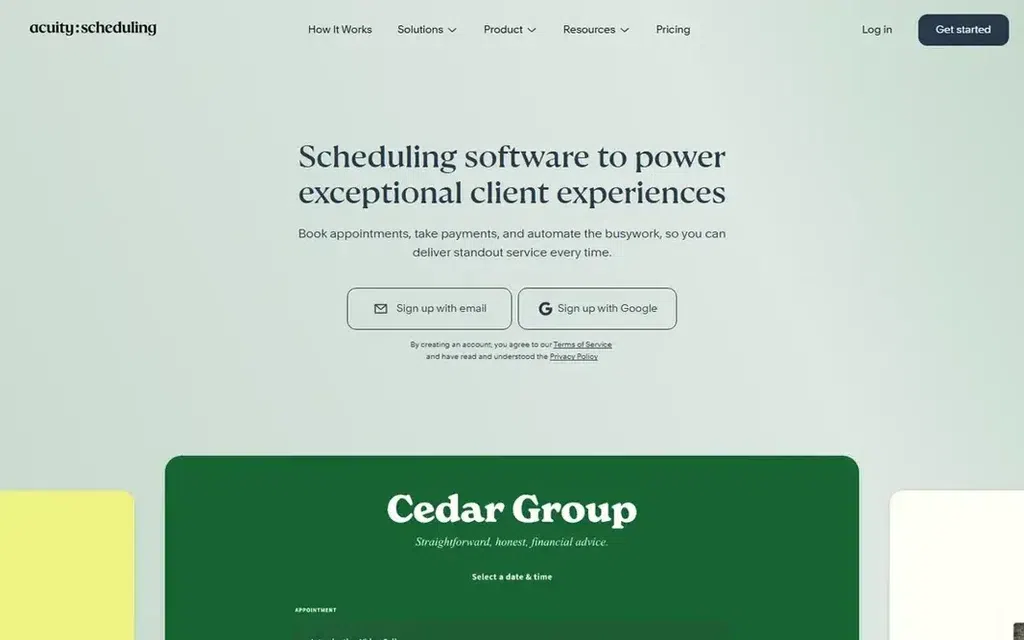
Acuity Scheduling is a good fit for configurable appointment rules and automation. Customization includes configuration work, so small teams may find more straightforward booking tools quicker to adopt.
Also, remote academic teams with structured appointment types, for example tutoring blocks, lab consultations or advising windows, can shape booking flows around their rules. What you pay to start with Acuity Scheduling: $16 per month. Free options: Free trial.
Trade-offs to know: Setup can take more effort.
- Appointment booking focus
- Full customization of booking flows
- May be more than straightforward teams need
Microsoft Teams works best for meetings and files in one Microsoft workspace. Microsoft Teams is a collaboration hub for video conferencing, meetings and calling.
Remote academic teams use it for department meetings, project channels and shared documents alongside scheduled calls. In practice, Teams is broader than scheduling, so it may be more system than a small team needs for booking alone. Microsoft Teams shows no starting price here, so confirm the cost on the vendor site. As for free access: Not stated.
What to check first: Tied to the Microsoft ecosystem.
- Video conferencing and calling
- Files and tools kept in one place
- Can feel heavy for simple scheduling
How we chose
Selection started from tools commonly considered for academic scheduling software for remote teams, then narrowed to 5 that have clear pricing information or a clear quote process. Where a price is missing, the vendor does not list one publicly or ties it to a quote. Always confirm before budgeting. Tools are placed by general fit for academic scheduling software for remote teams, with price clarity and free access as tie-breakers. A different team can reasonably rank them differently.
Questions to settle before buying
- Confirm the entry price on the vendor page. For Microsoft Bookings and Microsoft Teams that means a quote rather than a fixed price.
- Read the fine print on the free plans from Slack and Calendly; seat, project and feature caps differ.
- Use real work to test the free trial from Acuity Scheduling, rather than a demo project.
- Read the limits listed for Slack first: no native appointment booking.
- List the apps you already depend on and check that Calendly supports each one on the plan you would buy.
- Ask Microsoft Bookings whether prices are locked for the first term and what happens at renewal.
FAQ
Do these tools publish their prices?
Not all of them. Microsoft Bookings and Microsoft Teams publish no starting price, so expect a quote request for those. The rest, Slack included, show a starting price, though seats and billing terms still change the final cost.
Which options for academic scheduling software for remote teams have a free plan?
On this list, Slack and Calendly include a free plan. Caps on seats, usage or features are common, so test the free plan against your real workload. One other tool offers a trial instead.
What should remote academic teams look for in scheduling software?
Prioritize dependable calendar sync, clear availability sharing and support for the appointment types you run, like advising or office hours. Confirm how the tool deals with time zones and whether it suits your institution's existing product.
What is the cheapest option for academic scheduling software for remote teams in this list?
On published monthly entry prices, Slack is the lowest here at $4.38 per user per month. Entry price is only part of the cost, because seats, add-ons and billing terms can change the total. Prices, free plan details and limits for all 5 tools in this academic scheduling software for remote teams roundup sit on the individual cards above.
Is Slack the right pick for everyone comparing academic scheduling software for remote teams?
No single tool suits every team. Slack comes first because it fits team chat and workflow coordination, while Microsoft Bookings suits shared booking inside Microsoft 365 and Calendly suits fast booking links for advising and office hours. Match the tool to your own size, budget and workflow before deciding.
Sources
- https://slack.com
- https://www.microsoft.com/en-us/microsoft-365/business/scheduling-and-booking-app
- https://calendly.com
- https://acuityscheduling.com
- https://www.microsoft.com/en-us/microsoft-teams/group-chat-software