Academic Scheduling Software for Enterprise in 2026: The 6 Best Options Side by Side
Best academic scheduling software for enterprise: 6 contenders ranked by fit, with entry costs and free tiers. Plain-spoken summaries throughout. Easy to scan.
- Editor's choiceAnthology Student
Student information and learning ecosystem
Starts atSee websiteVisit anthology.comFull review - Great alternative
 Ad Astra
AI-powered Smart Scheduling for courses and rooms
Starts atSee websiteVisit aais.comFull review - Also considerEMS Software
Workplace and campus space management
Starts at$58 per user a monthVisit emssoftware.comFull review
Direct answer
Our first pick is Anthology Student, best for Student information and learning ecosystem. Listed starting prices: EMS Software from $58 per user a month. Ad Astra is the stronger choice for AI-powered Smart Scheduling for courses and rooms, while EMS Software suits workplace and campus space management. All 6 tools are compared below on price, free plan and limits.
TL;DR:
- The list opens with Anthology Student, aimed at Student information and learning ecosystem.
- Starting prices begin at $58 per user per month with EMS Software.
- What to know about Ad Astra first: focused primarily on scheduling.
- Anthology Student, Infosilem and the 4 others all need a premium plan or a trial, since no free plan is listed.
Last checked November 2026. Prices and plan details were read from the vendors' own pages in November 2026; vendors change plans often, so confirm the current price on the vendor site before you buy.
Quick comparison
| Tool | Best for | Starts at | Free plan? | |
|---|---|---|---|---|
| Anthology Student | Student information and learning ecosystem | See website | Not stated | Visit |
| Ad Astra | AI-powered Smart Scheduling for courses and rooms | See website | Not stated | Visit |
| EMS Software | Workplace and campus space management | $58 per user a month | Free trial | Visit |
| Ellucian Banner | Thorough campus ERP and SIS integration | See website | Not stated | Visit |
| CollegeNET Series25 | Unified academic and event scheduling | See website | Not stated | Visit |
 Infosilem | Academic scheduling and room optimization | See website | Not stated | Visit |
Our 6 picks for academic scheduling software for enterprise
LinkVetted put together this guide to academic scheduling software for enterprise for readers who want a clear shortlist without reading every vendor page. It compares 6 tools on starting price, free plans, who each one suits and where each one falls short.
Anthology Student
Best for: Student information and learning ecosystem
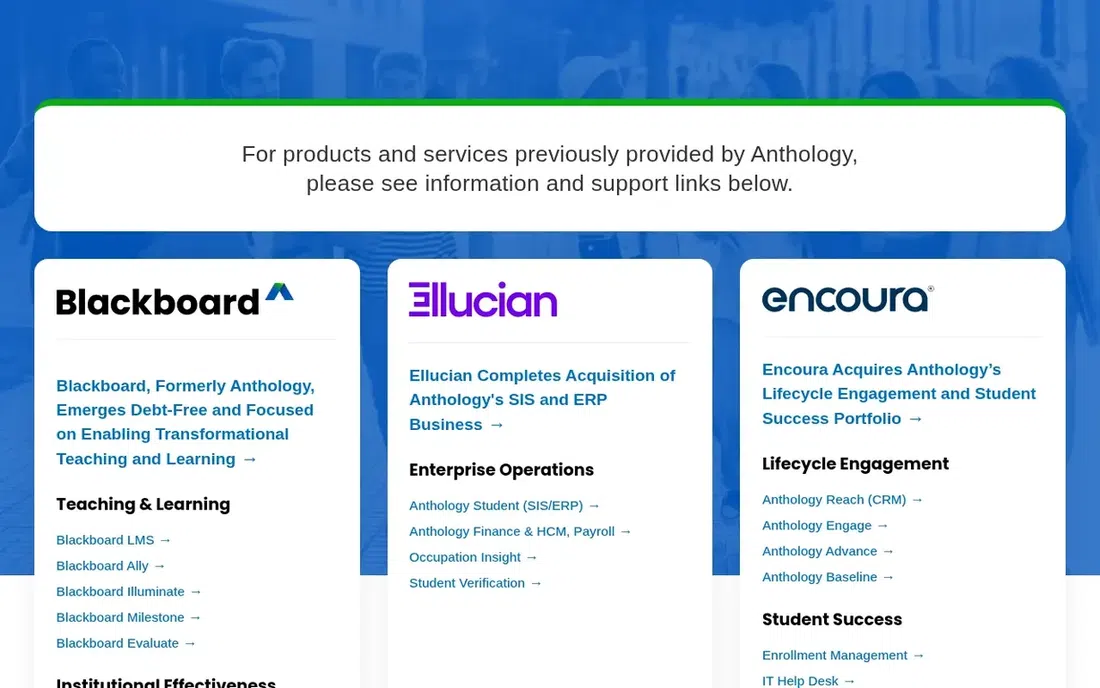
In short, Anthology Student is for Student information and learning ecosystem. The homepage supplies restricted detail on scheduling features, so confirm specifics with the vendor.
Watch-outs: May require add-ons for advanced scheduling.
Anthology Student does not show a starting price in this comparison, so check the vendor site for current pricing. As for free access: Not stated.
- Part of a broader education suite
- Supports student services
- Scheduling capabilities not in-depth on homepage
Ad Astra is built with AI-powered Smart Scheduling for courses and rooms in mind. Ad Astra supplies AI-powered Smart Scheduling software made for higher education. It aligns courses, rooms, and events to boost efficiency and boost student completion.
Honest limits: May need integration with existing ERP.
This tool is a solid fit for enterprises that want to optimize space utilization and simplify academic scheduling across campus. As for the details, institutions seeking a single system for all administrative functions might have to integrate it. Worth adding: choose Ad Astra when advanced scheduling optimization is the primary goal. Ad Astra does not show a starting price in this comparison, so check the vendor site for current pricing. Free options: Not stated.
- AI-powered scheduling
- Aims to boost student completion
- Focused primarily on scheduling
EMS Software
Best for: Workplace and campus space management
Think of EMS Software for workplace and campus space management. It helps teams run smarter workplaces across offices and campuses. More specifically, choose EMS when integrated space and event management is the priority.
As for the details, institutions needing deep course timetabling might pair it with a dedicated tool. Also, EMS is oriented toward workplace and space management, so academic scheduling features may be less specialized. On cost, EMS Software starts like this: $58 per user per month. Trial and free access: Free trial.
Drawbacks to consider: Scheduling depth for courses may vary.
- Scalable for campuses
- Unified workspace system
- Workplace focus may not suit all academic needs
Ellucian Banner
Best for: Thorough campus ERP and SIS integration

Ellucian Banner targets thorough campus ERP and SIS integration. Ellucian Banner is a campus technology product that brings together options to power higher education. It centres on adaptability to boost agility and efficiency, enabling deeper engagement and smarter insights for institutions.
Since Banner is a wide ERP, scheduling-specific features may not be as deep as dedicated tools. Institutions needing advanced room optimization or AI-driven scheduling might pair it with a specialist option. Pricing for Ellucian Banner is not stated here, so ask the vendor for current figures. Free access: Not stated.
Trade-offs to know: Scheduling is one part of a larger system.
- Makes it possible for deeper engagement
- Wide campus technology suite
- May need significant configuration
CollegeNET Series25
Best for: Unified academic and event scheduling
Where CollegeNET Series25 fits: unified academic and event scheduling. It aims to cut conflicts, save administrative time, and improve efficiency.
Honest limits: Event focus may overshadow academic needs.
Beyond that, configuration can be involved for large campuses. Check the vendor site for CollegeNET Series25 pricing; none is listed in this comparison. Free plan details: Not stated.
- Cuts conflicts
- Unified scheduling and event planning
- May be complicated to configure
Infosilem is a good fit for academic scheduling and room optimization. It helps enterprises handle complicated course timetabling and space utilization.
Drawbacks to consider: Restricted public homepage detail.
Worth adding: public information on the homepage is limited, so verify current features with the vendor. Beyond that, consider Infosilem when specialized scheduling and optimization are required. Check the vendor site for Infosilem pricing; none is listed in this comparison. Free plan details: Not stated.
- Specialized in academic scheduling
- Supports room optimization
- May need integration with SIS
How we compared the tools
The comparison looks at four things: starting price, free access, how well the feature set matches academic scheduling software for enterprise, and the main limit of each tool. Treat prices as a snapshot: vendors change plans often, so check the vendor site for the figure that applies today. The order reflects how well each tool fits the most common buying scenario for academic scheduling software for enterprise, then price clarity, then free plan access. It is a starting point, not a verdict.
A buyer's checklist
- Ask Anthology Student, Ad Astra, Ellucian Banner and others for a written quote, since no starting price is shown.
- Take the trial from EMS Software and push a live task through it before you pay.
- Read the limits listed for Anthology Student first: scheduling capabilities not in-depth on homepage.
- Ask Anthology Student which support channels and response times come with the plan you would buy.
- Ask whether EMS Software integrates with your current software, and whether that comes standard or as an add-on.
FAQ
Can I try these tools before paying?
Often, yes. EMS Software offers a free trial. Use your own data and a real task during the test, and check what the free tier or trial limits before you rely on it. For the full picture, the cards above cover all 6 entries of this academic scheduling software for enterprise list, including price, free plan and limits.
What is the cheapest option for academic scheduling software for enterprise in this list?
On published monthly entry prices, EMS Software is the lowest here at $58 per user per month. Entry price is only part of the cost, because seats, add-ons and billing terms can change the total.
Can scheduling software integrate with our existing ERP?
Plenty of enterprise scheduling tools are built to connect with major ERP and SIS products. Check vendor documentation for specific integrations, as compatibility varies by product and institution.
How are the tools for academic scheduling software for enterprise ordered?
The order follows typical fit for academic scheduling software for enterprise, with Anthology Student first and Infosilem last, then price clarity and free access. It is editorial judgement, not a score, so another team could rank the tools differently.
Does any tool for academic scheduling software for enterprise here have a free plan?
No tool in this list, Anthology Student and Infosilem included, has a permanent free plan. EMS Software offer a trial. Trials and quotes are the usual route, so plan a short evaluation period.
How does AI boost academic scheduling?
AI can analyze patterns in course demand, room capacity, and event needs to suggest optimal schedules. This helps cut conflicts, boost space utilization, and support student completion, as seen in tools like Ad Astra.
Sources
- https://www.anthology.com
- https://www.aais.com
- https://www.emssoftware.com
- https://www.ellucian.com
- https://www.collegenet.com
- https://www.infosilem.com